

Mobo Market is designed for users who want a single, reliable place to find new apps and digital content without the guesswork. It focuses on clear guidance and locally relevant picks so you can install items that fit your needs. The interface is simple, and content is organized for quick browsing, which makes everyday use straightforward. For clarity, the name may also appear as MoboMarket. If you prefer APK packages, you can get Mobo Market APK directly.
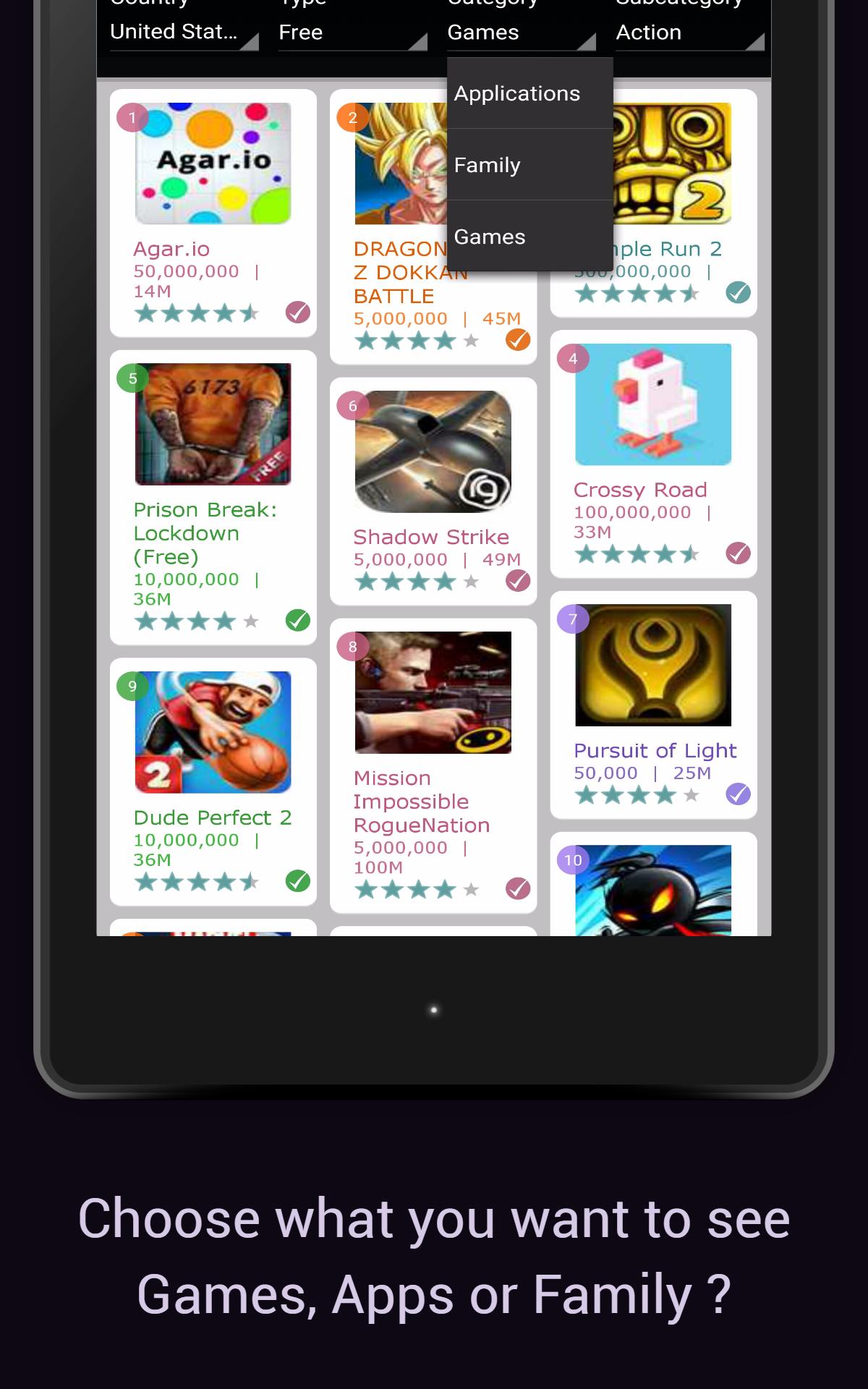
Mobo Market brings apps, games, music, wallpapers, and videos into one hub. You can browse categories or use search to find what you need. Content is grouped in an intuitive way so you locate items quickly. This helps when you want to download apps without jumping between different sources.
Personalized recommendationsMobo Market learns from your preferences and usage patterns over time. Suggestions adjust to your habits and show items that match your interests. You spend less time scrolling and more time installing relevant content. As your activity changes, recommendations reflect that shift.
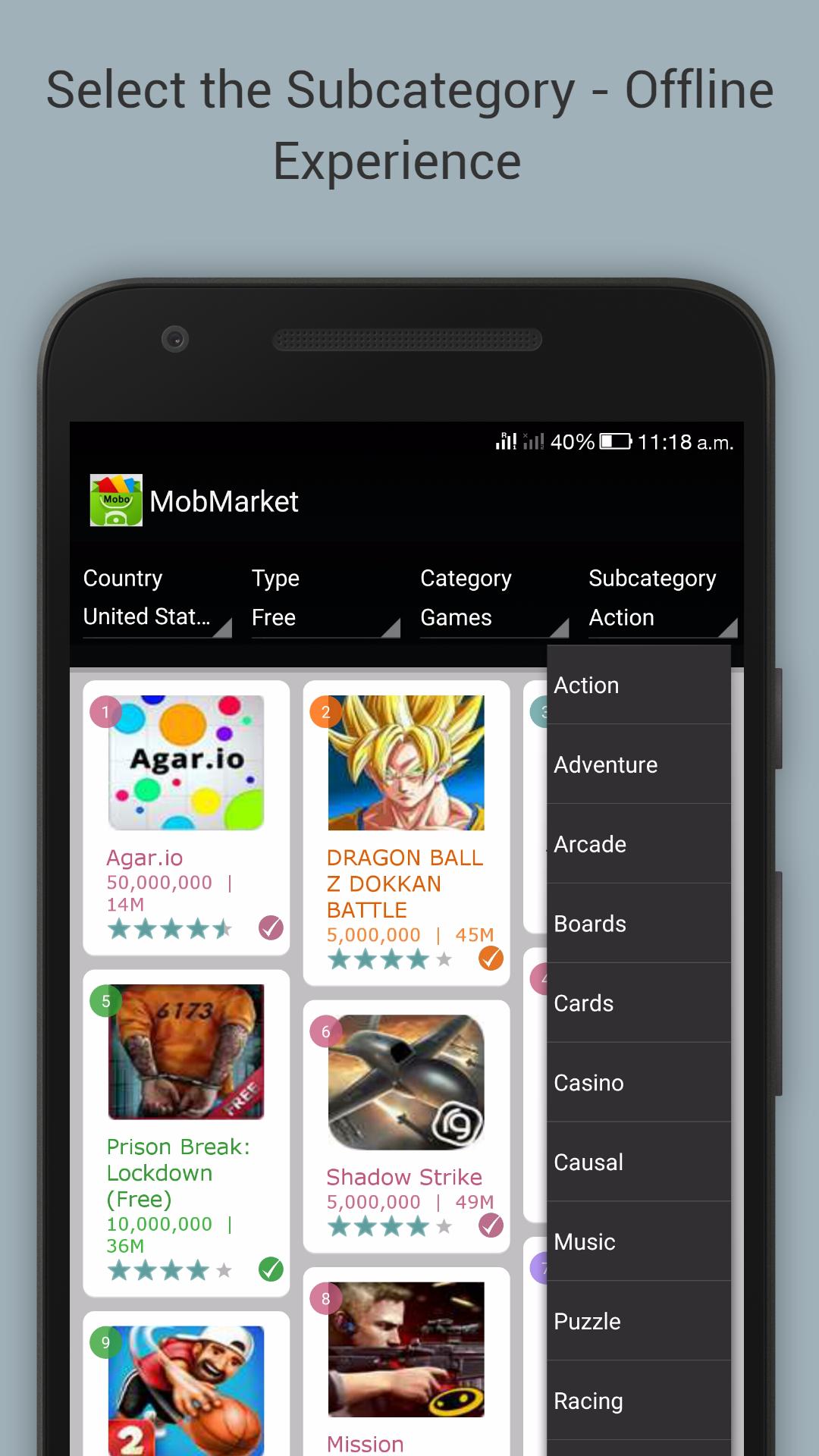
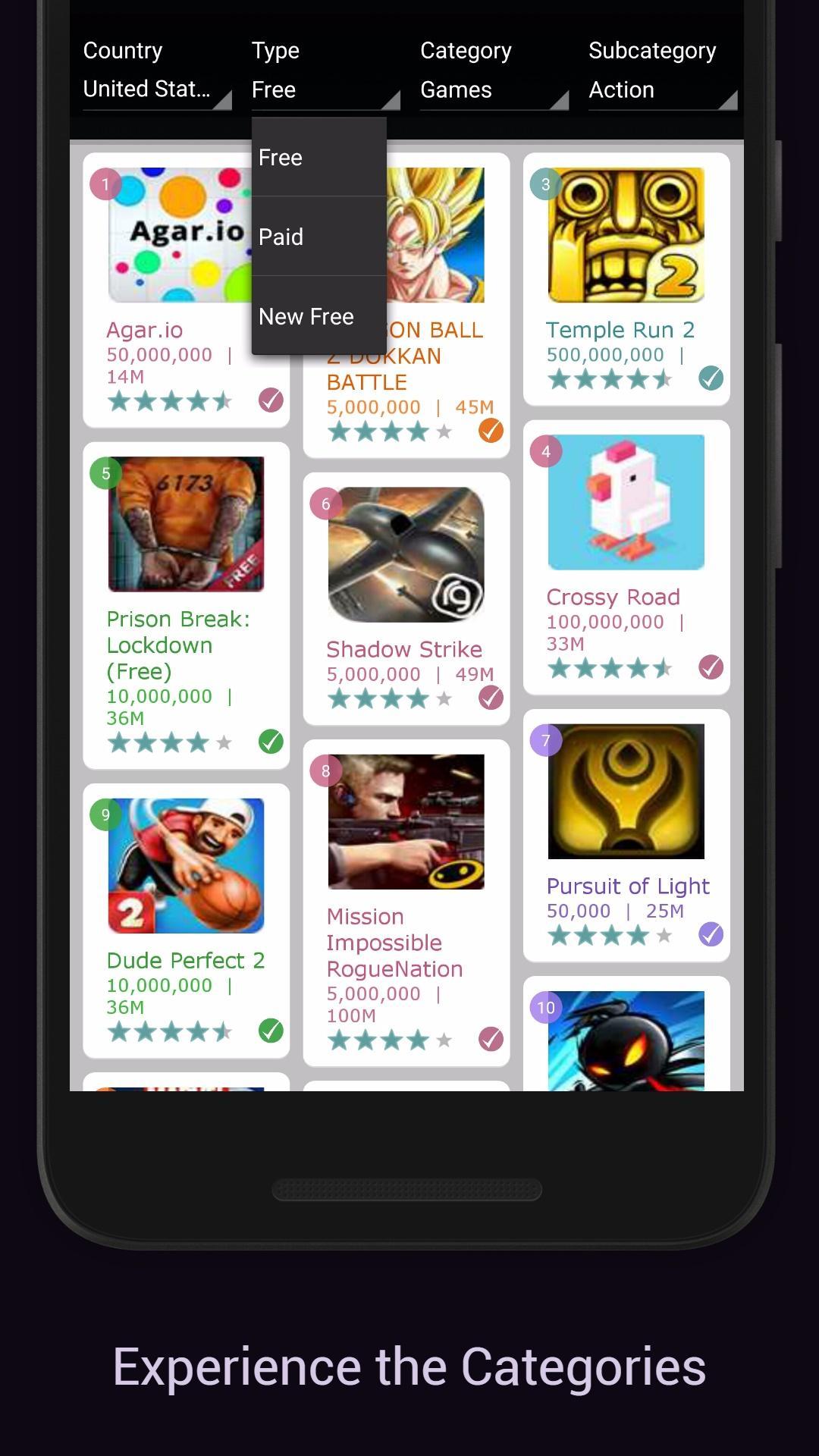
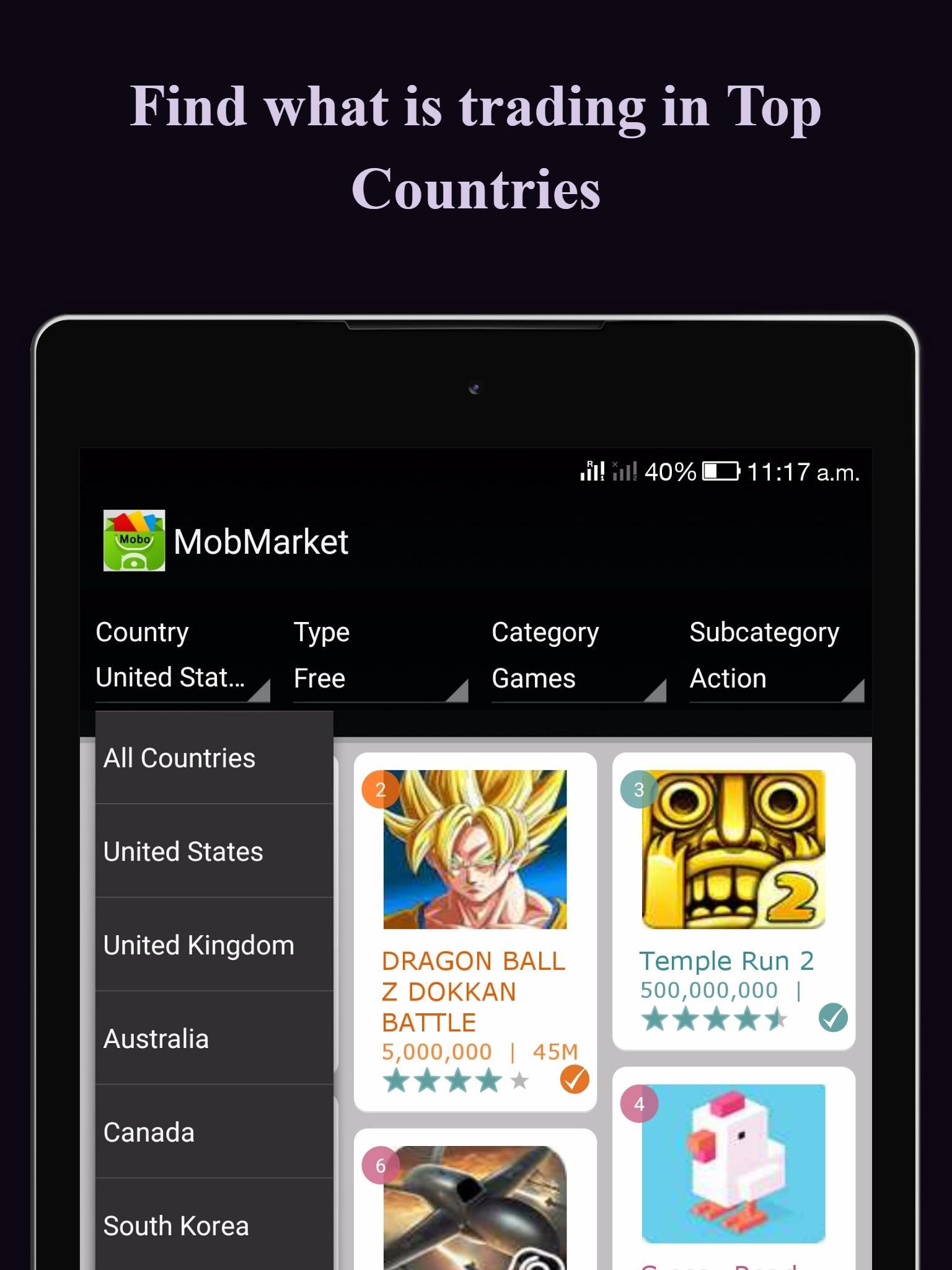
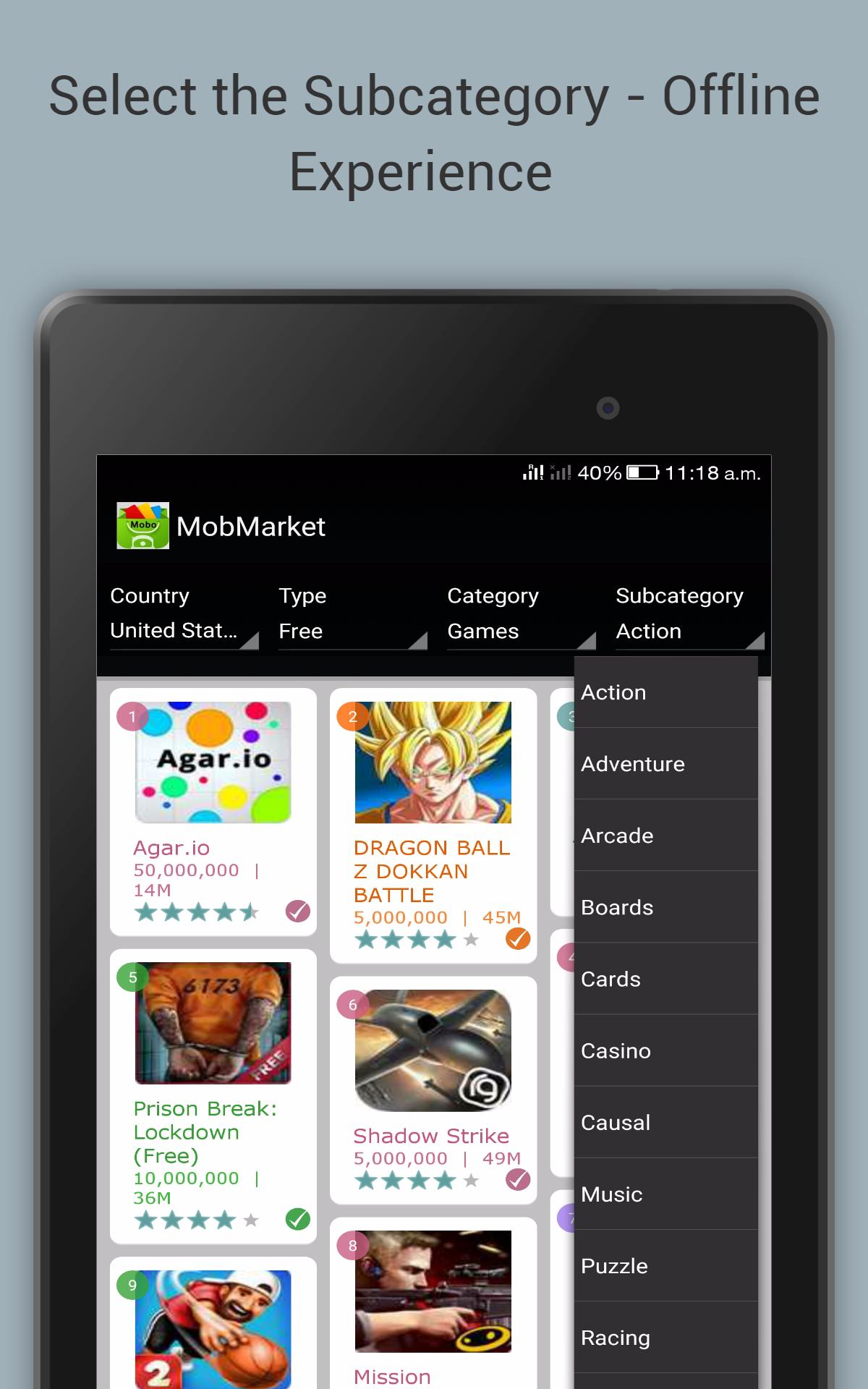
Regional top charts and fresh updatesYou can explore country-based and category-based charts to see what is trending where you live. These lists highlight local interest and make it easier to spot popular picks in your area. New Top Apps and New Top Games refresh regularly, which keeps the catalog current and helps you discover recent releases day by day.
Editorial supportMobo Market includes expert reviews, news, tutorials, tips, comparisons, and video guides. You get context before installing, such as what an app does and how it behaves. This information helps you judge if a title fits your use case. It also gives practical notes that make setup and usage smoother.
Fast downloads with safety scanningDownloads are lightweight and optimized for quick installs on phones and tablets. Mobo Market scans files for viruses and malware before installation. This approach helps protect your device while saving data and storage. As a result, you can complete installs quickly and with more confidence.
Mobo Market is published by Baidu (Hong Kong) Limited. The package name commonly appears as com.baidu.androidstore, and country-targeted editions may be referenced as com.mobmarket.by.country. The platform credits the SOOMLA Android-Store project for open-source components, which supports transparency around the technology used.
Country coverage continues to evolve so regional charts and content may expand over time. If your country is not yet listed, you can request coverage and the support team aims to respond within 48 working hours. This ongoing rollout helps align recommendations and charts with local demand.
Start by opening the app and signing in if needed. The home screen surfaces personalized picks and regional charts so you can act quickly. To stay current, check the Mobo Market latest version when new features or fixes are released.
Mobo Market helps you discover relevant apps, games, and content with clear guidance and local insight. If you want a curated Android app store with practical picks and regular updates, download Mobo Market to get started.
Latest Version
2.3Uploaded by
Alejandro Chahua Maravi
Requires Android
Android 2.3.4+
Category
Free Productivity AppContent Rating
Everyone
Report
Flag as inappropriateLast updated on Dec 7, 2016
Minor bug fixes and improvements. Install or update to the newest version to check it out!




APKPure - A multi-platform app store primarily focused on Android, providing extensive app-related content. Discover the app you want easier, faster, and safer, with quick and efficient downloads and installations.