


Use APKPure App
Get Mobile Shopper old version APK for Android
An easy to use, customizable shopping list also usable as an inventory manager.
MobileShopper 2 meets the needs of those who want a fast, minimal-input way to create a grocery list, grocery inventory or simple general inventory.
Features:
• Comes with a Wear OS companion app which duplicates the functionality of the view displaying your needed items, allowing you
to complete your shopping using only your Smartwatch.
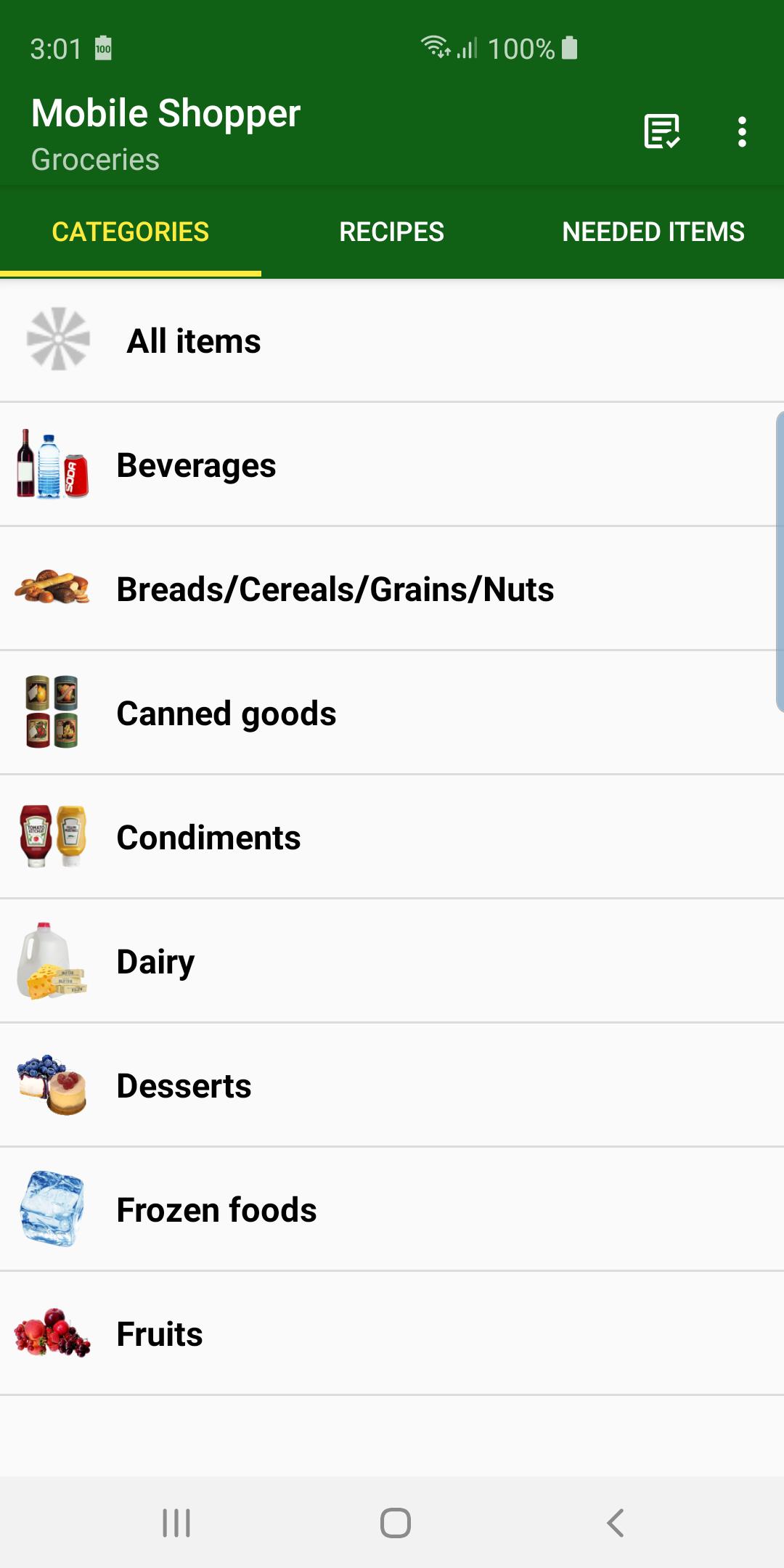
• Pre-configured with one grocery list containing many common grocery categories, each containing many common items.
• You can make as many other lists as you want, and switch between them easily.
• All data is configurable, and categories/items can be added, deleted, renamed.
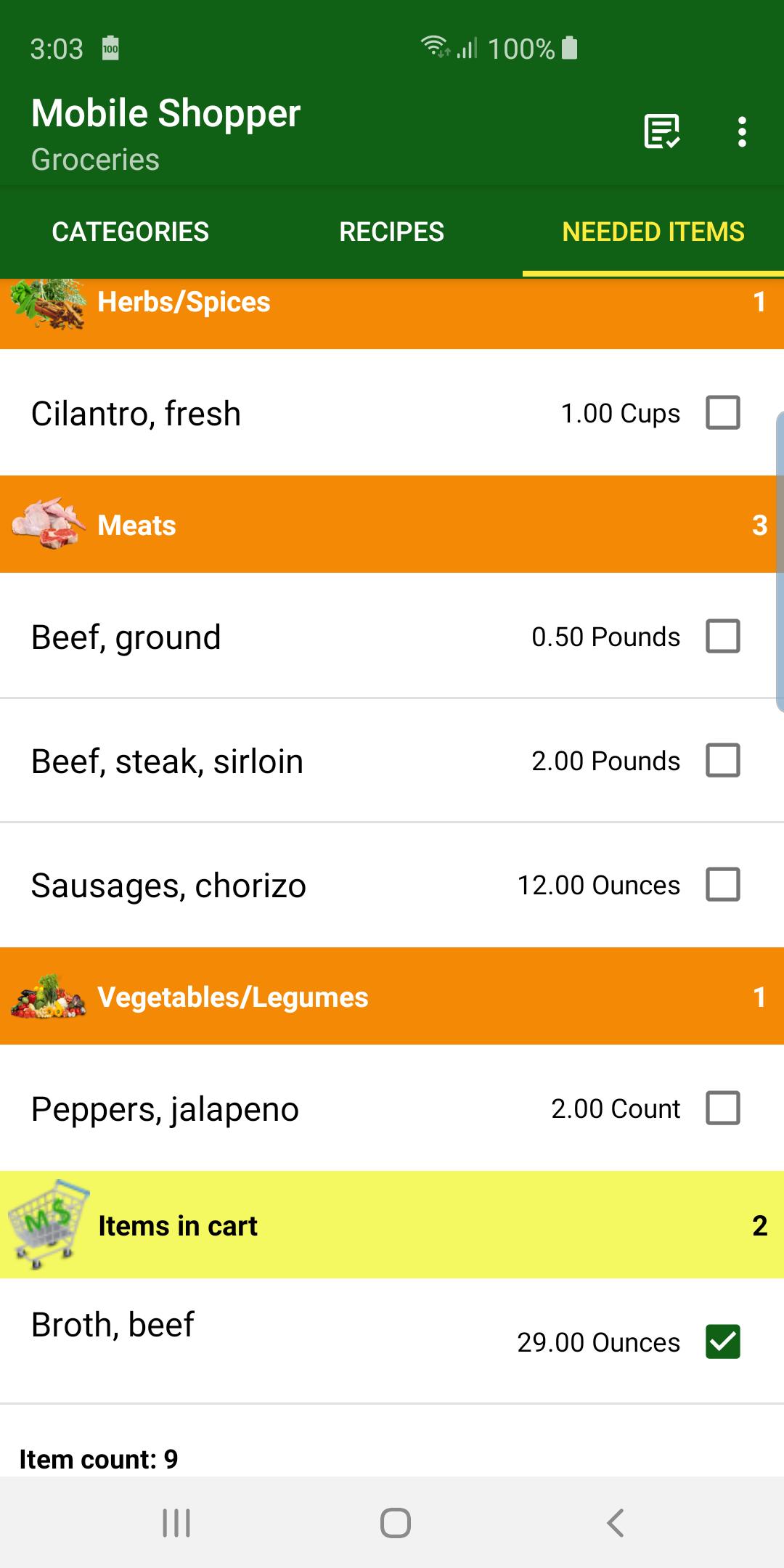
• Items checked off as “Needed” are placed in a separate tab so you can see what you need to buy at the store in one glance.
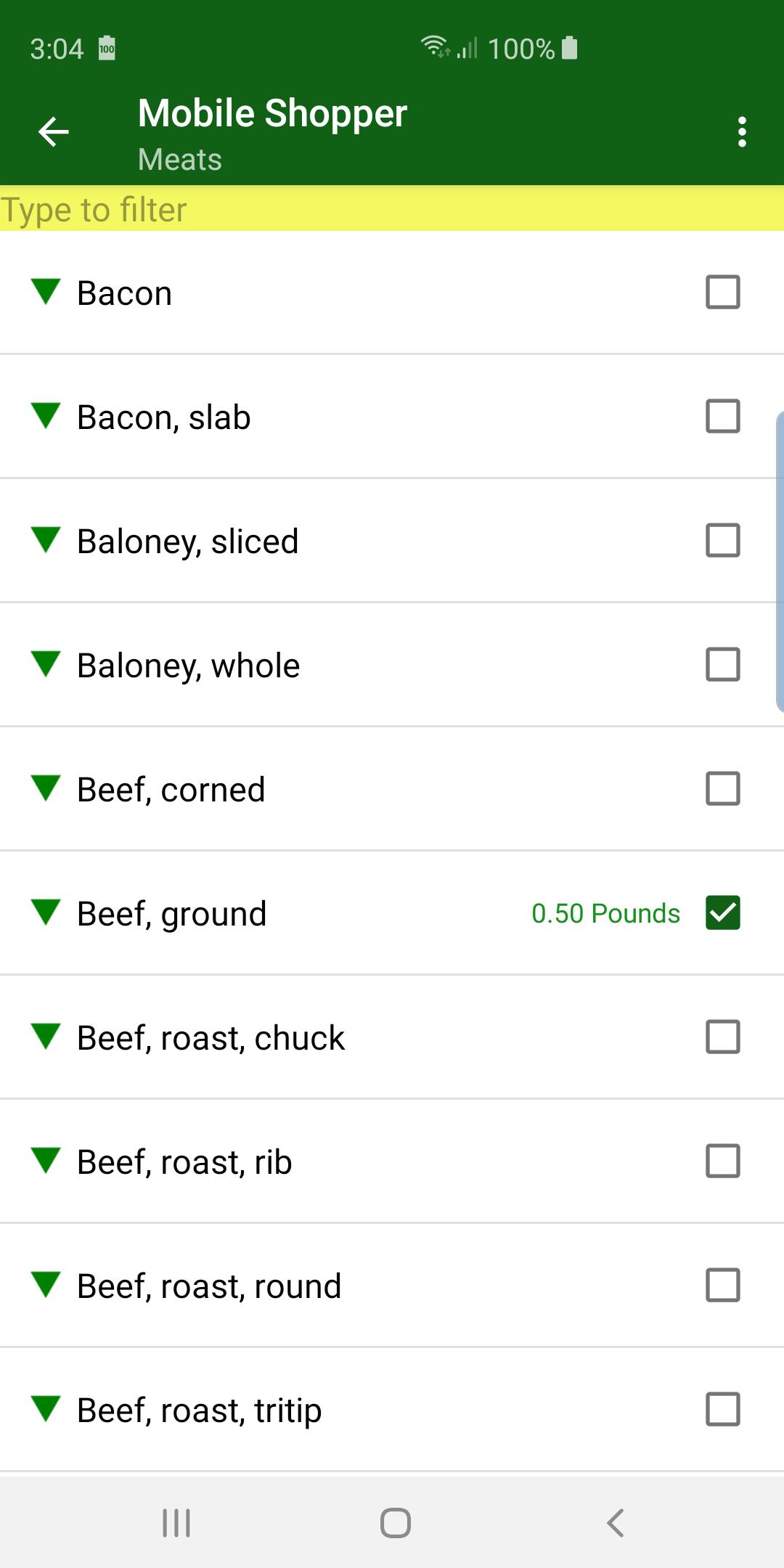
• Upon checking an item as needed, you can specify the quantity and units.
• Needed items can be checked off as they are placed in your actual shopping cart, and then appear in a separate “Items in cart” section.
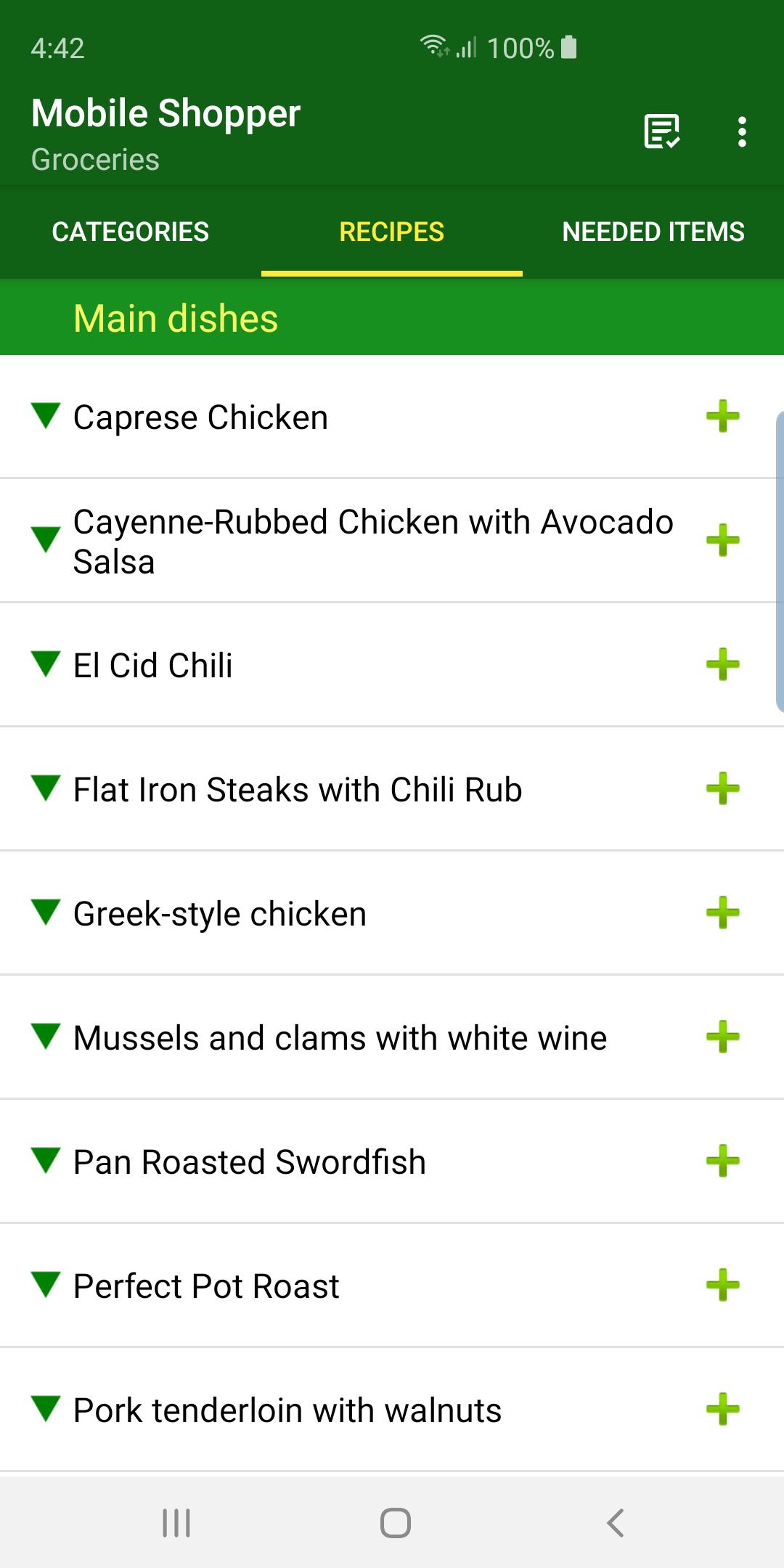
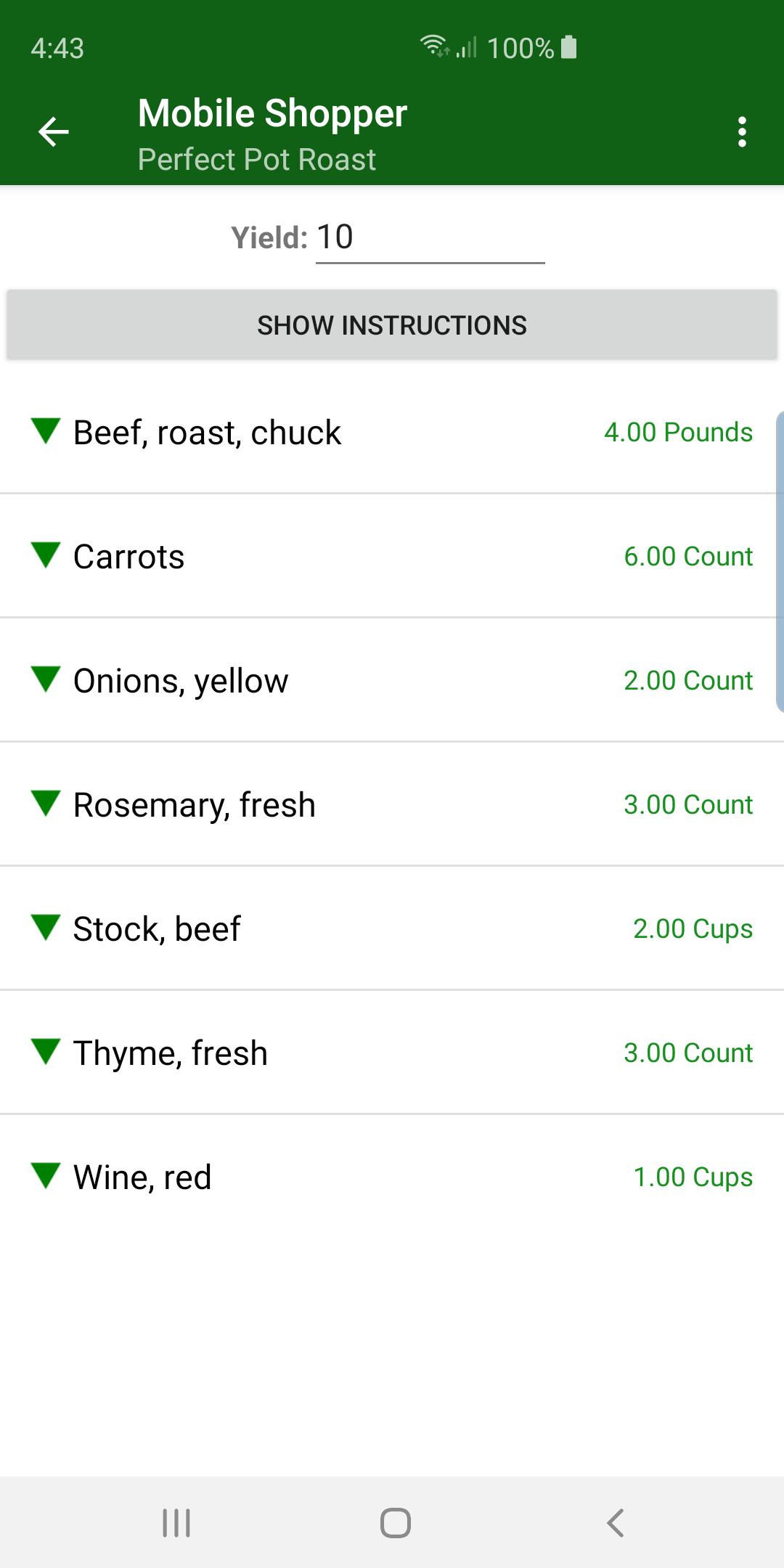
• You can enter your own recipes, complete with an ingredients list, step-by-step instructions and photos.
• All the ingredients for a recipe can be marked as needed in one tap.
• Recipes support the concept of "staples" - by default items marked as staples are not placed into your "Needed Items" list (although you can just tap a button to view and include them anyway).
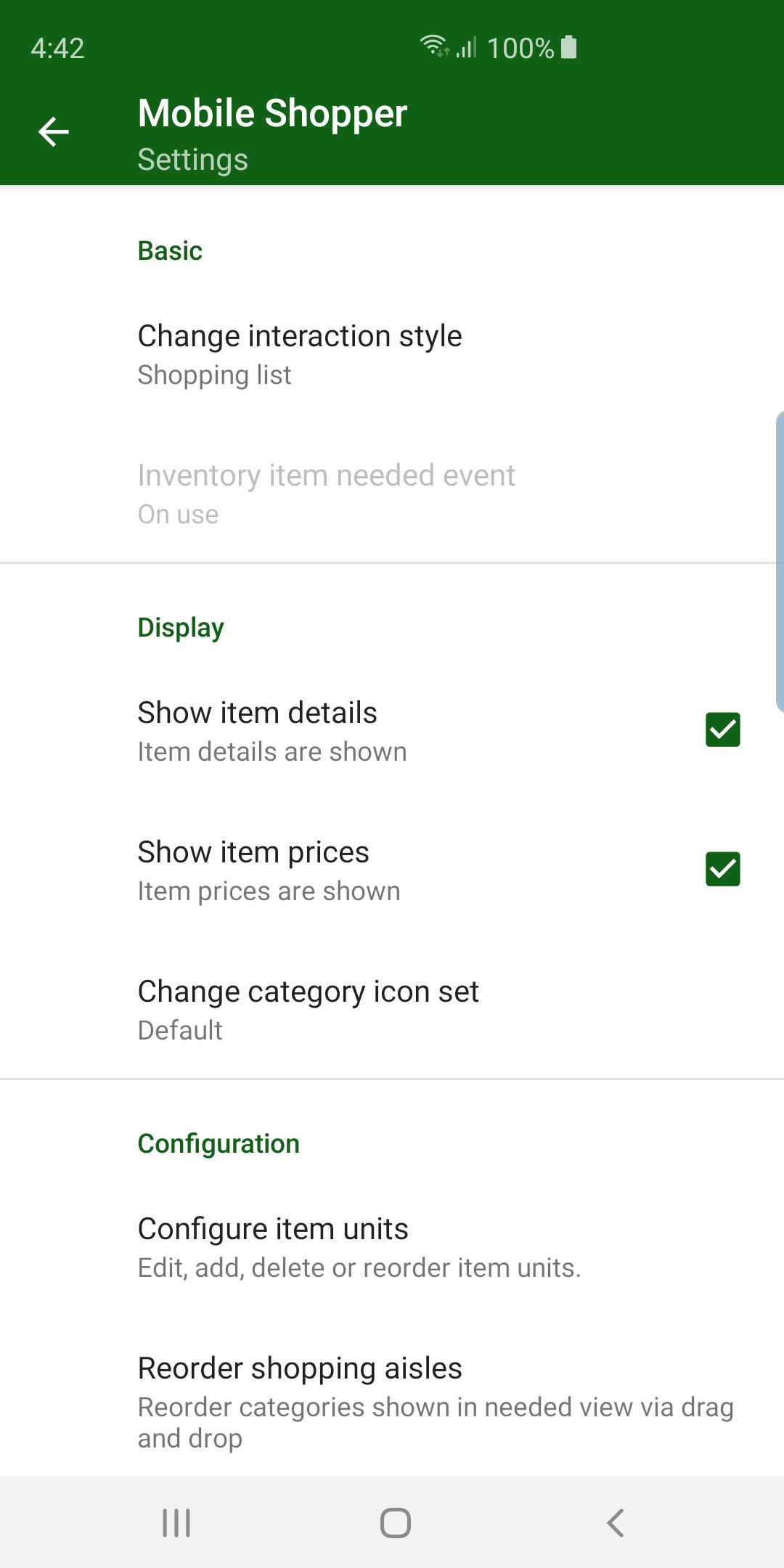
• The order of the shopping categories as they appear in the needed list can be changed to match how you travel through a store.
• Provided category icons can be replaced with your own.
• The app can be configured as a regular shopping list or as an inventory. As an inventory, you record quantities in stock, mark an item as used, and then it appears in the needed list when out of stock.
Last updated on May 7, 2024
* The Wear OS companion app now supports multiple lists, providing a separate button for each list defined in the Android app to retrieve the needed items for that list.
Latest Version
 3.4.16
Uploaded by
Krar Krar
Requires Android
Android 7.0+
Available on

Category
Report



Discover what you want easier, faster and safer.

Mobile Shopper
shopping list3.4.16 by IdeaSave Software
May 7, 2024