Mobile Paint is a useful and user-friendly drawing app.
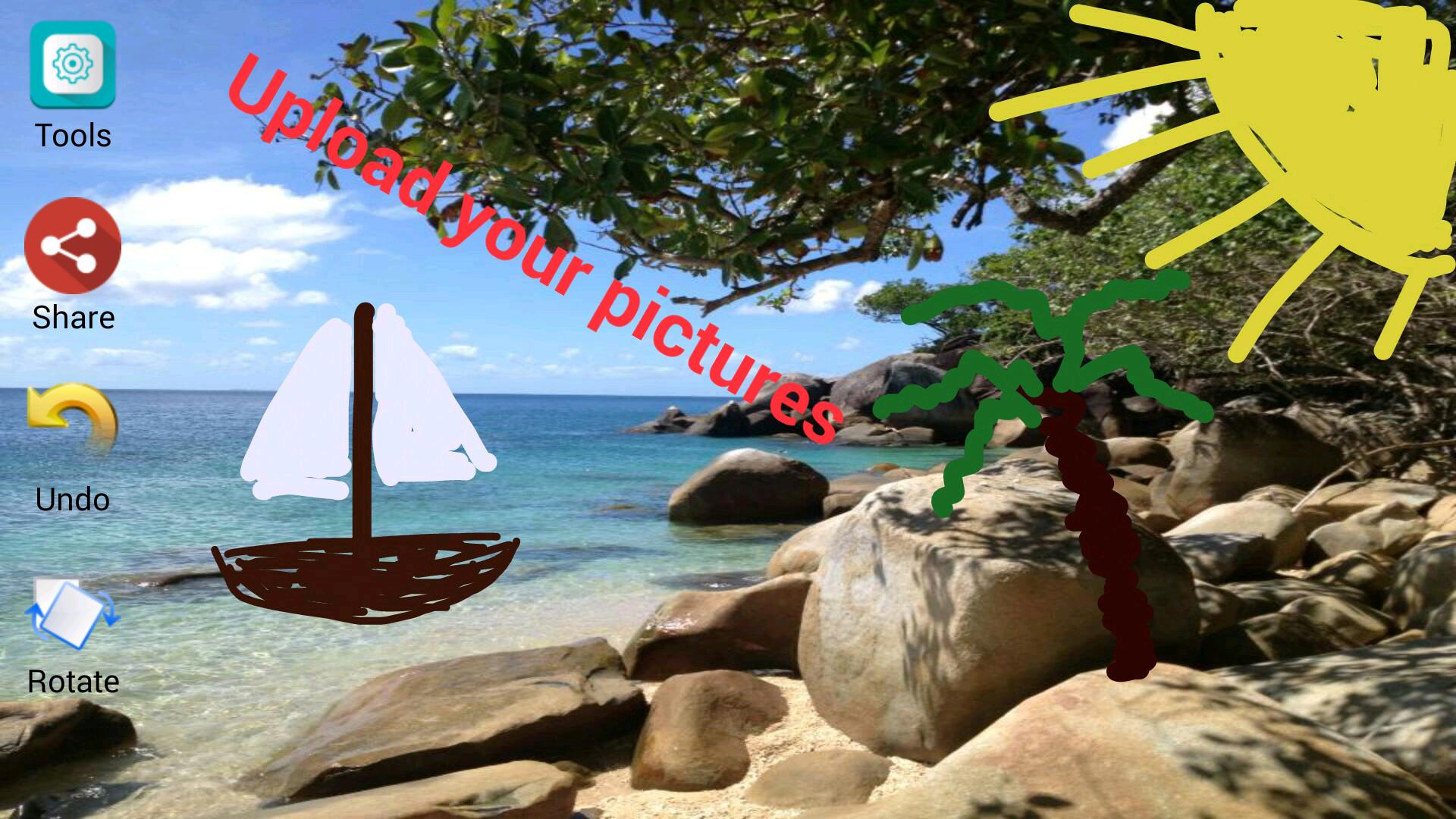
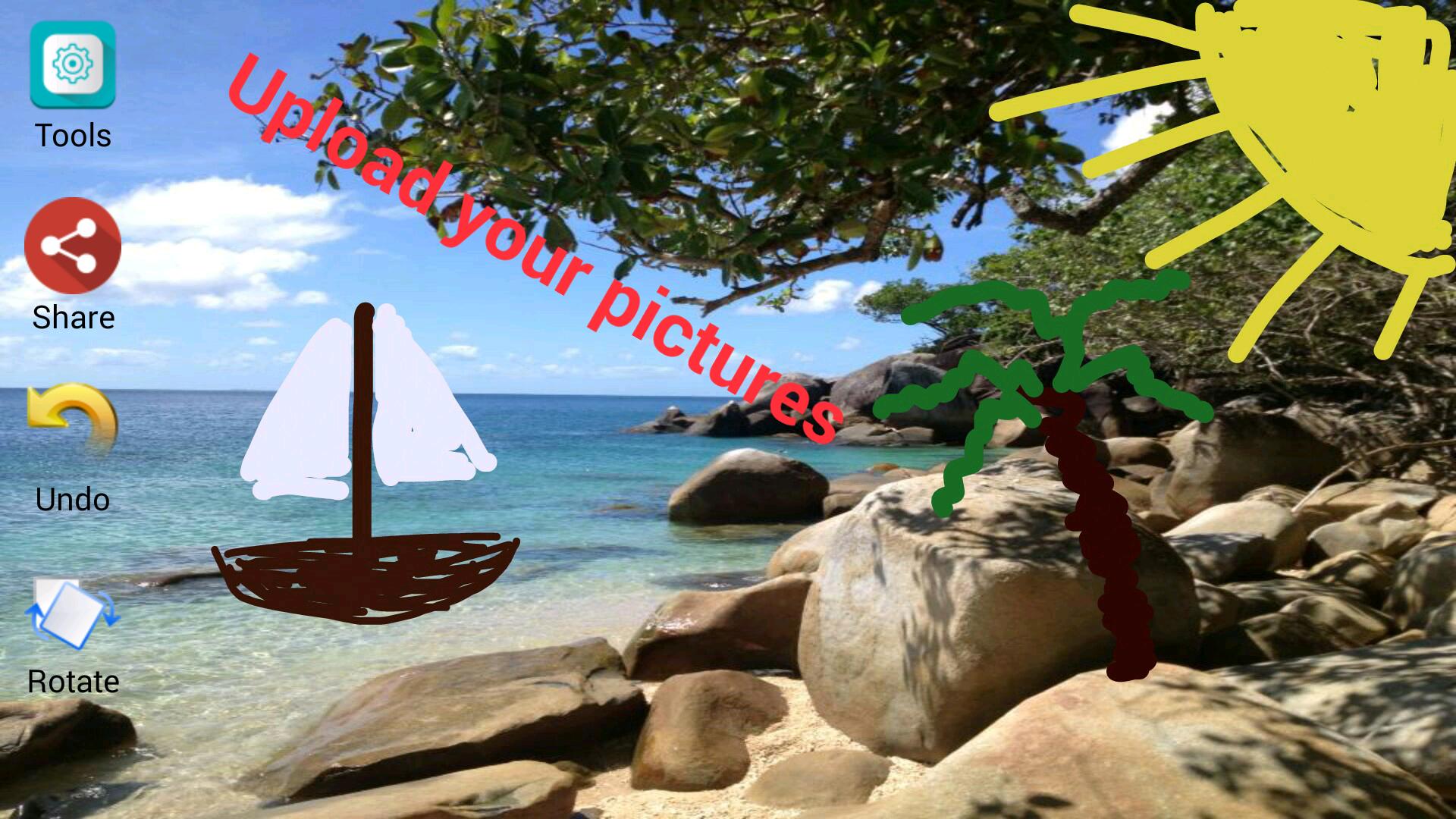
You can pick your own images from the galery and set them as background in Mobile Paint.
Furthermore you can insert custom texts in Mobile Paint. These texts can later be edited, deleted or moved (drag and drop).
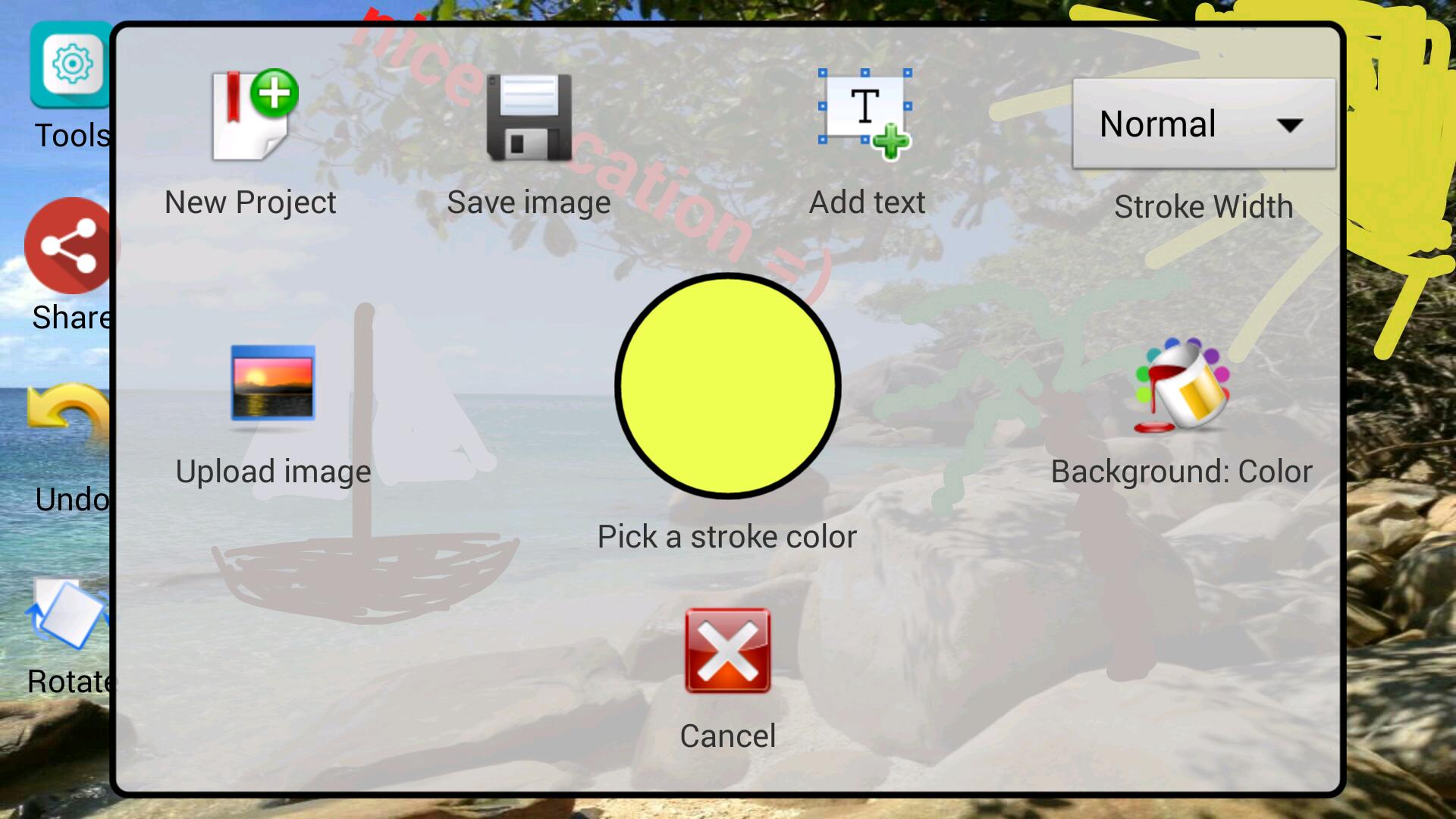
In Mobile Paint you can create your own color creation and use them for your texts, background or stroke.
After you are finished with your Mobile Paint artwork, you can share it with your friends or save it in the galery.
Functions:
- Draw with your fingers or a pen (different colors and stroke widths)
- Use own pictures as background
- Insert, edit, move, rotate and delete your custom texts
- Custom colors for texts, strokes and background
- Undo function
- Share function
- Save function
Latest Version
1.0Uploaded by
منتظر العراقي
Requires Android
Android 2.2+
Category
Free Tools AppContent Rating
Everyone
Report
Flag as inappropriateLast updated on Aug 30, 2015
This release includes minor bug fixes and general improvements. Update to the latest version for the best experience.





APKPure - A multi-platform app store primarily focused on Android, providing extensive app-related content. Discover the app you want easier, faster, and safer, with quick and efficient downloads and installations.