

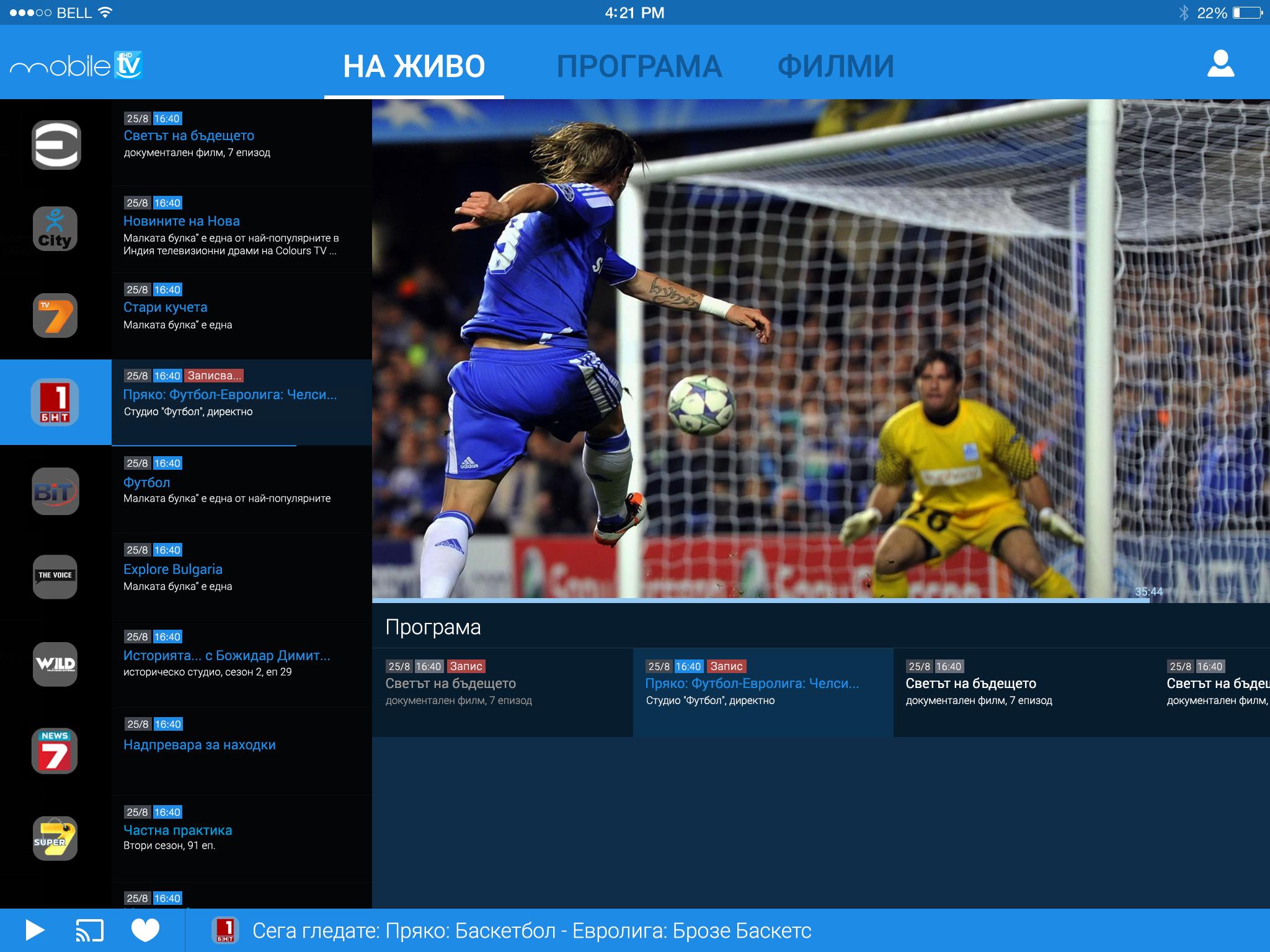
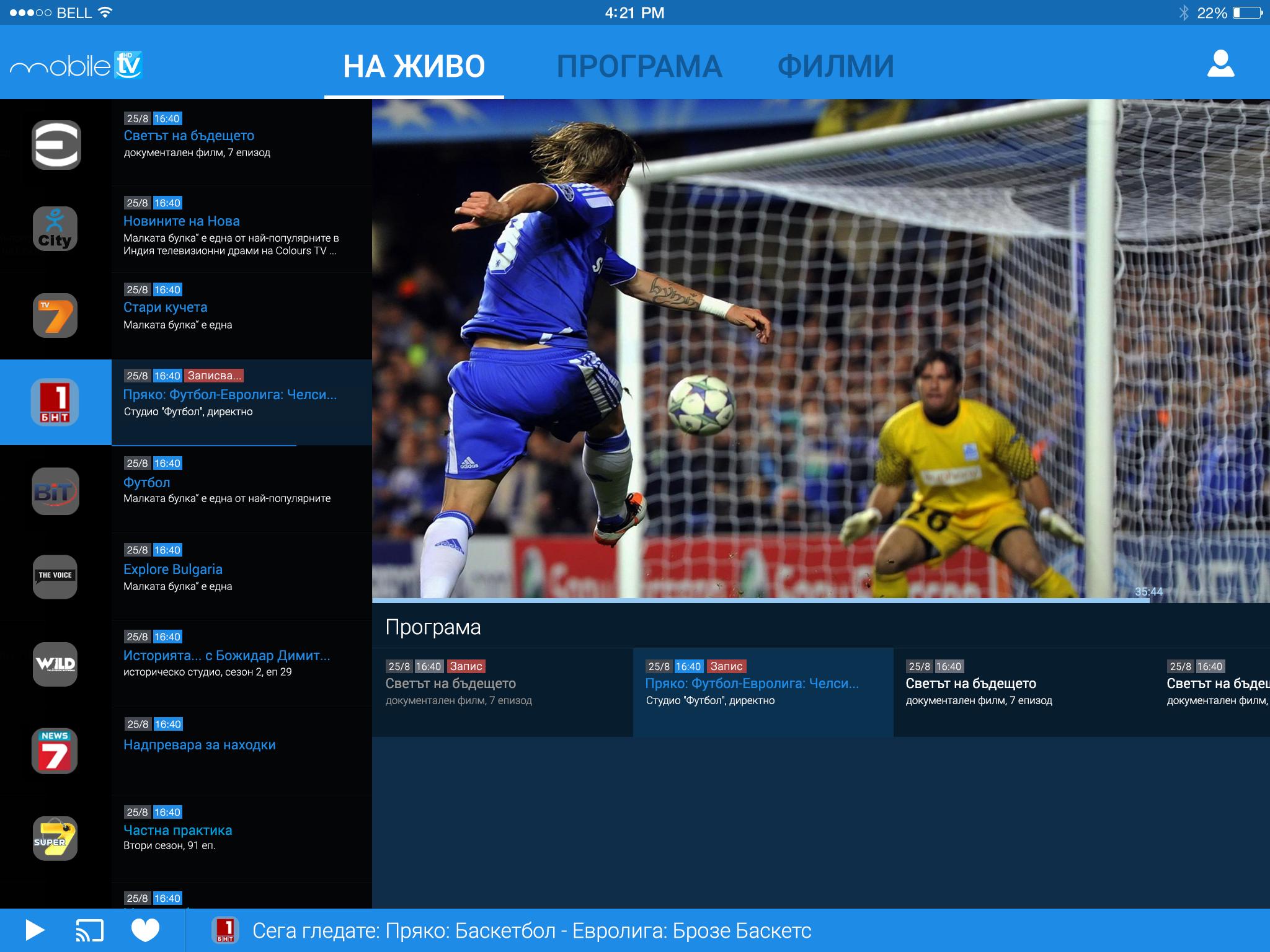
Mobile HDTV helps users watch television through participating cable operators on phones, tablets, and computers. It is designed for everyday viewing at home or on the go within your operator’s network. After activation with your cable provider, you can sign in and access the channels and programs included in your TV package. Meanwhile, the app keeps access consistent across devices so you can switch easily. Mobile HDTV APK is intended for authenticated use and does not offer free global IPTV.
Live TV through your cable operator
Mobile HDTV lets you watch live channels over your cable provider’s network. You see the content available in your subscription after activation. Access works across your phone, tablet, and computer for consistent viewing.
Pause and rewind ongoing programs
During live playback, you can pause a show and resume when ready. If you missed a moment, rewind the current program to catch it again. These controls help you adjust viewing without missing key parts.
Catch up on missed broadcasts
Mobile HDTV includes a catch-up window up to 24 hours for selected channels. If you could not watch a broadcast, return within that period to start it from the beginning. This sets clear expectations for recent programs.
Built-in electronic program guide
You can browse schedules with the integrated guide to see what is on now and next. Search by time or scan channels, then choose a program to view. The guide helps you plan viewing with less scrolling.
Activation across devices
Mobile HDTV works after a simple activation with your cable operator. Once signed in, you can move between Android phones, tablets, and computers without extra setup. This supports watching anywhere within the operator network.
Mobile HDTV requires activation with a participating cable operator. You sign in using details provided by your provider to enable access. The app does not supply free activation codes or global channel lists. If you need access, contact your cable operator to activate or to check your subscription.
Usage is intended within your operator’s supported network and service area. Viewing is tied to the channels included in your TV package, and availability can vary by operator. The app supports phones, tablets, and computers, which helps you continue watching as you move between devices.
Mobile HDTV is published by Smart X Media Ltd. This helps users identify the official app when searching for downloads and activation guidance.
After activation by your cable provider, the app works the same across your devices. To begin on your phone, first download Mobile HDTV and prepare your cable account details. Then follow the steps below.
Mobile HDTV delivers live TV and recent catch-up through your cable operator on phone, tablet, and computer. Activation is required and access follows your subscription. To begin, check your provider details and get the Mobile HDTV latest version.
Latest Version
1.0-beta2Uploaded by
Soma Qween
Requires Android
Android 4.1+
Category
Free Entertainment AppContent Rating
Everyone
Report
Flag as inappropriateLast updated on Jul 19, 2018
Отстранен проблем при възпроизвеждане на накои модели устройства.
Bug fixes





APKPure - A multi-platform app store primarily focused on Android, providing extensive app-related content. Discover the app you want easier, faster, and safer, with quick and efficient downloads and installations.