Scan Date:Mar 11, 2026
Show More

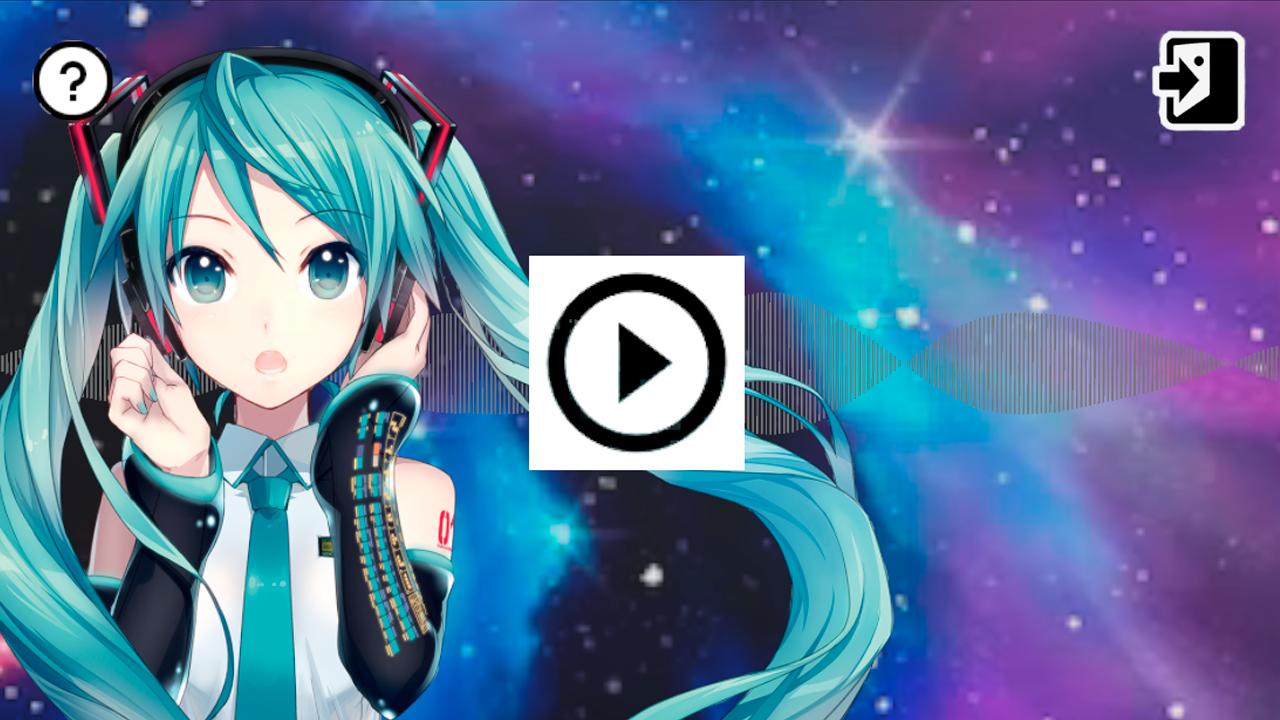
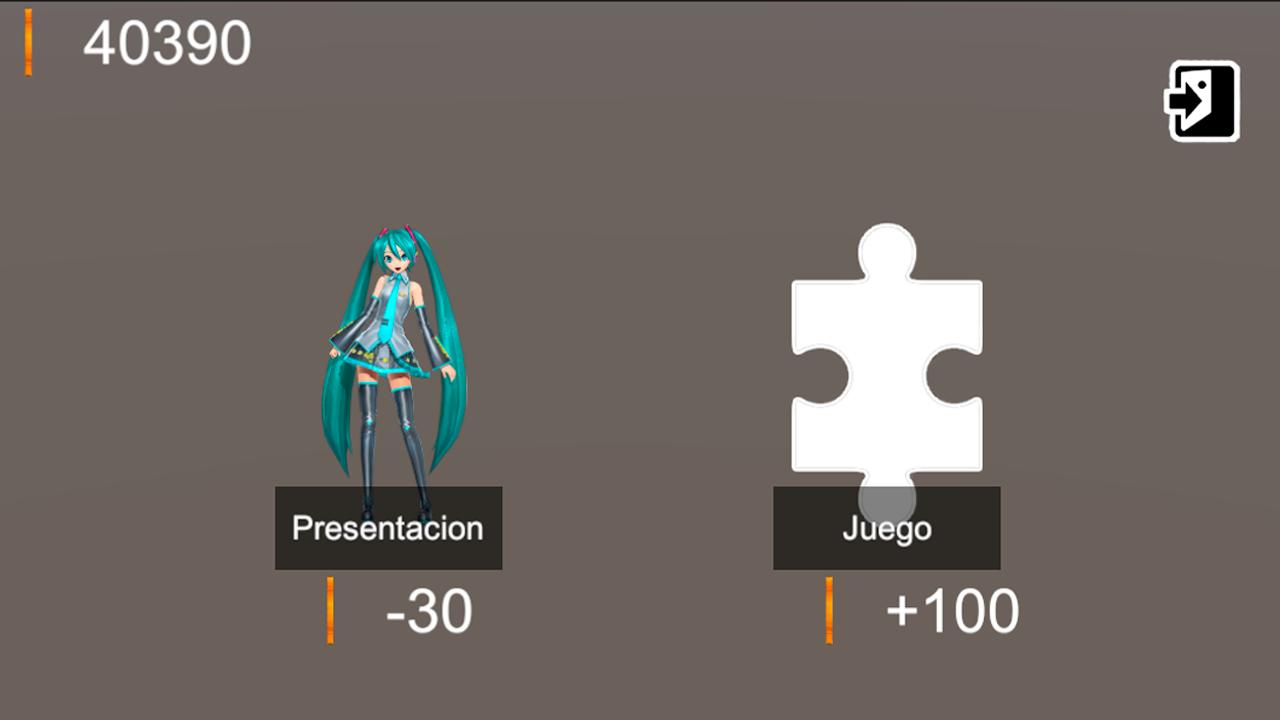
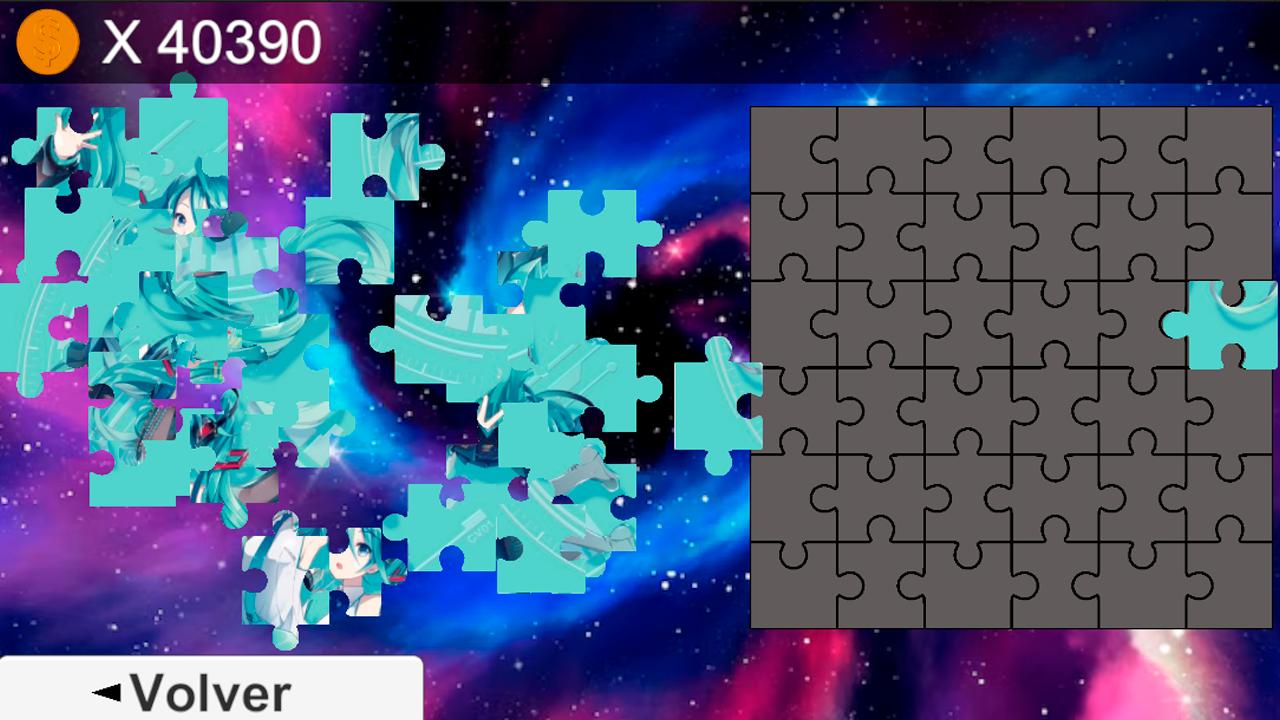
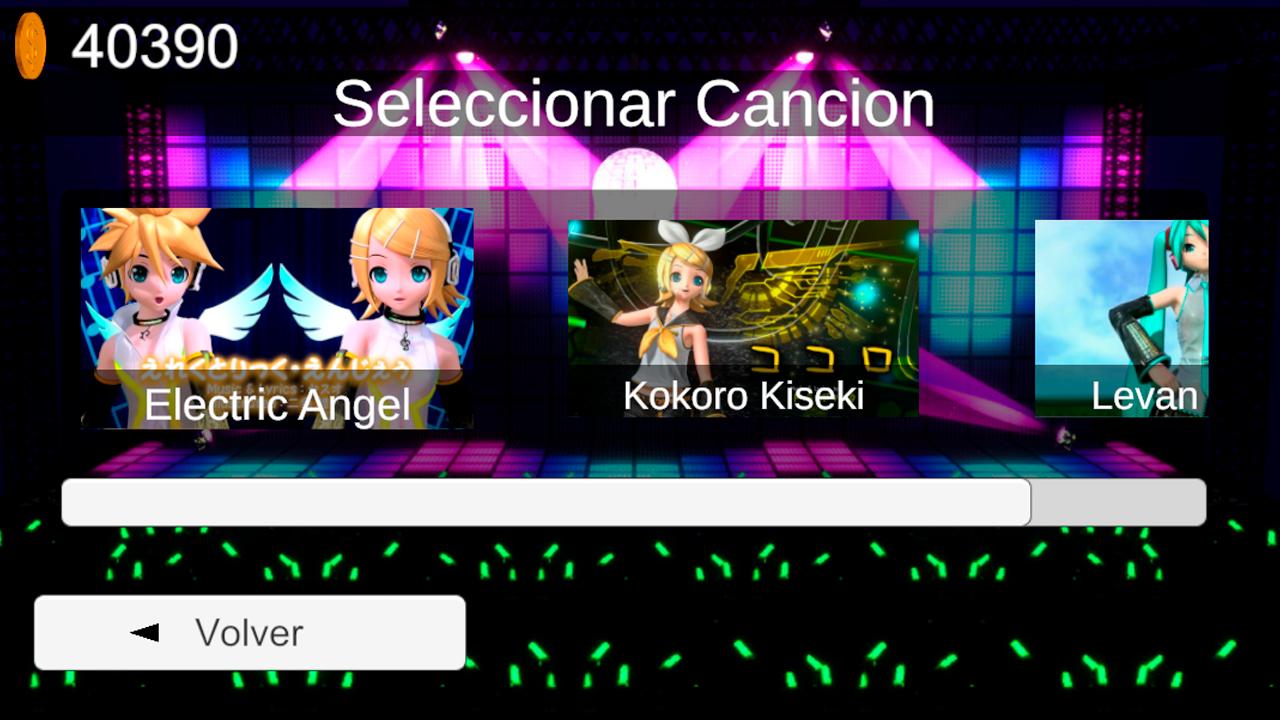
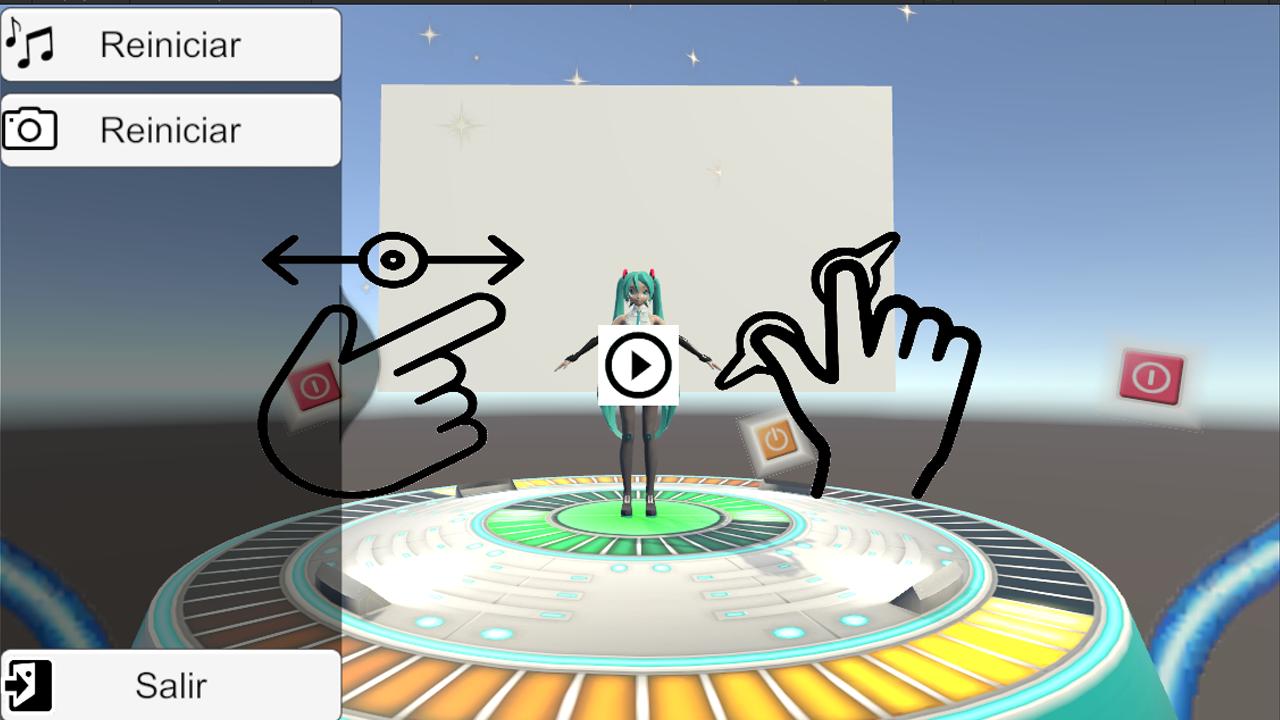
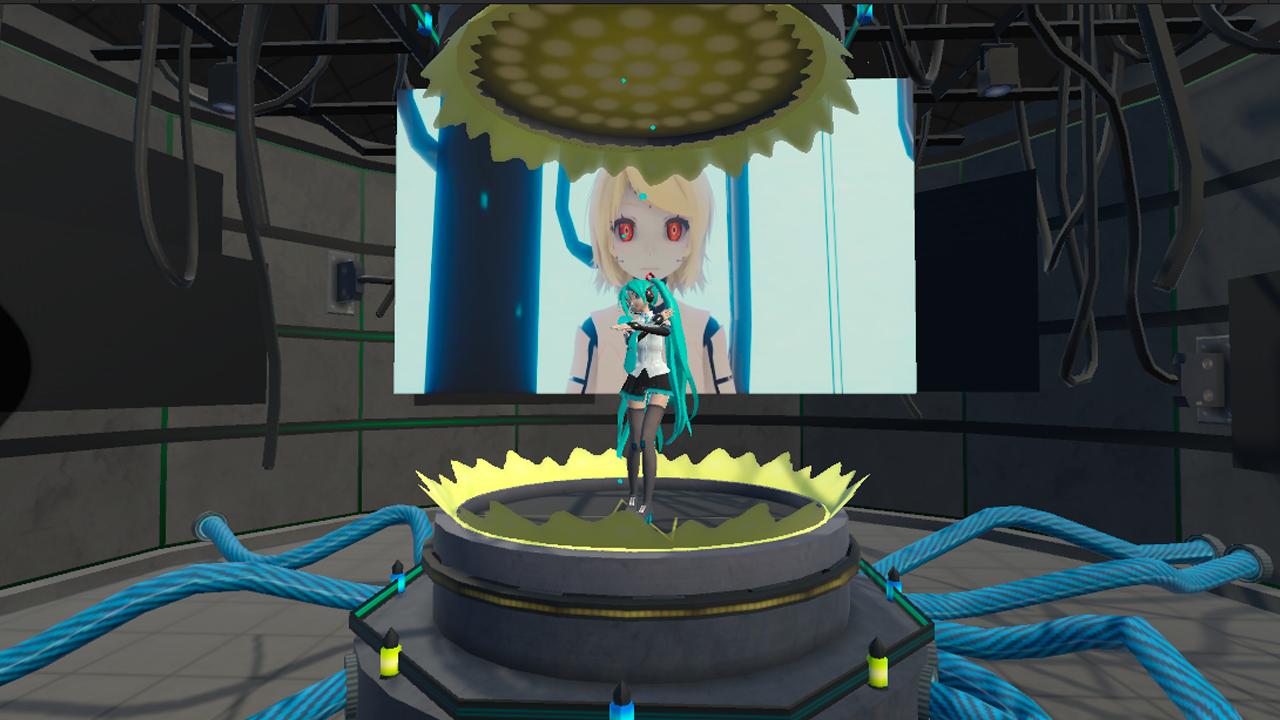
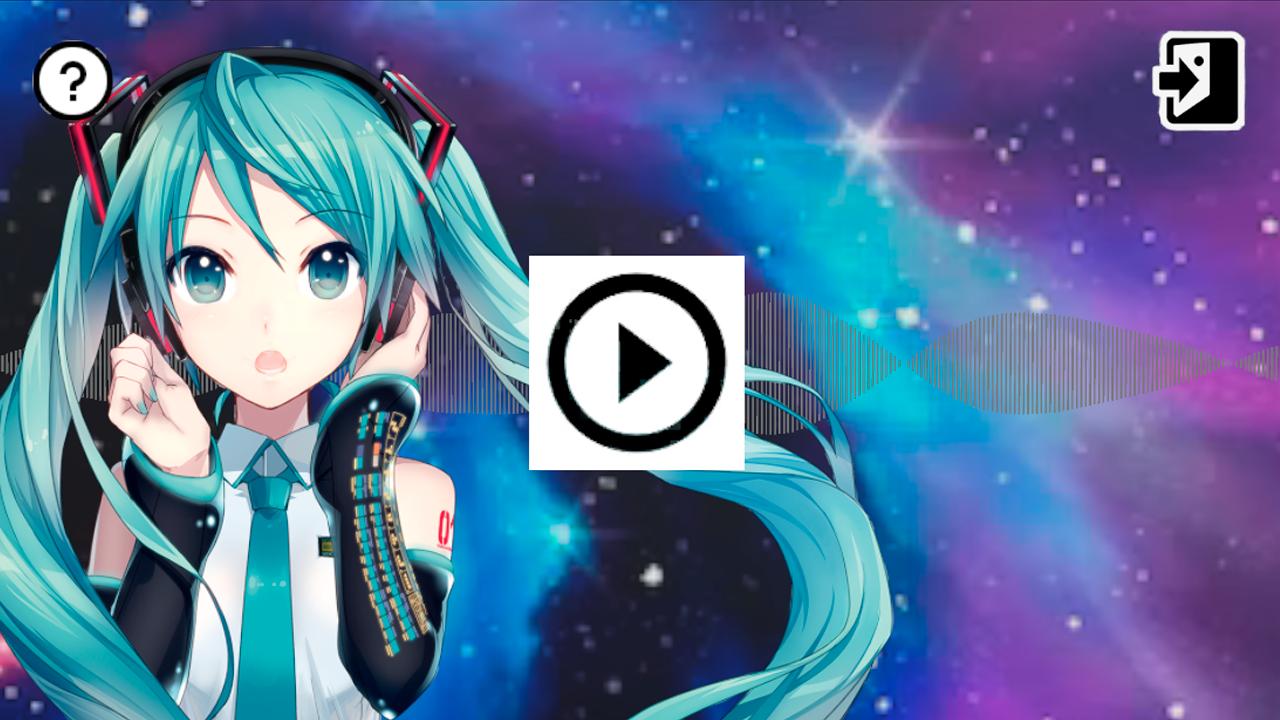
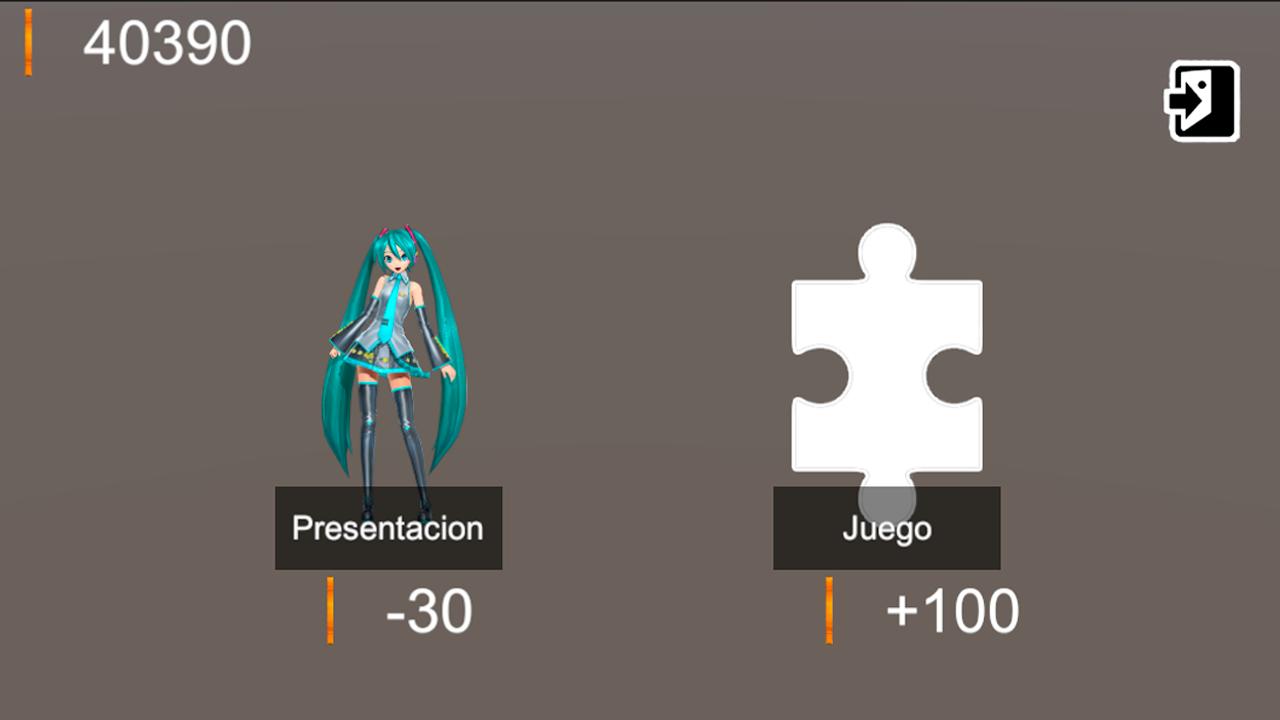
MMD Project Diva: This app lets you select up to three MMD artists, one song, and one stage, then view it on screen, in augmented reality (AR), or in virtual reality (VR).
The artists you can select are: Miku, Kaito, Rin, Len, Yandere, Sailor Moon, and Tuxedo Mask.
The songs you can select are: DeepBlueTown, Electric Angel, FreelyTomorrow, Hare Hare Yukai, HappyHalloween, Kokoro Kiseki, Kokoro Kiseki Mix, Levan Polkka, Mirishira RomeoCinderella, Monster, Moonlight Densetsu, Popipo, Smoke and Mirrors, and Unravel (Tokyo Ghoul).
Due to some users reporting problems downloading the expansions, you can also do it manually.
Manual Package Installation
If for any reason you cannot install from the application, you can do it manually.
1) Download the expansion packages from Google Drive, Mega, or MediaFire (use any of the three):
https://drive.google.com/drive/folders/1xjrmyruj0EIu1VAsnHmAsLQBxLXj9BVC
https://mega.nz/folder/nRJwwYiL#e8gDewBV9GtiDFDPG1CcTA
https://www.mediafire.com/folder/ai296tgk88lwv/MmdProyectoDiva
2) The downloaded files are compressed in Zip (assetpackexpancion01.zip). You need to extract them (right-click/Extract all...). After extraction, you will get three files: assetpackexpancion01.manifest, assetpackexpancion01.txt and assetpackexpancion01.unity3d
3) The extracted files must be copied to the phone in the following path: InternalStorage/Android/data/com.IlusionesIndustriales.MMDProyectoDiva/files/AssetsBundlePath/
If the “AssetsBundlePath” folder does not exist, it needs to be created. Following the example, it should look like this:
../files/AssetsBundlePath/assetpackexpancion01.manifest
../files/AssetsBundlePath/assetpackexpancion01.txt
../files/AssetsBundlePath/assetpackexpancion01.unity3d
Regards.
Latest Version
0.2.22Uploaded by
မင္းမေဟာ္
Requires Android
Android 10.0+
Category
Free Music GameContent Rating
Everyone
Security Report
Report
Flag as inappropriateLast updated on Mar 11, 2026
Expansión 8
Se arregla el audio de electric angel

APKPure - A multi-platform app store primarily focused on Android, providing extensive app-related content. Discover the app you want easier, faster, and safer, with quick and efficient downloads and installations.