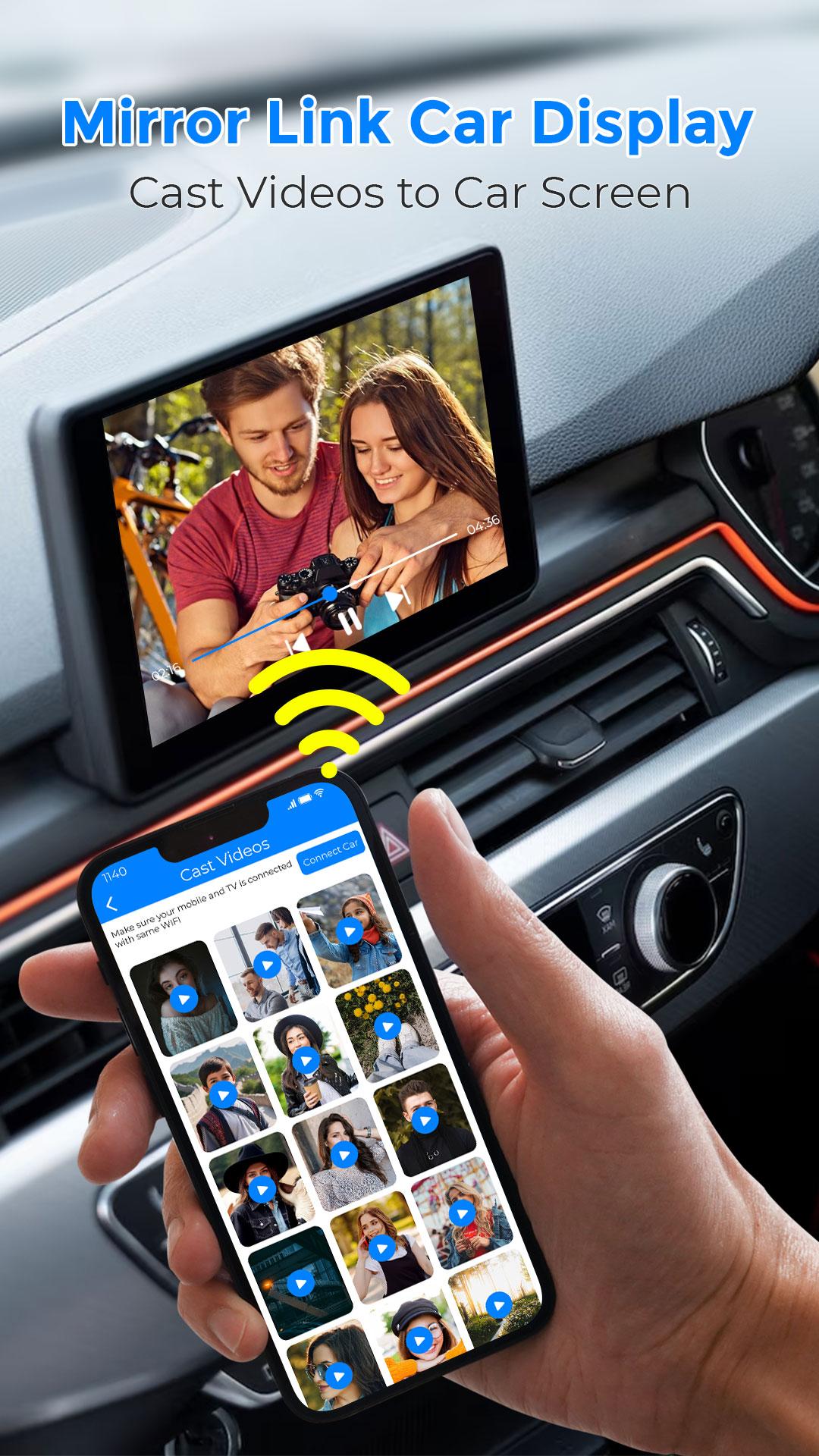
Upgrade Your Drive with MirrorLink Car Play Connect 🚗✨
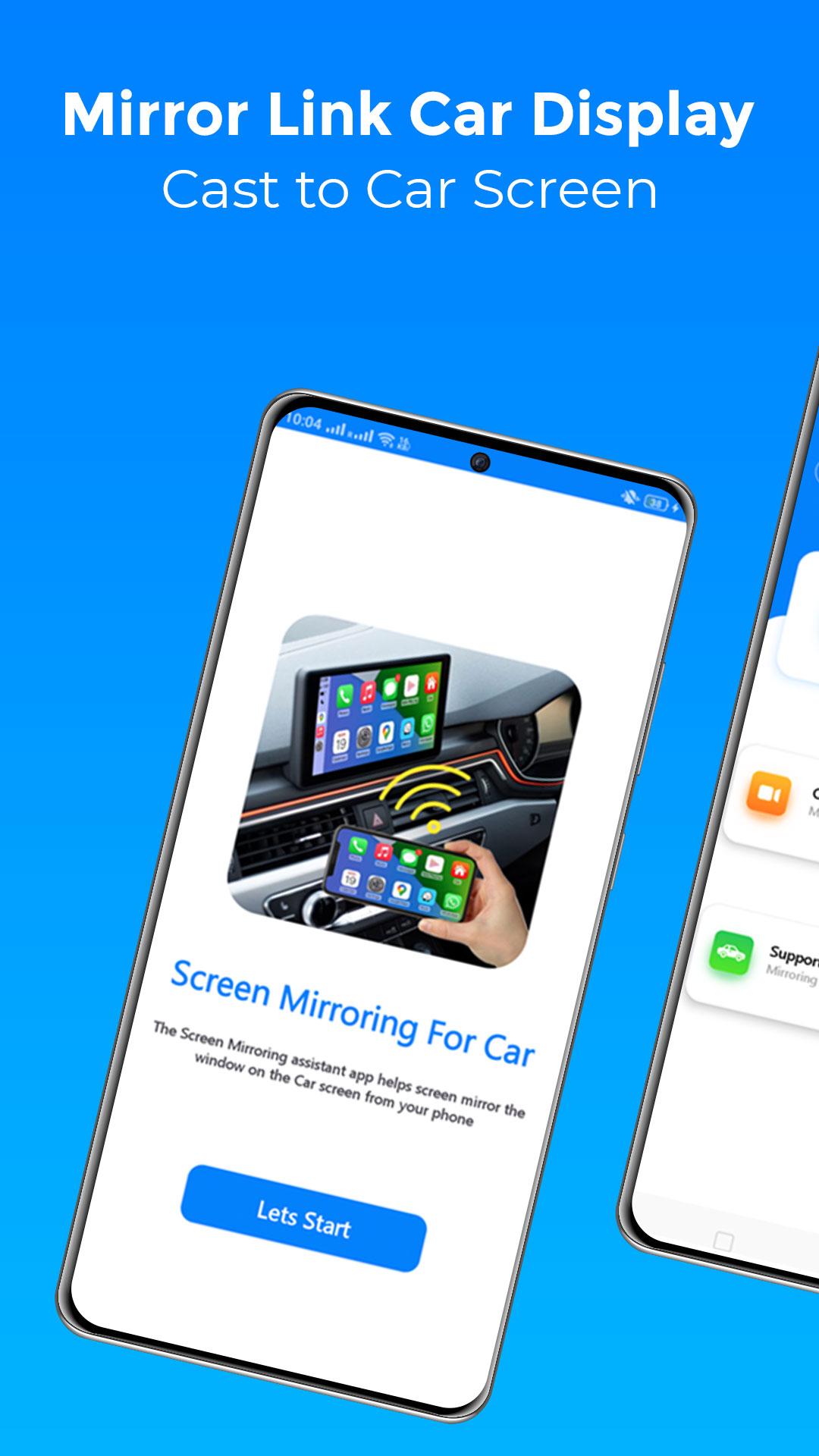
Ever felt the frustration of a tiny phone screen while navigating a busy highway? We’ve all been there. Squinting at maps isn't just annoying - it’s a safety hazard. That’s why we built MirrorLink Car Play Connect. As a dedicated car mirroring app, our goal is to bring your digital life into your cockpit safely and wirelessly.
This isn't just another utility; it’s a transformation for your dashboard. Our MirrorLink car solution is for drivers who value a cable-free environment. Whether heading to a meeting or a family trip, our auto mirror app ensures productivity tools are right where you see them: on your car screen. A high-quality car mirroring app means never settling for a small display again.
💎 Why Drivers Love MirrorLink Car Play Connect
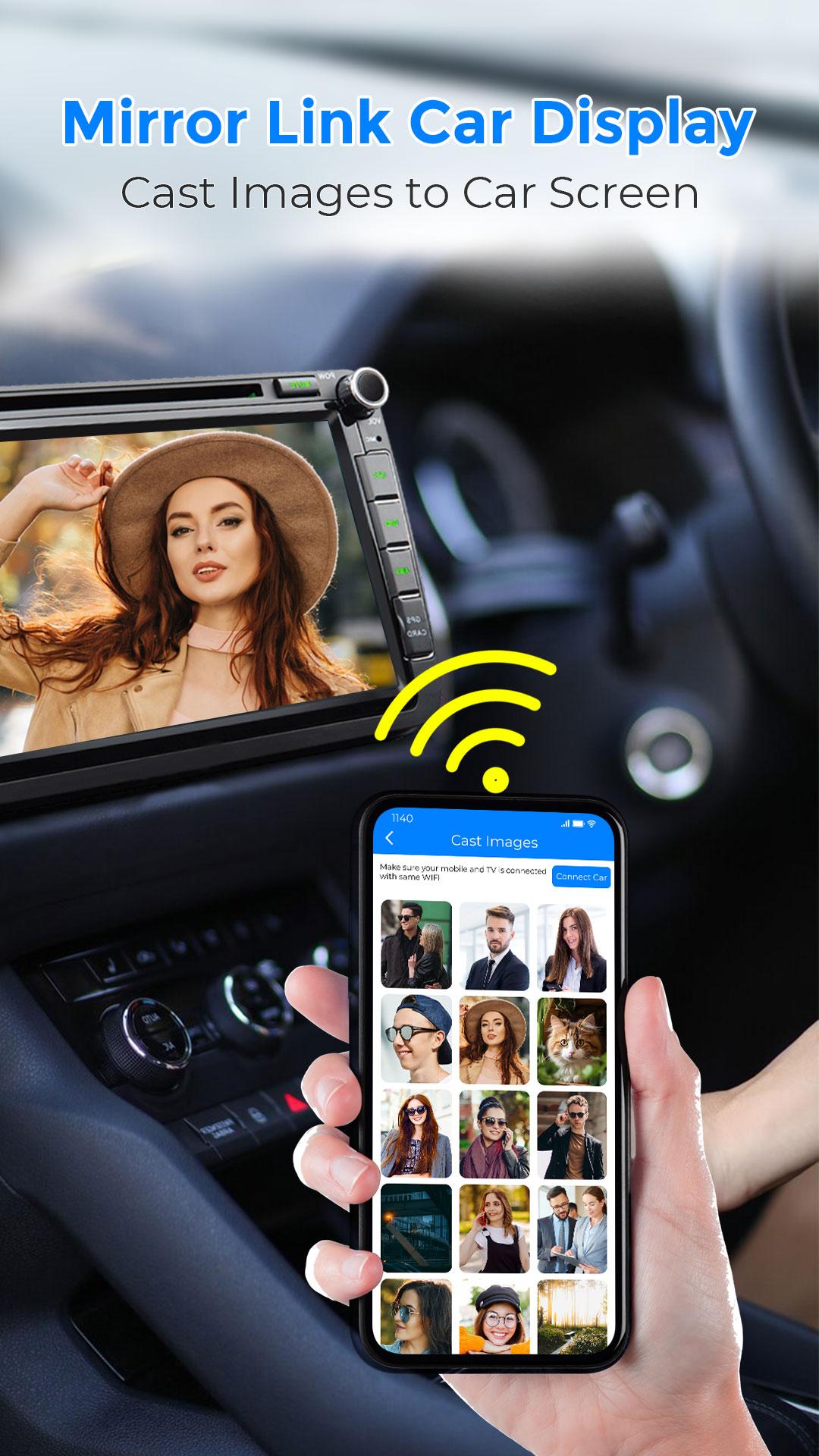
Modern vehicles are smart, but connections can feel clunky. Our mirrorlink app for car simplifies that. By creating a robust car link, we let you cast to car displays in seconds. Forget messy USB cords; this car mirroring app is all about wireless freedom.
What’s inside for you:
- 🚀 Wireless Freedom: Get carplay screen mirroring without reaching for a cable. The auto mirror app syncs via Wi-Fi for a lag-free experience.
- 📊 Stay Productive: Turn your car tv or dashboard into a mobile office. Access tasks through the mirrorlink car interface.
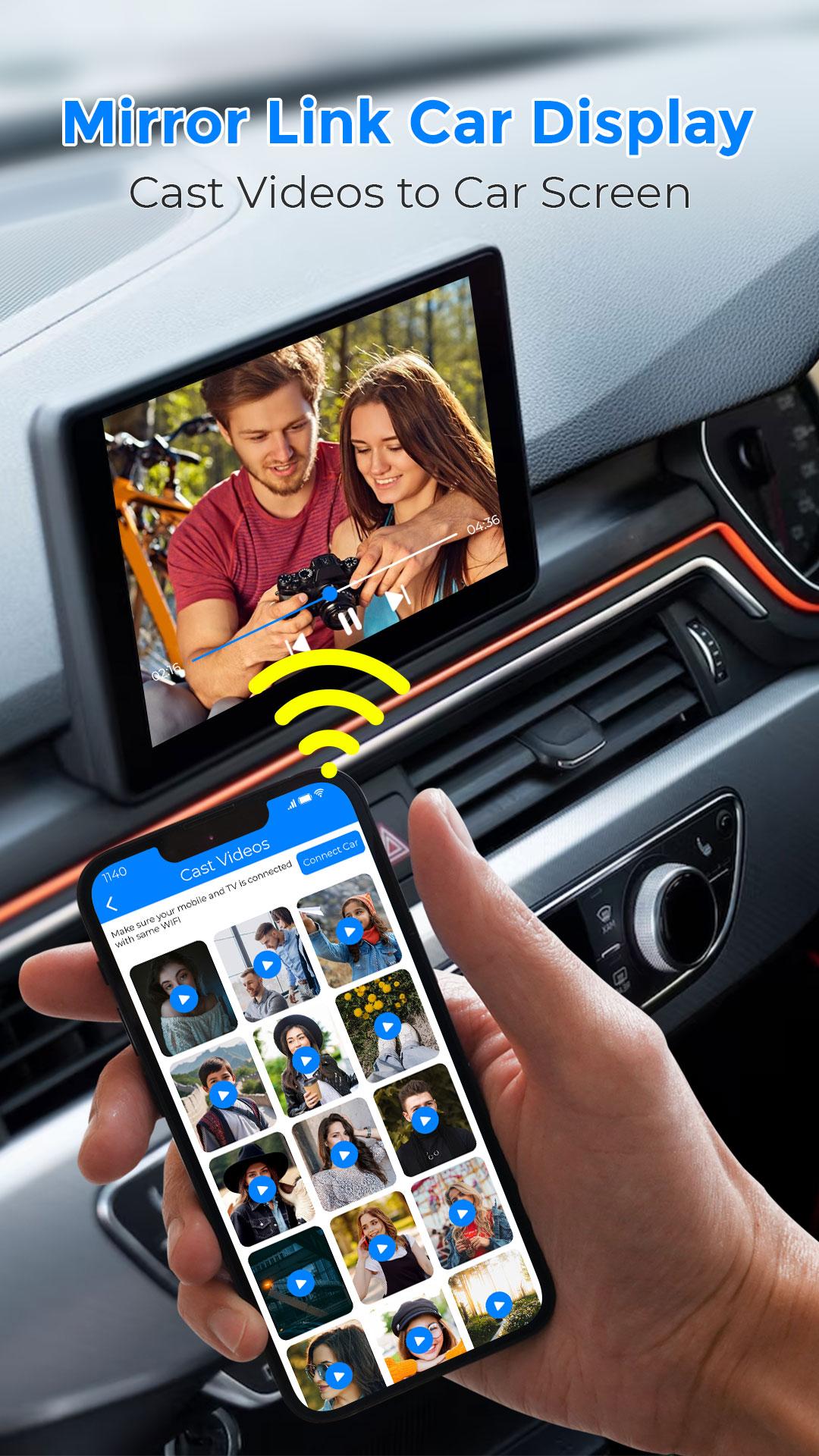
- 🎵 Entertainment: Let passengers use carplay cast for movies, handled perfectly by this car mirroring app.
- 📍 Better Navigation: Mirror maps to a car play connect display. The mirror link car display makes every turn clear.
🛠️ Smart Features for the Modern Road
Our mirrorlink app for car goes beyond basic sync. It’s a full car link ecosystem. With car play integration, your phone becomes your car screen. This car mirroring app handles the heavy lifting while you focus on the road.
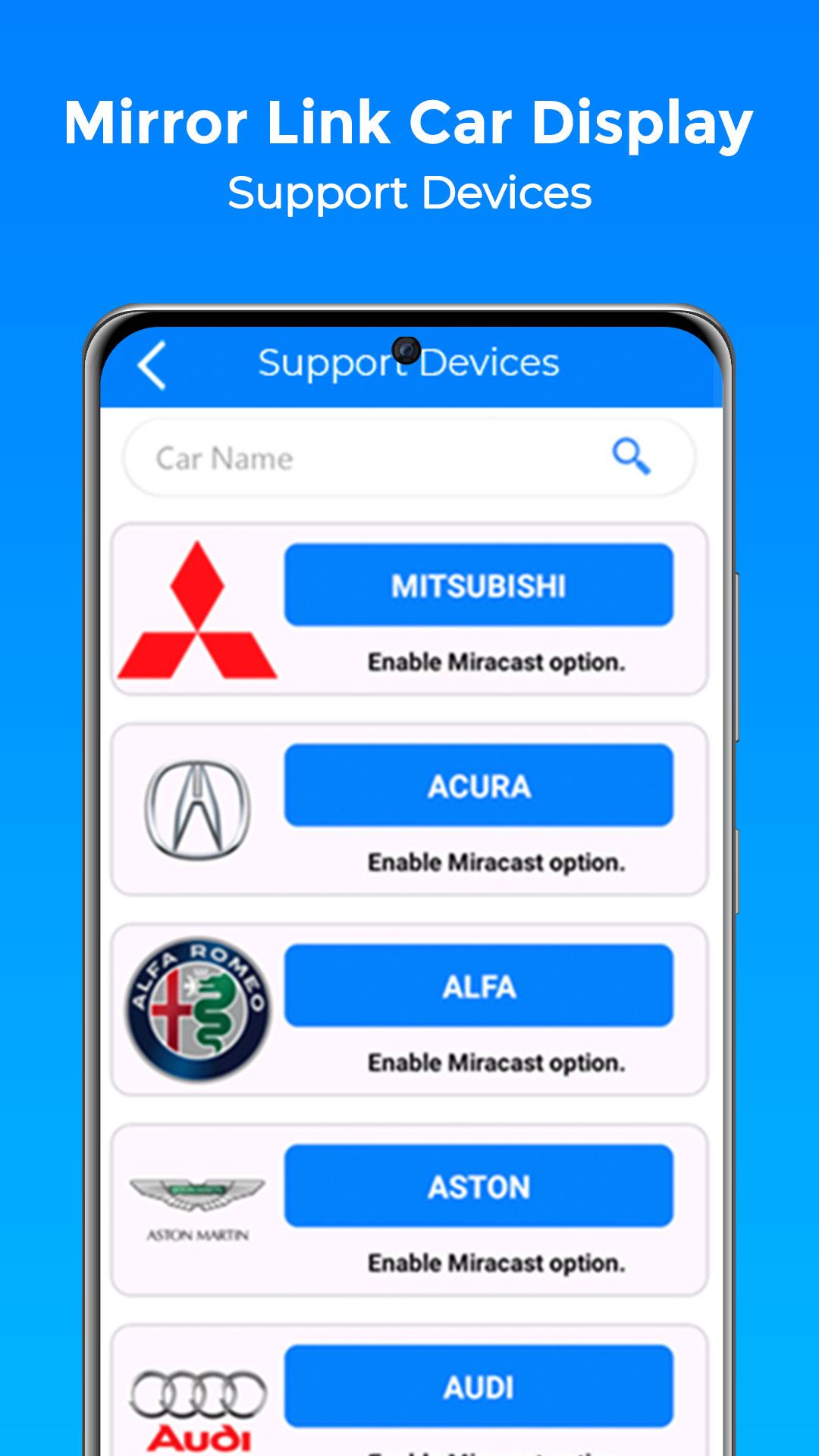
1. Universal Sync: Works with newer models and older units with a web-ready car tv. Our mirrorlink car logic is highly adaptable.
2. Instant Connection: The car play connect system recognizes your device the moment you sit down.
3. Clear Visuals: Experience carplay screen mirroring that stays responsive through our car mirroring app.
4. Safety First: The auto mirror app keeps your eyes up, placing info on the dashboard where it belongs.
🚀 Ready to Cast to Car?
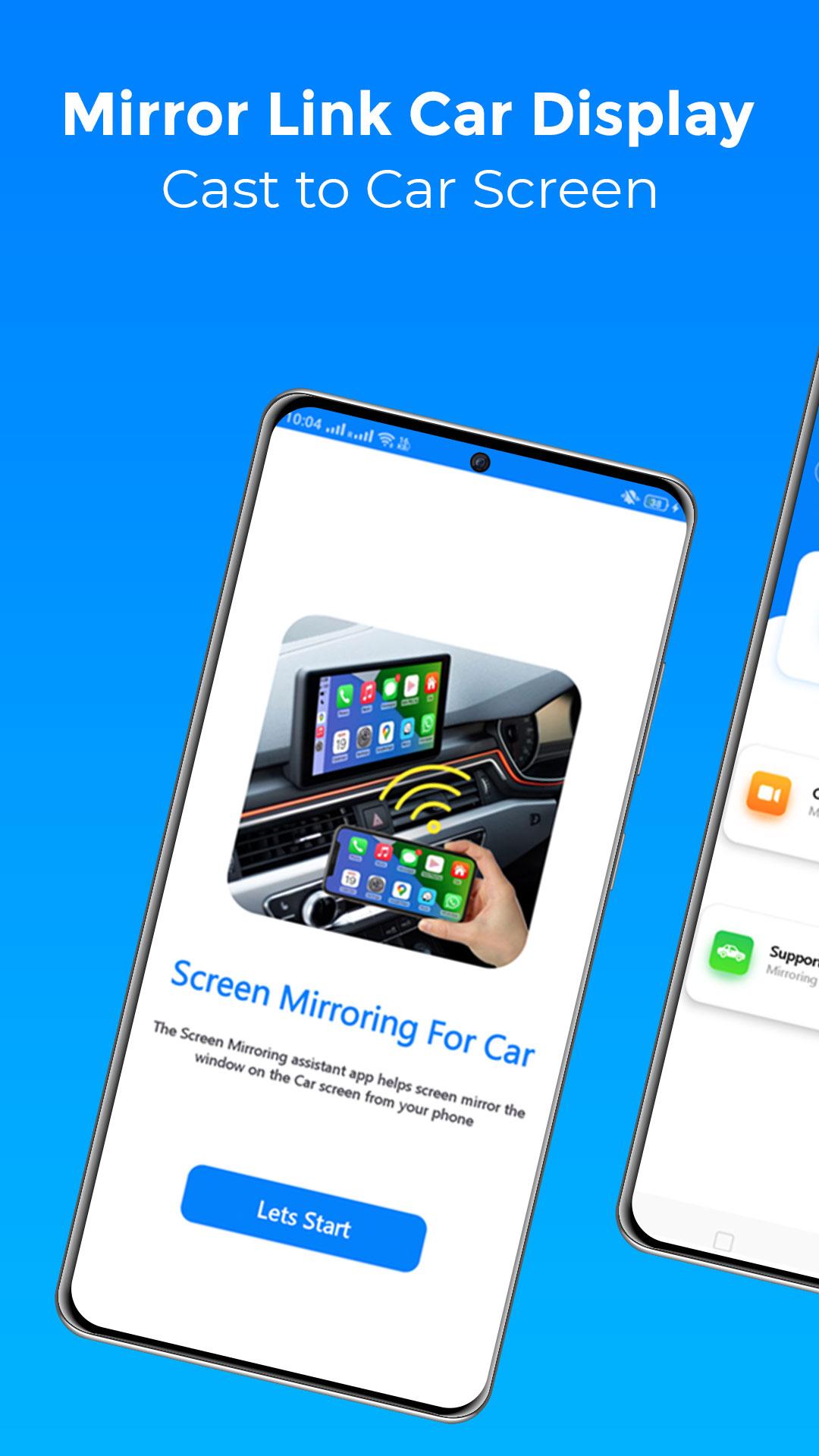
Setting up your mirrorlink car experience is easy. Here is how to cast to car right now:
- Ensure your car screen and phone are Miracast ready.
- Enable "Screen Share" mode on your vehicle's dashboard.
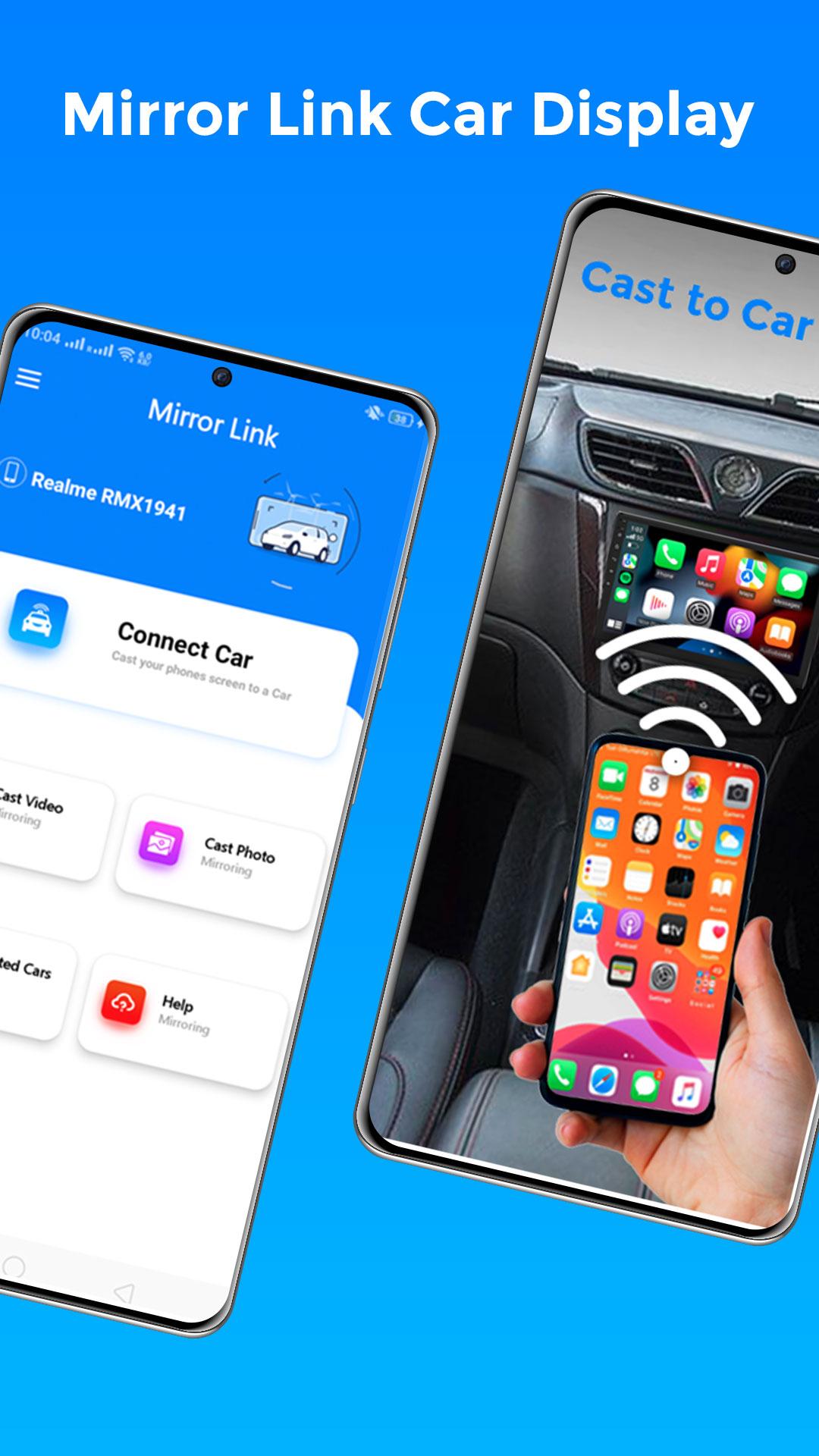
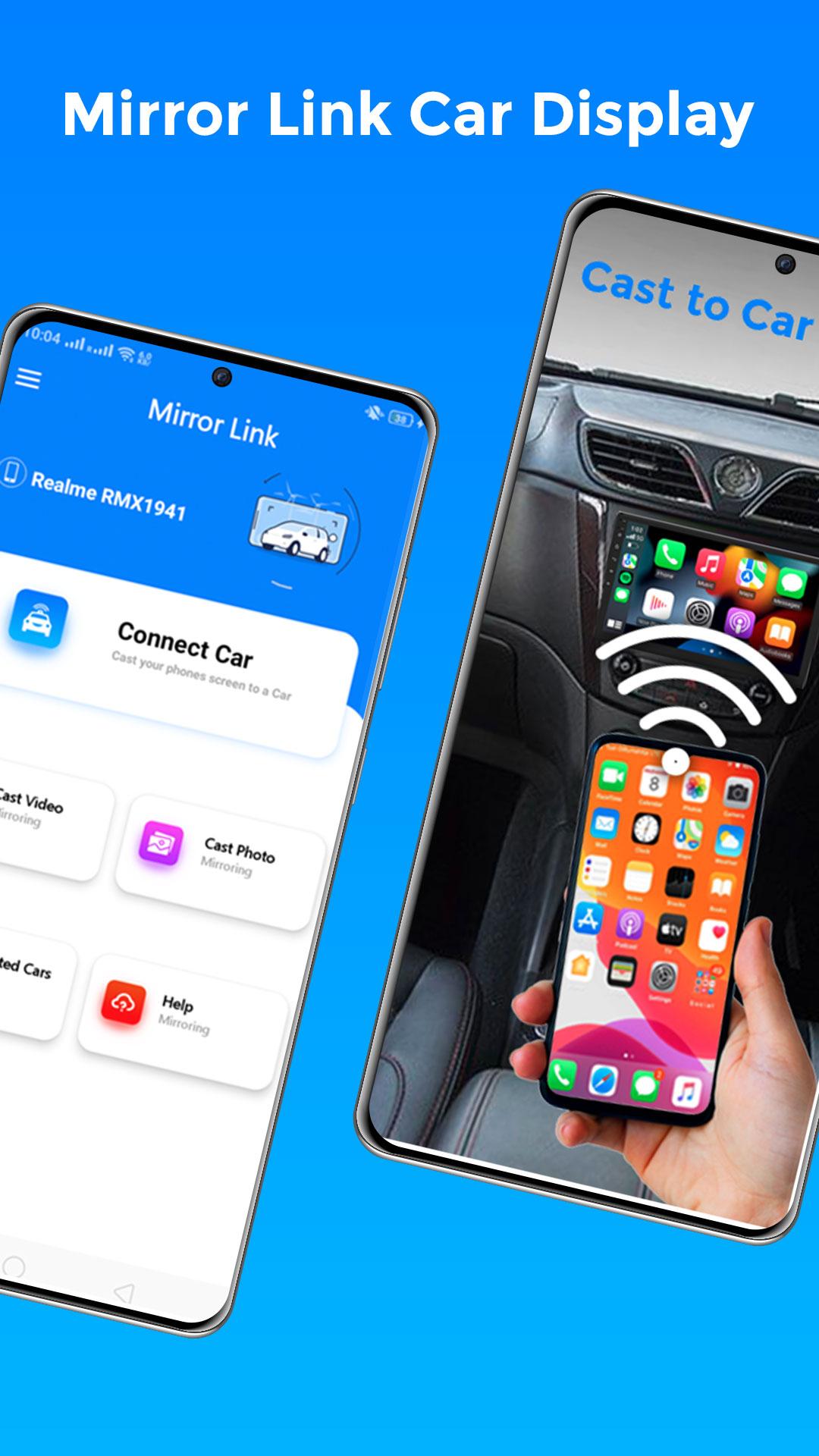
- Launch MirrorLink Car Play Connect and tap "Connect Car."
- Wait for the car link to lock in, and start your carplay cast session!
Driving shouldn't feel disconnected. Use the mirrorlink app for car that simplifies your commute. With carplay screen mirroring, your car tv finally becomes a smart hub.
🌟 Take the Wheel with Confidence
The mirror link car display is the ultimate companion for professionals. Why struggle with a handheld device when your car screen is ready? Download MirrorLink Car Play Connect today for an integrated car play connect journey. Cast to car, stay on top of tasks, and enjoy the road with a reliable carplay cast solution!
Note: For optimal car play, keep your device updated. This mirrorlink car tool works with modern car play connect systems.
Disclaimer:MirrorLink Car Play Connect is an independent product.