
Scan Date:Sep 4, 2025
Show More
* What's Miracast?
Cast Android device screen to Smart TV screen (The TV must support Wireless Display / Miracast).
* How to use Miracast?
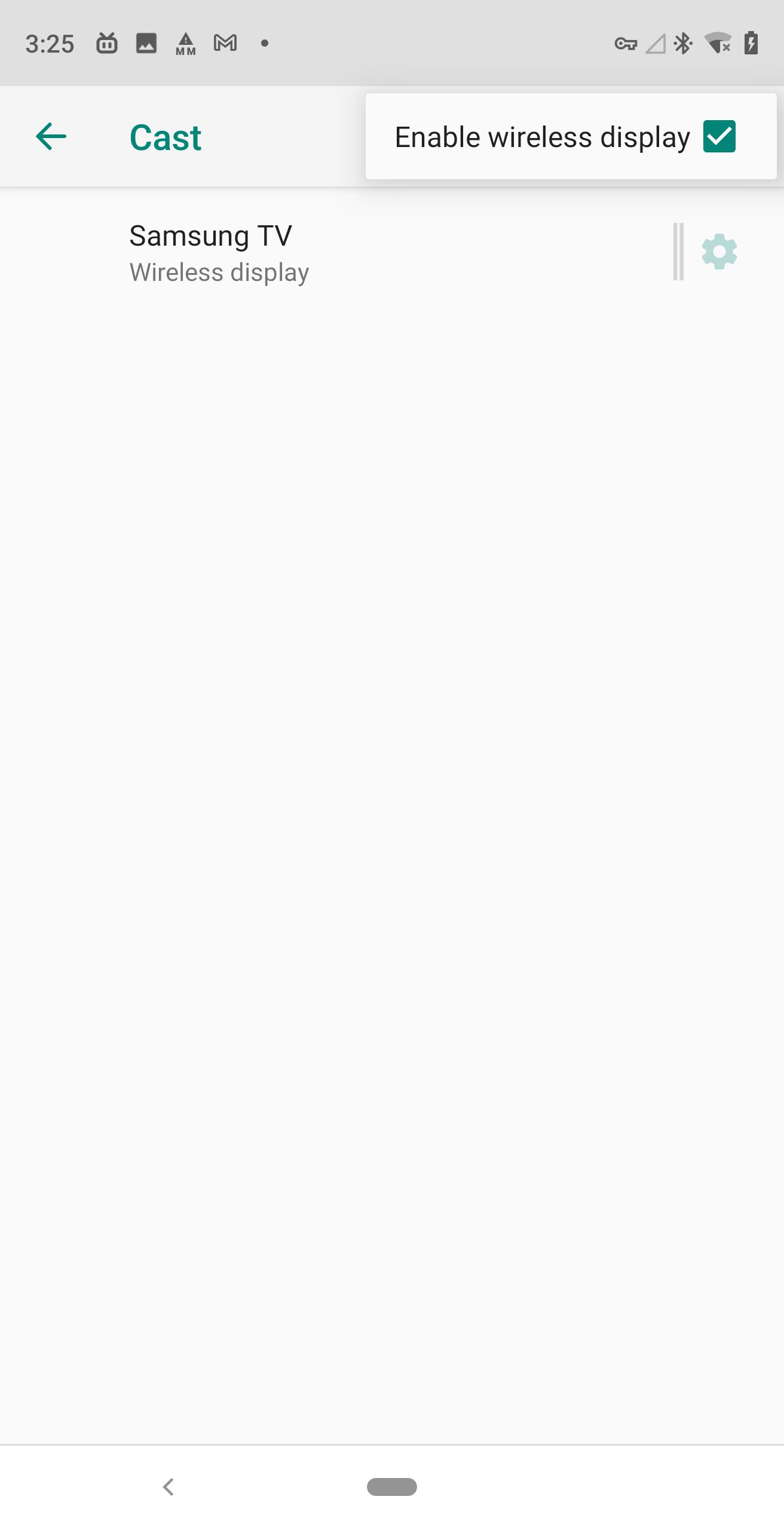
Tap "Wireless Display" to enter a setup page, At the top of this page, toggle “Wireless display” to ON and it will scan for nearby Miracast devices. After a minute, the name of your Miracast adapter should pop up. Tap it and either your device will connect, or you’ll be prompted for the PIN code display on your TV or projector by the Miracast adapter. After you connect to the adapter your screen will be mirrored onto your display.
* How to setup Smart TV?
1. Check if your Smart TV considers Miracast an app you can run. Press the Menu button on your remote and select Apps for your Smart TV. Look for "Miracast", "Screen Casting", or "Wi-Fi Casting" apps.
2. Sometimes, Miracast is considered another input, rather than an App in and of itself. Select Input or Source. Look for "Miracast", "Wi-Fi Casting", or "Screen Casting".
* How to setup Miracast dongle?
Plug the dongle or the adapter into any open HDMI input port on your TV, projector, or monitor, then plug the small USB cable coming from the side of the device into the TV or an outlet. These USB cables don’t actually transfer any data, they’re there just to provide power to the adapter. Power on your TV display, and switch the appropriate input of the adapter.
Latest Version
1.1.9Uploaded by
Ahm Rëx
Requires Android
Android 2.3.2+
Category
Free Tools AppContent Rating
Everyone
Security Report
Report
Flag as inappropriateLast updated on Aug 5, 2025
1.1.9 Update to SDK 35






APKPure - A multi-platform app store primarily focused on Android, providing extensive app-related content. Discover the app you want easier, faster, and safer, with quick and efficient downloads and installations.