Package Name:com.atomicadd.tinylauncher
SHA-256:8fce86c645f72166fa347343a463c43ffbb106a7a8aa54feb8d64908b0ef1158
Show More

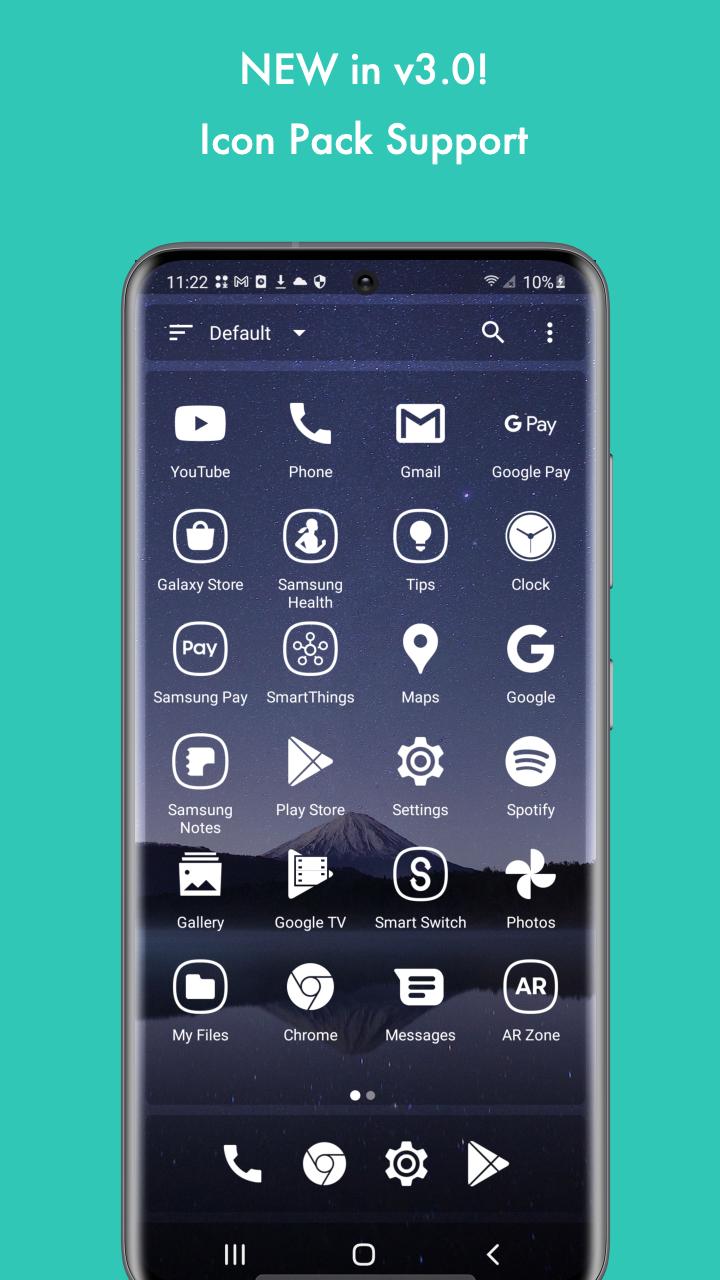
New in v2.0! Major performance improvement:
- 100% faster
- Uses 50% less memory
- Apps lock and icon pack
Mini Desktop is the most lightweight (250KB) and fastest launcher on Google Play. Despite it's extremely small app size, Mini Desktop has powerful features. With Mini Desktop, you can create icon packs, quickly search for apps, and lock down your private apps with a password. Also, Mini Desktop allows you to put your favorite apps to the dock for easier access.
Extremely lightweight and fast
Mini Desktop is by far the world's most lightweight and fastest launcher. The second smallest launcher on Google play is 4 times bigger than Mini Desktop, and consumes at least 2 times more memory. Launcher is the application that live in memory most of the time, by using Mini Desktop most of our users found their battery life grow at least 50% longer.
Quickly find apps
Mini Desktop is designed to save your time on finding apps all over different places. Your apps are sorted by usage frequency so that you can quickly find the app you want.
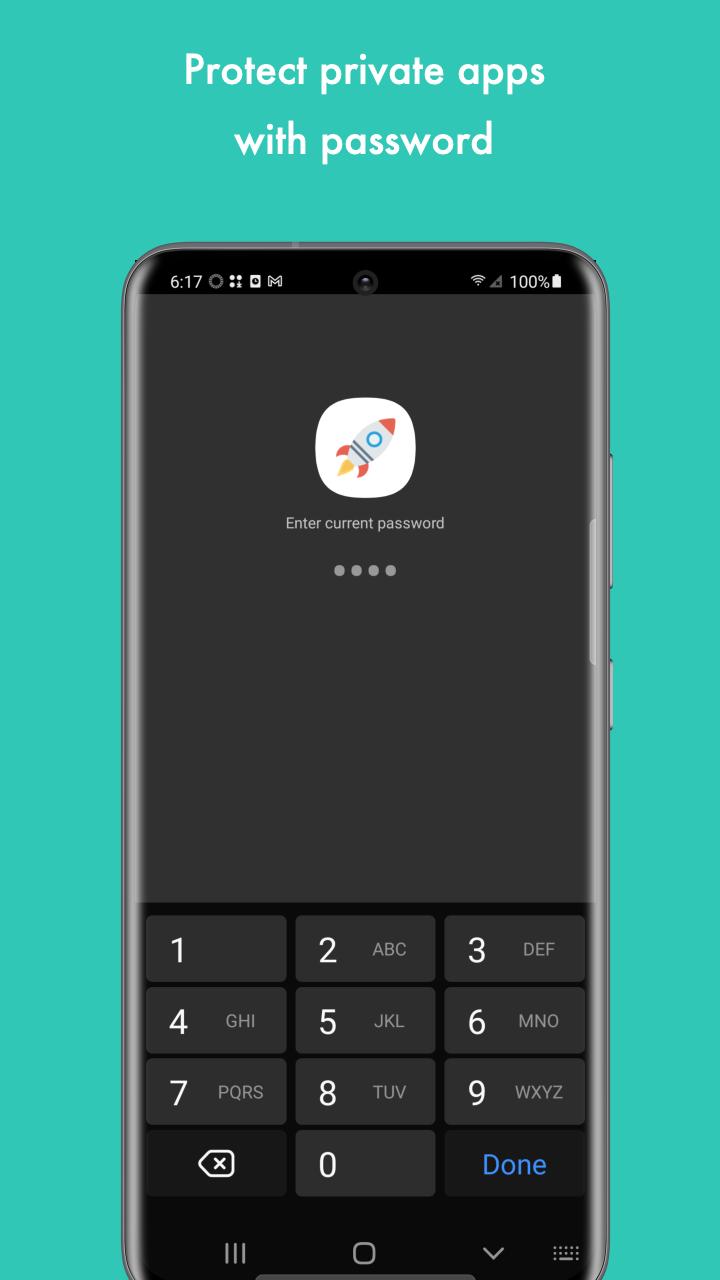
Apps lock
Protect your privacy, enable apps lock to lock down your private apps. Locked apps are password protected. Only you can open these apps.
You can also hide your locked apps, this will further protect your privacy.
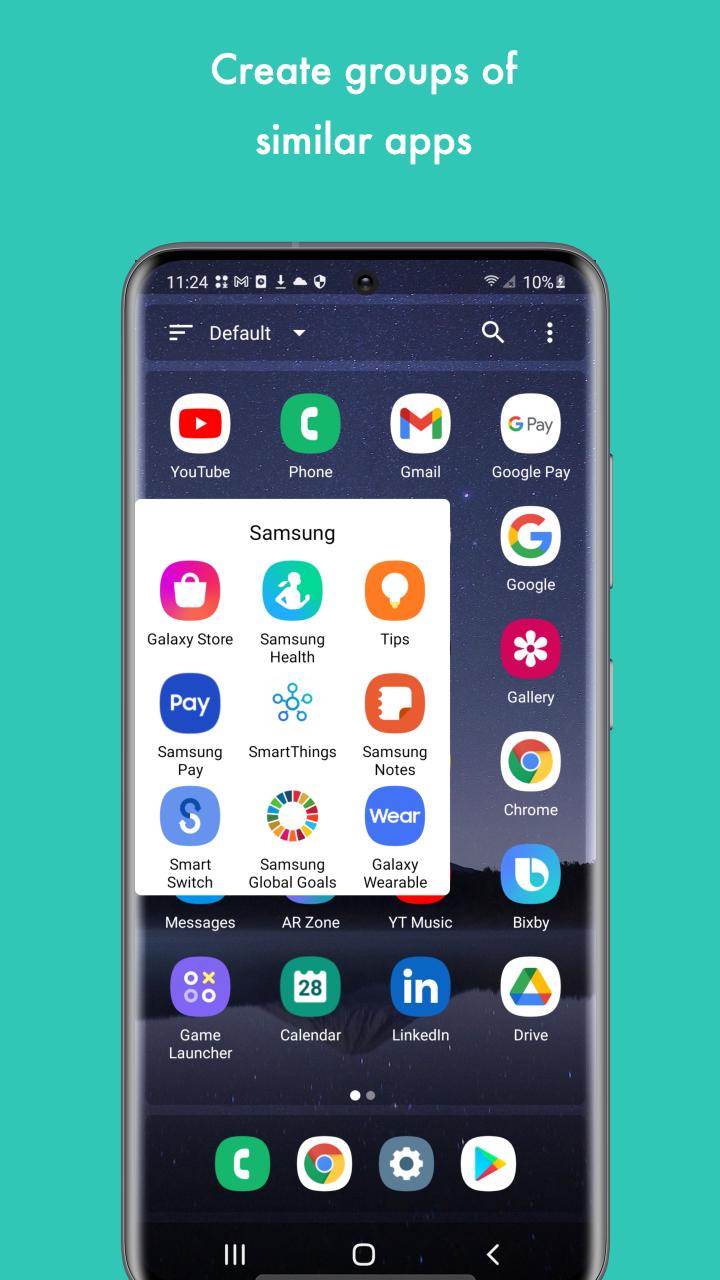
Organize your apps
Create groups to better organize your apps. Drag apps on the dock to reorder them. To add apps to a group or remove apps from a group, long press the app and select "Edit Group".
Latest Version
3.0.25Uploaded by
AtomicAdd Team
Requires Android
Android 4.1+
Category
Free Personalization AppContent Rating
Everyone
Security Report
Check Now
Report
Flag as inappropriateLast updated on Aug 26, 2024
Minor bug fixes and improvements. Install or update to the newest version to check it out!





APKPure - A multi-platform app store primarily focused on Android, providing extensive app-related content. Discover the app you want easier, faster, and safer, with quick and efficient downloads and installations.