Package Name:com.mikrotik.android.mikrotikhome
SHA-256:65ff3e4f5d64eb0f8b4d0e59fd36e1105b7b424520cc8305cb05b6afde4af2a1
Show More

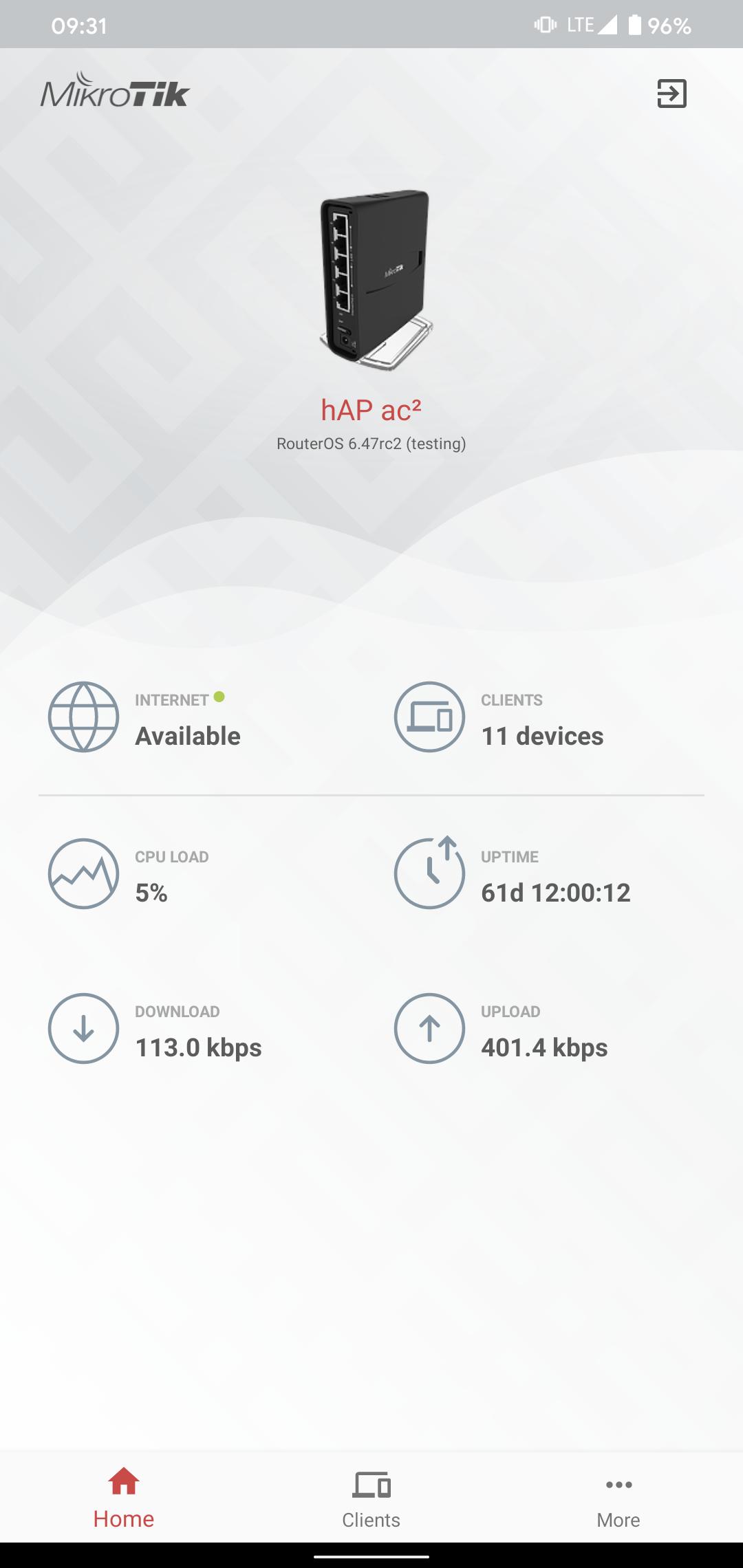
Use the MikroTik Home app to apply the most basic initial settings for your MikroTik home access point and manage your home devices.
Default username on new routers: admin. There is usually no default password (leave empty).
Requirements: a MikroTik router running RouterOS v6 or newer.
• WiFi settings
• Internet settings
• Save and monitor home devices, their usage etc.
• Manage your kids internet access
• Set up Port forwarding
Latest Version
1.0.10Uploaded by
Khokepo Chanel
Requires Android
Android 5.0+
Category
Free Tools AppContent Rating
Everyone
Security Report
Check Now
Report
Flag as inappropriateLast updated on Apr 24, 2025
v1.0.10
Fixed devices page not opening on some devices



APKPure - A multi-platform app store primarily focused on Android, providing extensive app-related content. Discover the app you want easier, faster, and safer, with quick and efficient downloads and installations.