Scan Date:Mar 18, 2026
Show More

Unlock the full potential of your MIFARE Ultralight tags with the MIFARE Ultralight Tool! This powerful app allows you to easily read, write, and scan MIFARE Ultralight tags, making it an essential tool for developers, hobbyists, and professionals working with NFC technology. Key Features:
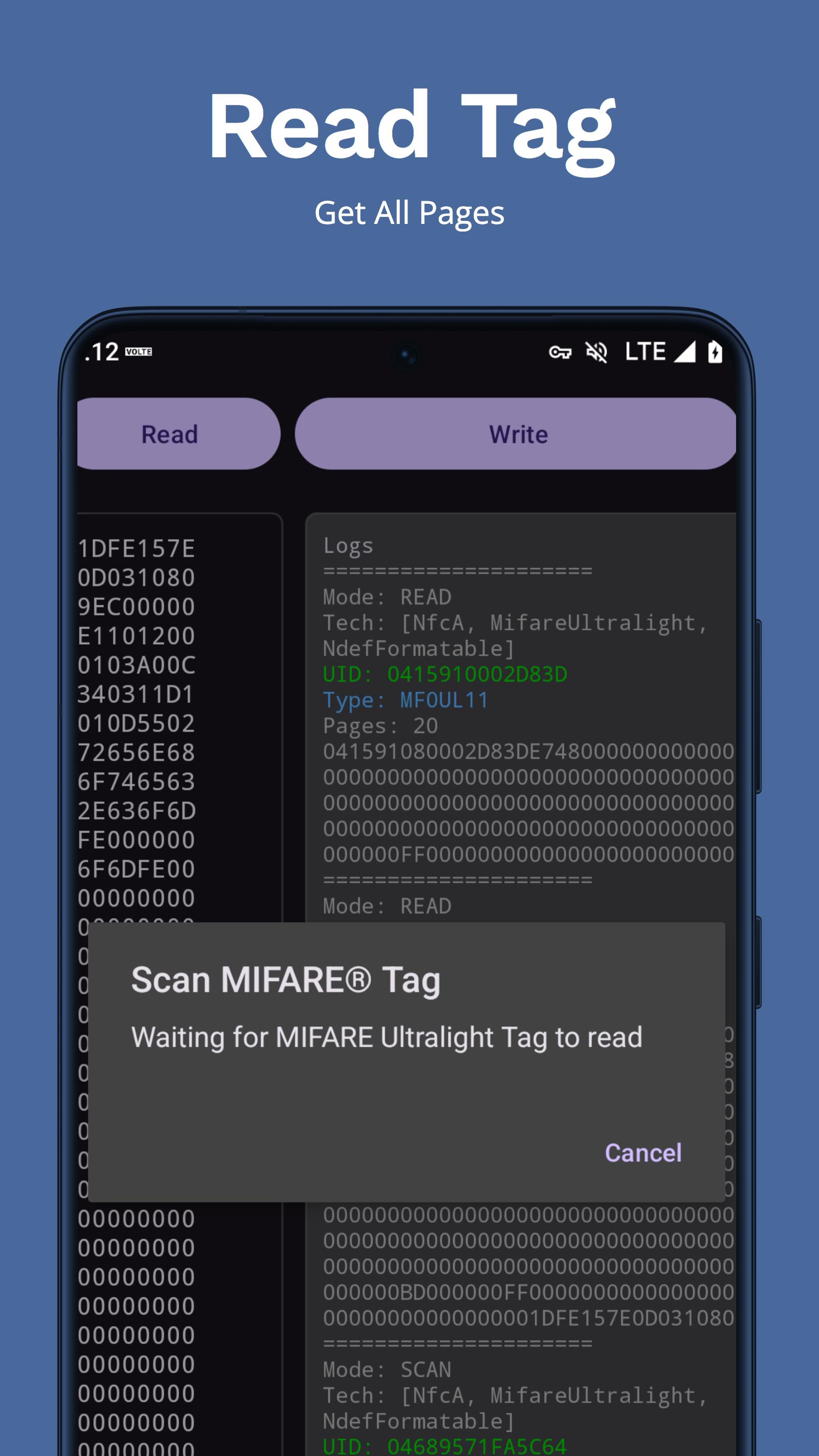
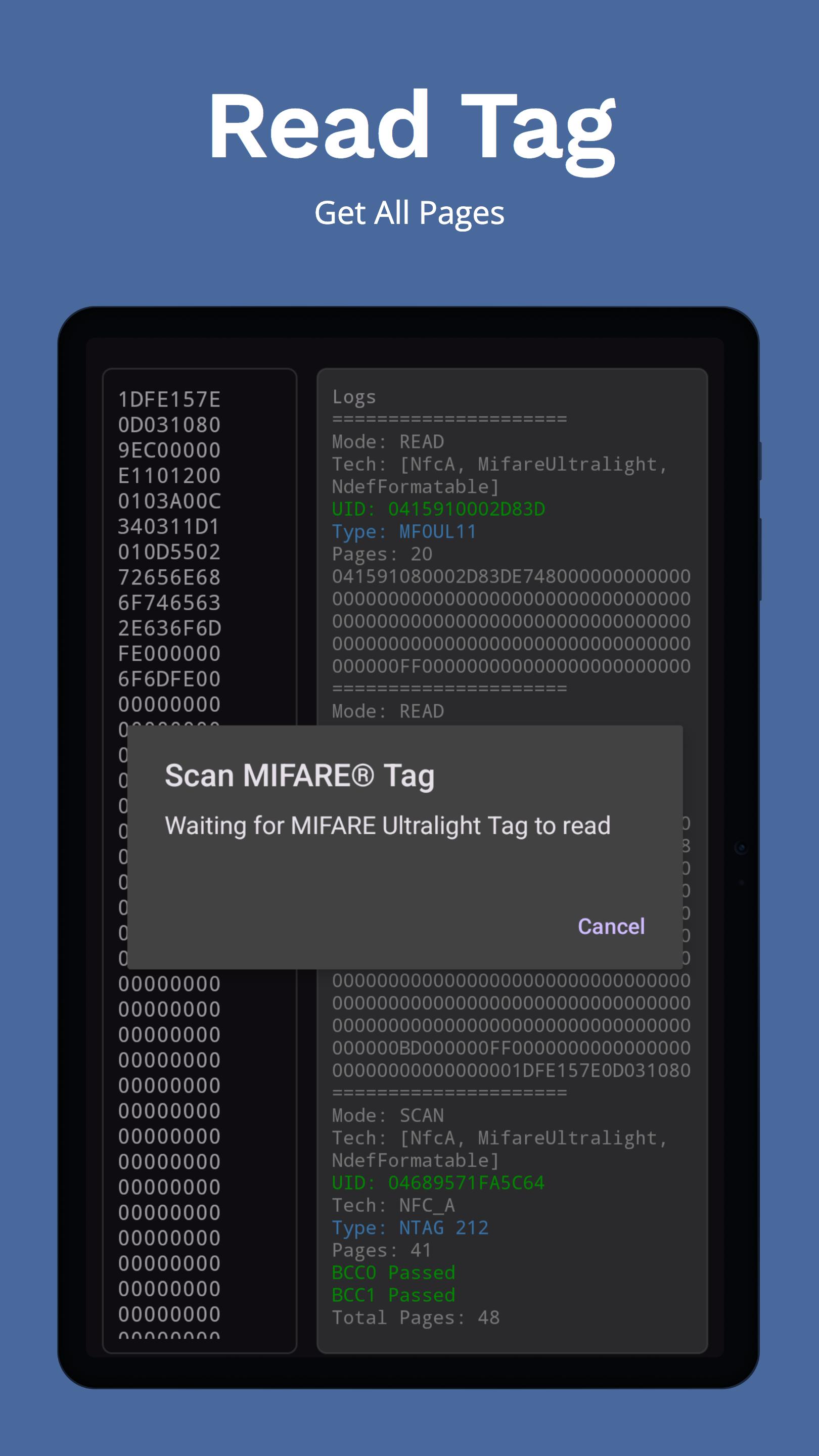
Read MIFARE Ultralight Tags: Quickly and accurately read data from your MIFARE Ultralight tags.
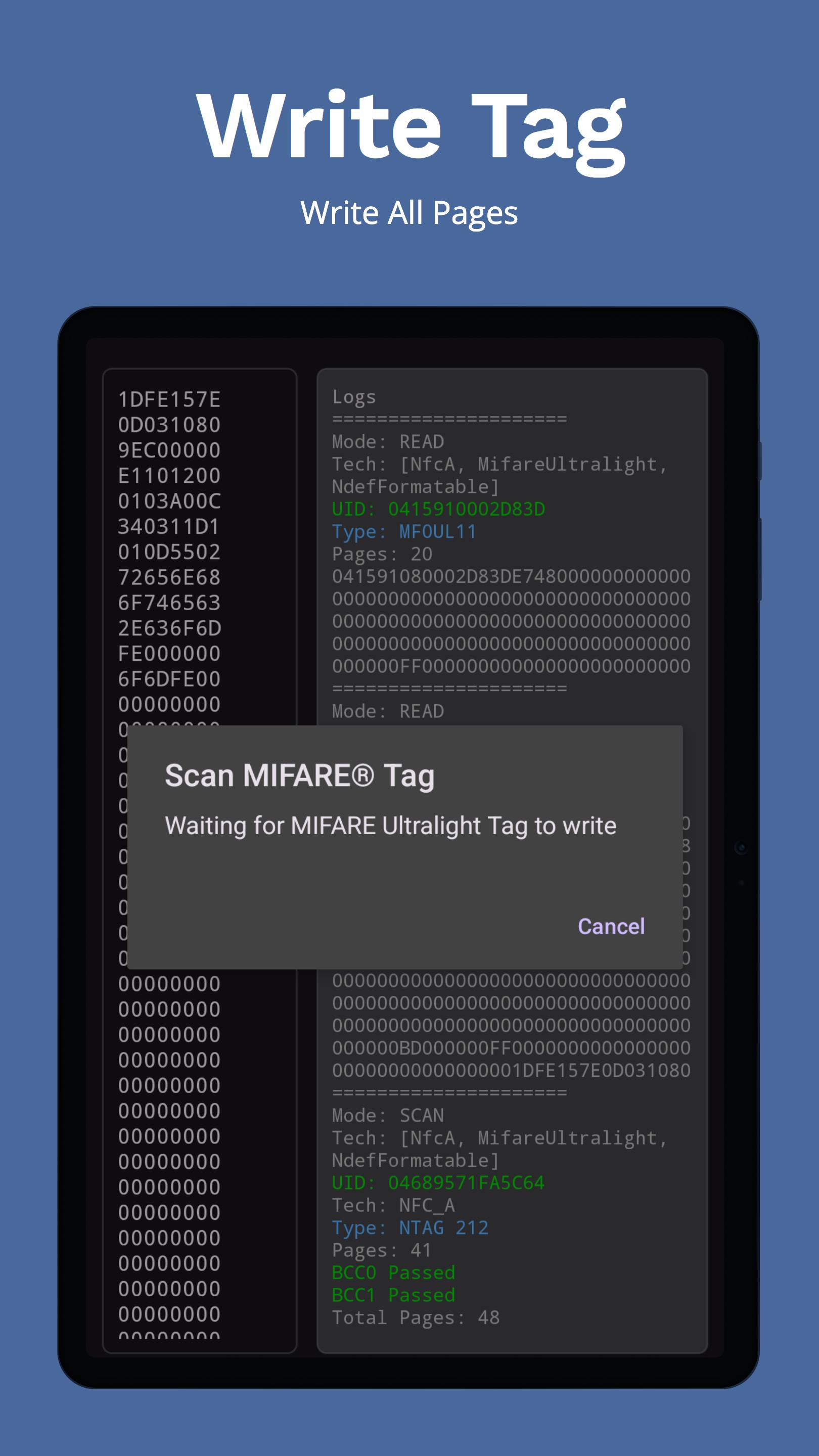
Write MIFARE Ultralight Tags: Effortlessly write data to your MIFARE Ultralight tags with validation checks to ensure data integrity.
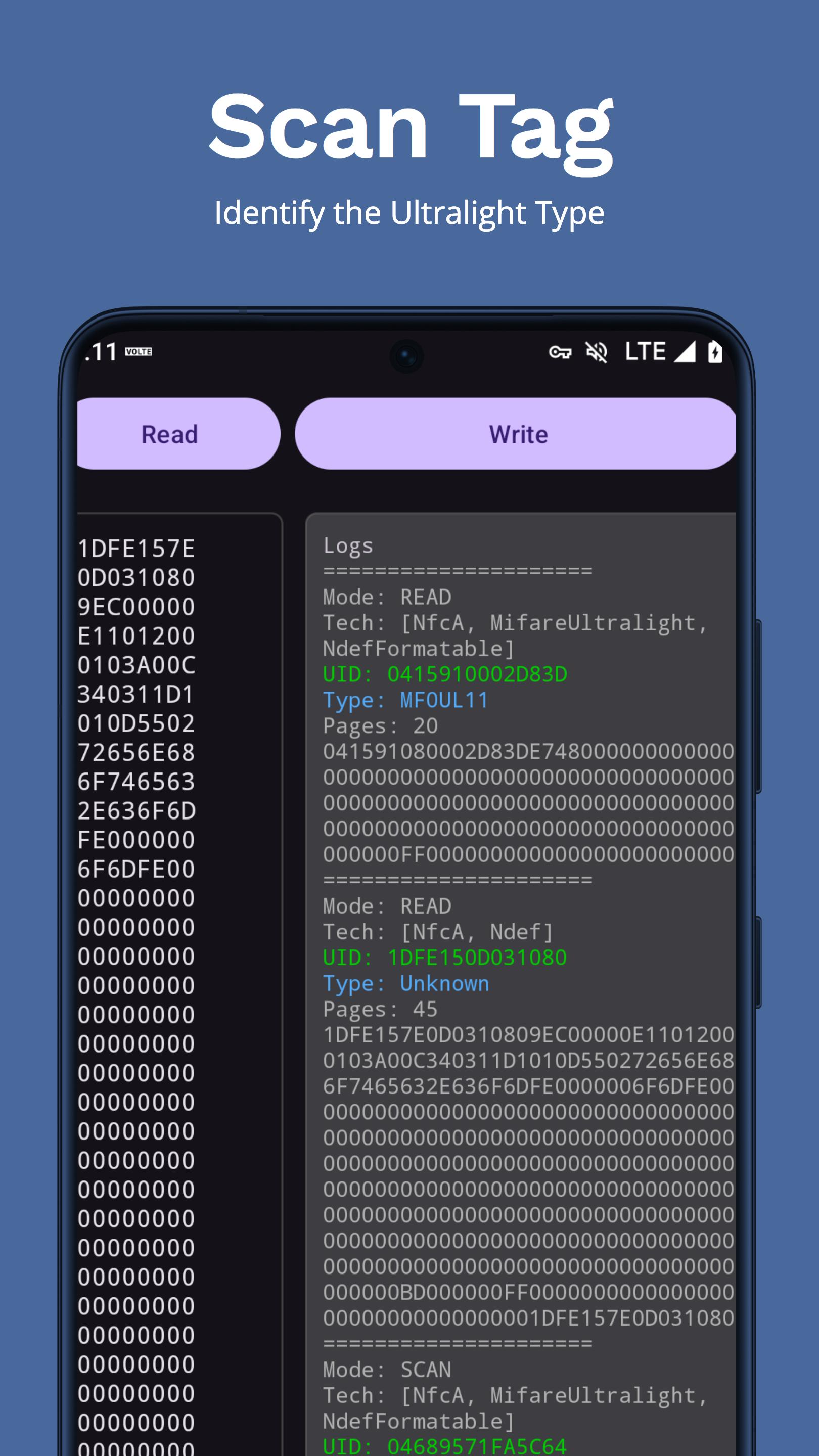
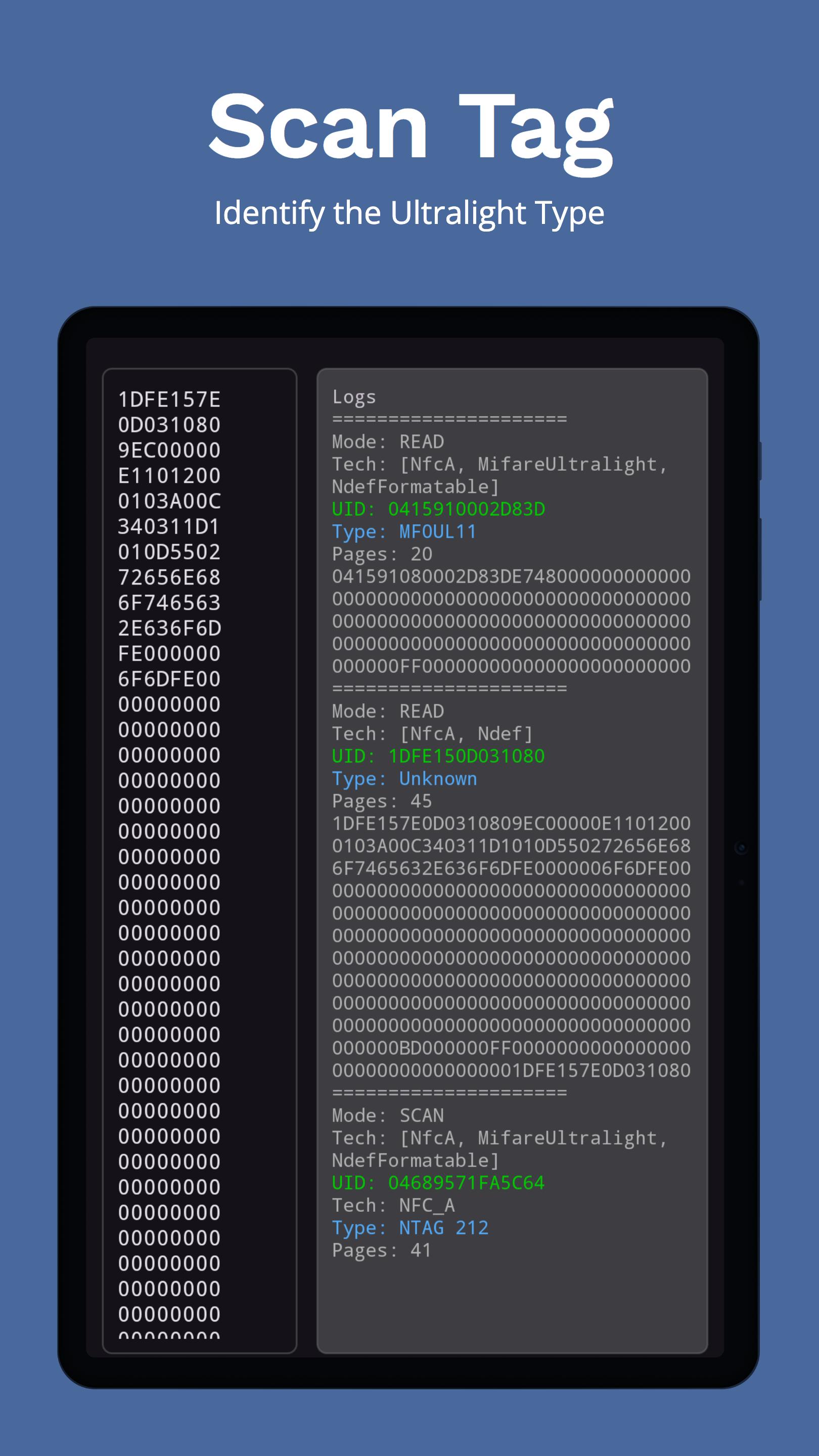
Scan Mode: Identify and gather information about various MIFARE Ultralight tags.
User-Friendly Interface: Intuitive and easy-to-use interface designed for both beginners and advanced users.
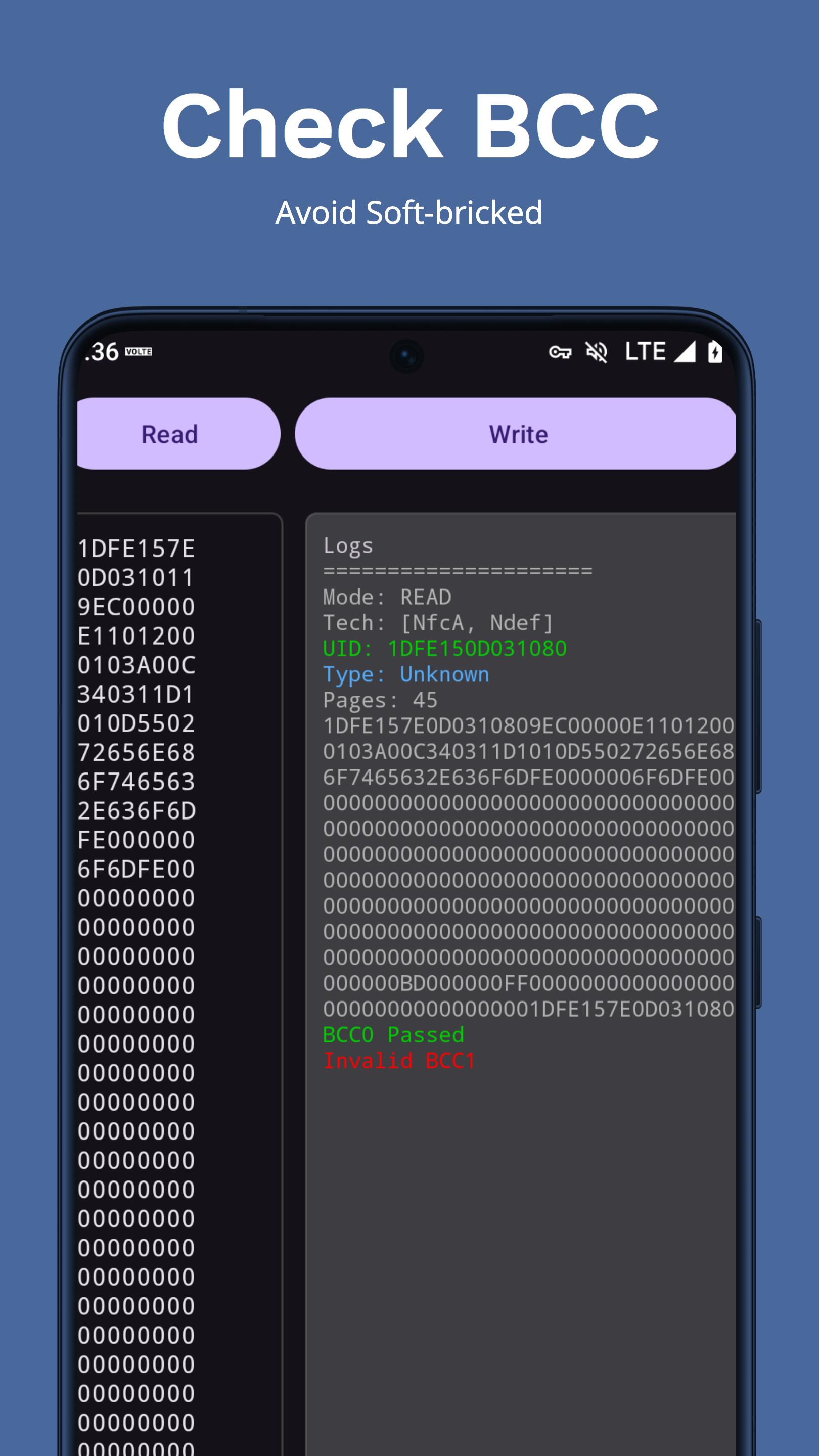
Log and Copy Data: View logs of your operations and easily copy data to the clipboard for further use.
Edge-to-Edge Support: Seamless integration with modern Android UI features.
Supported Tags:
UID Changeable MIFARE Ultralight Tag
MF0UL11
MF0UL21
MF0ULC
N213
N215
N216
Why Choose MIFARE Ultralight Tool?
Reliability: Built with robust error handling to ensure smooth operation.
Efficiency: Optimized for fast and efficient NFC tag reading and writing.
Comprehensive: Supports a wide range of MIFARE Ultralight tags, making it a versatile tool for all your NFC needs.
Download the MIFARE Ultralight Tool today and take control of your NFC projects with ease!
Latest Version
2.1.2Uploaded by
Řàjpúţ Šűbhåm
Requires Android
Android 7.0+
Category
Free Tools AppContent Rating
Everyone
Security Report
Report
Flag as inappropriateLast updated on Mar 18, 2026
1. Add index selection before writing, including Select All and Invert Selection.
2. Add EV1 counter tools: read counter value and increment counter.
3. Update app logo and improve NfcReader page counter handling.



APKPure - A multi-platform app store primarily focused on Android, providing extensive app-related content. Discover the app you want easier, faster, and safer, with quick and efficient downloads and installations.