Scan Date:Feb 12, 2026
Show More
Integrated management of your home's Wi-Fi anytime, anywhere.
In a simple and secure way, you can change passwords, consult and customize connected devices, pause the internet, set schedules, allow access, optimize the quality of your Wi-Fi and much more.
Install and use the MEO Smart WiFi app for free on smartphones and tablets with Android 6 or higher operating system to:
• control and customize FiberGateway (GR241AG), FiberGateway WiFi 6 (GR141DG and GR141IG), FiberGateway WiFi 7 (GR240NHR), Fiber X (XSR151DK), Fiber X7 (XSR240LNR), MEO Smart WiFi Extenders (D2150G and D2260G and D27GBHP ) and the devices connected to them.
• evaluate the quality of the Wi-Fi signal of any router you are connected to, without even needing to log in to the application.
CHOOSE HOW YOU WANT TO LOG IN TO THE APP:
• LOG IN with the router administration credentials (see sticker on the base/back). Recommended for first access. This mode is available when you are at home connected to your wireless network using the Wi-Fi credentials of your Meo access.
• ACCESS WITH MEO ID allows access inside (Wi-Fi and mobile network) and outside the home (mobile network). You will first have to activate the MEO Smart WiFi functionality (in the Wi-Fi tab), create your MEO ID and add your MEO Package to my MEO (meo.pt app or website).
If you haven't yet changed your router's administration password, you can do so with the MEO Smart WiFi app, increasing the security of your home.
Activating the MEO Smart WiFi functionality ensures better Internet service at home, making it simpler to use. Choosing which 2.4/5/6 GHz Wi-Fi networks to use, in each location, for each device, is no longer necessary, as there is now a single intelligent and reliable network that allows mobility.
Increasing the home's Wi-Fi coverage and quality according to the needs of other services (television, video conferencing, music, games, sensors, etc.) is easy and economical with MEO Smart WiFi Extenders that distribute the benefits of this technology throughout all rooms. from the house.
MAIN FEATURES:
• evaluate the quality of the Wi-Fi signal you are connected to
• activate the MEO Smart WiFi functionality
• add MEO Smart WiFi Extenders
• activate and manage a guest Wi-Fi network, ensuring the security of your private network
• change names and passwords for your wireless networks
• easily share access credentials to Wi-Fi networks
• consult connected devices (supported Wi-Fi standards, connection type and Wi-Fi band)
• check connection time and traffic for the last 7 days for each device
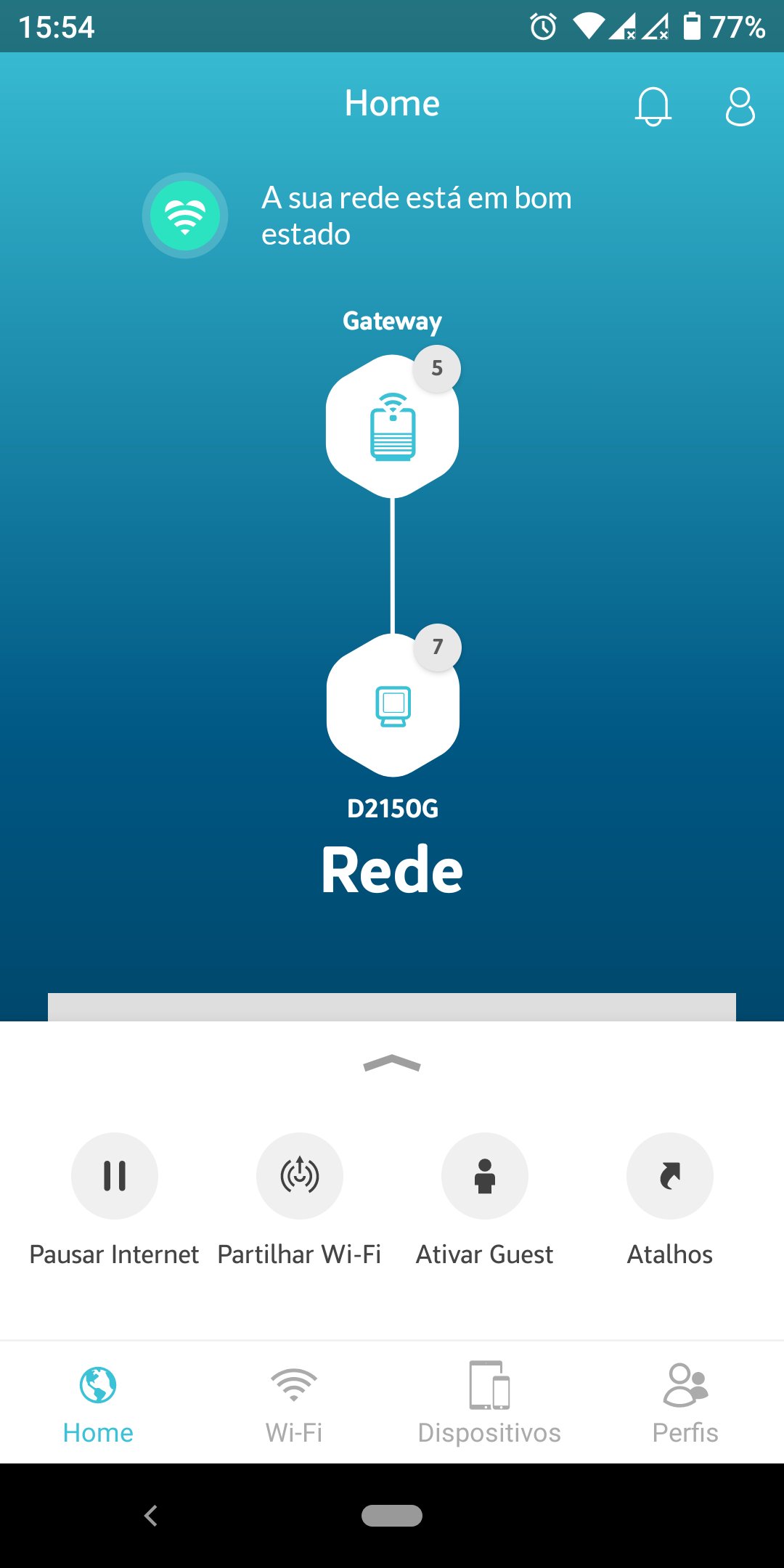
• pause or allow Internet access, by device or profile
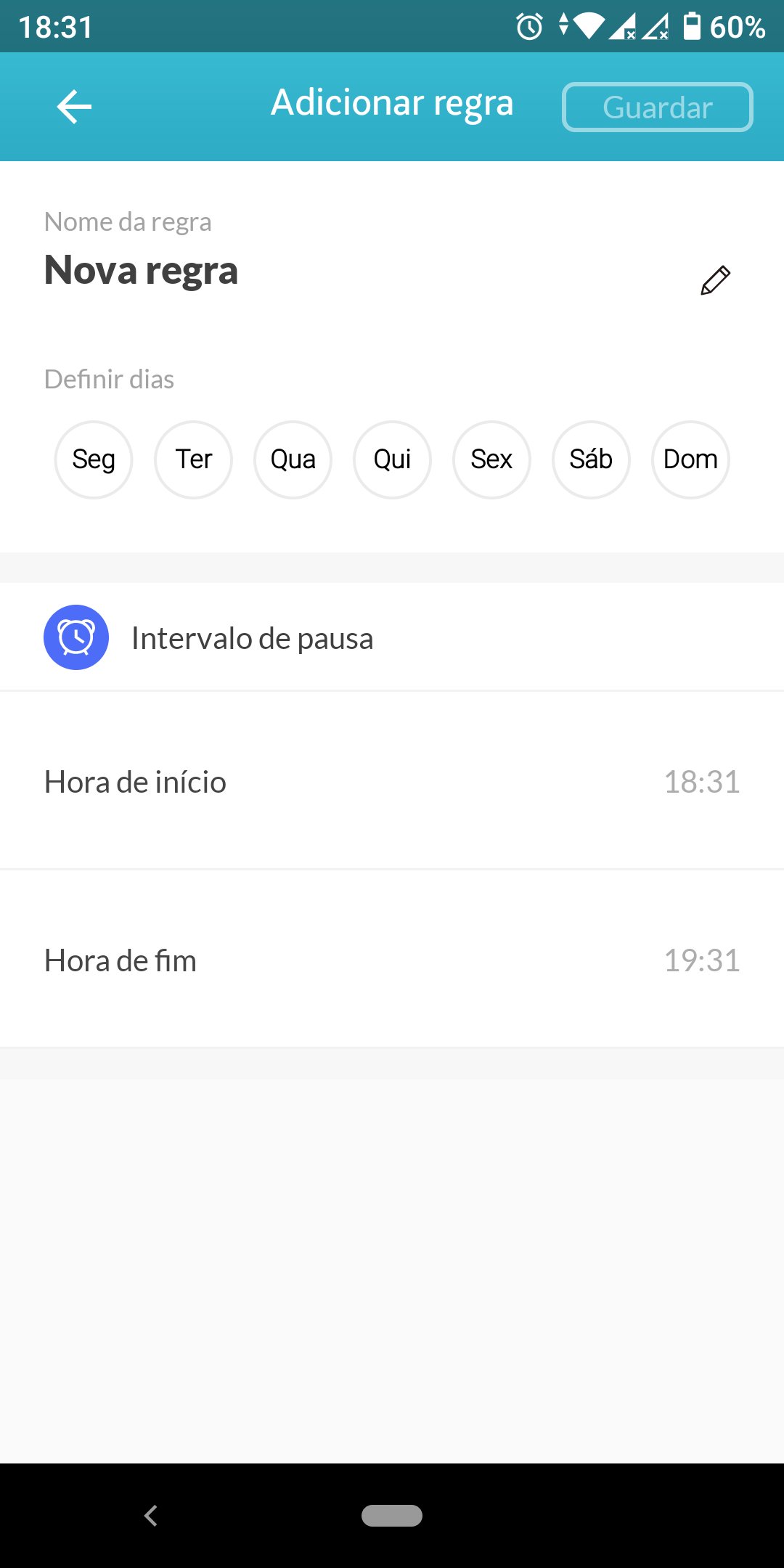
• define Internet access times, for devices or profiles
• customize device names and network equipment
• customize device icons and profiles
• create and customize device profiles/groups
• filter devices belonging to profiles, paused or with parental control rules
• create shortcuts for the devices and profiles you use most
• diagnose the status and quality of your network visually
• change the bandwidth, channel and transmission power of Wi-Fi bands
• manual/automatic selection of Wi-Fi band per device
• change the security settings of your Wi-Fi networks
• remotely restart the router and MEO Smart WiFi Extenders
• change the router administration credentials
You can find out more information and consult the FAQs at
https://www.meo.pt/servicos/casa/internet-fibra/meo-smart-wifi#app
By installing this application, you accept:
• Usage requirements: https://conteudos.meo.pt/meo/Documentos/Apps/Requisitos-de-Utilizacao-App-Fibergateway.pdf
• Privacy policy: https://www.telecom.pt/pt-pt/Paginas/politica-privacidade.aspx
Latest Version
2.13.0Uploaded by
Carlos Eduardo Ferreira Mendes
Requires Android
Android 6.0+
Category
Free Communication AppContent Rating
Everyone
Security Report
Report
Flag as inappropriateLast updated on Nov 2, 2024
- Suporte Wi-Fi 7;
- Segmentação Android 14;
- Melhoria na experiência.




APKPure - A multi-platform app store primarily focused on Android, providing extensive app-related content. Discover the app you want easier, faster, and safer, with quick and efficient downloads and installations.