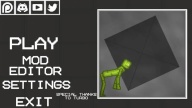

Melon Playground, also known as Melon Sandbox, suits players who enjoy open-ended tinkering without missions or timers. It offers a space to set up scenes, trigger reactions, and watch how objects behave under realistic rules. Because everything is sandbox based, you choose the pace and the goal as you experiment. If you want easy access on phones or tablets, the Melon Playground APK lets you install and start creating quickly. This overview focuses on what you can expect before launching your first scene.
Open sandbox with varied maps
Melon Playground provides different map layouts so you can stage small tests or larger scenes. The audio design supports the action with punchy effects that match collisions and explosions. You can reset quickly between runs, which helps you refine ideas and adjust your setup step by step.
Vast creative toolbox
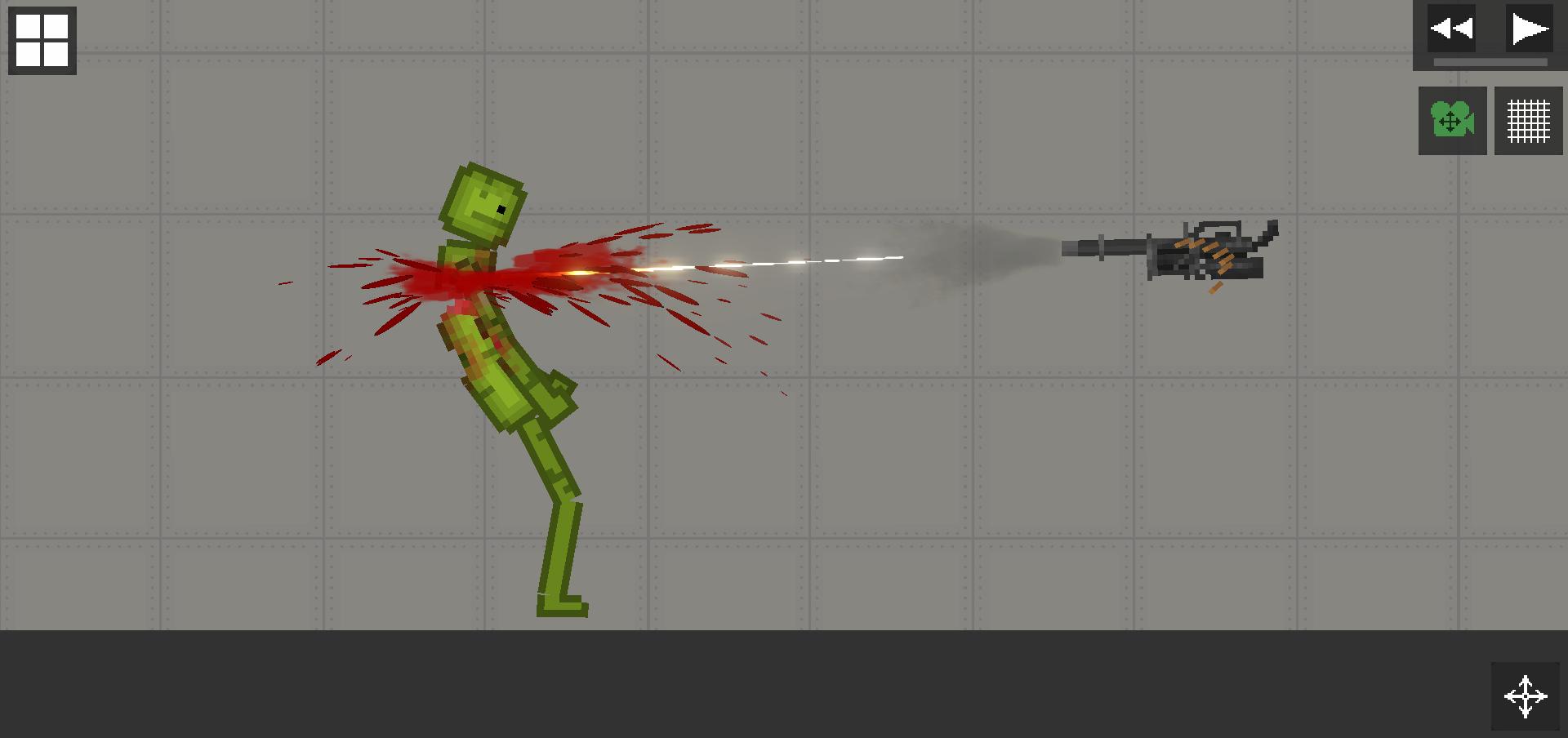
You can combine guns, bombs, vehicles, and even diseases to see how each element interacts. Items can be mixed to create simple tests or layered into complex chains. This flexible toolkit encourages steady iteration as you connect parts and look for new outcomes.
Realistic physics and ragdolls
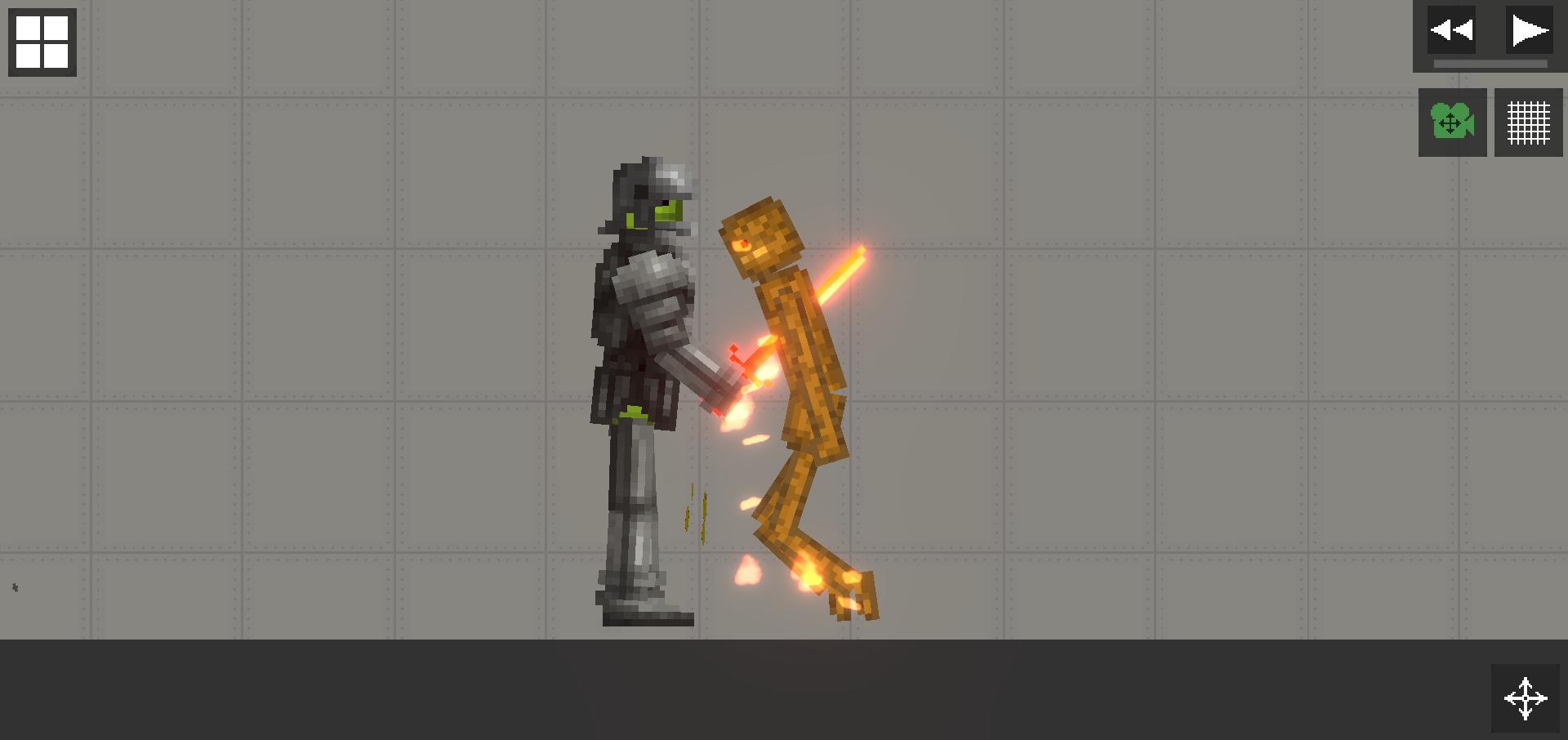
Collisions, burning, explosions, and crushing produce believable reactions that vary with each attempt. Ragdoll behavior responds to force, angle, and timing, so small changes can shift the result. This makes cause and effect clear as you track what worked and what should be changed next.
Flexible entity and environment controls
Melon Playground lets you organize items into clean groups and reposition them with precision. You can also adjust the environment with weather and color themes, which helps set mood and visibility for your scene. These controls make it practical to test one variable at a time.
Build and save your scenarios
You can record concepts and save your creations, then load them later to continue or compare outcomes. Saving preserves key placements and settings, so you do not need to rebuild from scratch. Many players share their layouts and ideas across the community, which can help you learn different approaches and refine your own builds.
Melon Playground is designed for Android phones and tablets. It is not supported for emulators. Because physics simulations can be intensive, closing other apps may help maintain stable performance during large scenes.
Availability can vary by region and over time. If you cannot find a local listing, installing through the app package on supported Android devices is an option. Always review details and permissions before proceeding to ensure the app fits your needs.
This game includes cartoon violence and destruction with ragdoll effects. There is no graphic detail, but the themes may not suit younger audiences. Guidance is recommended for families who want to review content before use.
This quick guide covers the first steps after you download Melon Playground. It focuses on starting a scene, adding items, and saving your work so you can build on it later.
Melon Playground offers a flexible physics sandbox for building, testing, and saving custom scenes. Users who prefer the Melon Playground latest version can review details and then install when ready. If you enjoy hands-on experimentation and iterative builds, this toolkit fits short tests and longer projects alike.
Latest Version
13.1Uploaded by
TwentySeven
Requires Android
Android 6.0+
Category
Free Simulation GameContent Rating
Teen · Violence, Blood
Report
Flag as inappropriateLast updated on Jan 3, 2023
This release includes minor bug fixes and general improvements. Update to the latest version for the best experience.


APKPure - A multi-platform app store primarily focused on Android, providing extensive app-related content. Discover the app you want easier, faster, and safer, with quick and efficient downloads and installations.