Scan Date:Mar 17, 2026
Show More

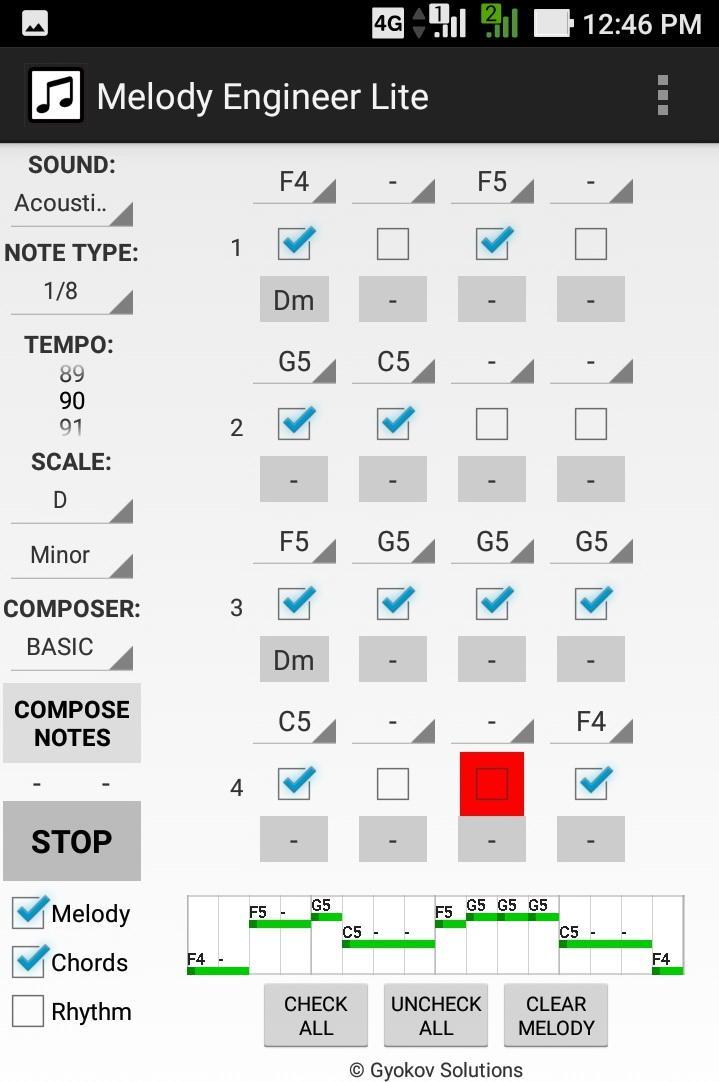
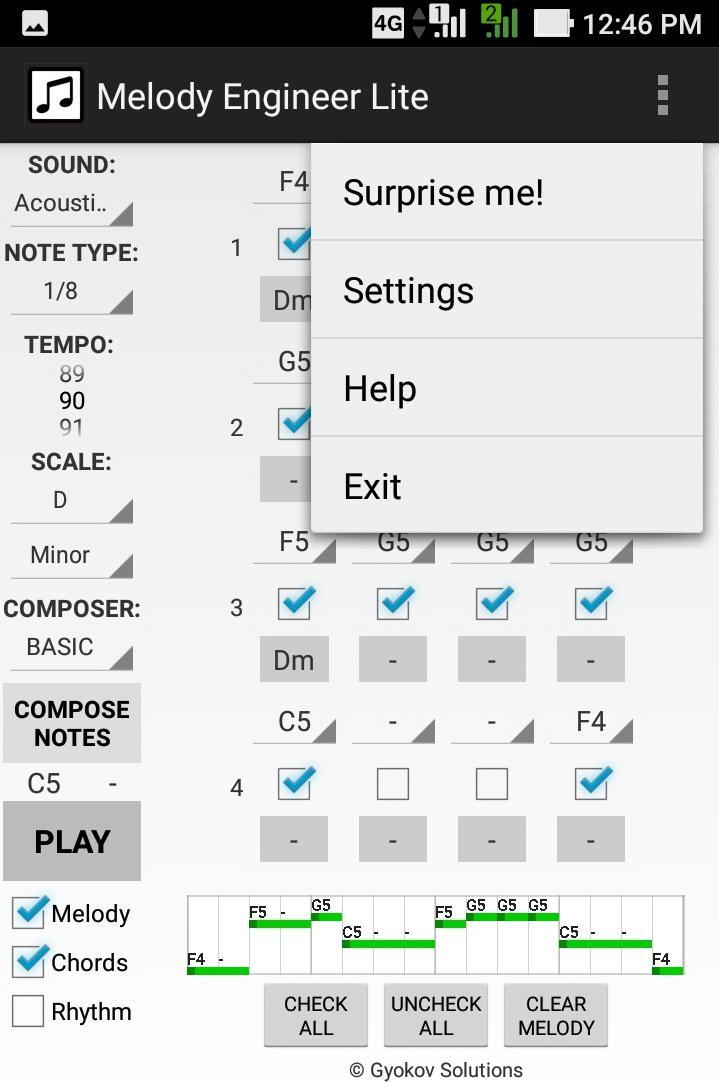
Melody Engineer is a melody auto-composition app. It helps composing melodies and accompanying harmony. Think of the app as calculator for music composition. No matter if you are a professional musician or just music enthusiast it will help you to compose music.
Video demo - https://youtu.be/Jt58aeH4Czc
There are two methods for composition:
- manual - you select notes and chords
- automatic - using the AUTO COMPOSER that chooses "right" notes and chords for you.
You can adjust the AUTO COMPOSER settings in app settings.
Melody Engineer Lite features:
- auto compose new melody and harmony
- auto compose new melody over existing harmony
- auto compose melody with predefined rhythm over existing harmony
- auto compose selected notes from existing melody
- manually change notes in melody
- manually change chords in harmony
- midi out option
Get full version with many additional features: http://play.google.com/store/apps/details?id=com.gyokovsolutions.melodyengineer
- save melody and harmony as midi and text file
- change number of notes up to 64
- harmonize melody - auto compose new harmony chords over existing melody
- AUTO MODE - when this mode is active then composed melody is repeatedly played and auto composed every 4 cycles and the good melodies can be saved while listening
- open saved melody
- many more scales
- AUTO COMPOSER advanced method
- ARTIFICIAL INTELLIGENCE COMPOSER
- option to auto compose chords in auto mode
- control melody range
- transpose melody up and down
- expand and shrink melody
- additional chords - dominant, major 7th, minor 7th, diminished, augmented
The app manual - https://gyokovsolutions.com/manual-melody-engineer
See demo of auto composing feature of Melody Engineer - https://www.youtube.com/watch?v=C6y2VNgFpCE
App privacy policy - https://sites.google.com/view/gyokovsolutions/melody-engineer-lite-privacy-policy
Latest Version
9.2Uploaded by
Yuri Crvg
Requires Android
Android 6.0+
Category
Free Music & Audio AppContent Rating
Everyone
Security Report
Report
Flag as inappropriateLast updated on Sep 20, 2025
Melody Engineer is an app for melody composition.
v9.2
- Android 15 ready
v9.0
- Menu - Remove ads
v8.8
- option in settings to use more acessible device documents folder for app folder
v8.7
- option to save midi in MUSIC folder
- improved user interface





APKPure - A multi-platform app store primarily focused on Android, providing extensive app-related content. Discover the app you want easier, faster, and safer, with quick and efficient downloads and installations.