

MELOBEAT suits users who want rhythm play that fits short breaks or longer sessions. It keeps controls straightforward, so you can focus on timing and accuracy without complicated setup. Plus, the interface guides you from song choice to play in a few taps, which helps new players settle in quickly. If you plan to download MELOBEAT, you can expect clear menus and quick access to practice or challenge modes without unnecessary steps.
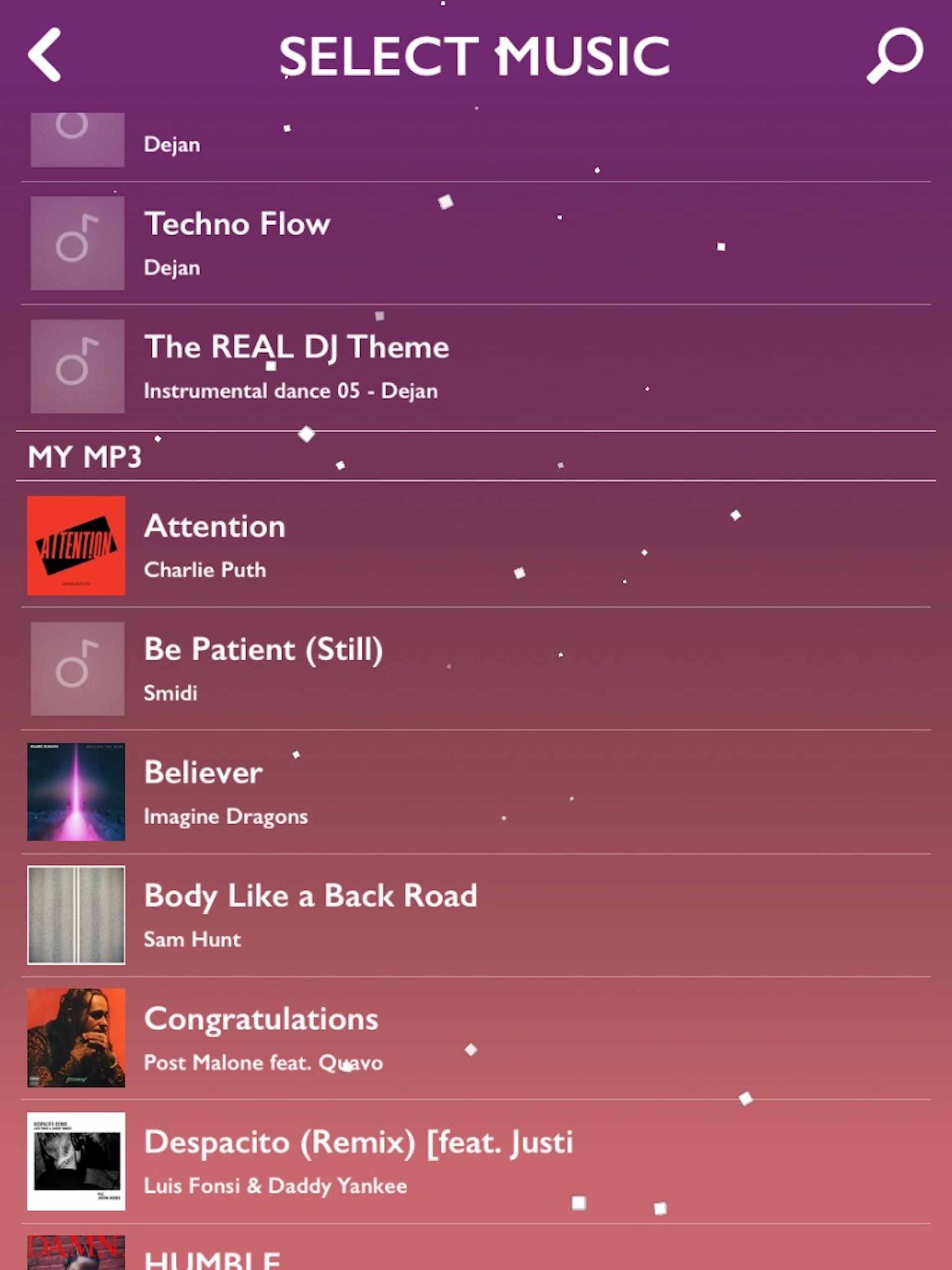
Play with your own music
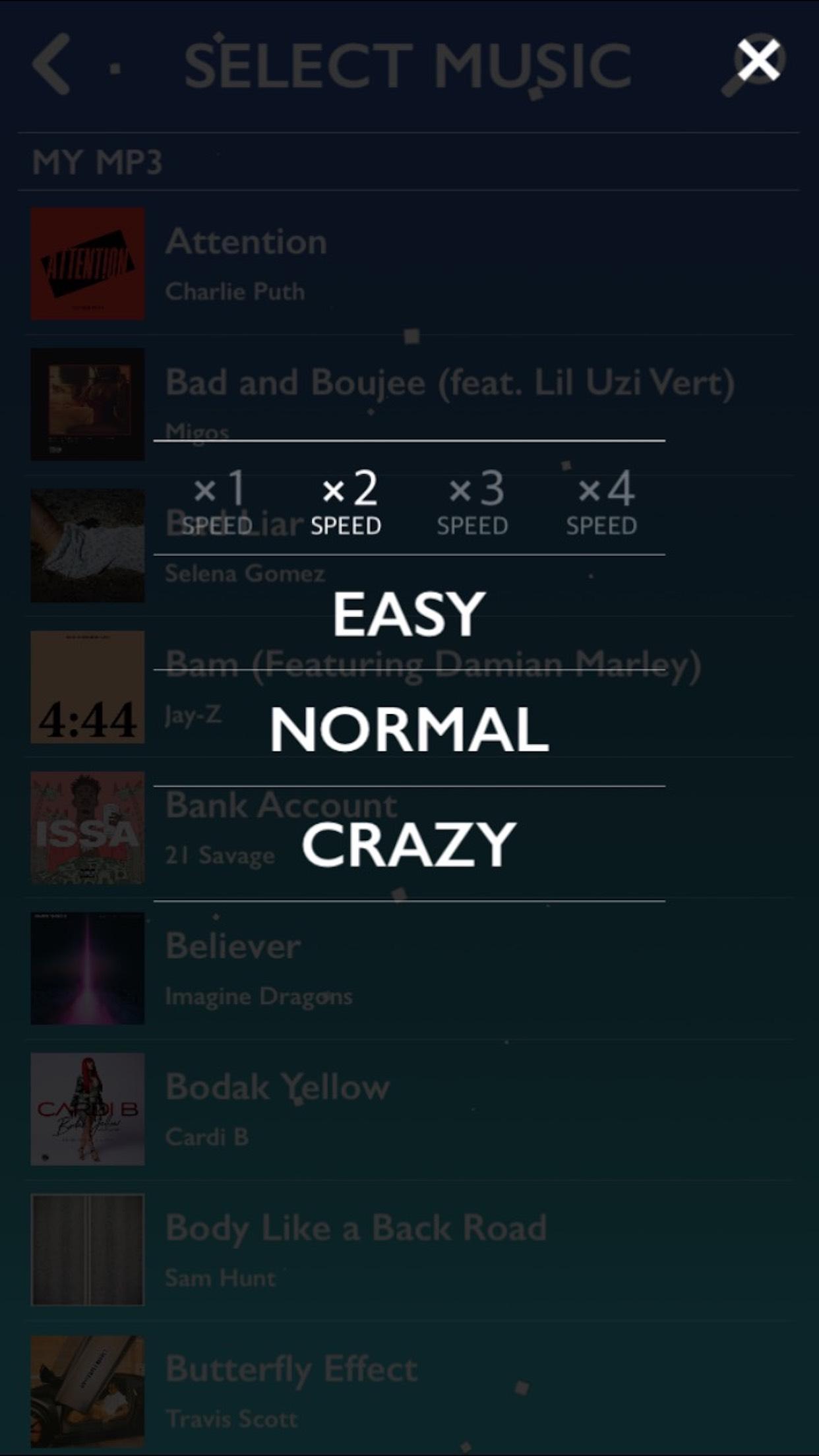
Adjustable difficulty
To tailor the challenge, MELOBEAT provides buttons on the Difficulty Menu to enable or disable Long Note and Double Notes. Change these settings before a stage to match your current skill level or practice focus. This helps you build consistency by isolating note types when needed and raising complexity as you improve.
Piano style gameplay and song updates
MELOBEAT presents piano note patterns that make each stage feel familiar and easy to read. More than 30 songs are added every month, so there is a steady stream of new content to try. This rhythm format supports both quick attempts and longer practice, helping you work on timing and accuracy over time.
MELOBEAT combines piano style rhythm stages with flexibility to use your own tracks. Set difficulty to match your level and play anytime. Install the MELOBEAT APK to start, then follow in app prompts for song selection and settings. This keeps setup simple and lets you focus on timing.
Latest Version
1.7.10Uploaded by
ᚊᚊᚊᚊ ᚊᚊᚊᚊ ᚊᚊᚊᚊ ᚊᚊᚊᚊ
Requires Android
Android 4.1+
Category
Free Music GameContent Rating
Everyone
Report
Flag as inappropriateLast updated on Sep 30, 2019
Bug Fixed






APKPure - A multi-platform app store primarily focused on Android, providing extensive app-related content. Discover the app you want easier, faster, and safer, with quick and efficient downloads and installations.