Scan Date:May 5, 2026
Show More


MediaFire helps when you need to move photos, videos, and documents between phone, tablet, and computer without cables or email attachments. Upload once, then open the same files across devices or on the web. When a file needs to reach someone fast, send a link instead of attaching large files to messages. In addition, cloud storage keeps a copy in case your device is lost or replaced. If you prefer direct installation, the MediaFire APK is available for Android users.
Quick uploads from Android apps
You can send files to MediaFire from any Android app using the Share option. Add several items at once to save time when moving galleries, recordings, or project folders. Uploads continue in the background so you can switch apps while your files transfer.
Access and view across devices
MediaFire keeps your files available on phone, tablet, and computer through the web. Open common formats like documents, spreadsheets, presentations, videos, and audio without extra tools. This helps when you start work on mobile and finish it later on a larger screen.
Fast link sharing with no wait times
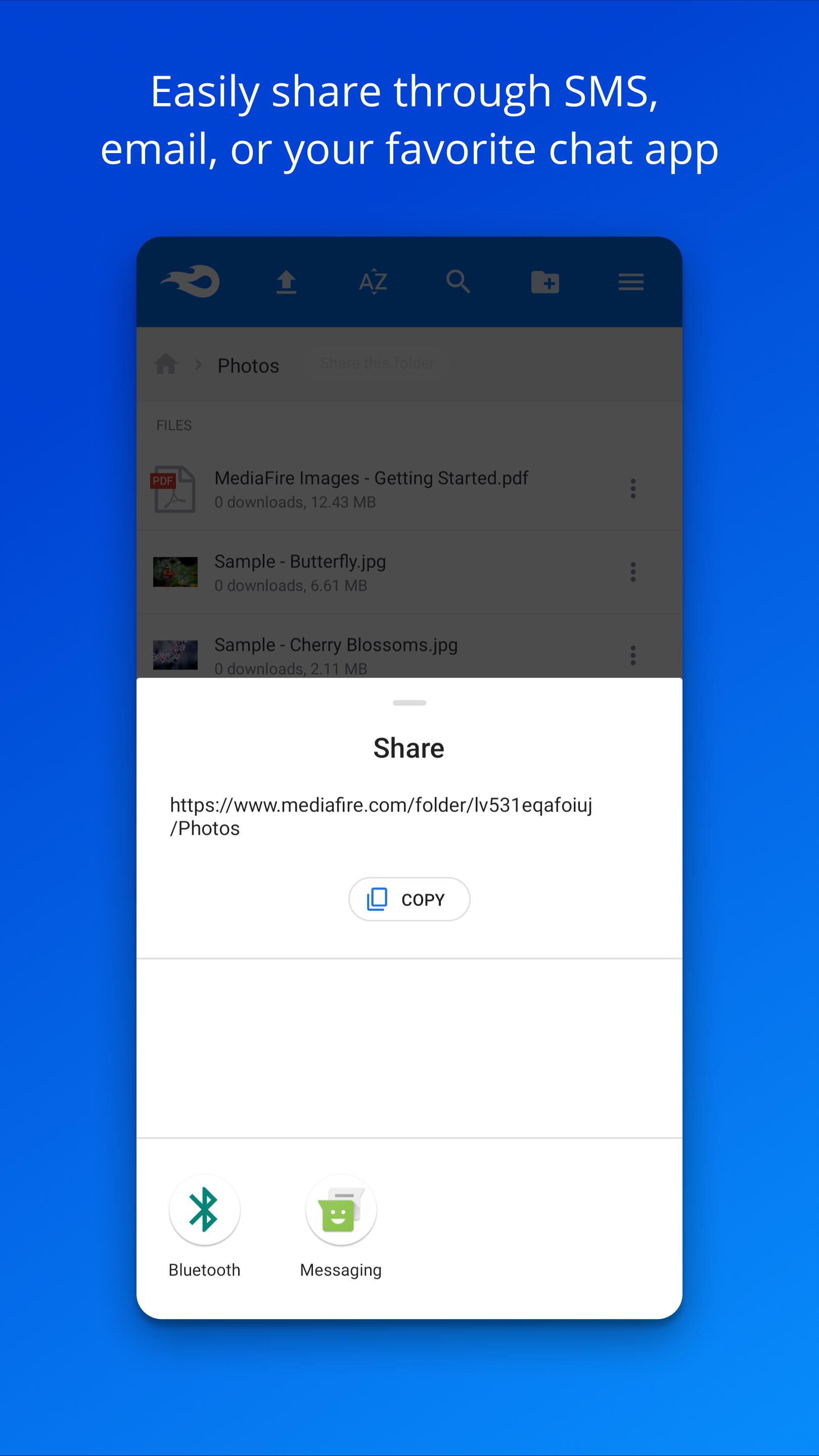
When it is time to share, MediaFire creates links you can send by email, SMS, or social apps. Recipients get ad-supported downloads with no waiting period, and bandwidth is not limited for file delivery. This setup works well for large files that need to reach classmates, clients, or teammates quickly.
Folders, search, and file management
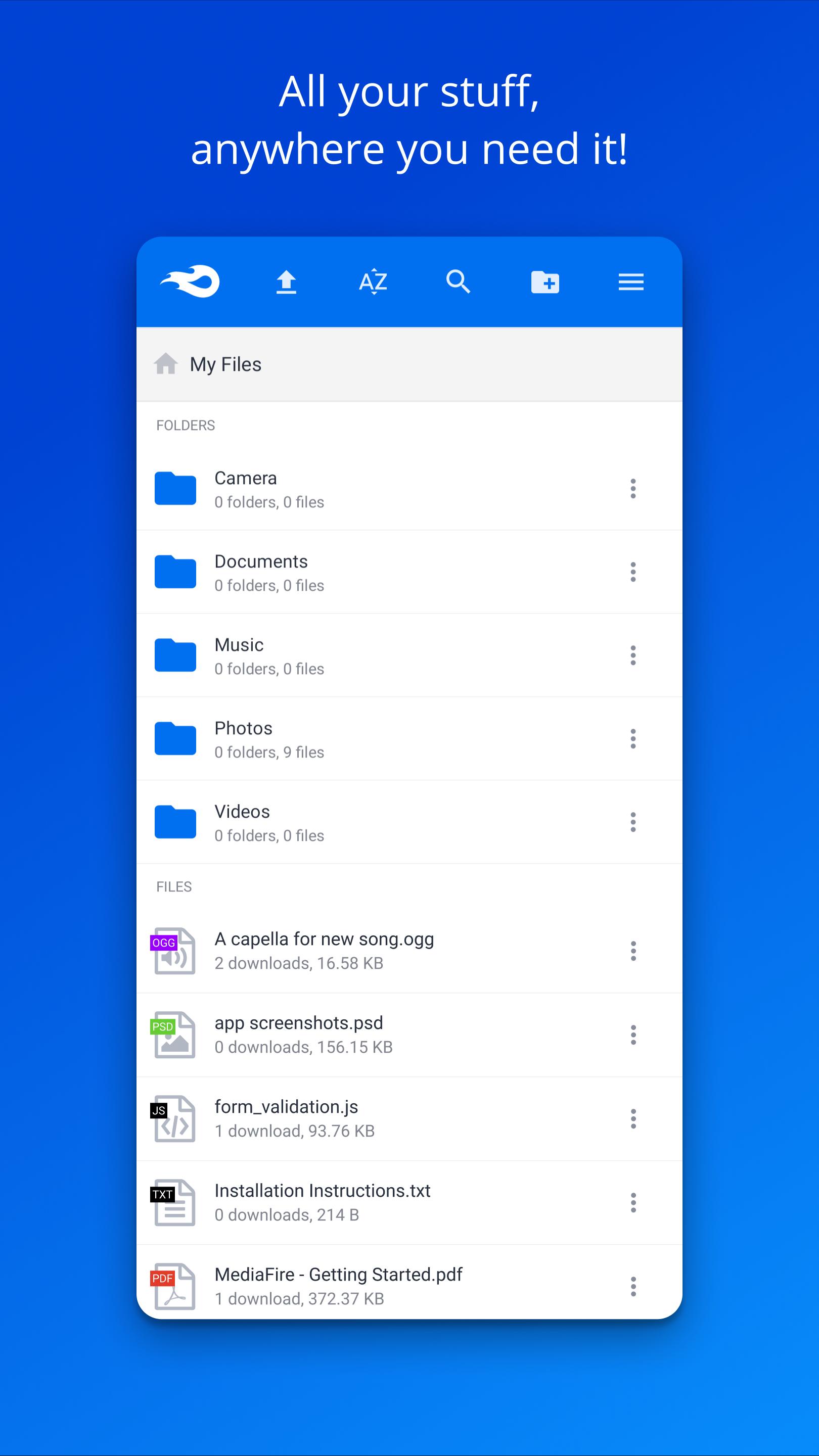
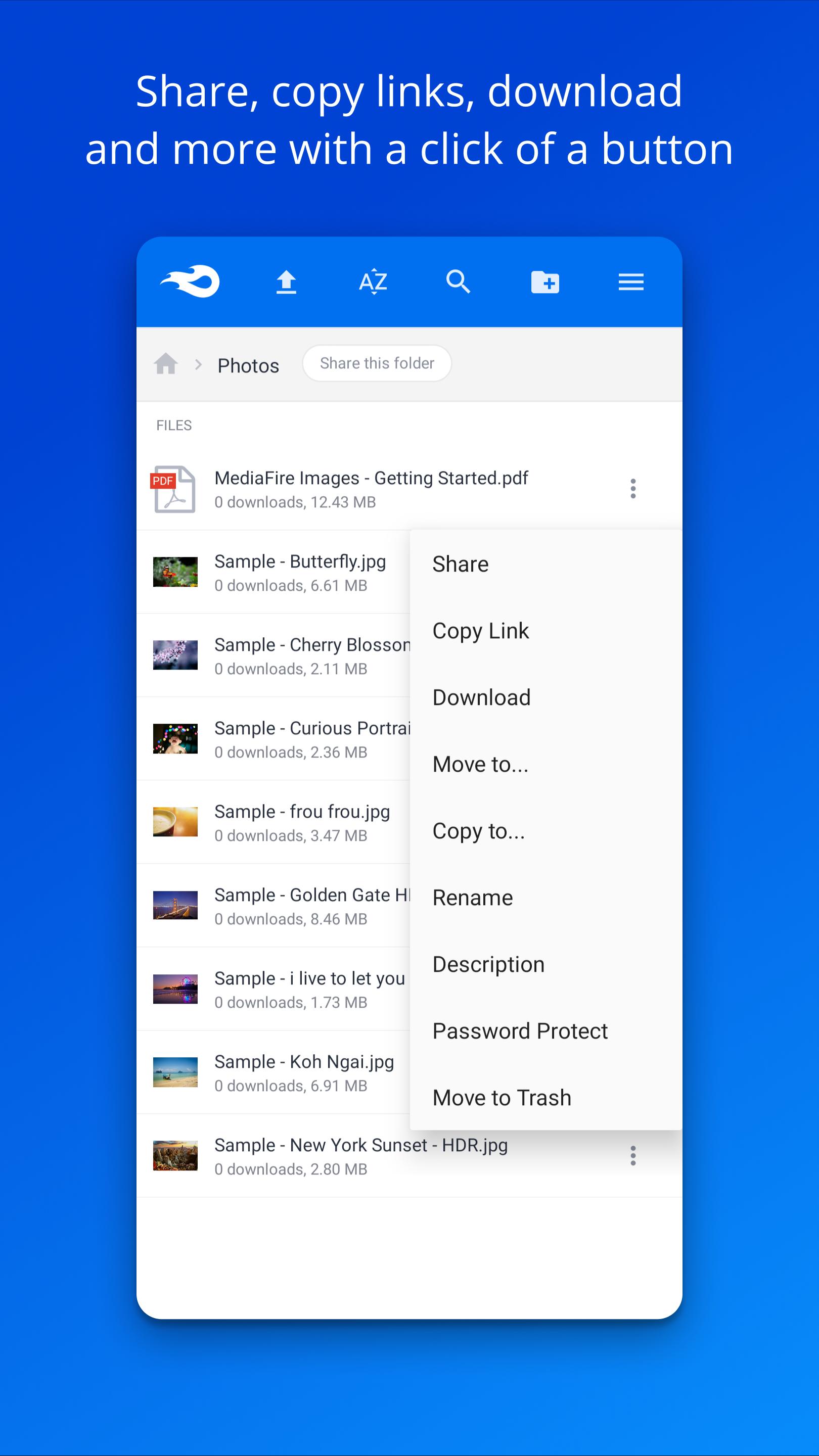
To keep things tidy, organize your content with folders and quick search. Rename items, copy or move them, and manage access in one place. Clean structure makes it easier to find final drafts, keep versions separated, and avoid sending the wrong file.
Privacy controls and backup safety
For sensitive items, you can share One-Time Links so a file opens only once. This limits forwarding and helps control who sees important documents. Meanwhile, cloud backup protects your files if your phone is lost or damaged, so your work stays available.
MediaFire starts with 12 GB of free storage for your account. You can also earn bonuses up to 50 GB over time, which gives extra room for photos, course files, or client assets without changing your setup.
Heavy users who move large projects or need faster workflows can consider an upgrade. Pro plans add tools designed for frequent sharing and professional use:
1 TB storage for bigger libraries and archives
No ads on the site and no ads on downloads
Direct download links for quick access
Bulk ZIP downloads to grab entire folders at once
Upload-from-link to save files straight to your account
Students sharing group projects, creatives sending drafts, and small teams collaborating through shared folders may find these options useful as their needs grow.
Setup is straightforward, and sharing takes only a few steps after you download MediaFire. The process below walks through adding files, organizing them, and sending links from your phone.
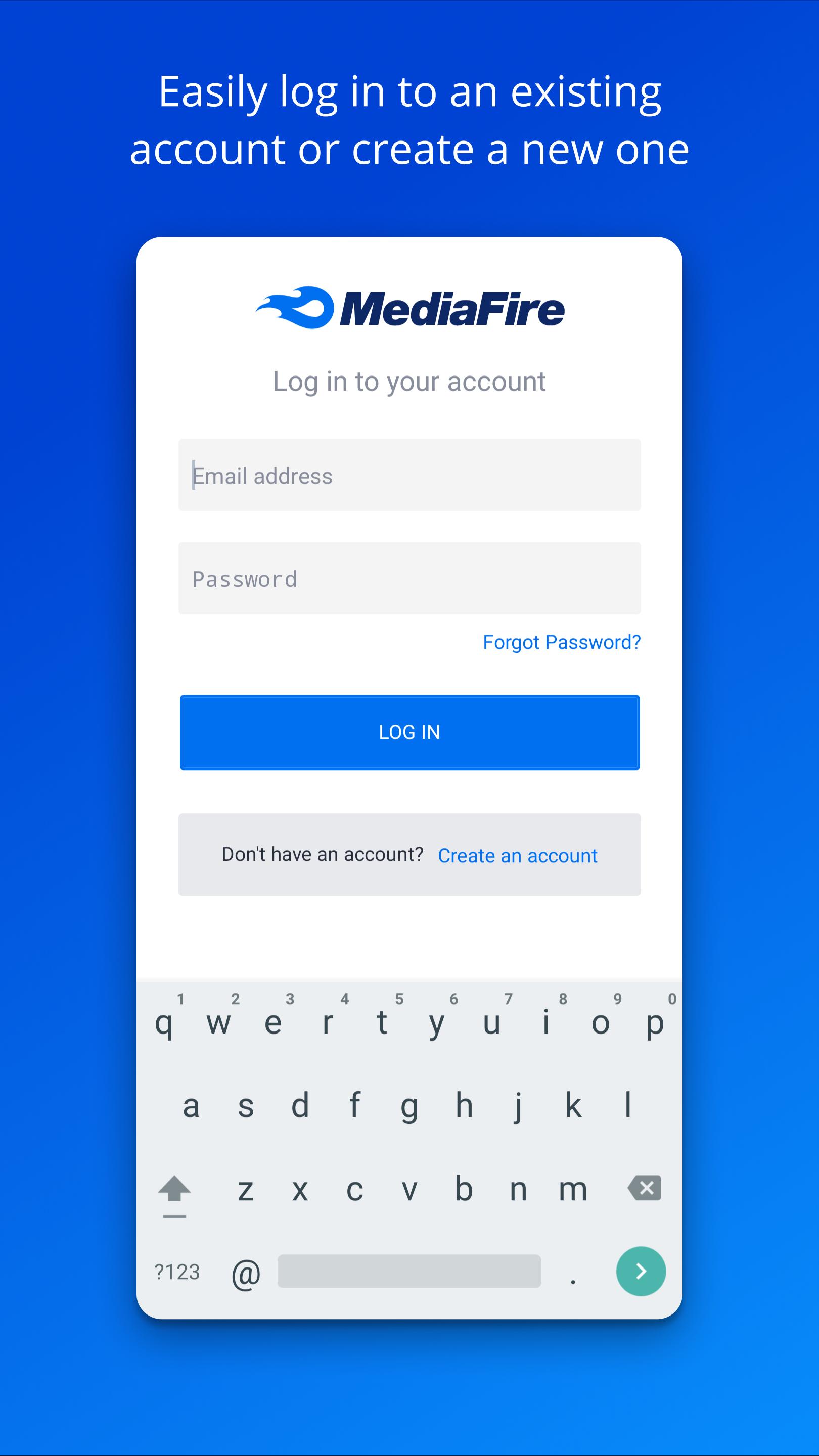
Install the app, open it, and sign in or create an account to start your cloud library.
Upload files by tapping the add button or by using Share in other apps to send multiple items to MediaFire.
Create folders for projects, move or rename files, and use search to locate items when you need them.
Share a file or folder by generating a link, then send it by email, SMS, or social apps; choose a One-Time Link for sensitive content.
Open your files on other devices through the web when you switch screens, and manage space or upgrade if your library grows.
MediaFire provides simple uploads, organized storage, and quick link sharing for everyday file tasks. To stay current with features and improvements, install the MediaFire latest version on your device.
Official information and support:
Website: https://www.mediafire.com/
Latest Version
5.9.18Uploaded by
Carolina Francois
Requires Android
Android 7.0+
Category
Free Productivity AppContent Rating
Everyone
Security Report
Report
Flag as inappropriateLast updated on May 5, 2026
Updated to the latest Android SDK



APKPure - A multi-platform app store primarily focused on Android, providing extensive app-related content. Discover the app you want easier, faster, and safer, with quick and efficient downloads and installations.