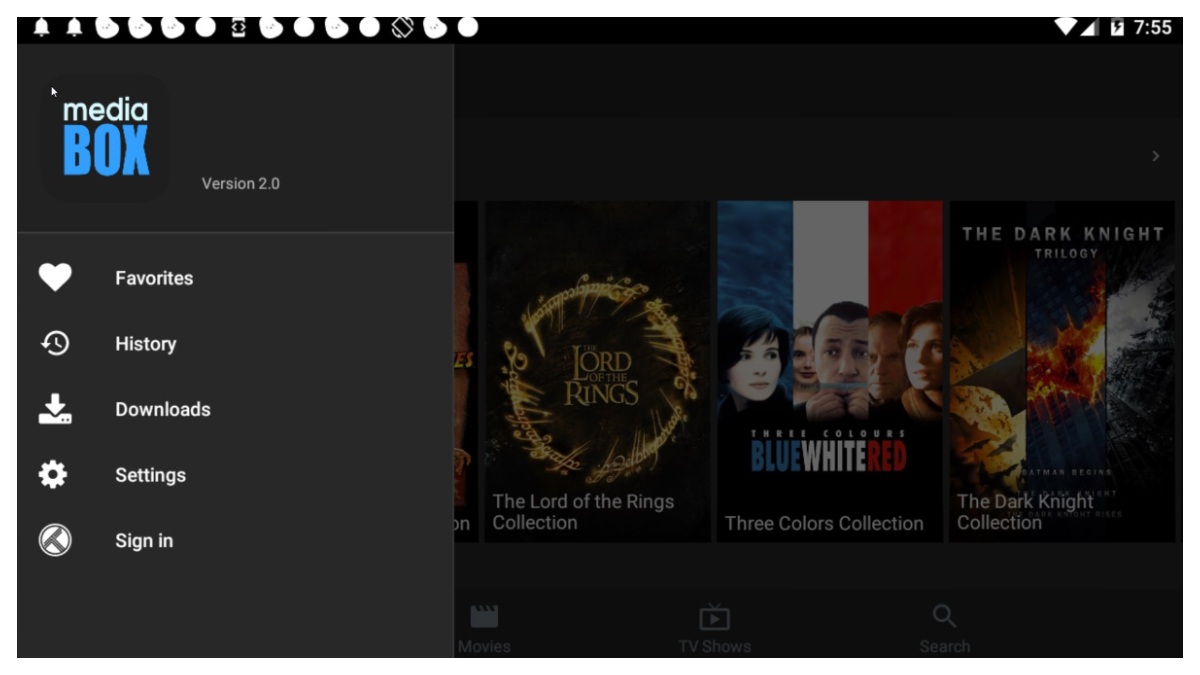
MediaBox HD suits users who want quick access to movies and episodes on mobile or TV at any time. It helps you discover content and pick what to watch without hassle, and it works on Android phones, Firestick, and TV boxes. Navigation feels straightforward, so you can start a title and keep it going on the screen you prefer. To begin, install the MediaBox HD APK, then follow the app hints to set up basic preferences. Streaming is built for convenience, not complex settings.
HD playback
MediaBox HD plays videos in HD quality when available. Playback is tuned for smooth streaming to cut down interruptions during busy hours.
Offline downloads
You can download selected titles to your device and watch offline. This is useful on flights or when conserving data, and it works alongside streaming for flexible viewing.
Subtitles and external players
Turn on subtitles in multiple languages to follow dialogue comfortably. If you prefer an external player, MediaBox HD supports options like VLC and MX Player for playback.
Clean and simple UI
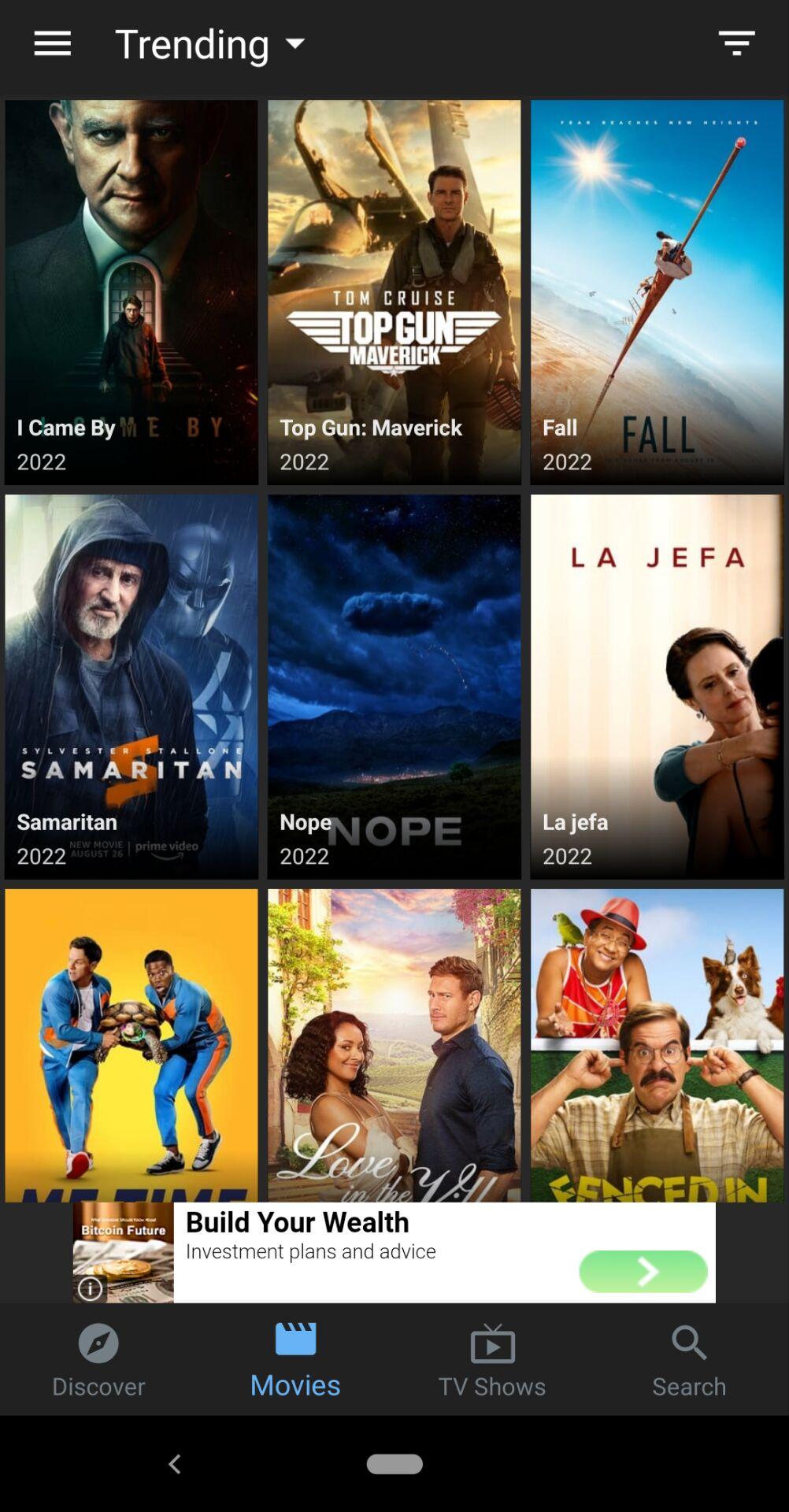
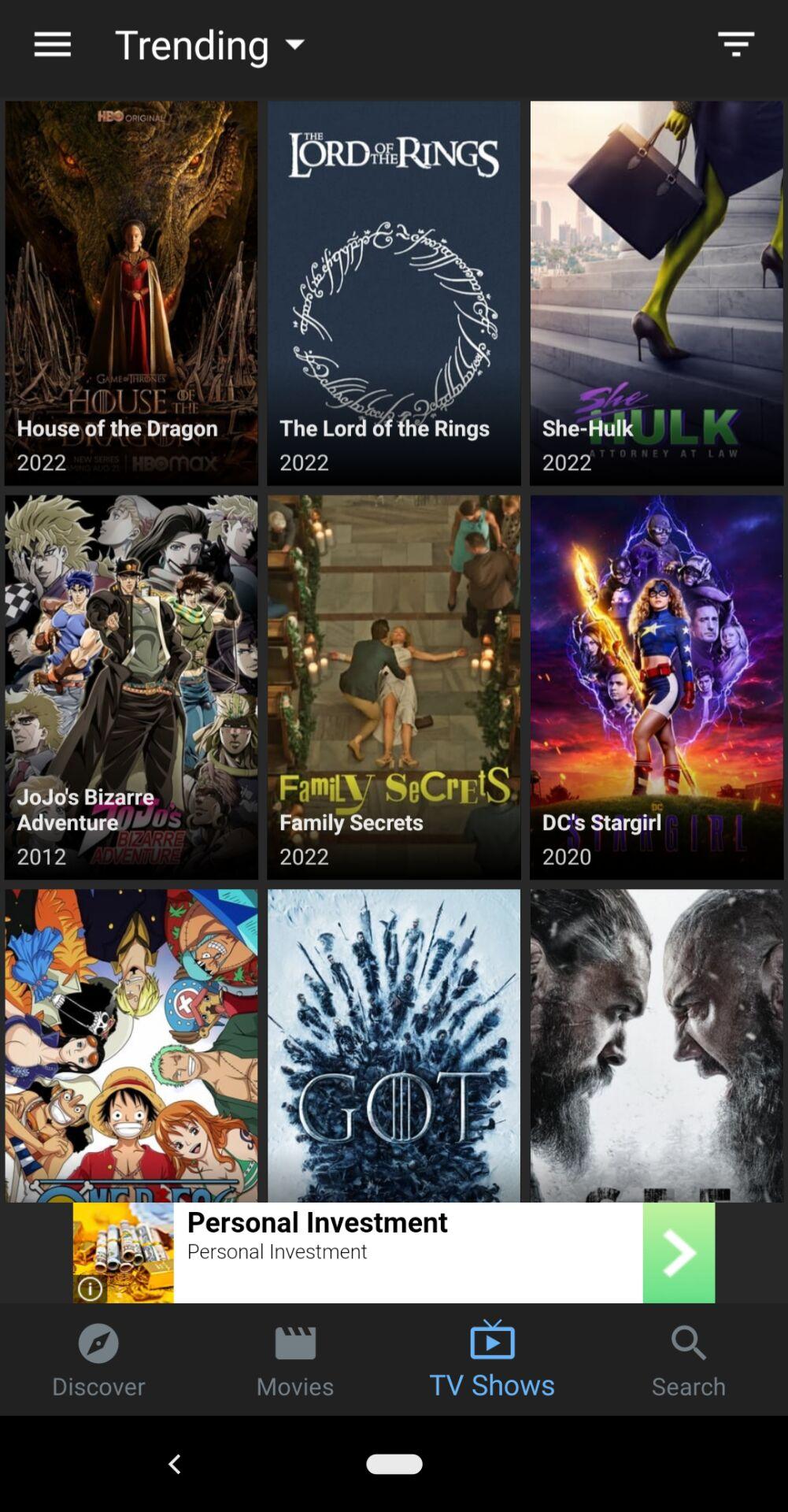
The interface is straightforward, with clear sections that help you get to a movie or episode quickly. Installation and use are free, so you can start watching without extra fees.
MediaBox HD focuses on straightforward streaming, offline viewing, subtitles, and a clean layout. Set it up on your device, pick a title, and start watching in minutes. For updates and stability improvements, install the MediaBox HD latest version to keep features working as expected.
Latest Version
2.5Uploaded by
MediaBox HD
Requires Android
Android 4.4+
Category
Free Entertainment AppReport
Flag as inappropriateLast updated on Sep 2, 2022
Minor bug fixes and improvements. Install or update to the newest version to check it out!



APKPure - A multi-platform app store primarily focused on Android, providing extensive app-related content. Discover the app you want easier, faster, and safer, with quick and efficient downloads and installations.