
Media Player Classic Remote lets you control Media Player Classic Home Cinema (MPC-HC) without getting up. It utilizes the built-in web interface of Media Player Classic to control the program.
Note: This goal will only ever aim to support the most recent version of Media Player Classic. If you're having issues, make sure that MPC-HC is updated. This can be done through Help -> Check for updates in MPC-HC.
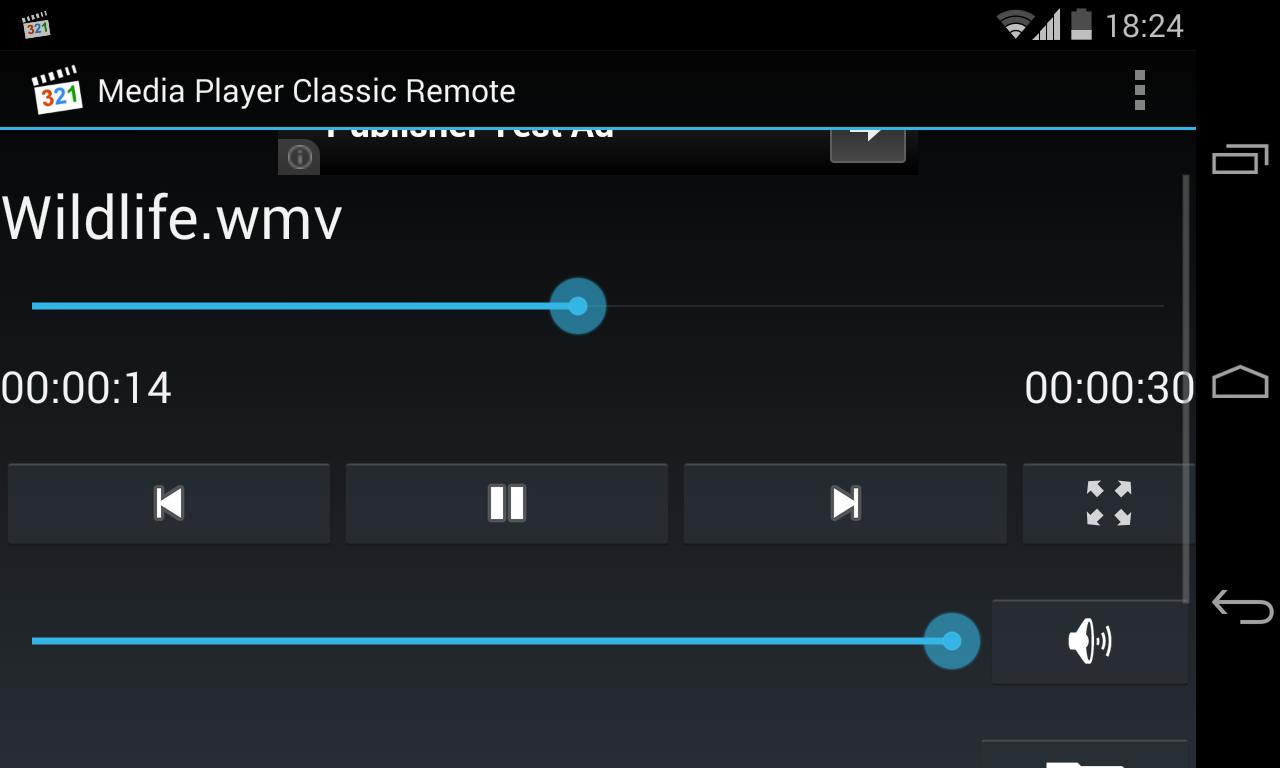
It works both for mobile and tablet devices. You can control the playback from the app, from the notification-area or from the lock-screen. You also have access to all the files your computer can access, including local files but also local servers and media centers.
Features:
• Full control of playback, audio and full screen-state
• File-browser that allows for network-locations as well as allowing you to save often used favorite folder-locations
• Lock-screen playback controls
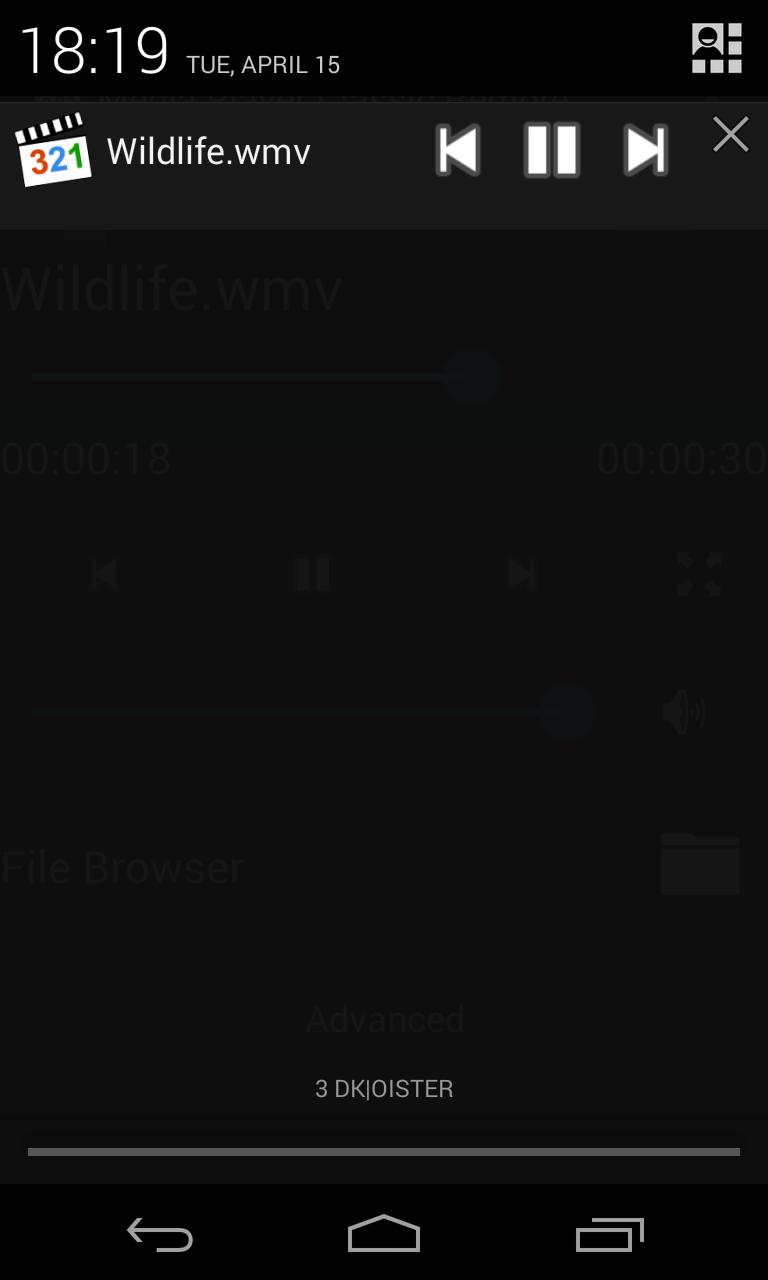
• Notification playback controls
• Automatic scanner that helps find the computer running MPC-HC
To use the app, Media Player Classic Home Cinema must be installed and running on your computer and the web interface has to be enabled.
To enable the web interface in MPC-HC, go to Options (View->Options) -> Player -> Web Interface and make sure that "Listen on port" is ticked and that "Allow access from localhost only" is NOT ticked.
After this, make sure your device is on the same network as the server and configure the server settings in the app and configure it to match your server. After this you should be good to go!
You're very welcome to contact me if there's features you're missing or if you experience any errors or deficiencies. If you liked the app, feel free to share it with your friends!
Latest Version
1.2Uploaded by
Gustavo Gonçalves
Requires Android
Android 4.0+
Category
Free Video Players & Editors AppContent Rating
Everyone
Report
Flag as inappropriateLast updated on Aug 3, 2015
NEW
Added button in the app and notification area that goes back 10 seconds
More options added to the Advanced button, including play rate
Ad-free version now available
UPDATES
Lots of small UI improvements
Seekbar now works on 2 second intervals
BUGFIXES
Fixed critical bug with non-English languages in MPC-HC that could cause crashes or make interacting with the app impossible
Fixed rotation bugs
Removed Toggle subtitles from Advanced (can be done using Next/Previous subtitles)





APKPure - A multi-platform app store primarily focused on Android, providing extensive app-related content. Discover the app you want easier, faster, and safer, with quick and efficient downloads and installations.