

Scan Date:May 13, 2026
Show More
MeasureOn is the floor planning app from Bosch for an easier on-site documentation of floor plans, measurements, photos and notes.
Main functions and advantages of the MeasureOn floor planning app:
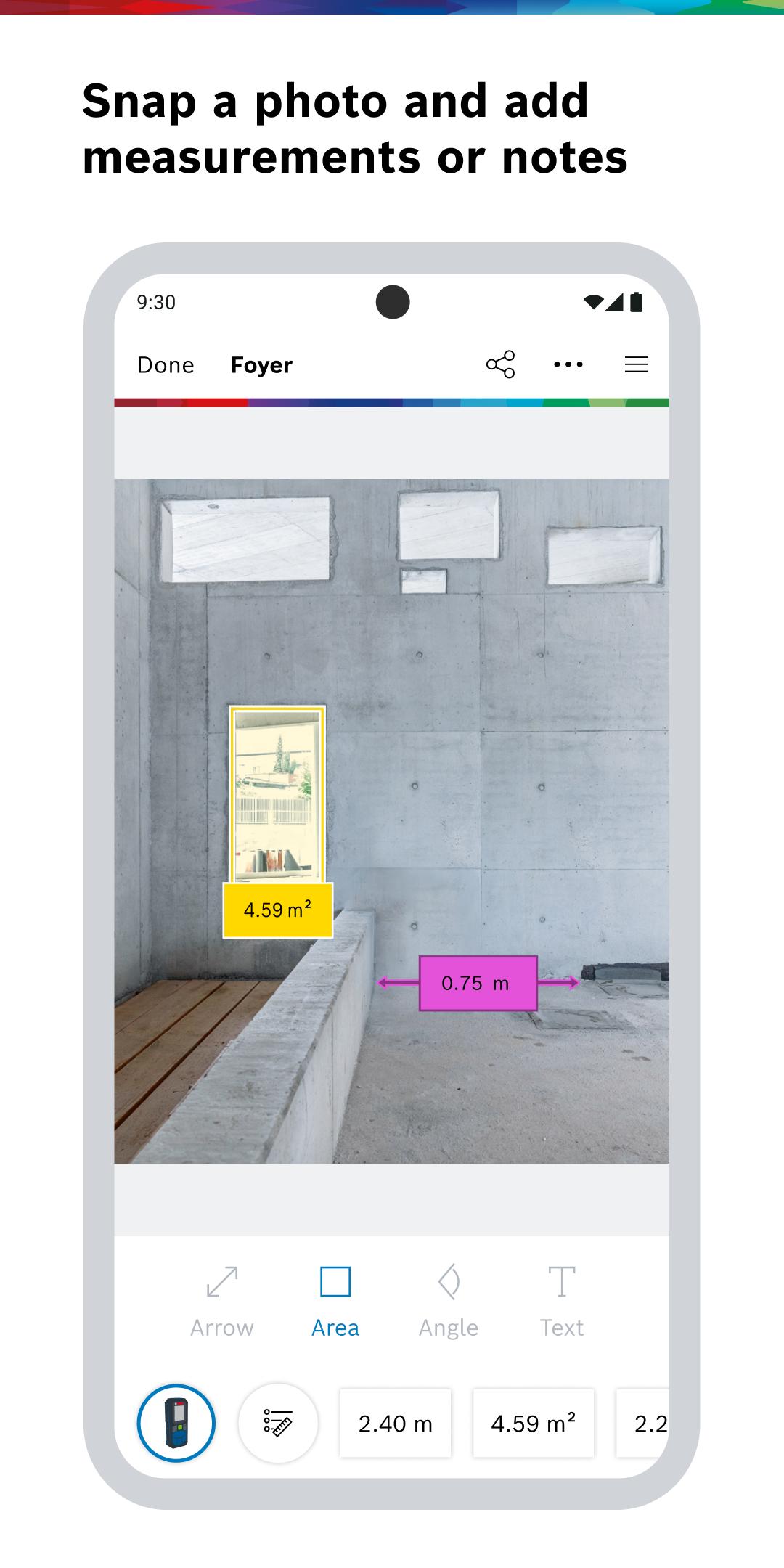
- TAKE MEASUREMENTS: Take floor planning to the next level. With our floor plan creator tool, you can effortlessly sketch floor plans for individual rooms using the flexible measurement sheet. According to your personal needs, you can easily add photos and notes with measured values for documentation.
-ON-SITE CONSTRUCTION PLANNING DOCUMENTATION :
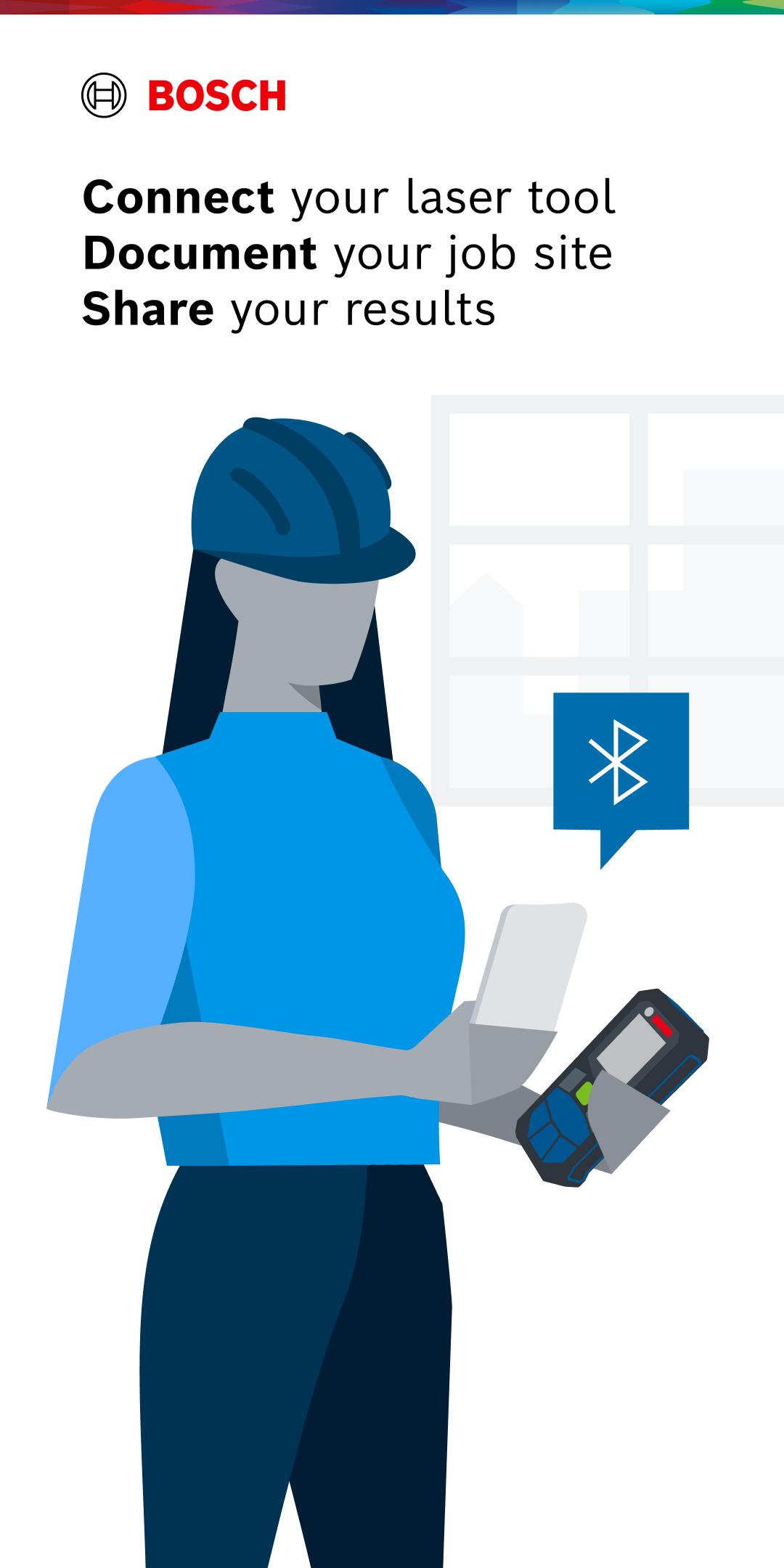
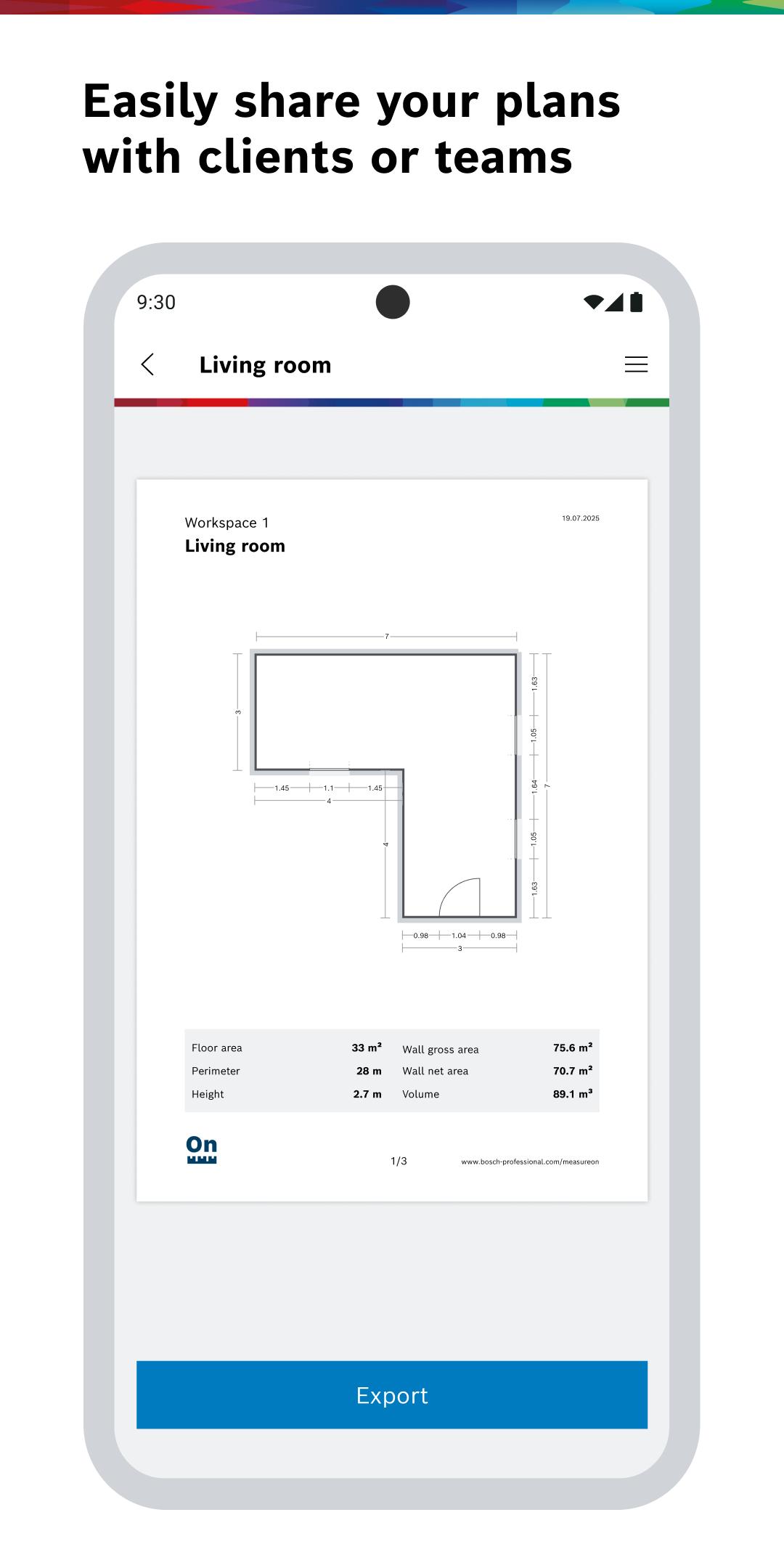
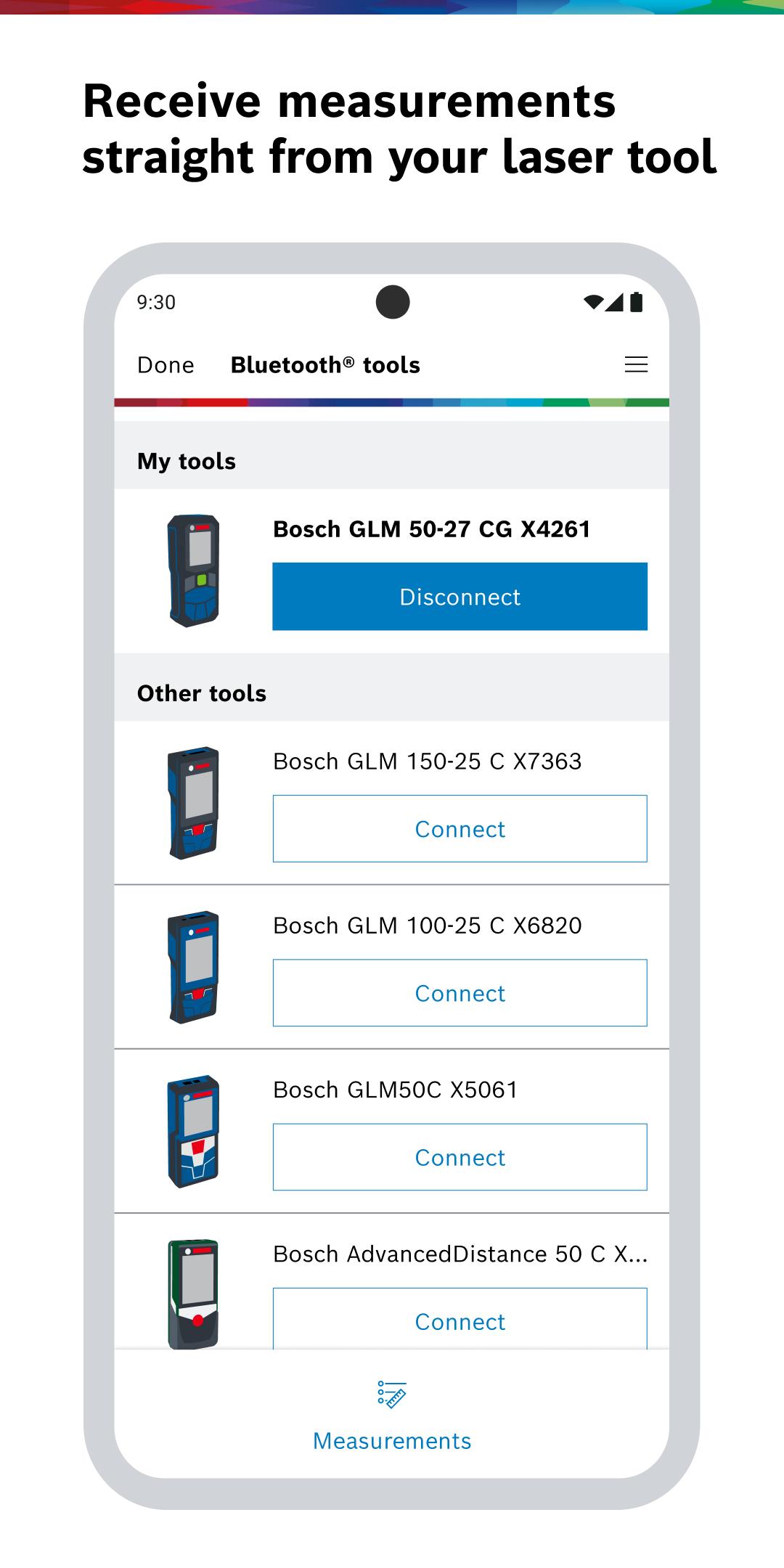
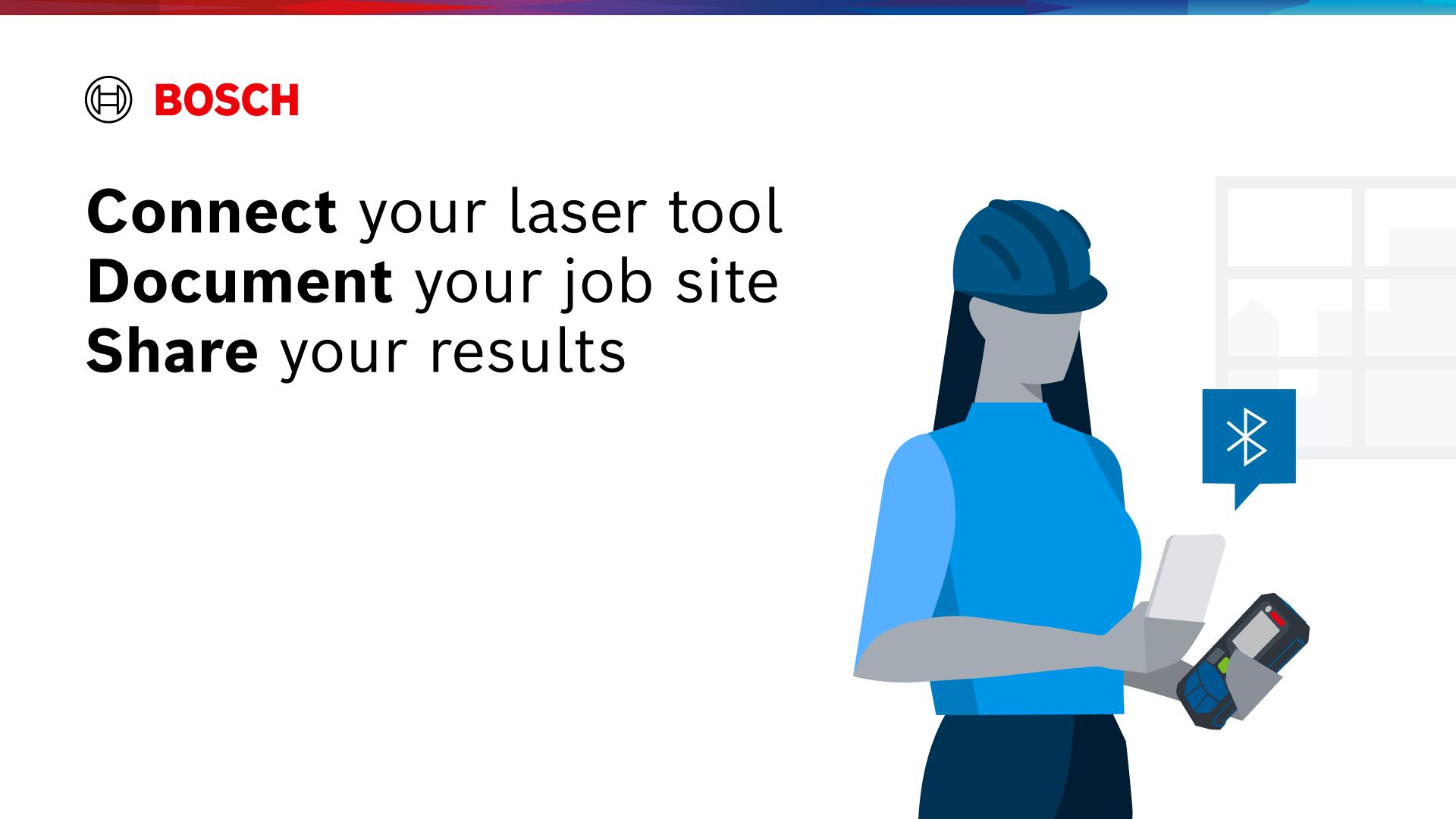
The app simplifies construction planning documentation. You can connect your Bosch range finder or laser measuring tool to your smartphone via Bluetooth for precise floor planning measurements. This will seamlessly transfer the measurements to the floor planning app, ensuring error-free measurements. After creating the floor plan and adding measurements, the app not only simplifies the process but also assists with automatic calculations for floor and wall areas, as well as the room perimeter.
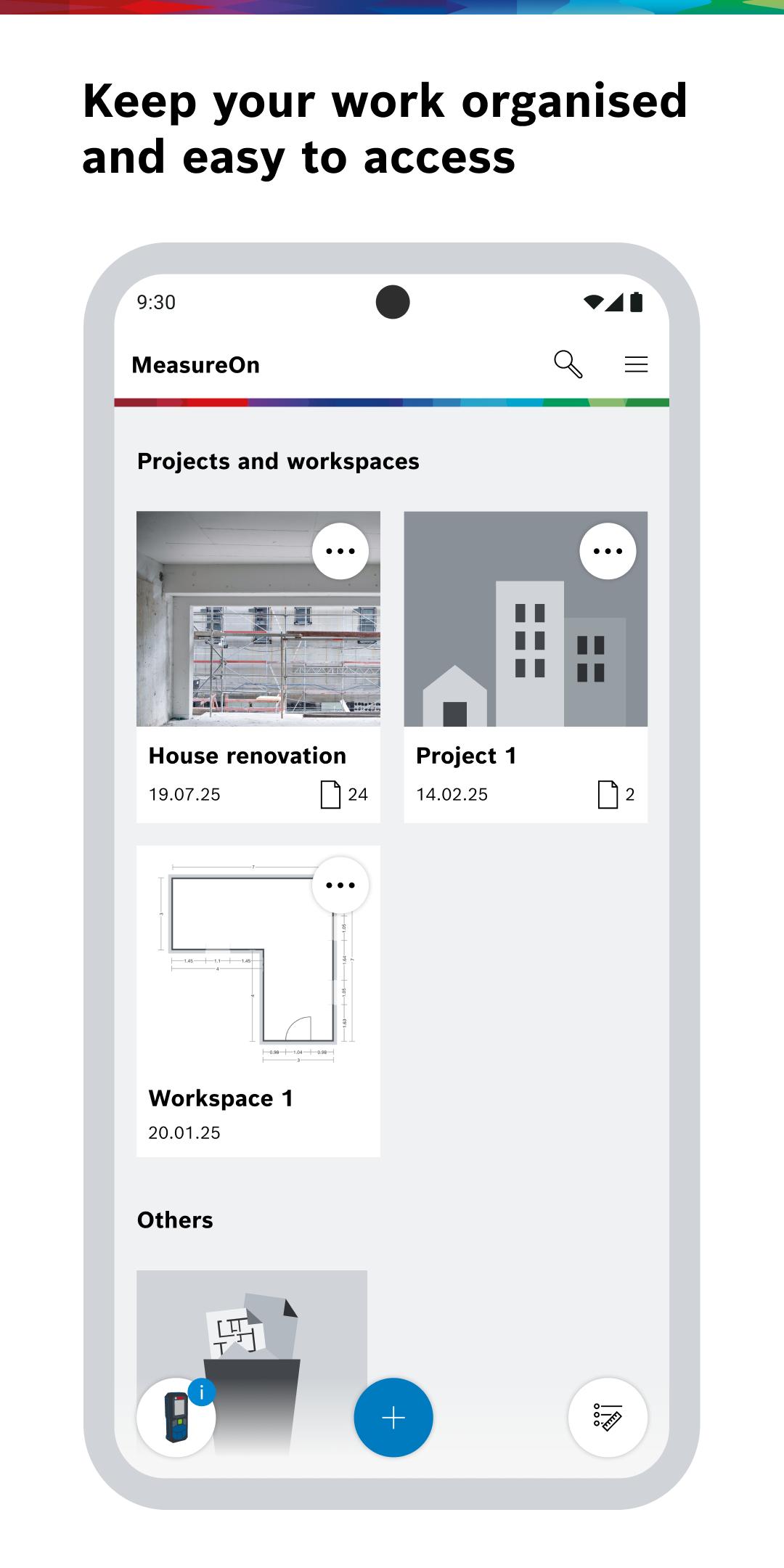
- KEEP AN OVERVIEW: Construction site management, creating measurements and organizing projects has never been easier. Organize your projects, capture measurements more effortlessly, document them more clearly and process them even faster.
- SHARE YOUR MEASUREMENTS: With MeasureOn's floor planning app, you have the flexibility to export measurements, individual elements, or entire measurement sheets and projects, enabling you to easily share them with your colleagues, contractors, and customers. This is what makes MeasureOn the ultimate choice for your floor planning needs.
- SECURITY AND COMFORT: With MeasureOn, your measurements are seamlessly recorded in a digital format, ensuring that nothing is ever lost. Thanks to our cloud solution*, your data is continuously backed up and synchronised across all your devices. This means you can conveniently access your documentation later, whether you're at home or in your office, using your laptop or PC.
Bosch MeasureOn was developed for various handymen including painters, electricians, carpenters, tilers, drywallers, floor layers, plumbers, architects and site managers as well as DIY enthusiasts.
Compatible laser rangefinders: All Bluetooth®-enabled Bosch laser rangefinders
Bosch Professional: GLM 50 C, GLM 50-27 C, GLM 50-27 CG, GLM 100 C, GLM 100-25 C, GLM 120 C, GLM 150-27 C
Bosch Home & Garden: PLR 30 C, PLR 40 C, PLR 50 C, UniversalDistance 40C, UniversalDistance 50C, AdvancedDistance 50C
MeasureOn replaces the Measuring Master and PLR measure&go apps.
Further information: https://www.bosch-professional.com/gb/en/measureon/
Questions, problems, suggestions? Contact us: Support.MeasureOn@bosch.com
*Available in selected countries. To use the cloud service, you must set up a Bosch user account with login via SingleKey ID.
Latest Version
2.1.2Uploaded by
Geoara Asisi Ibang
Requires Android
Category
Free Productivity AppContent Rating
Everyone
Security Report
Report
Flag as inappropriateLast updated on May 13, 2026
This update improves overall performance, stability and user experience of the app.
In case of comments, questions or new ideas, you can easily reach us via the in-app “Contact us” option.



APKPure - A multi-platform app store primarily focused on Android, providing extensive app-related content. Discover the app you want easier, faster, and safer, with quick and efficient downloads and installations.