

MCBackup is useful when you need a quick local copy of your address book before switching phones or resetting. It creates a standard VCF file you can keep in email or move to another device, so recovery stays simple. Because everything happens on your phone, your contact data stays under your control, and setup is minimal. This approach suits users who want a focused tool for contacts only, without extra sync settings. To begin, install the MCBackup APK and follow the on screen steps.
Offline backup
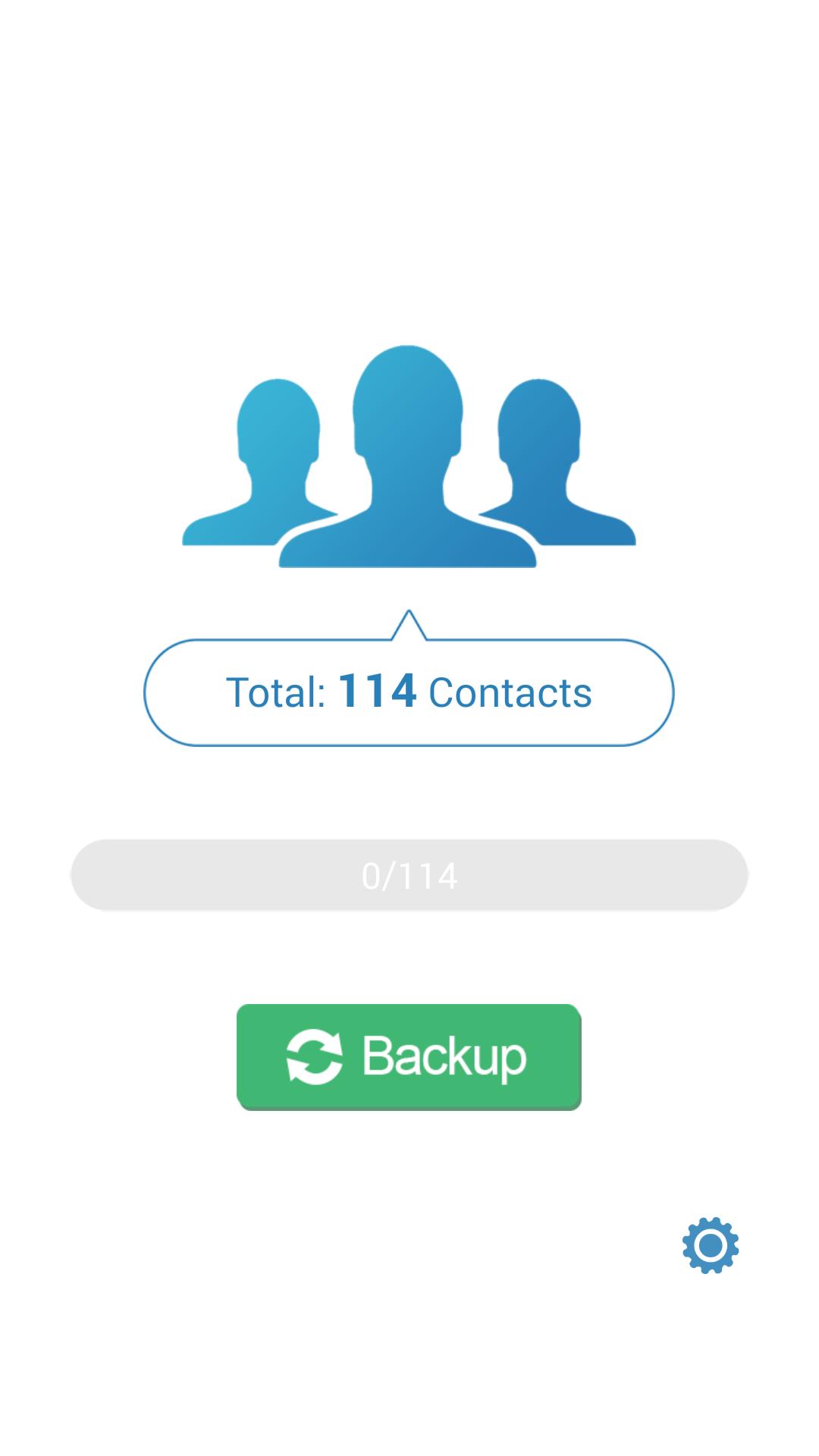
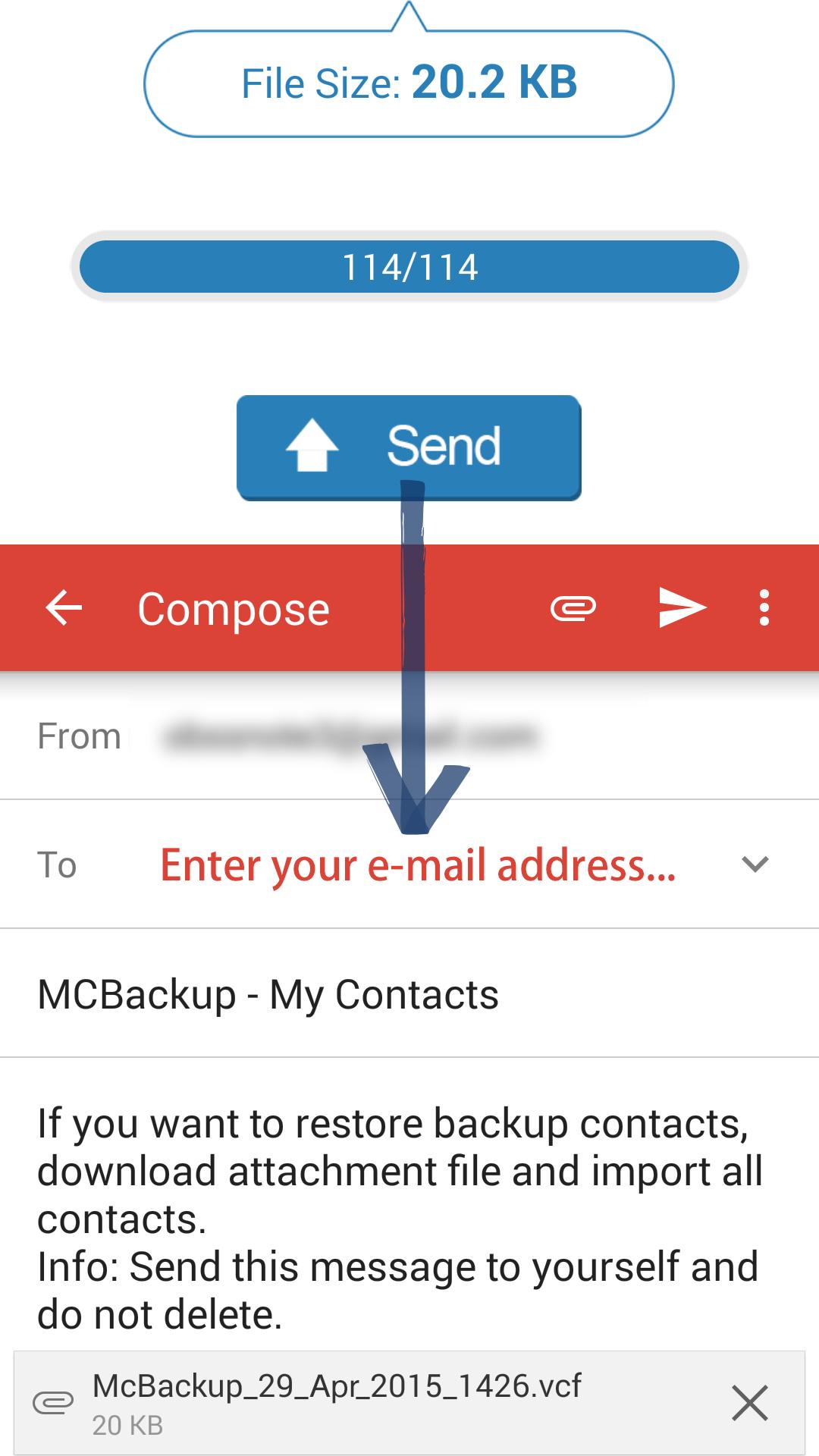
You export all contacts to a single .vcf file with one tap. MCBackup then lets you email the file to yourself, so the copy stays accessible in your inbox. No account sign ins or server sync are involved.
Simple restore
After backing up, restoring is straightforward. Open the .vcf attachment in your mail app and confirm to import contacts. You do not need any extra app, and the same method works when moving contacts to an iPhone.
Your data stays private
MCBackup does not access or store your contacts on external servers. Backups remain on your device and in your email. If you prefer a physical copy, you can copy the backup file to a computer using a USB cable.
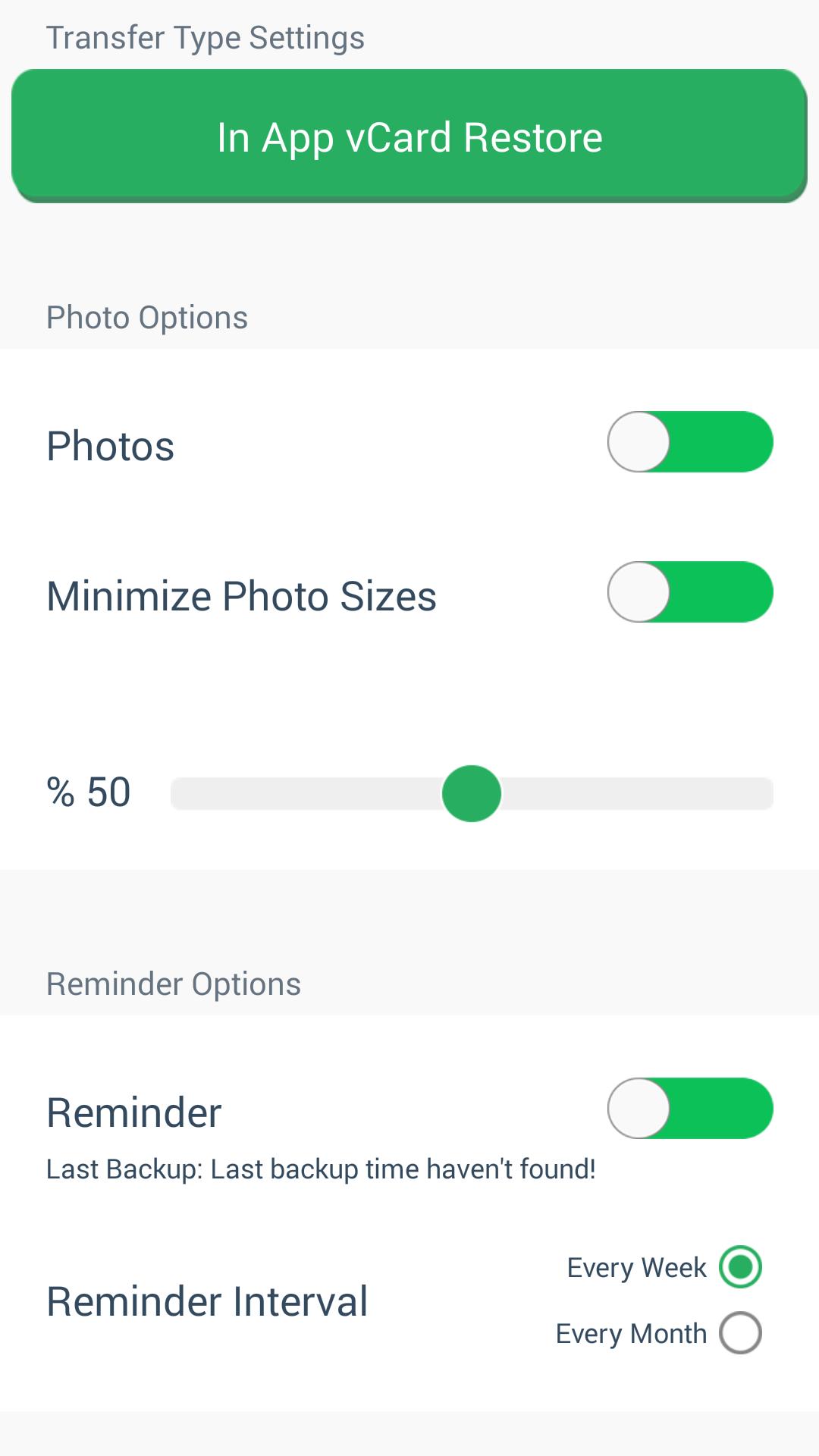
Transfers, reminders, and tips
MCBackup focuses on quick, offline contact backups with a single .vcf file. You can email the file to yourself and restore without extra tools. To protect your address book before a phone change or reset, download MCBackup and follow the steps shown in the app.
Latest Version
2.1.8Uploaded by
Suhaib Edres
Requires Android
Android 4.4+
Category
Free Productivity AppContent Rating
Everyone
Report
Flag as inappropriateLast updated on Sep 11, 2023
Minor bug fixes and improvements. Install or update to the newest version to check it out!


APKPure - A multi-platform app store primarily focused on Android, providing extensive app-related content. Discover the app you want easier, faster, and safer, with quick and efficient downloads and installations.