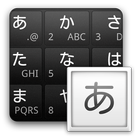
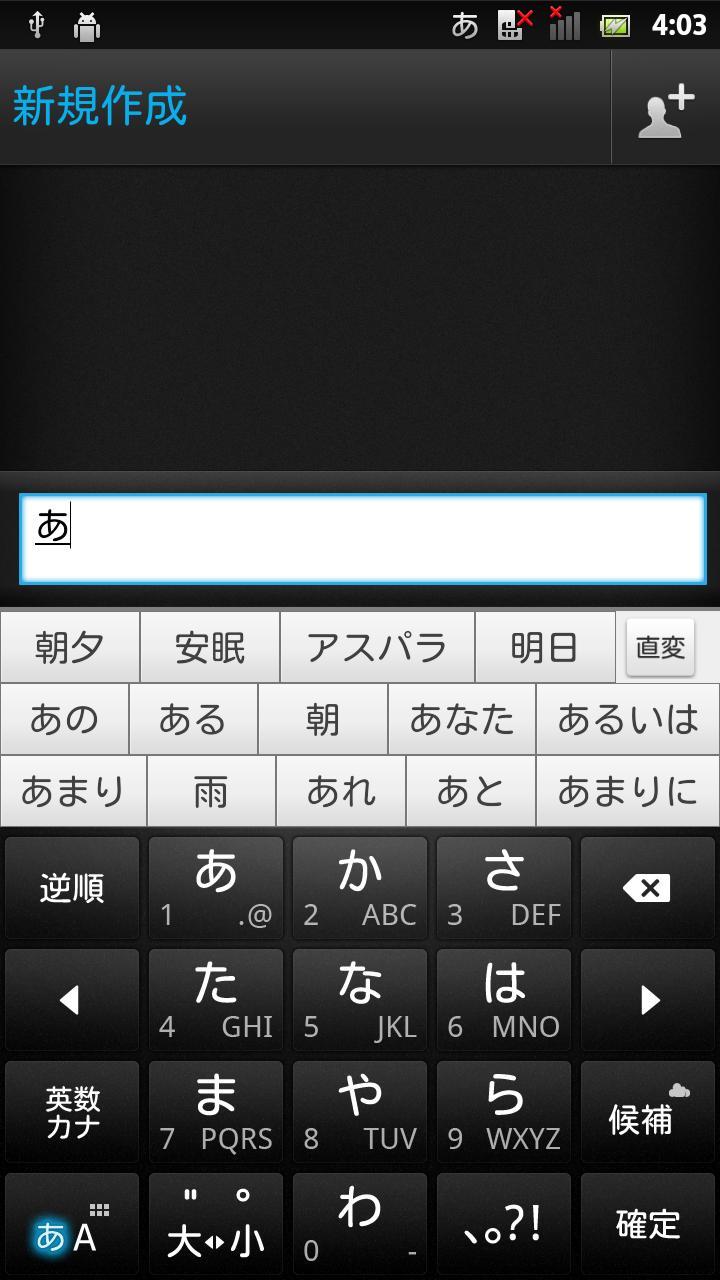
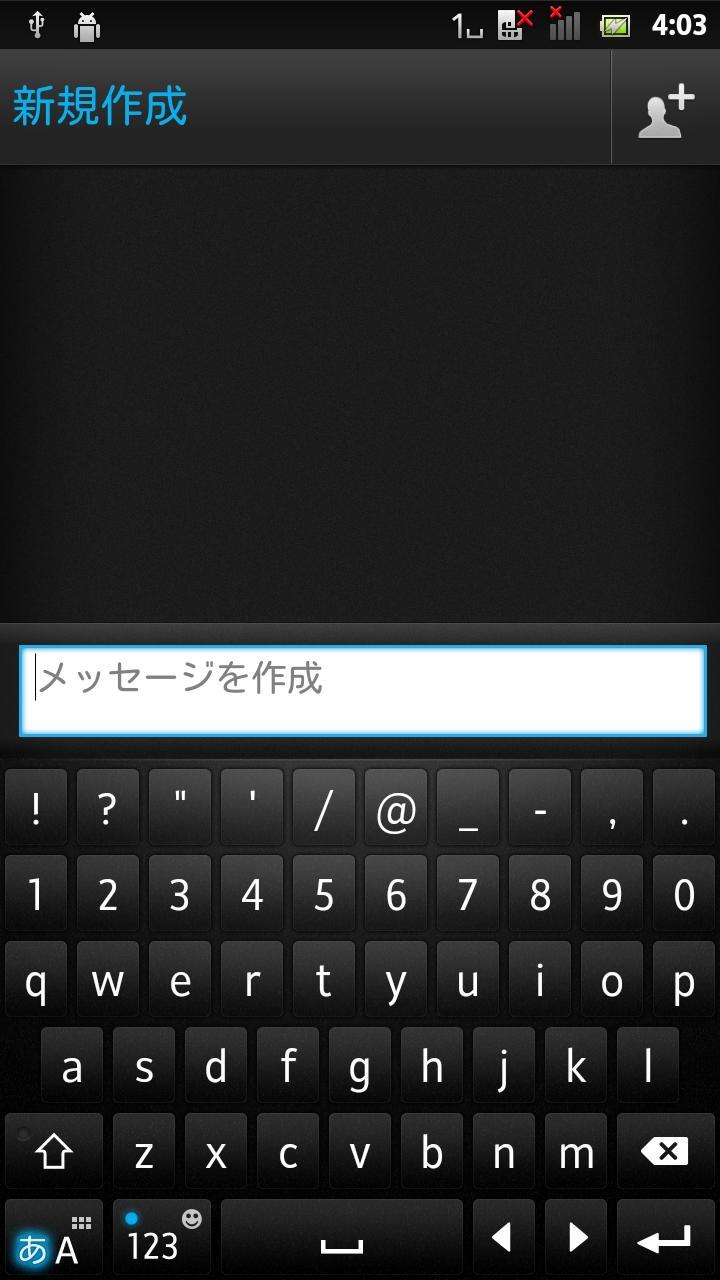
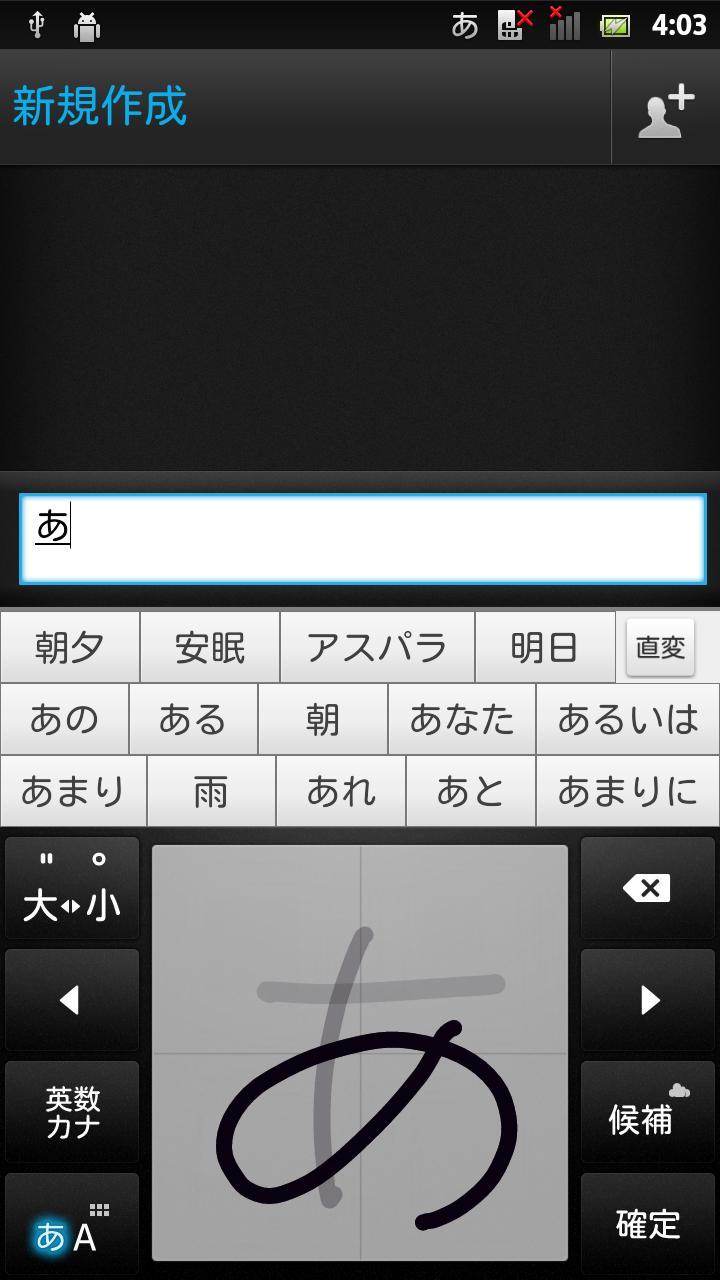
MatteBlack is a keyboard skin for POBox Touch 5 on Xperia™ phones.
Once downloaded, this skin is automatically added to your skin collection. To apply it, go to Settings > Language & keyboard > Xperia™ Japanese keyboard > Select keyboard skin.
You can also jump to Xperia™ Japanese keyboard settings by longpressing the mode key(note1) to display the pop-up window and tapping the settings icon(note 2).
(note1)
Bottom left key for switching between Kana mode and Alphabet mode
(note2)
Spanner icon
Latest Version
1.1Uploaded by
Ayoub Laamim
Requires Android
Android 2.3.2+
Category
Free Tools AppContent Rating
Unrated · Warning – content has not yet been rated. Unrated apps may potentially contain content appropriate for mature audiences only.
Report
Flag as inappropriateLast updated on Oct 7, 2015
・The latest version allows you to move the application between the phone memory and the internal storage or SD card.


APKPure - A multi-platform app store primarily focused on Android, providing extensive app-related content. Discover the app you want easier, faster, and safer, with quick and efficient downloads and installations.












