Scan Date:Dec 4, 2023
Show More
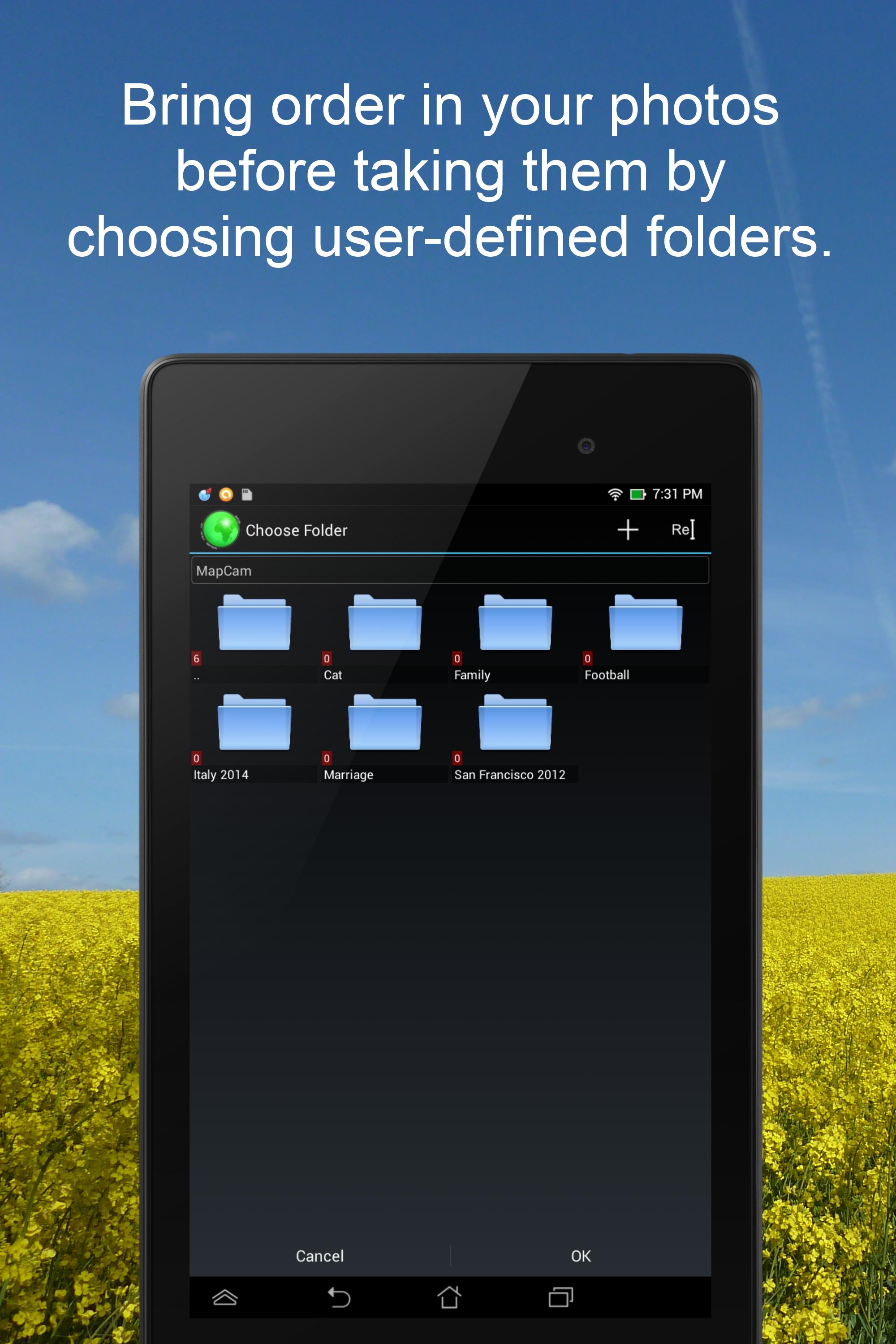
Put an end to imprecise and missing geographical location data (GPS position) in your photos. Organize your photos before taking them by easily selecting a storage folder. Add photo captions to your images. View your photos and their geo positions on a world map. Create impressive geo photo collages and share them with friends.
To do all this, MapCam works together with your favorite camera app and stores additional meta data in your photo files. This enables you for instance to view your pictures and photo captions on a world map at the places where you took them (see my apps EagleEye and PhotoMap). In this way, you can go on a trip again by jumping virtually from location to location.
MapCam offers you the following functions:
✔ Easily create and select storage folders for your photos before taking them.
✔ Automatic storage of the best available degrees of latitude/longitude and altitude (in metres above sea level) in the Exif data of your photo files.
✔ Add a descriptive text resp. photo caption to your pictures. The text is saved in the IPTC metadata of your photo file and does not change your photo. Picasa is able to read and show these descriptions on your PC.
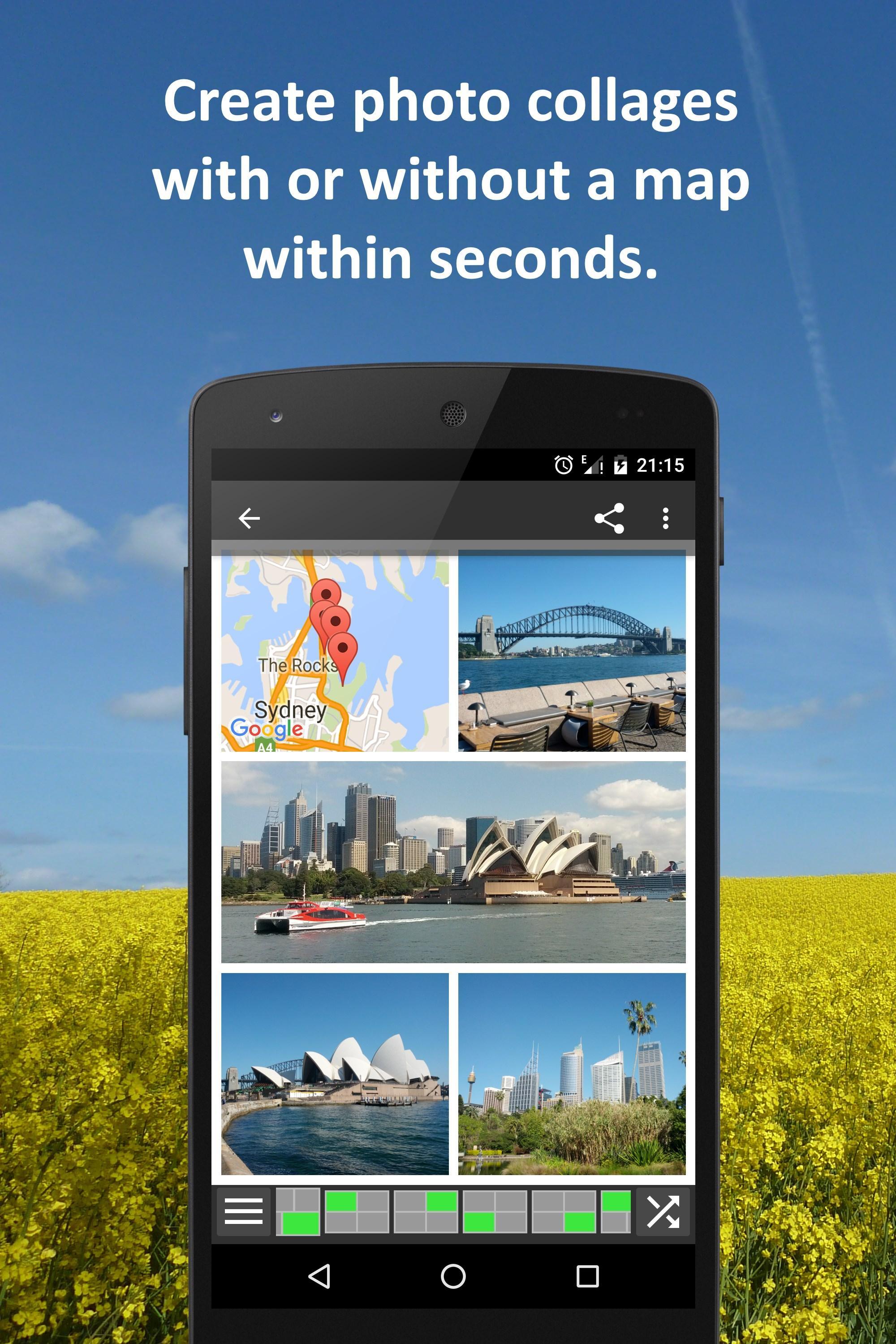
✔ Create geo photo collages (map and photos).
✔ Share your photos just after taking them, e.g. via e-Mail, Facebook, Flickr, Google+, Instagram, MMS, Picasa, Skype, Twitter, WhatsApp, Dropbox etc.
✔ Use existing camera apps. Many apps are compatible, e.g. the most preinstalled ones, Camera MX, Cymera, LINE camera, pudding camera, Camera FV-5 Lite, Camera360 Ultimate etc.
Using MapCam is simple:
1. Click the round button as soon as you are happy with the detected position. The button is light green and big when the current position is precise. It is red and small when the position is imprecise.
2. Take your picture: MapCam starts the default camera app or your selected one and stores the best available position in the Exif data of your photo file.
3. Add a descriptive text and share your photo (optional).
Use MapCam if the position and description of photos is important to you. Here are some examples:
★ When traveling, on vacation, on business trips, when camping, at the beach, at the airport, at the train station, at the museum, etc.
★ Make a note of sites such as real estate, homes, cars, hotels, hostels, restaurants, places of work, schools, parking lots, etc.
★ During sport such as bicycling, rowing, running, jogging, skiing, snowboarding, hiking, exercising, playing football, etc.
★ As a spectator at a special event such as a concert, a festival, a soccer game, a tennis match, etc.
★ As a visitor to a park, flea markets, zoos, amusement parks, Christmas markets, etc.
★ On the weekend family outing, at a party/celebration, at a bar/nightclub, in a club, to record the night life etc.
★ When meeting with friends at the mall, on the playground, while shopping, in a restaurant, etc.
★ On special occasions such as birthdays, weddings, celebrations, parades, etc.
★ In the event of a disaster such as an earthquake, storm surge, flood, tsunami, storm, hurricane, forest fire, etc.
MapCam is interesting for the following occupational groups: real estate brokers, dealers, craftsmen, firefighters, police officers, construction workers, drivers (truck drivers, taxi drivers), event managers, foresters, gardeners, janitors, pilots, soldiers, etc.
Latest Version
5.1.2Uploaded by
Bennie Boonstra
Requires Android
Android 4.4+
Category
Free Photography AppContent Rating
Everyone
Security Report
Report
Flag as inappropriateLast updated on Mar 23, 2021
✔ Minor improvements






APKPure - A multi-platform app store primarily focused on Android, providing extensive app-related content. Discover the app you want easier, faster, and safer, with quick and efficient downloads and installations.