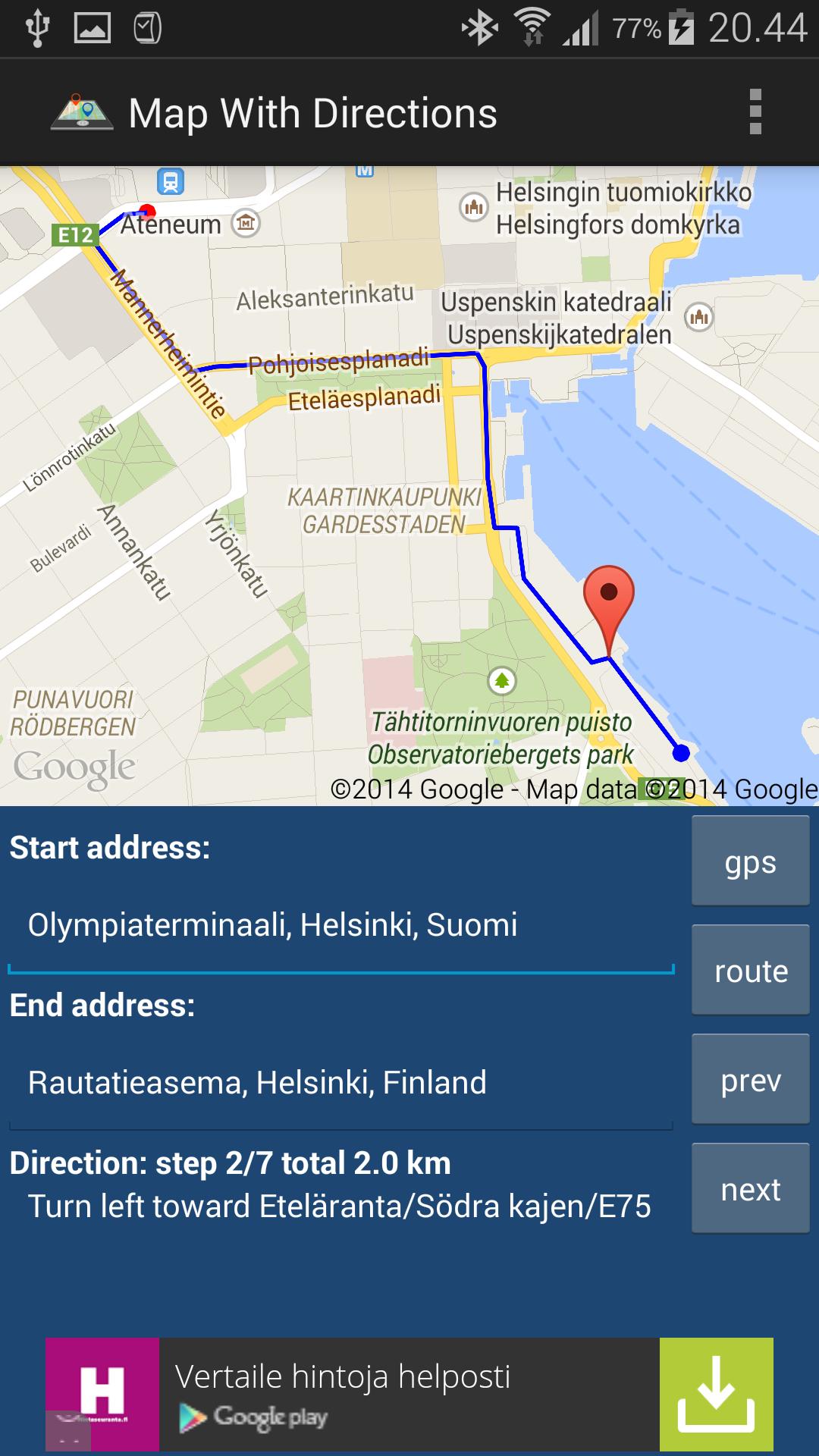
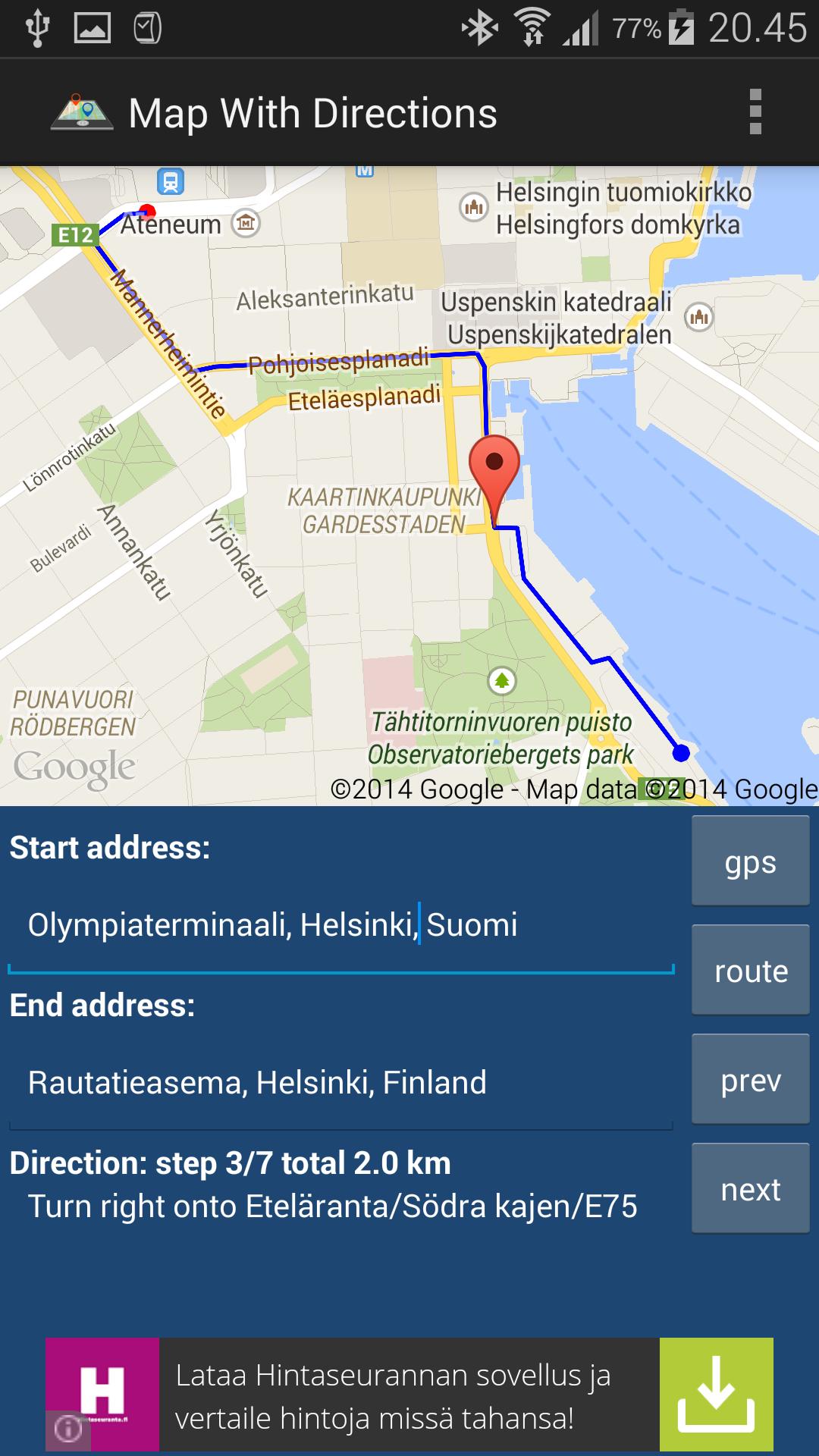
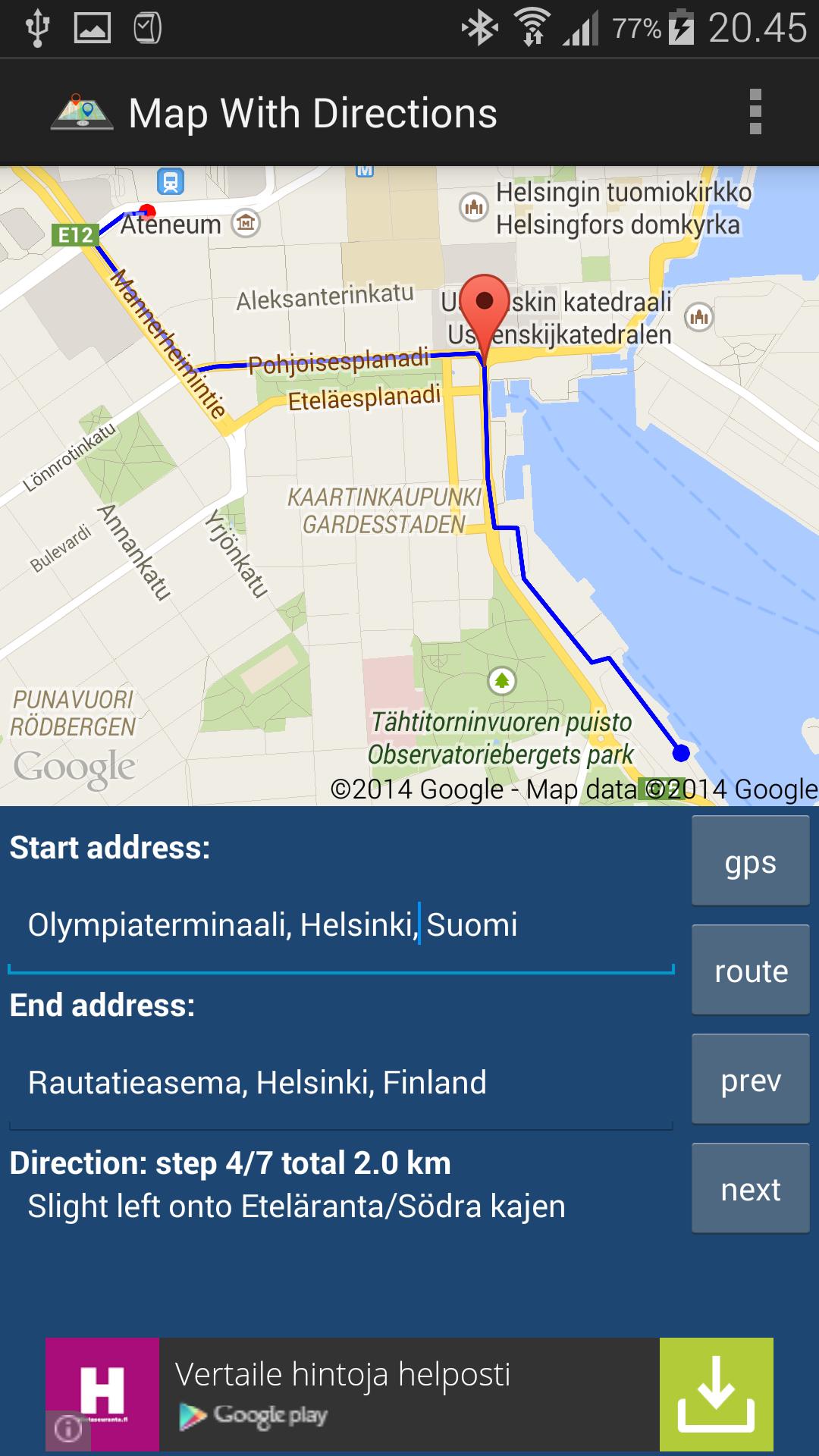
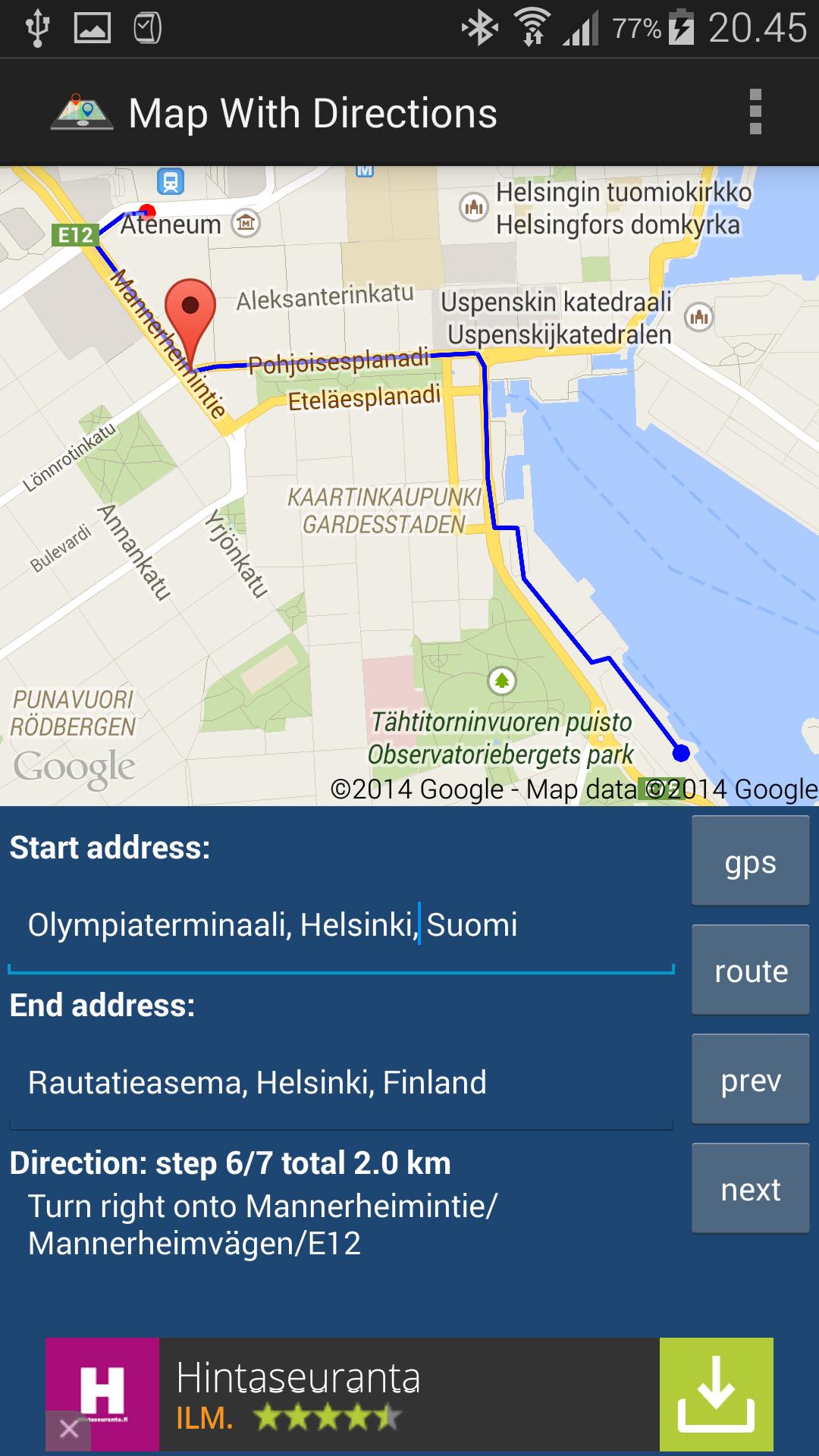
Give both addresses and click route button. Application finds route between addresses and it will be displayed in the map. Click next and prev buttons to simulate turning points. You can use your device GPS location as a start address, but remember GPS is not working very well inside (it will take a time to find your location).
Your device location will be determined and used only as a start address when you click the GPS button in the main page.
Latest Version
0.8.1Uploaded by
Pornchanya Sisod
Requires Android
Android 4.0.3+
Category
Free Travel & Local AppContent Rating
Everyone
Report
Flag as inappropriateLast updated on Mar 5, 2016
Minor bug fixes and improvements. Install or update to the newest version to check it out!




APKPure - A multi-platform app store primarily focused on Android, providing extensive app-related content. Discover the app you want easier, faster, and safer, with quick and efficient downloads and installations.