Scan Date:Oct 28, 2025
Show More

The Magic Eye FX™ companion app enables caregivers and educators to assist users without having to get in the way of the eye gaze screen access, this means less distraction, more time engaging in activities and significantly reduced complexity!
There is an added layer of complexity for individuals at the early stages of learning to use eye gaze brought about by the confusion of observing a caregiver use touch to access the screen when the primary access method that should be being modelled is eye gaze.
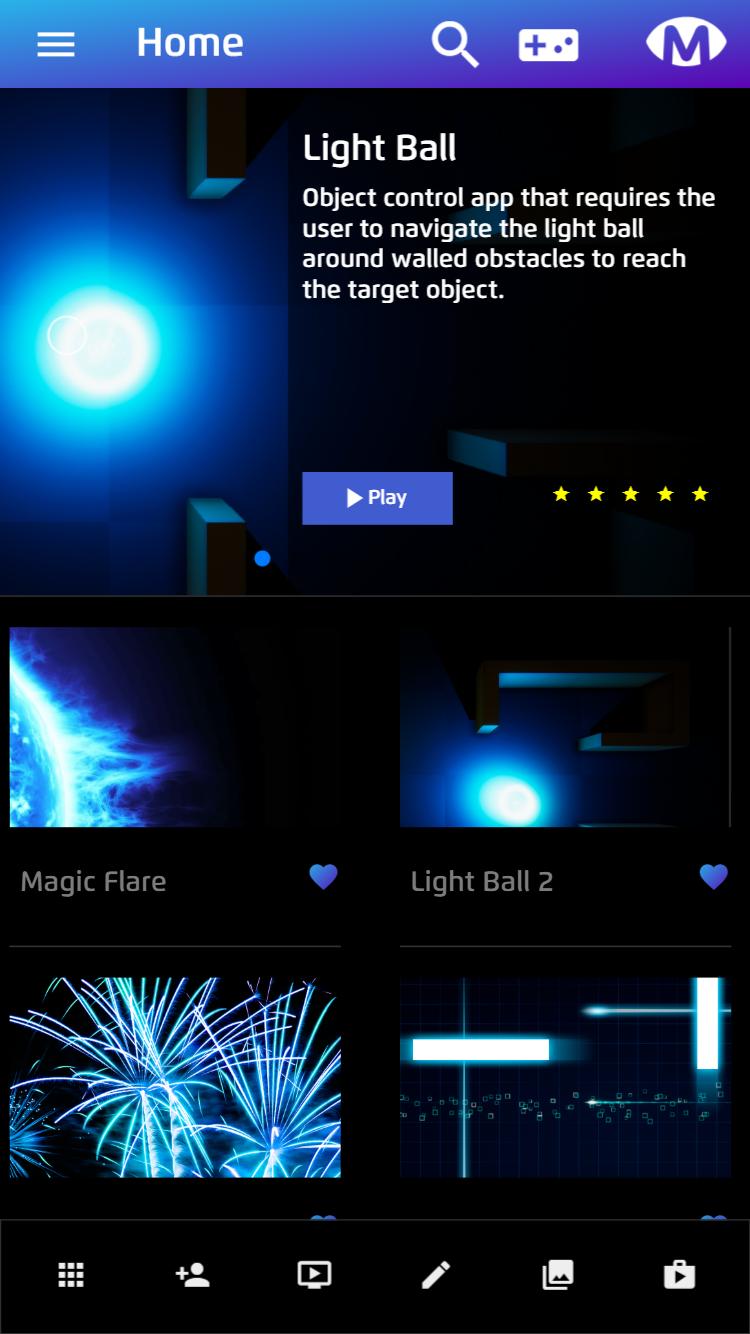
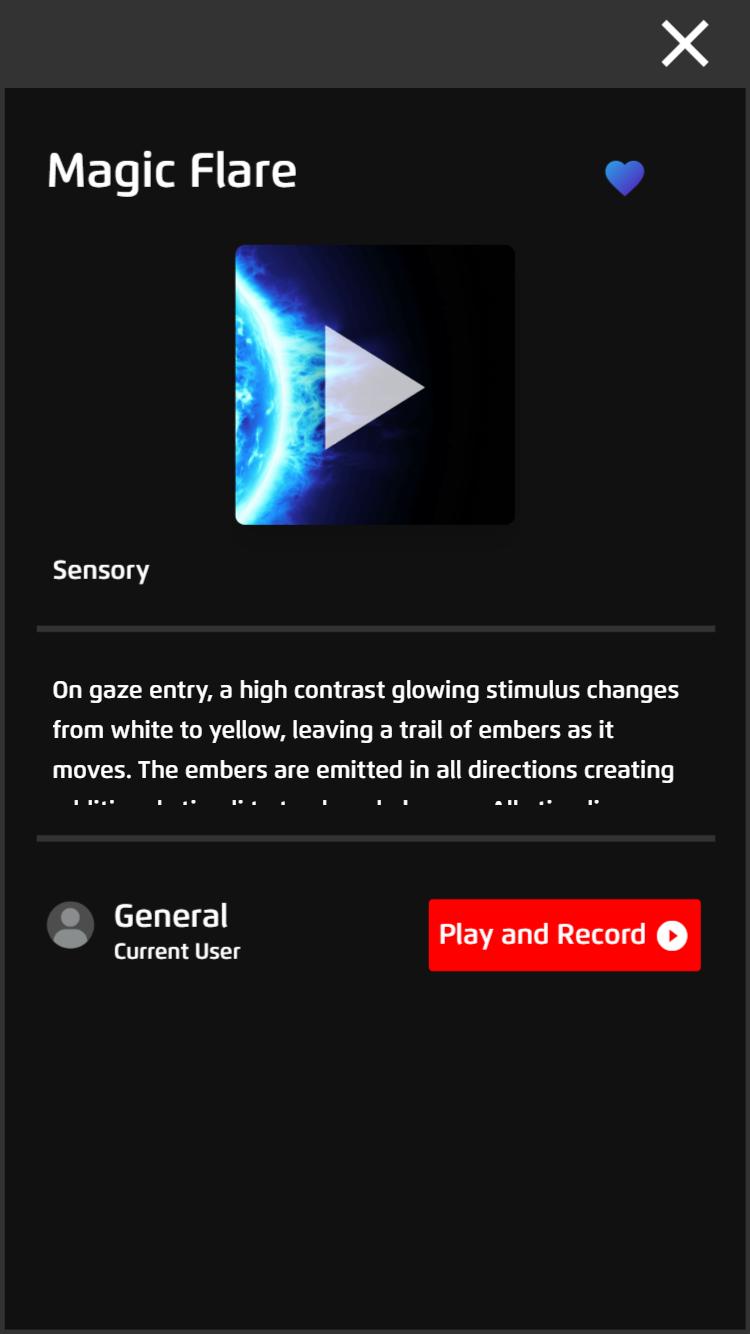
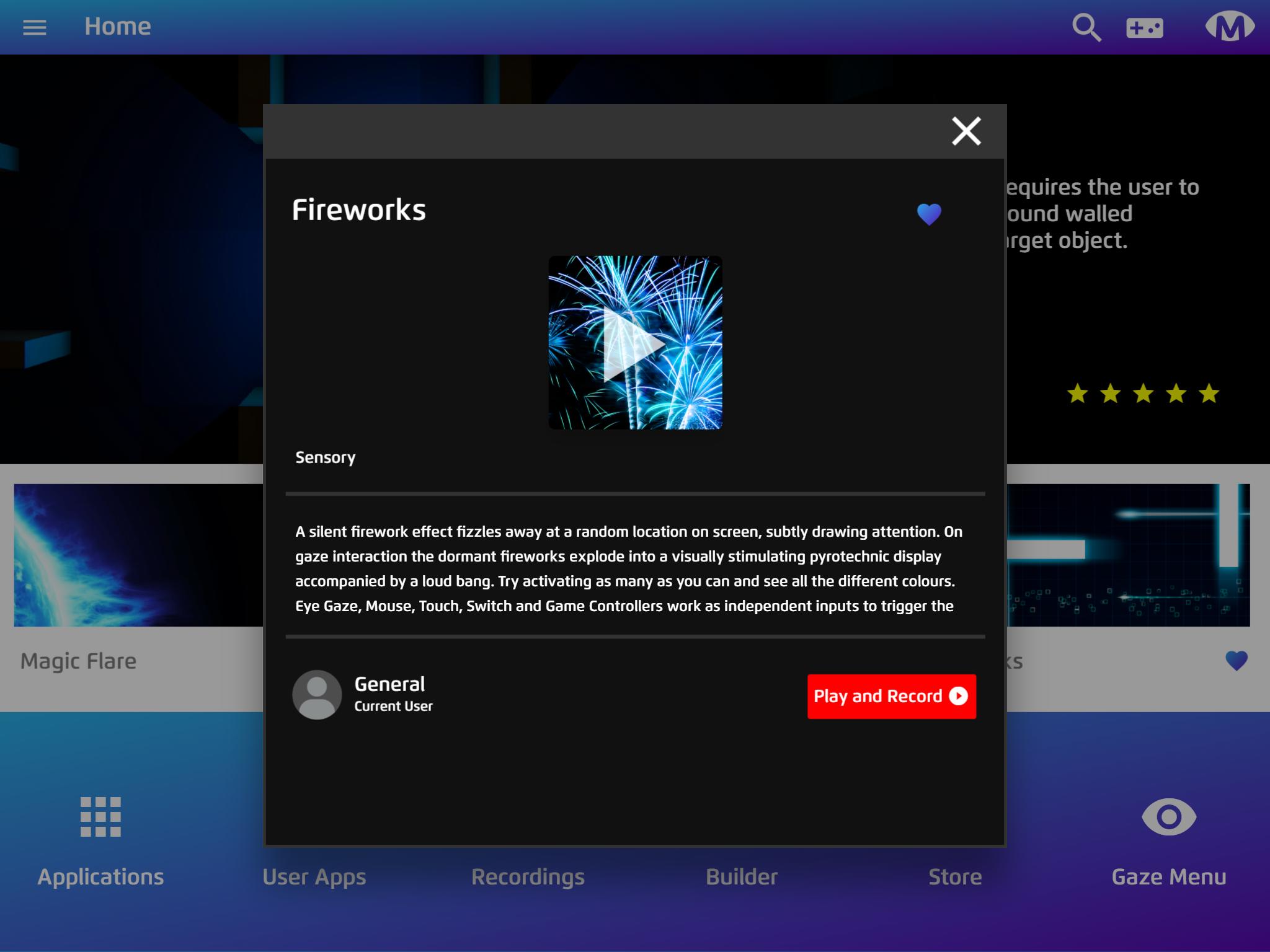
The Magic Eye FX™ companion app conveniently solves this problem and allows educators, therapists and caregivers to control all screen activity remotely. This includes the ability to launch apps, make screen recordings and start analytics sessions, construct new activities and much more from their phone or tablet.
How it works
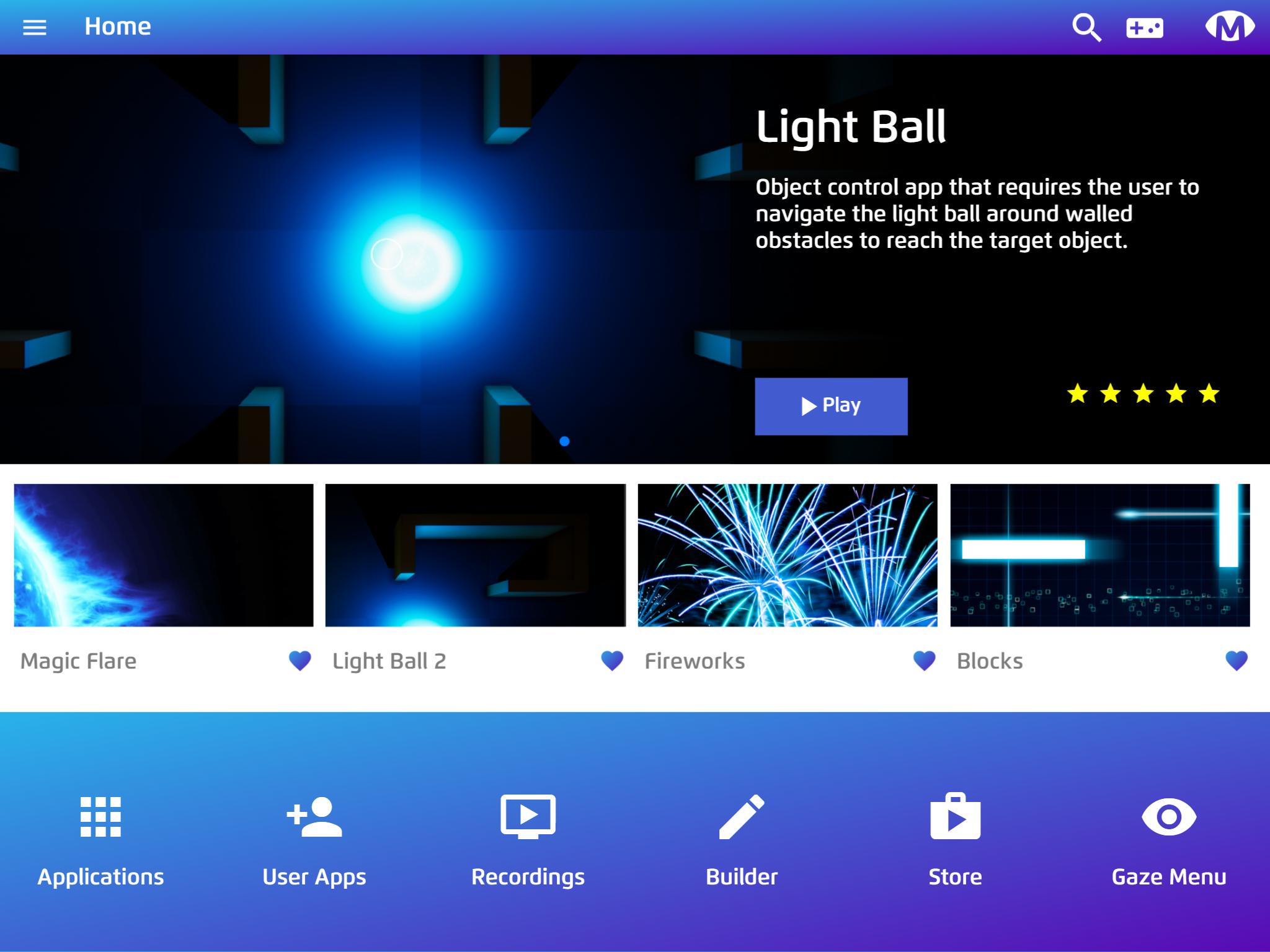
Magic Eye FX™ companion app connects to the users PC or I-series i13/i16 over a network connection. Simply make sure your iOS/Android device and the users Windows PC are on the same wireless network. The Magic Eye FX™ software running on the users Windows PC has a connect device option in the side menu that displays a QR code. Once installed, open Magic Eye FX companion app on your device and scan the QR code shown on the users device to pair the app and software. When connected you will be able to see the home screen and begin assisting and controlling the software.
Making Apps
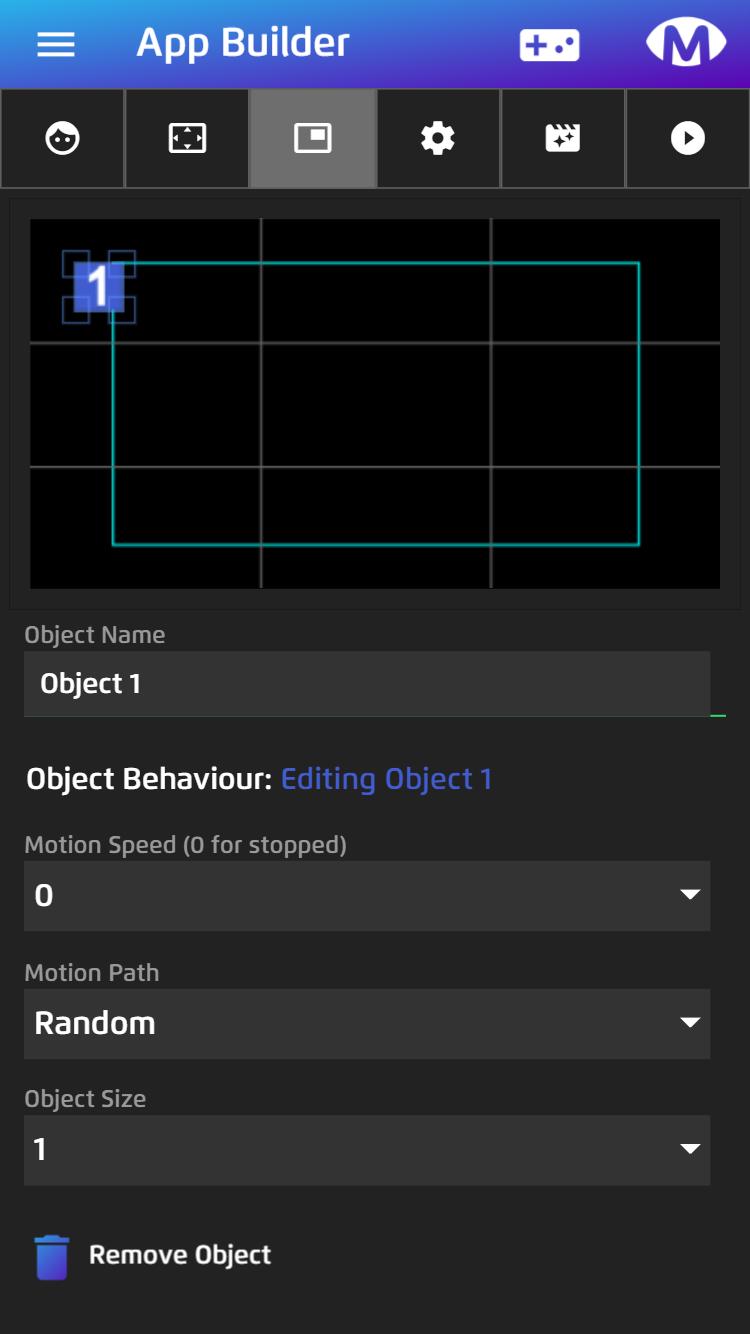
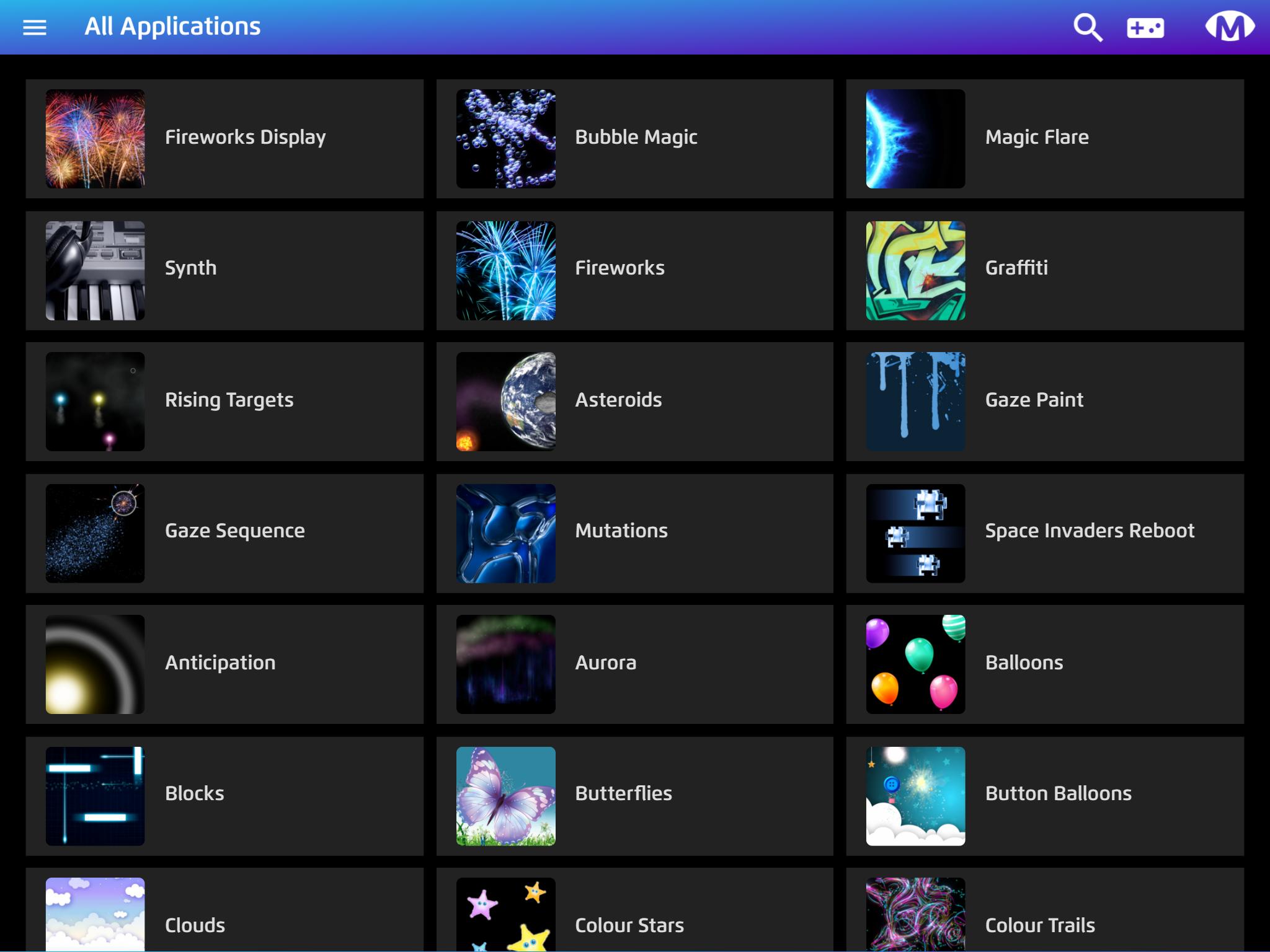
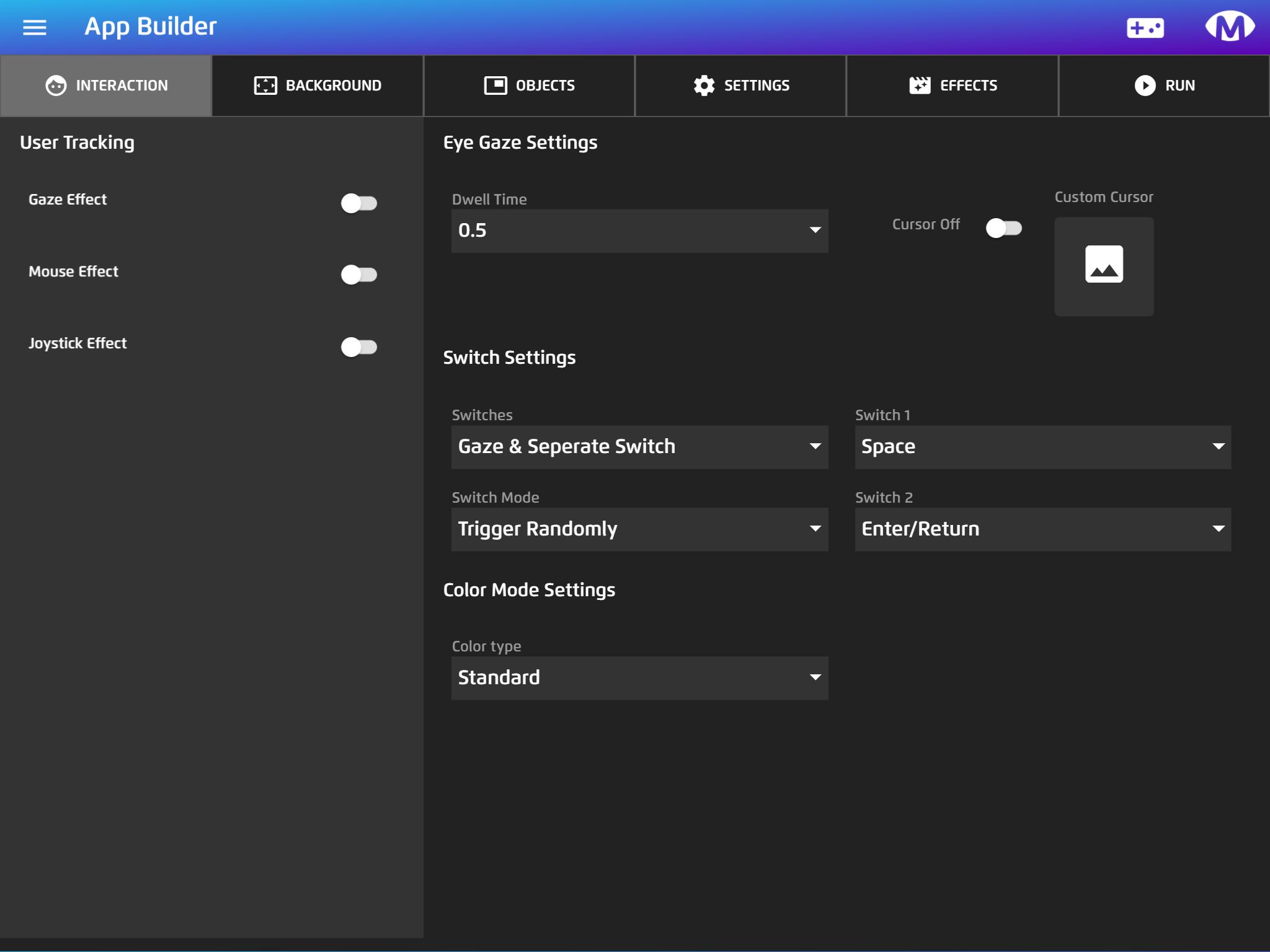
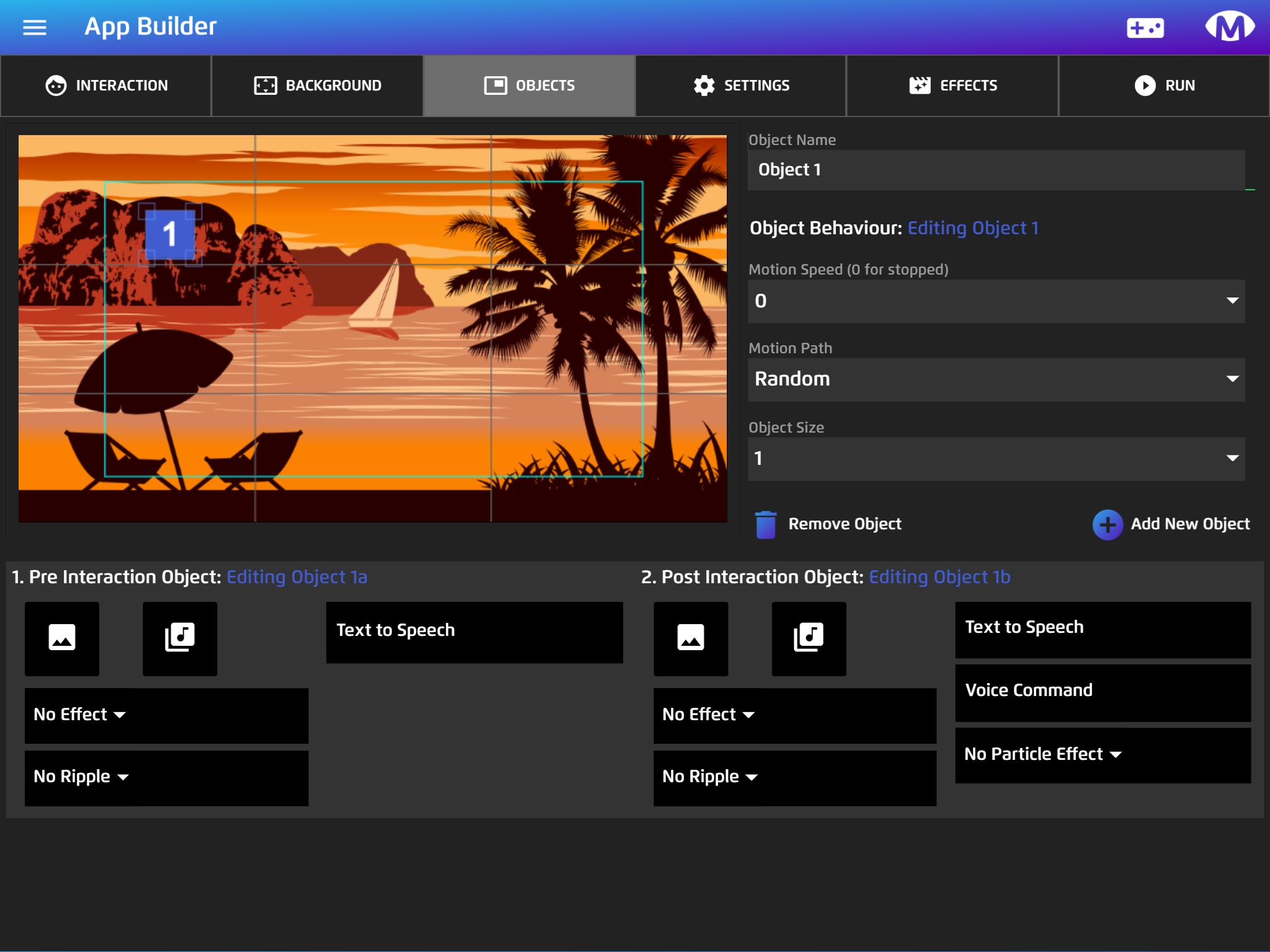
Get creative and start personalising content to meet the needs of the people you care for.From the companion app it is possible to make new apps using the powerful app builder tools. Here you can create all kinds of activities and communication games using the content included in the media library, including PCS Core Symbols from Tobii Dynavox. The app builder allows apps to be created that enable several access methods to work together such as eye gaze, switches, game controllers, speech, touch and mouse.
Starting screen recordings
Magic Eye FX™ companion app can start screen recordings on the fly or launch apps in screen recording mode. This features is very useful for reviewing user interaction and screen activity.
Support
For support and information about using Magic Eye FX and the companion app visit https://sensoryguru.com/products/magic-eye-fx
Latest Version
2.0.1Uploaded by
Med Zø XÝz
Requires Android
Android 10.0+
Category
Free Education AppContent Rating
Everyone
Security Report
Report
Flag as inappropriateLast updated on Dec 25, 2022
Minor bug fixes and improvements. Install or update to the newest version to check it out!

APKPure - A multi-platform app store primarily focused on Android, providing extensive app-related content. Discover the app you want easier, faster, and safer, with quick and efficient downloads and installations.