Loklok app helps users who want one place to watch global movies, shows, anime, and short dramas while also sharing their voice. It brings viewing and creating together so you can watch, comment, and publish in the same space. As a result, casual viewers and aspiring creators can both find a home for their interests. For those comparing options, Loklok apk offers a direct way to try the app’s viewing experience alongside its community tools without extra steps.
All in one catalog
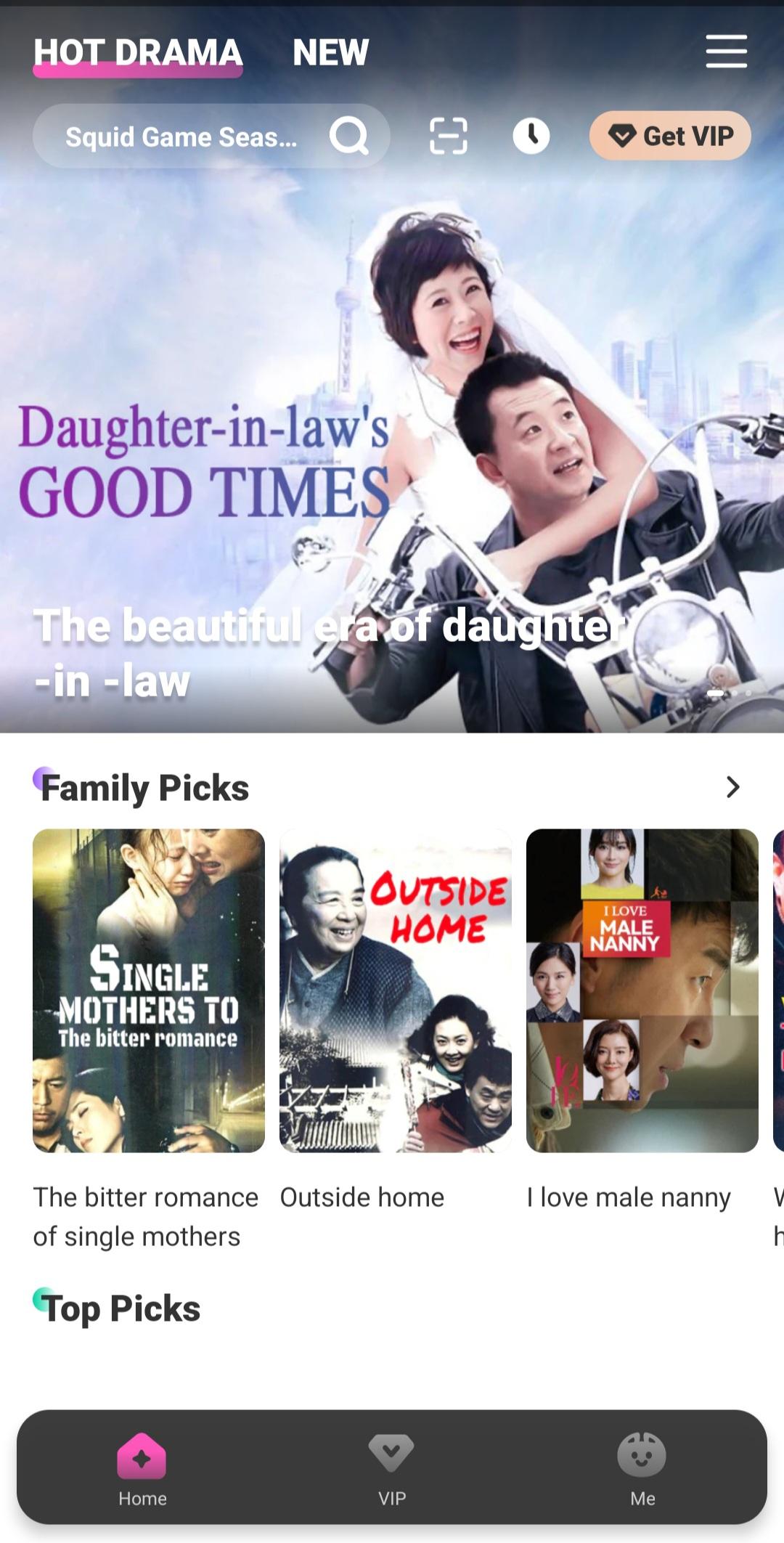
Loklok gathers movies, TV series, animation, and original shorts in a single library. You can move from a long drama to a quick short without switching apps, which makes casual browsing feel simple. The catalog supports quick sampling, then longer sessions when you settle on a title.
High quality playback that adapts
Loklok supports 4K HDR playback for titles that offer it, and it adjusts bitrate to keep video smooth when the network is weak. You can focus on the story instead of buffering, then switch to higher quality when your connection improves. This balance helps whether you are at home or on the go.
Smarter discovery and organization
AI powered recommendations surface shows that match your history, while rich categories and search make targeted finds quicker. You can mark favorites and keep track of history to resume later without digging. Over time, the app learns your taste so the home feed feels more relevant.
Watch anywhere with downloads and subtitles
After you download Loklok apk, offline downloads let you save episodes or films for flights and commutes. Multilingual subtitles support mixed language viewing for households and learners alike. You can start on your phone, then continue on your TV with progress synced across devices for a consistent session.
Community chat and creator tools
Loklok adds real time comments and chat while watching, so you can react with others without leaving the player. You can also share reviews, post short reactions, or publish remixes and uploads. The creator program offers traffic support, expert guidance, and monetization channels to help uploads reach the right viewers.
Loklok is built for co creation, not only passive viewing. If you plan to publish, these common paths help you decide what to make:
Original Shorts: Quick stories, behind the scenes clips, or life updates that stand on their own.
Film and TV Commentary: Thoughtful reactions, scene breakdowns, or episode recaps that add context.
Remixed Content: AMVs, mashups, and edits that transform existing moments into new takes.
Education: How to guides, language tips tied to scenes, or explainers that teach through clips.
Reviews: Structured opinions that help others decide what to watch next.
These categories match how viewers already browse, which makes it easier for your uploads to find an audience. Many users also ask about the Loklok TV app experience at home and search for Loklok PC information, but the core focus is Android phones, tablets, and TV.
Getting started is quick, and the layout is straightforward for new users. If you want the full mobile experience, Loklok for Android keeps browsing, playback, and creation in one place. The steps below outline a simple flow from first run to publishing.
Open the app after installation, then create an account or sign in so your history and favorites can sync.
From Home, browse recommendations, or tap Categories to filter by genre. If you already know the title, use Search, then open the detail page to start watching.
While playing, pick a subtitle language, adjust video quality, and choose whether to show real time comments. You can like or add the title to favorites for quick access later.
To keep watching offline, tap the download option on the title page, then check your Library to manage saved videos. When you reconnect, progress syncs so you continue where you left off.
To publish, open the creator section, follow the guidance to upload or remix, add a clear title and tags, then submit for review. After it goes live, track traffic and refine future posts.
Loklok apk combines a broad catalog, reliable playback, and community driven creation in one app. If you want steady streaming with room to publish your own work, consider the Loklok latest version to access the newest viewing and creator improvements.
Latest Version
3.7.0Uploaded by
Loklok Center
Requires Android
Android 6.0+
Category
Free Entertainment AppContent Rating
Everyone 10+ · Fantasy Violence, Mild Blood, Comic Mischief
Report
Flag as inappropriateLast updated on Apr 15, 2025
Minor bug fixes and improvements. Install or update to the newest version to check it out!




APKPure - A multi-platform app store primarily focused on Android, providing extensive app-related content. Discover the app you want easier, faster, and safer, with quick and efficient downloads and installations.