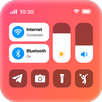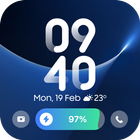

Lock Screen Now Bar helps users who want glanceable information and simple controls without unlocking the phone. It places essential status and media controls on the lock screen, while keeping the look clean and familiar thanks to inspiration from modern One UI design. As a result, everyday checks take less time and fewer taps. For those who prefer direct installs, the Lock Screen Now Bar APK can be used to set up the app quickly.
Lock Screen Now Bar shows current temperature, humidity, and conditions right on the lock screen. This makes quick checks simple when heading out or planning your day. The info is presented in a clear bar so you can see it and move on without opening other screens.
Music controls on the lock screenWhen music is playing, you can play, pause, and skip tracks from the NowBar without opening the app. Controls are designed to work with popular players, so daily listening stays convenient. This reduces the need to unlock or search through apps to manage audio.
Battery and charging statusYou also see battery level and charging progress at a glance. Lock Screen Now Bar places this information where it is easy to notice during quick checks. It helps you understand whether the device is charging properly and how much power is left before you start an activity.
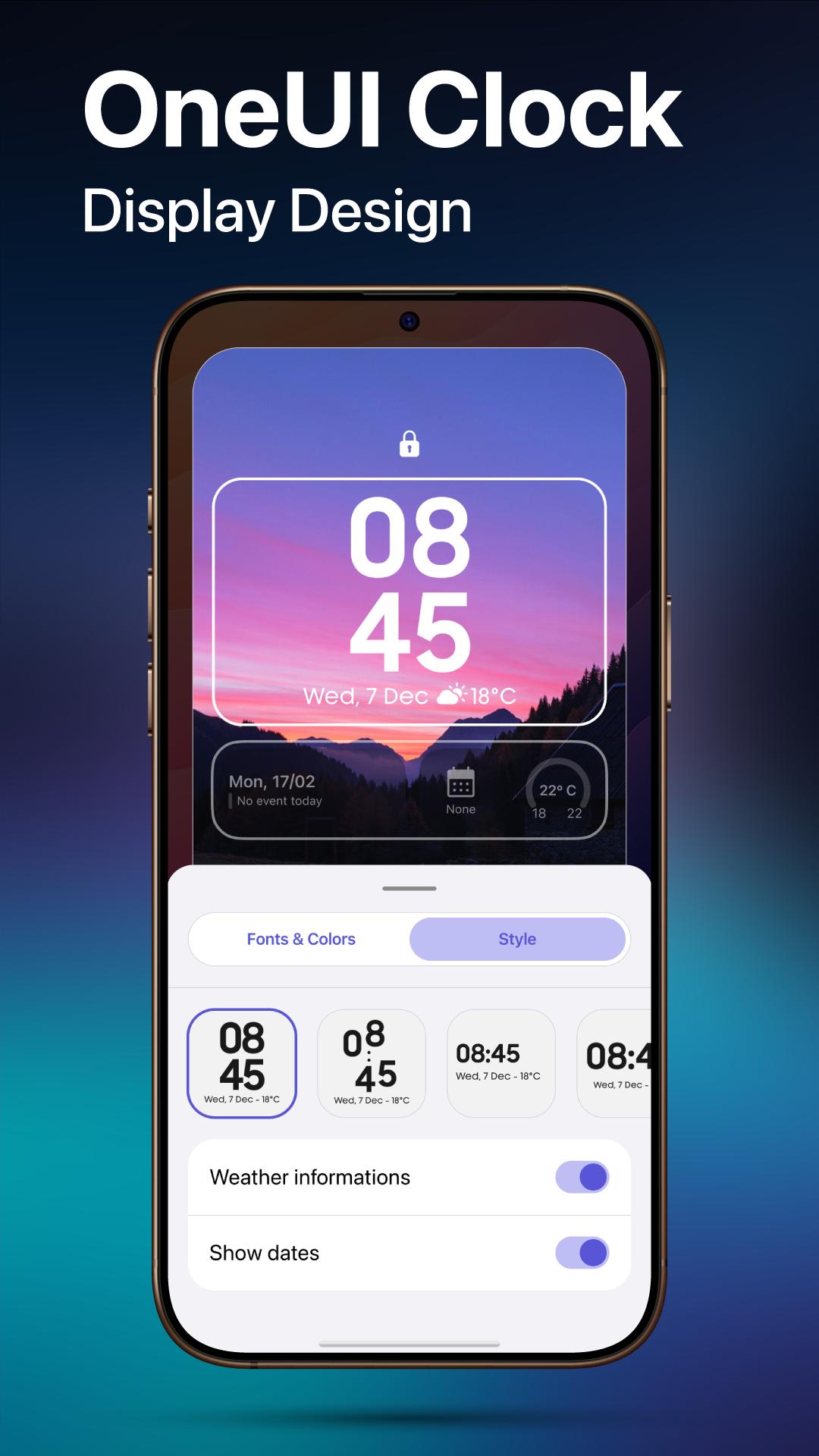
Customization optionsFor visual changes, Lock Screen Now Bar lets you set wallpapers, adjust clock sizes, and choose fonts and colors. You can apply animations and visual effects to match personal taste. If you use shortcuts and widgets, you can add useful elements and bring key actions closer to the lock screen.
Privacy and permissions transparencyTo enable overlays and controls, Lock Screen Now Bar requests the Accessibility service. The app also uses QUERY_ALL_PACKAGES to load app icons for shortcuts, which helps present recognizable icons in the NowBar. The developer states the app does not collect or share user data related to these services, and permission prompts explain what each request is for.
Review the permission prompts carefully, since Accessibility powers overlays and controls, while QUERY_ALL_PACKAGES is used to load icons for shortcuts. These permissions support the lock screen experience described above. The developer states the app does not collect or share user data for these services. If you want up to date features, check the Lock Screen Now Bar latest version details shown here before installing.
Some phones include a native lock screen info bar in certain Android skins, such as One UI. Lock Screen Now Bar offers similar glanceable info and controls along with flexible customization on many Android devices. If your media player expands and then returns to a compact view after waking the phone, that behavior can depend on the device and player. You can tap the media area to expand controls again when needed.
This guide covers the basics for setting up the app on an Android phone. After installing the Lock Screen Now Bar APK, you can enable the info bar and pick what it shows. The steps below move from permissions to customization in a simple sequence.
Lock Screen Now Bar brings weather, media controls, battery info, and flexible visual options to the lock screen. If this approach suits daily use, download Lock Screen Now Bar and configure the NowBar to match your routine.
Latest Version
1.0.3Uploaded by
Lucas Daniel
Requires Android
Android 8.1+
Category
Free Personalization AppContent Rating
Everyone
Report
Flag as inappropriateLast updated on Mar 26, 2025
Lock screen now bar release version 1.0.3 - 7






APKPure - A multi-platform app store primarily focused on Android, providing extensive app-related content. Discover the app you want easier, faster, and safer, with quick and efficient downloads and installations.