Lock screen live wallpaper - Lock screen by passcode - fingerprint - auto change wallpaper
Lock screen Live Wallpaper is a smart application that helps keep your privacy safe, preventing others from trying to illegally access your phone.
Lock Screen with key screen lock and integrated fingerprint screen lock, is extremely secured and is the best privacy protection for your phone nowadays
- A simple, easy to use screen lock application which is suitable for all ages
Feature:
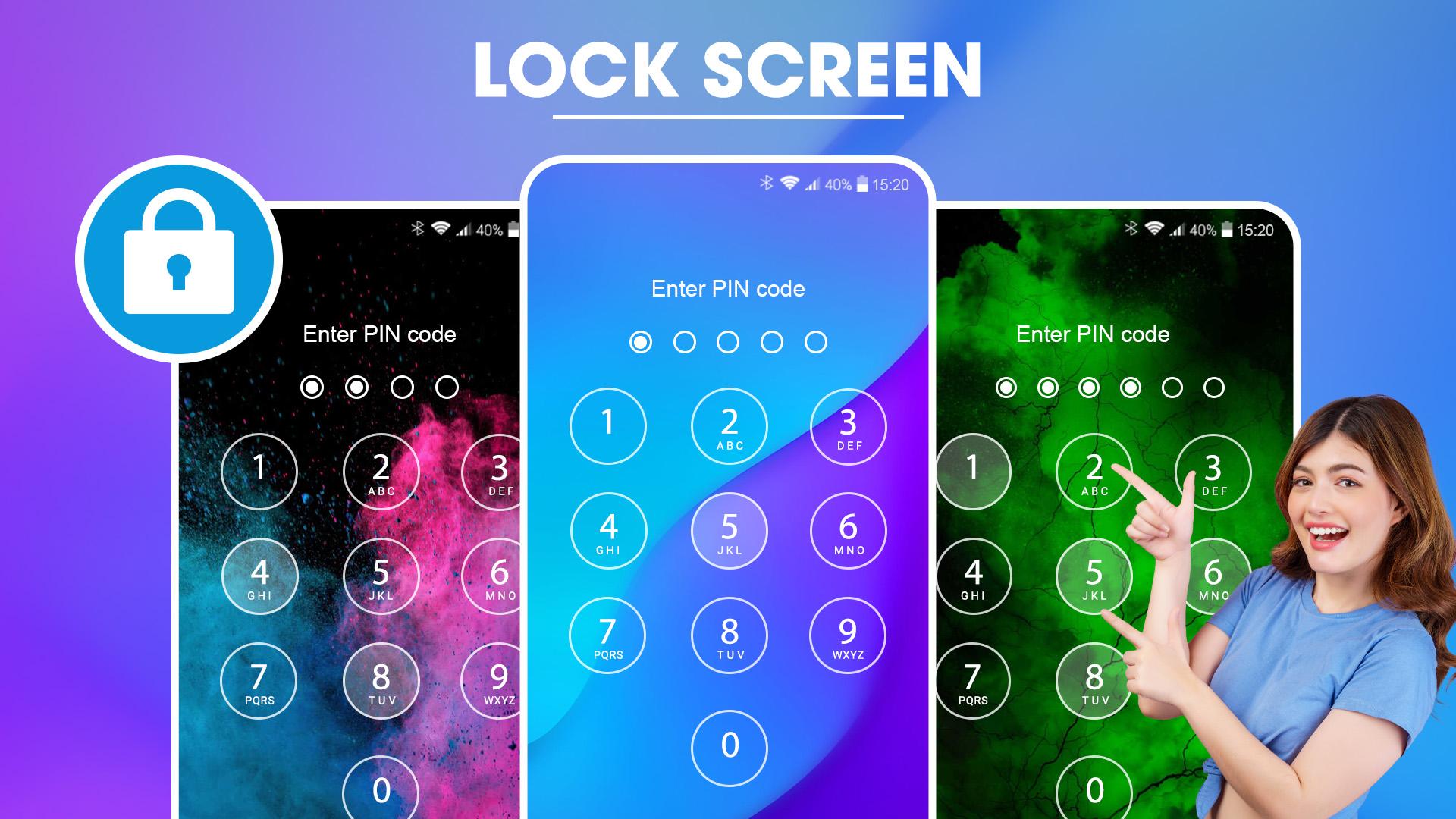
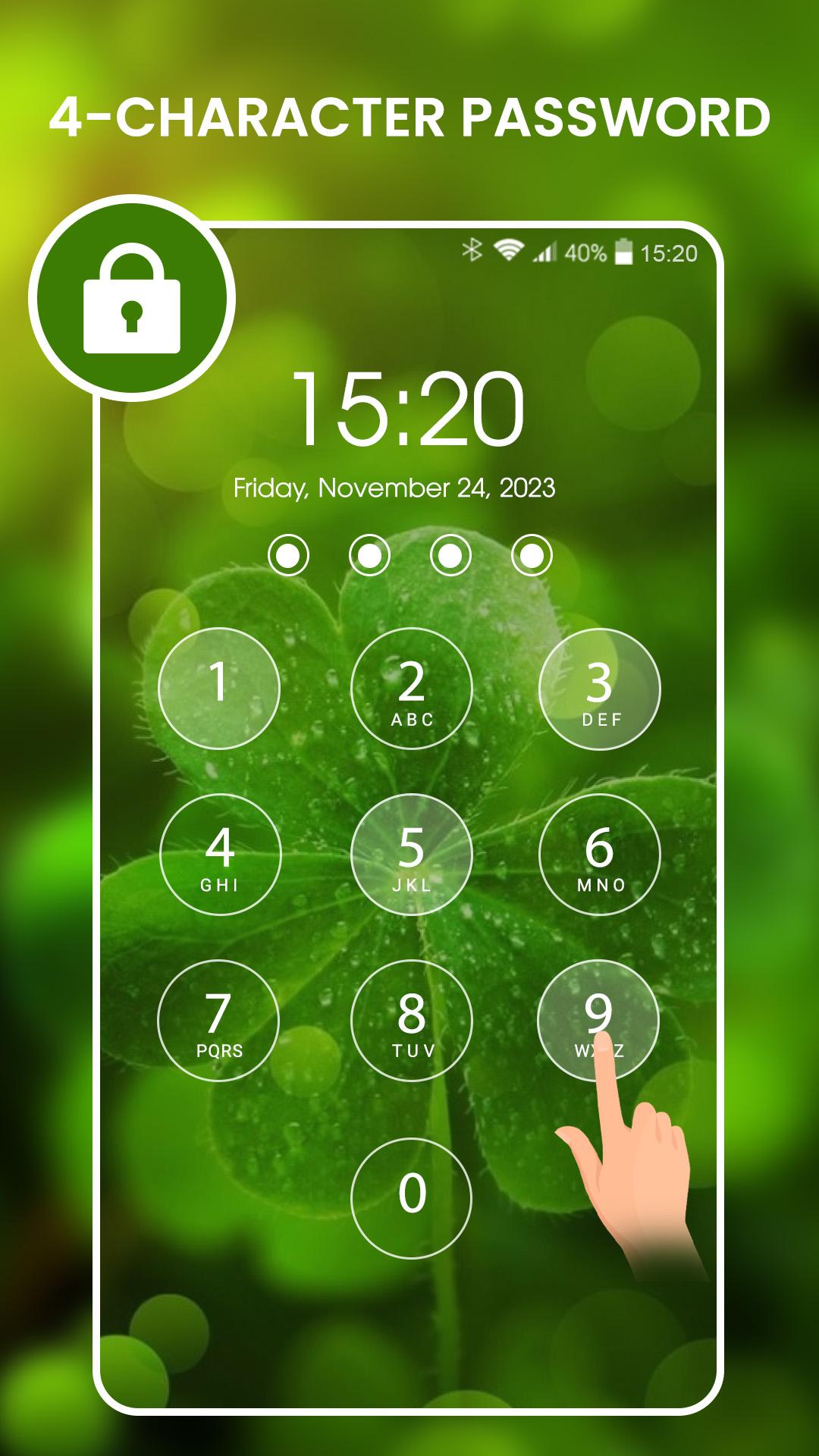
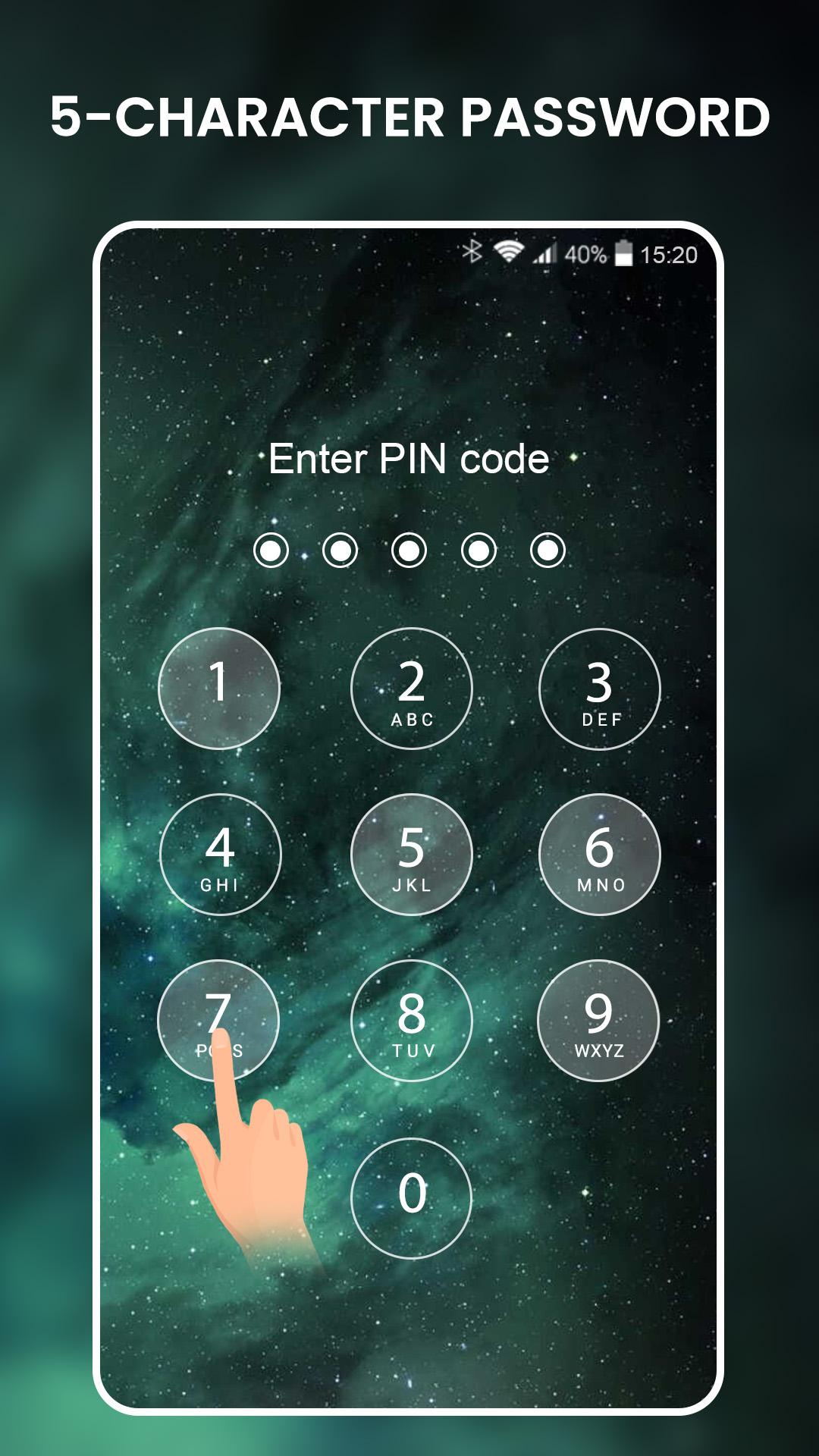
- Create passcode to lock your phone
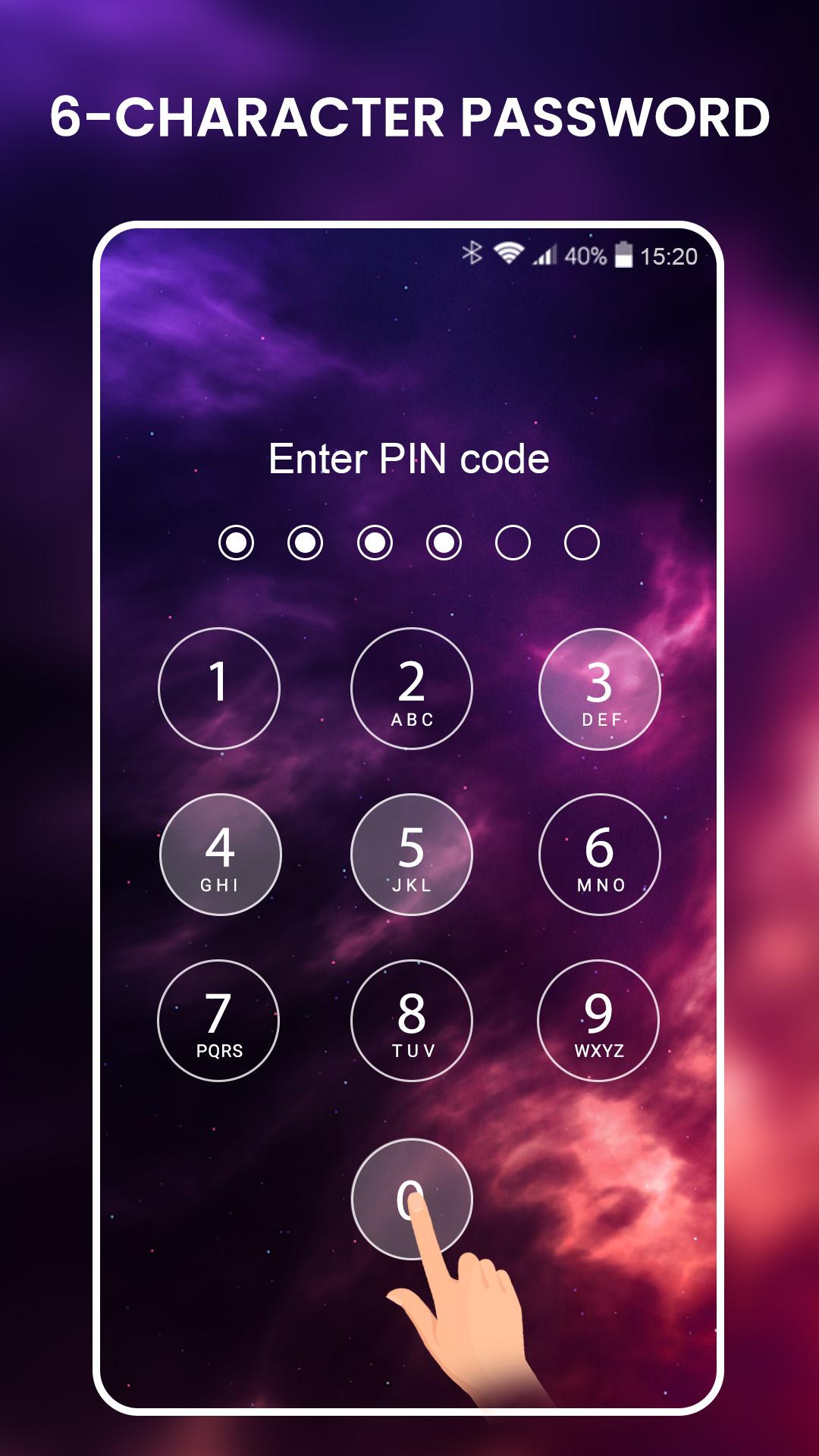
- Key lock screen with high-level encrypted 6-character password, extremely safe
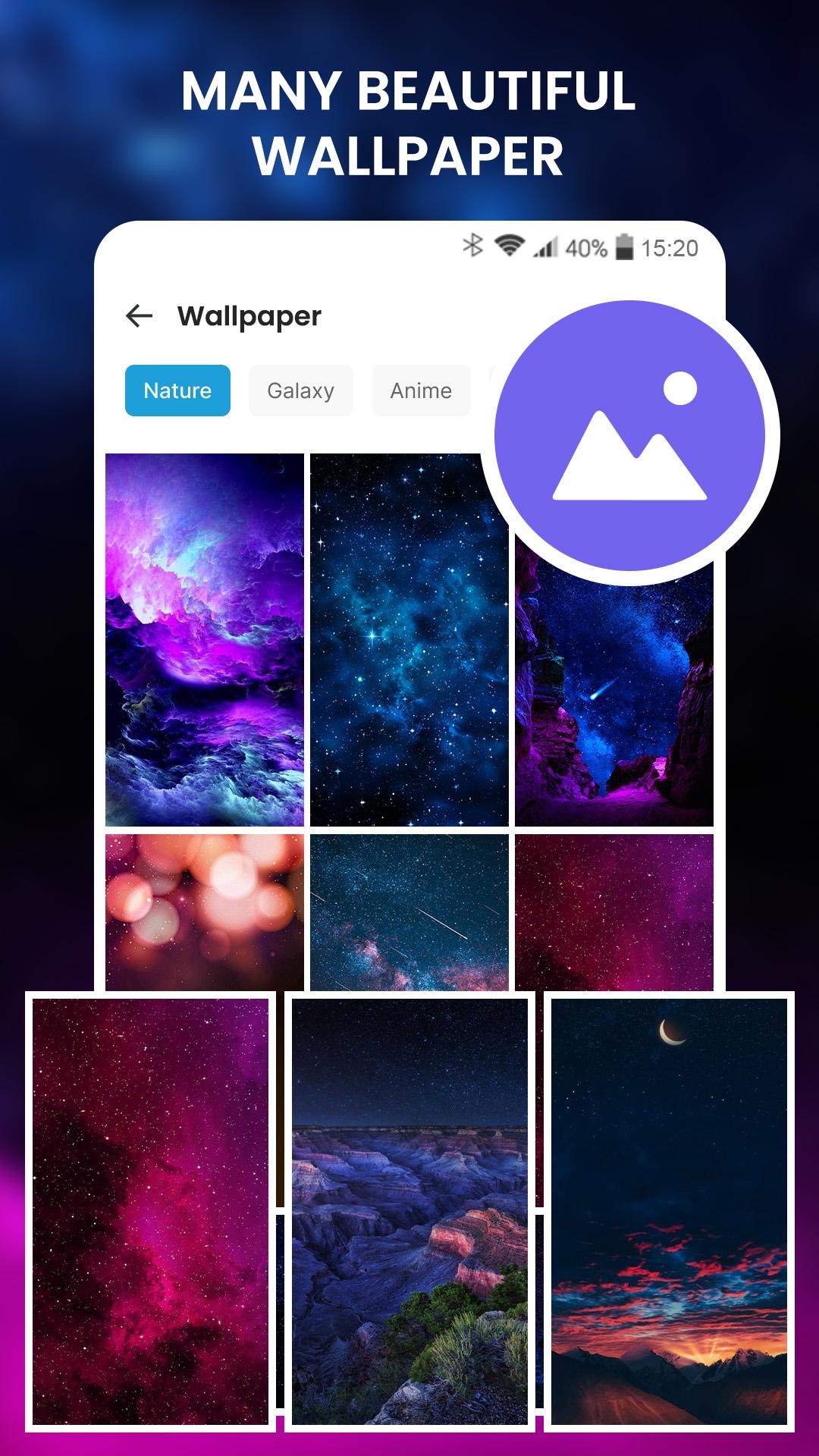
- Add personality and flair to your device: Lock screen live wallpapers can be a great way to express your personal style and interests. There are a wide variety of wallpapers available, so you're sure to find one that you love.
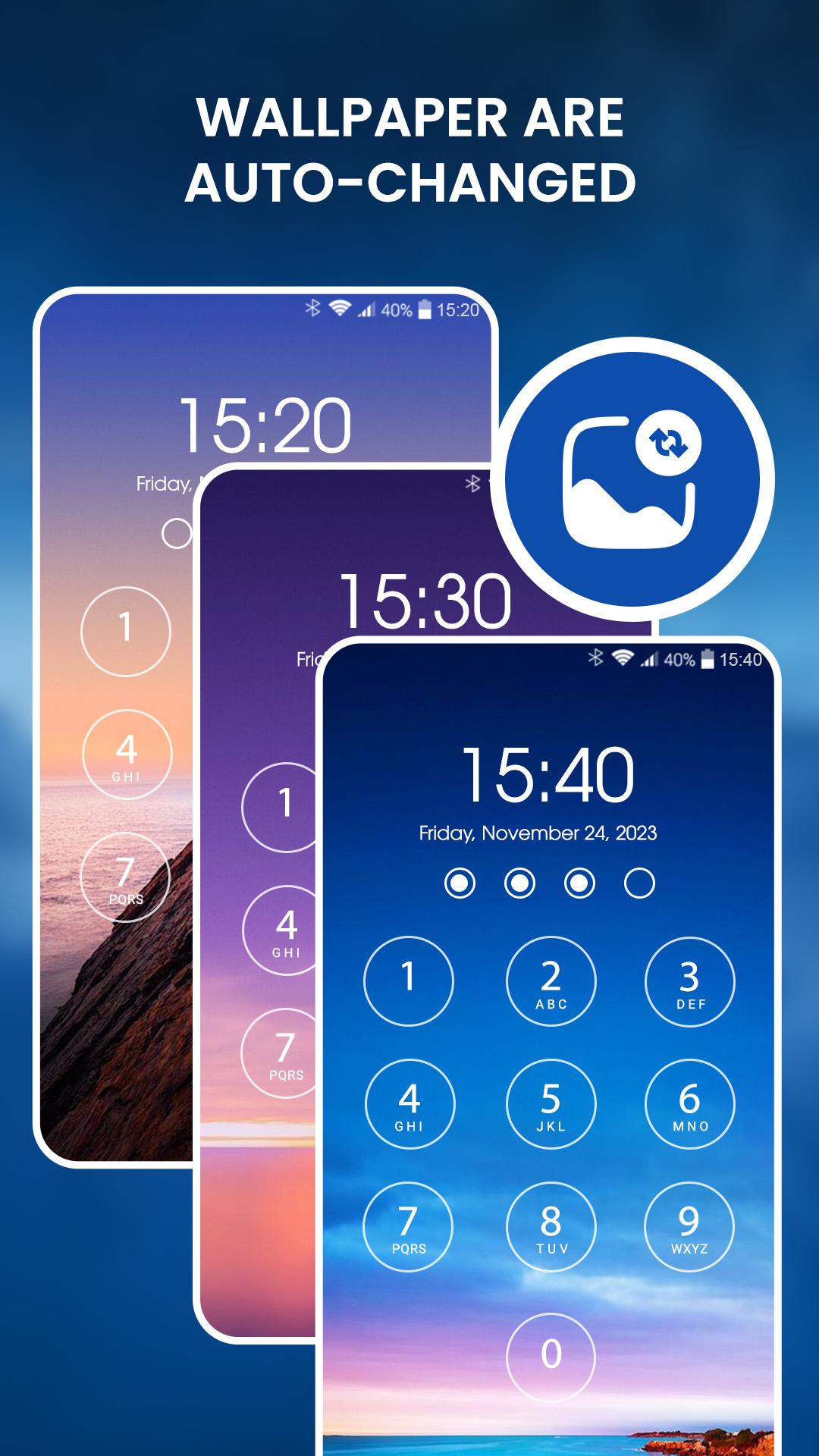
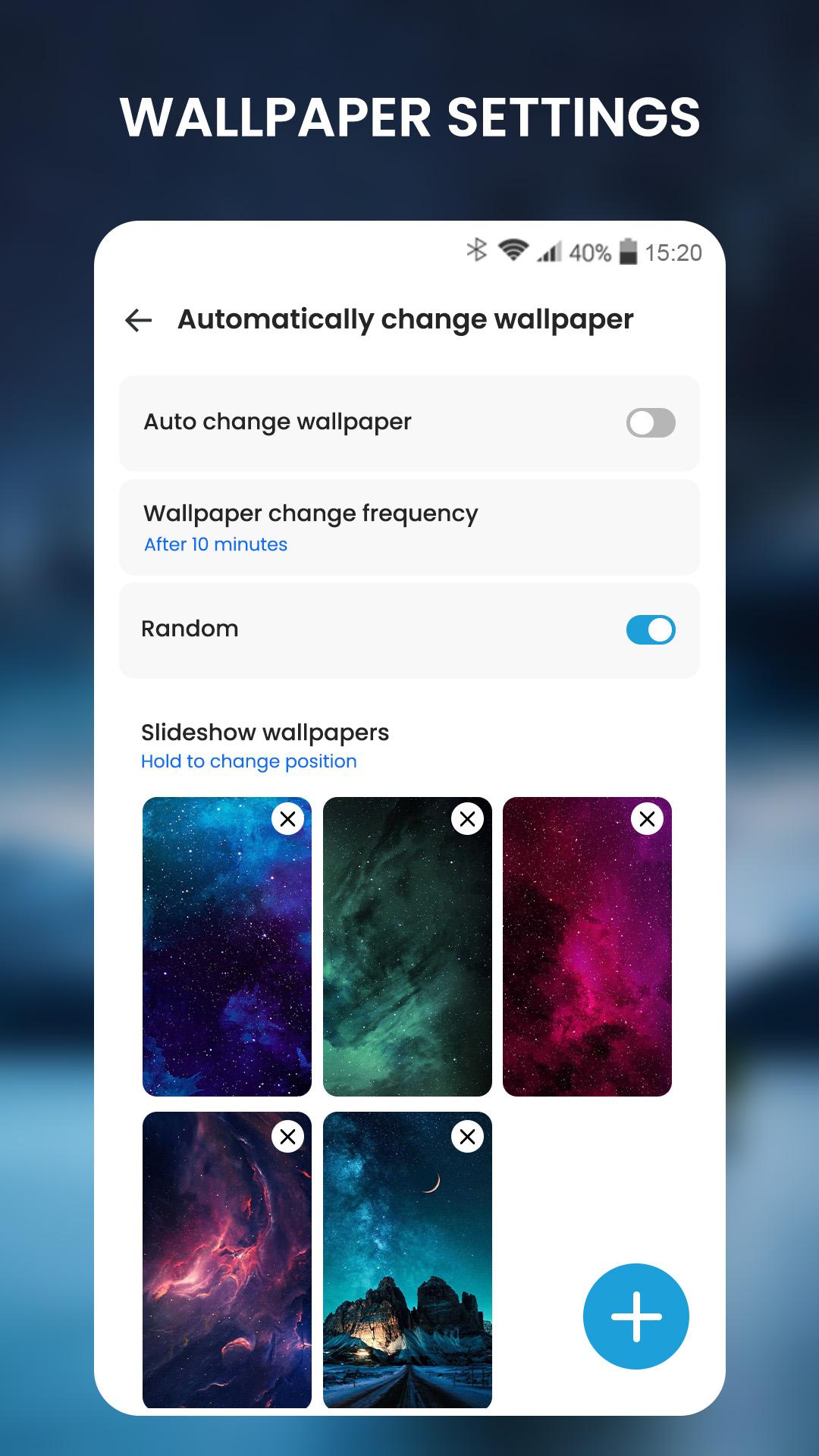
- Automated wallpaper updates: seamlessly changes your lock screen wallpaper at specified intervals, keeping your device's look fresh and exciting.
- Personalized wallpaper selection: choose from a variety of wallpaper categories, such as nature, landscapes, abstracts, and more, to match your aesthetic preferences.
- Customizable Interval: Set the frequency of wallpaper updates to suit your liking, whether you prefer daily, weekly, or monthly refreshes.
- Battery-Efficient Operation: Lock Screen Live Wallpaper is designed to be lightweight and battery-efficient, ensuring that it doesn't drain your device's power excessively.
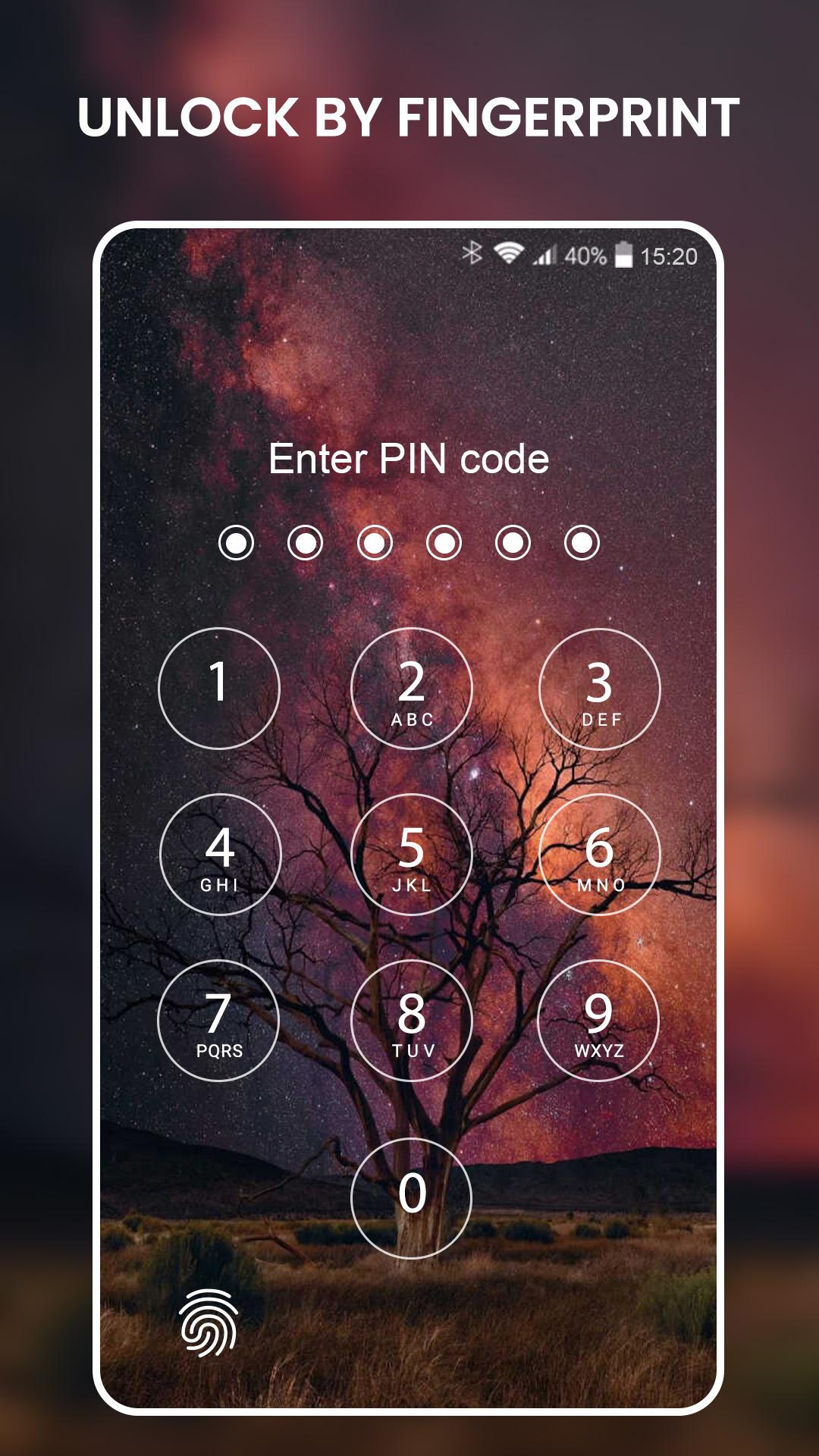
- The lock screen integrates a fingerprint lock which increase the device protection
- Enhanced Visual Appeal: Lock Screen Live Wallpaper keeps your lock screen visually captivating, transforming your device into a canvas of stunning imagery.
- Personalized Experience: Tailor the wallpaper selection and update frequency to create a lock screen that perfectly reflects your unique style.
Setting up a screen lock extremely simple with these steps:
1. Enable lock: ON
2. Set up PIN - PASSCODE
3. Done!
With those extremely simple steps above, you have set up a lock screen to protect the privacy of your device.
After activating the lock, if you want to increase security and unlock faster, please activate the fingerprint lock.
Lock Screen is a completely free application, let’s install and set a screen lock to further protect your phone privacy.
Latest Version
1.1.4Uploaded by
Sepol Soekamti
Requires Android
Android 6.0+
Category
Free Personalization AppContent Rating
Everyone
Report
Flag as inappropriateLast updated on Sep 25, 2025
Bug Fixes & Performance Improvements

APKPure - A multi-platform app store primarily focused on Android, providing extensive app-related content. Discover the app you want easier, faster, and safer, with quick and efficient downloads and installations.











