

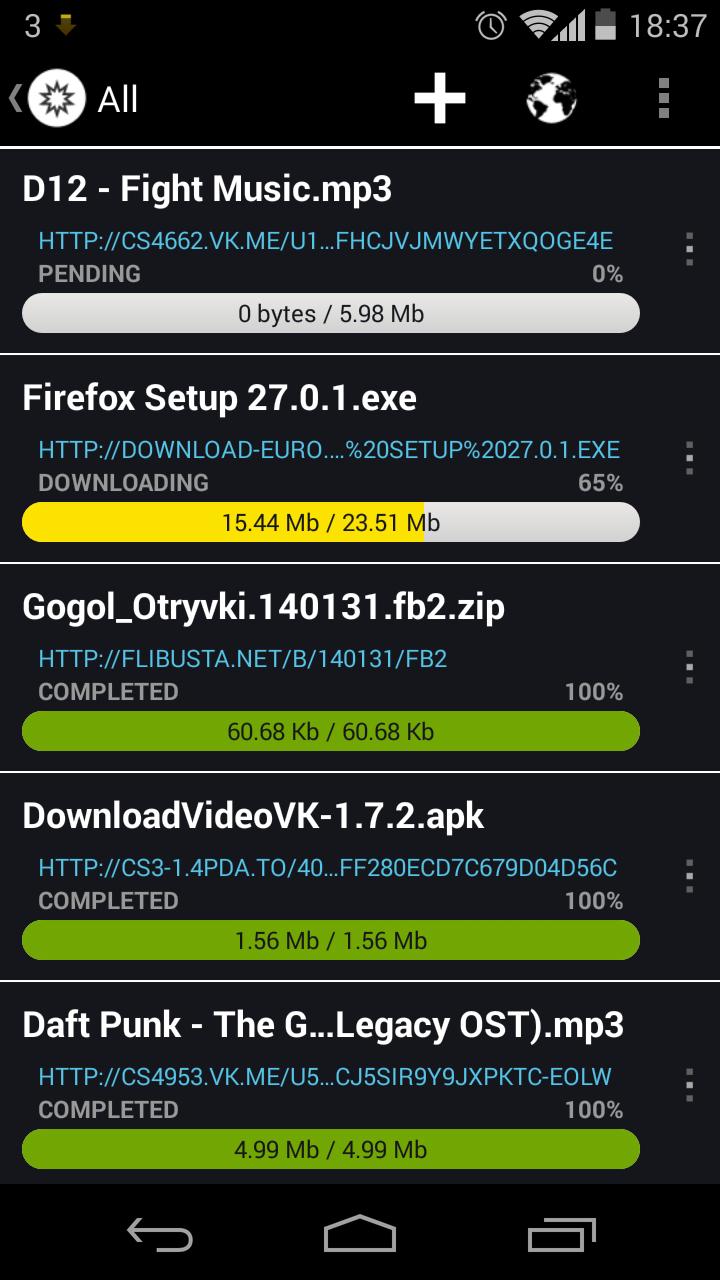
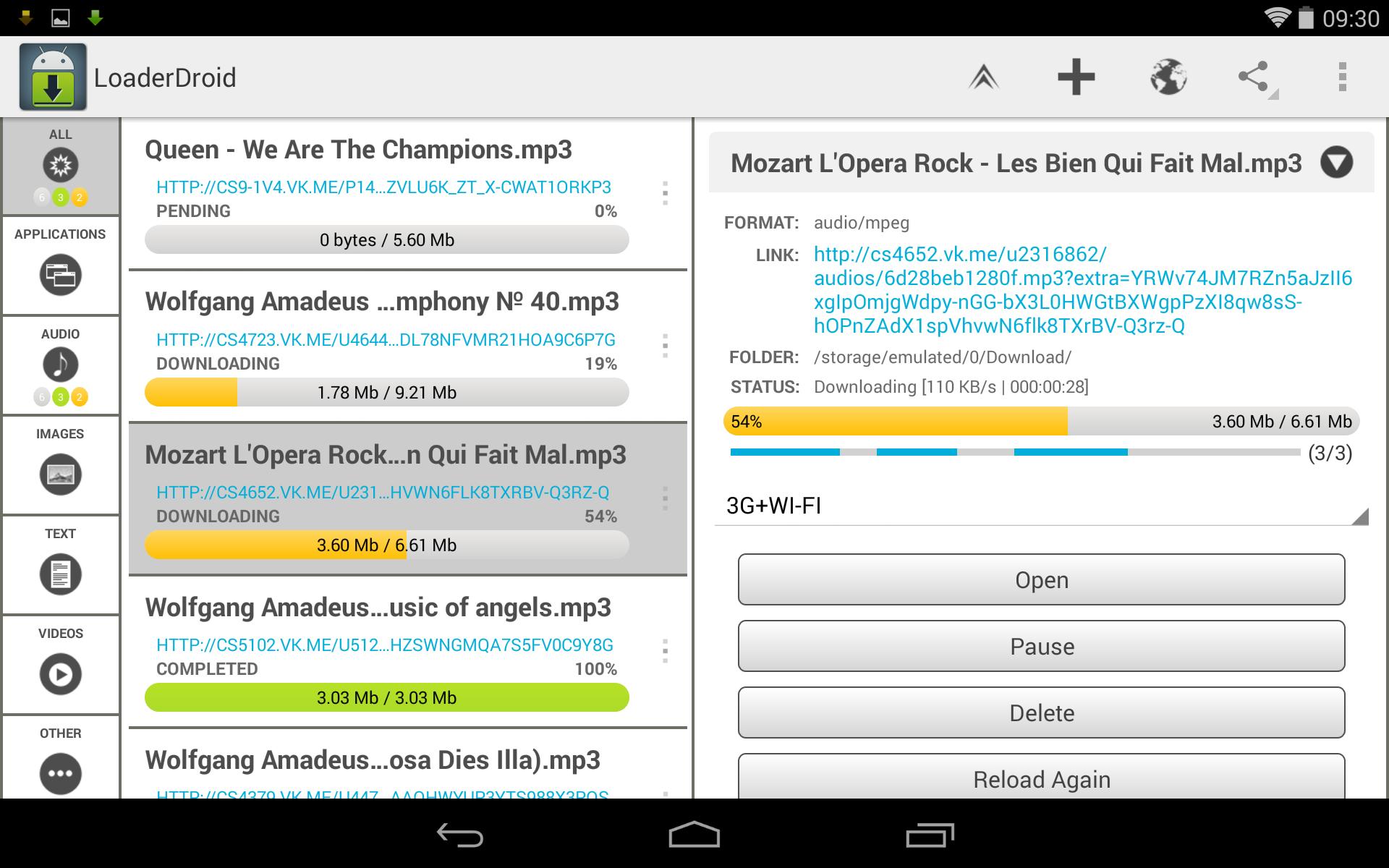
Loader Droid download manager helps users who run into failed or slow downloads on spotty Wi Fi or mobile data. It brings videos, images, music, apps, and documents into one place so you can track tasks with less effort. The interface is clear and keeps resource use low while you work on other things. Moreover, Loader Droid download manager latest version is designed to handle both small and very large files in everyday use. Start a task when convenient and let the app manage the rest in the background.
Reliable pause and resume
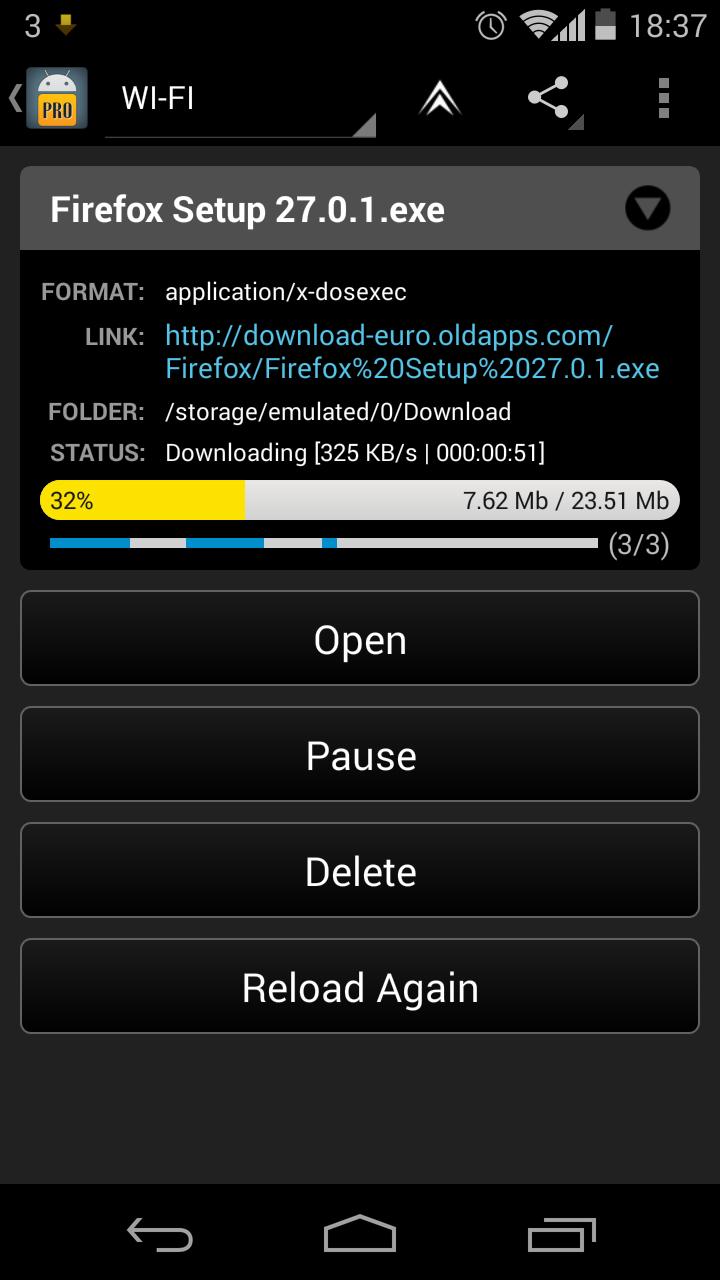
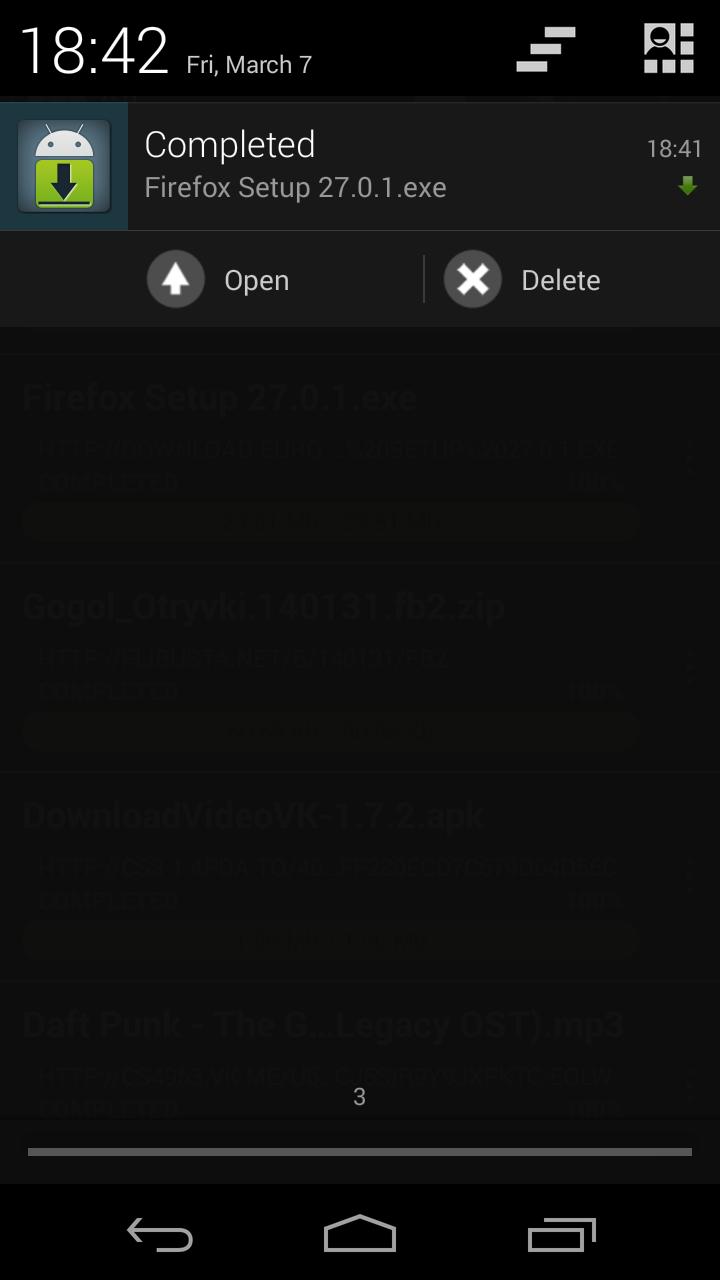
Loader Droid download manager can continue a download from where it stopped after a drop in connection. When the network disappears, tasks pause automatically. As soon as the connection returns, downloads resume so you do not need to start over. This behavior helps keep long transfers steady during daily travel or weak signals.
Easy ways to add links
Control network use and timing
If you need to manage data, you can choose which connection each download may use, such as Wi Fi or mobile data. You can also set a schedule so a task starts at a specific time. This gives you flexibility to fit downloads around your routine and connection quality.
Faster downloads and low resource use
For large files, the app can split the job into multiple parts to improve speed when the server allows it. At the same time, it is designed to use device resources only when needed, keeping your phone responsive while downloads continue.
This app organizes many file types and keeps downloads stable even when connections change. Add links from your browser or other apps, set your preferred network or schedule, and let it work in the background. To try it on your device, get the Loader Droid download manager APK and start your first transfer.
Latest Version
1.0.1Uploaded by
Weslei Cardoso
Requires Android
Android 2.3.2+
Category
Free Tools AppContent Rating
Everyone
Report
Flag as inappropriateLast updated on Sep 2, 2016
Ver 1.0
* Marshmellow permissions
* Automatic mode for choosing number of connections based on internet speed
* Check for name duplicates in auto add mode (possibility to update link on duplicate name)
* Added auto sleep mode when battery is low
* Added support for writing on external SDcard for KitKat and later
* Added new options to the Browser:
** Do not load images
** Do not allow javascript
** Request desktop site





APKPure - A multi-platform app store primarily focused on Android, providing extensive app-related content. Discover the app you want easier, faster, and safer, with quick and efficient downloads and installations.











