Scan Date:Jan 25, 2026
Show More


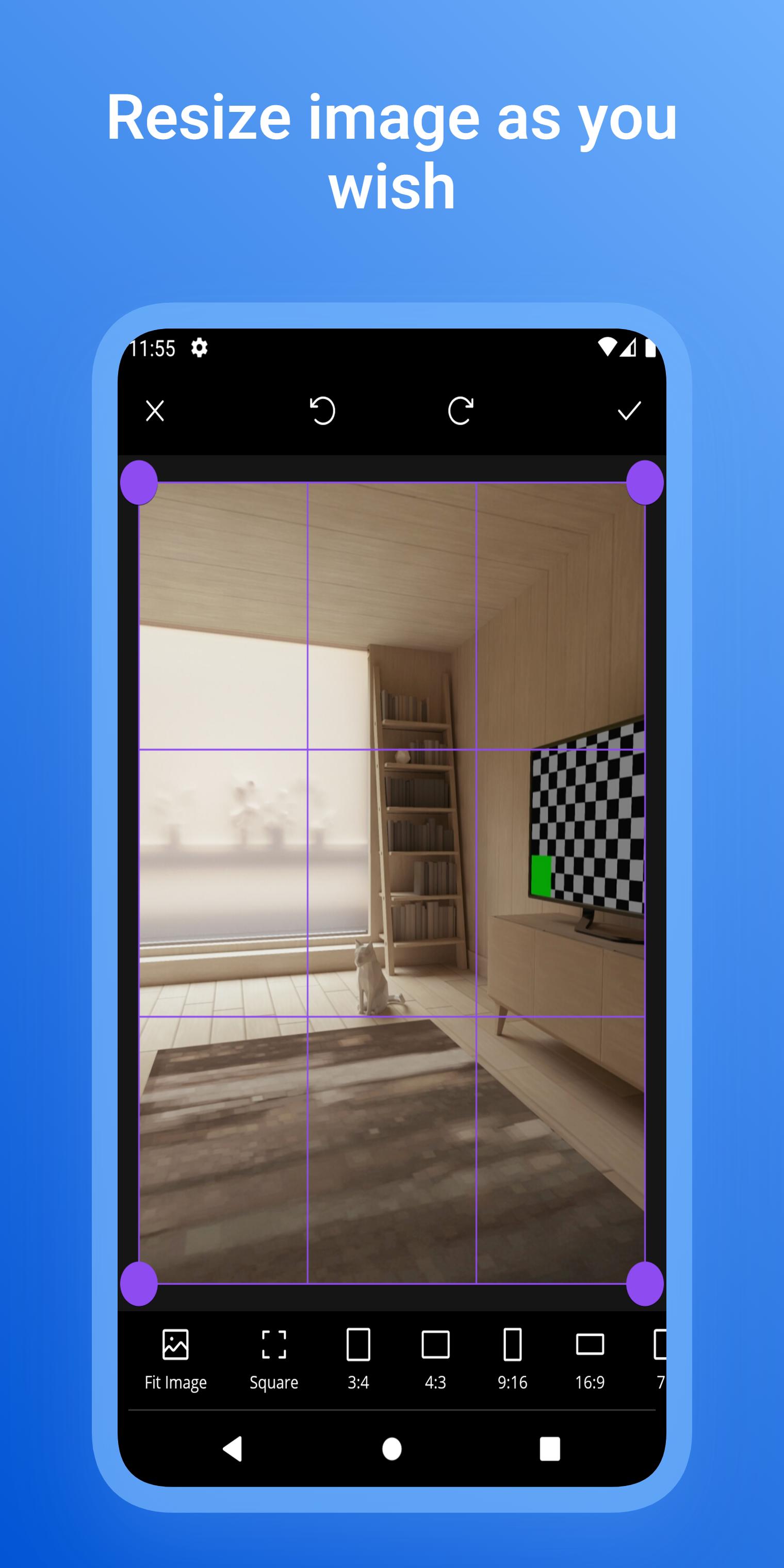
Live Photo helps users who want movement in photos for social posts or custom wallpapers. It brings still images to life with animation effects, fresh filters, and dynamic themes that fit quick editing on a phone. You can create living photos, loopable clips, and moving backgrounds in a few steps, then save as short videos or set them on the Home or Lock screen. With clear tools and preview controls, Live Photo APK offers an approachable way to build cinemagraph style visuals without extra gear.
Cinemagraph and living photo creation
Live Photo lets you animate selected parts of a still image while keeping the rest frozen. You can draw simple masks, choose motion paths, and adjust speed for subtle loops. This creates a focused point of movement that guides attention and keeps the scene grounded.
Live wallpapers and moving backgrounds
You can turn animated results into live wallpapers for the Home screen or the Lock screen. The app prepares moving backgrounds that fit phone aspect ratios and looping behavior, so they look consistent when you set them through your device wallpaper options.
Loopable clips for sharing
When you want to post, Live Photo exports animated photos as short, loopable videos that play in a regular feed. This helps your motion content show up reliably on social platforms that do not support special photo formats, and it keeps playback smooth for viewers.
Animation effects and fresh filters
To match your style, you can apply animation effects and photo filters before exporting. Basic color adjustments and preset looks help align your loop with a theme, while motion effects add texture that complements the scene. Changes show in the preview, so you can refine the result in context.
Seamless loops from still images
On iPhone, Live Photos combine brief video and a still frame in a special format. On Android, Motion Photos vary by device and often save as standard video alongside an image. Live Photo focuses on recreating the look of a live moment by animating parts of a still and exporting to common formats such as short video or GIF. This means your creations can be viewed on most phones and shared across different apps without extra steps.
Many chat and social apps do not play live formats natively. If you want the motion to appear in feeds or chats, export from Live Photo as a video or GIF. Videos usually keep quality and sound if added, while GIFs offer quick playback that loops automatically. If your goal is a moving background for your device, export a live wallpaper and apply it through your wallpaper settings. For Live Photo for Android use cases, this approach covers both sharing and personalization.
After you download Live Photo, creating a motion image follows a short path from import to export. The tools focus on masking, motion controls, and quick previews, so you can adjust without guesswork. Use the steps below to move from a still photo to a loop, a video, or a live wallpaper.
Live Photo helps turn still shots into subtle loops, short videos, and moving wallpapers that fit everyday sharing and personalization. To try the current tools and formats, get the Live Photo latest version and begin with a photo you already like. The guided workflow makes it easy to preview, adjust, and export in a format that works for your goal.
Latest Version
2.0.3Uploaded by
Pixin Lab
Requires Android
Android 7.0+
Category
Free Tools AppContent Rating
Everyone
Security Report
Report
Flag as inappropriateLast updated on Dec 10, 2025
Simplified the Motion Photo creation tool.





APKPure - A multi-platform app store primarily focused on Android, providing extensive app-related content. Discover the app you want easier, faster, and safer, with quick and efficient downloads and installations.