LIVE MOCKUP IS OUT OF BETA!!!
PRO version has also been released. It features lot of customizations and features. Get it from here : https://play.google.com/store/apps/details?id=com.poash.livemockuppro
We have added more features and properties. We've also added one more control, View.
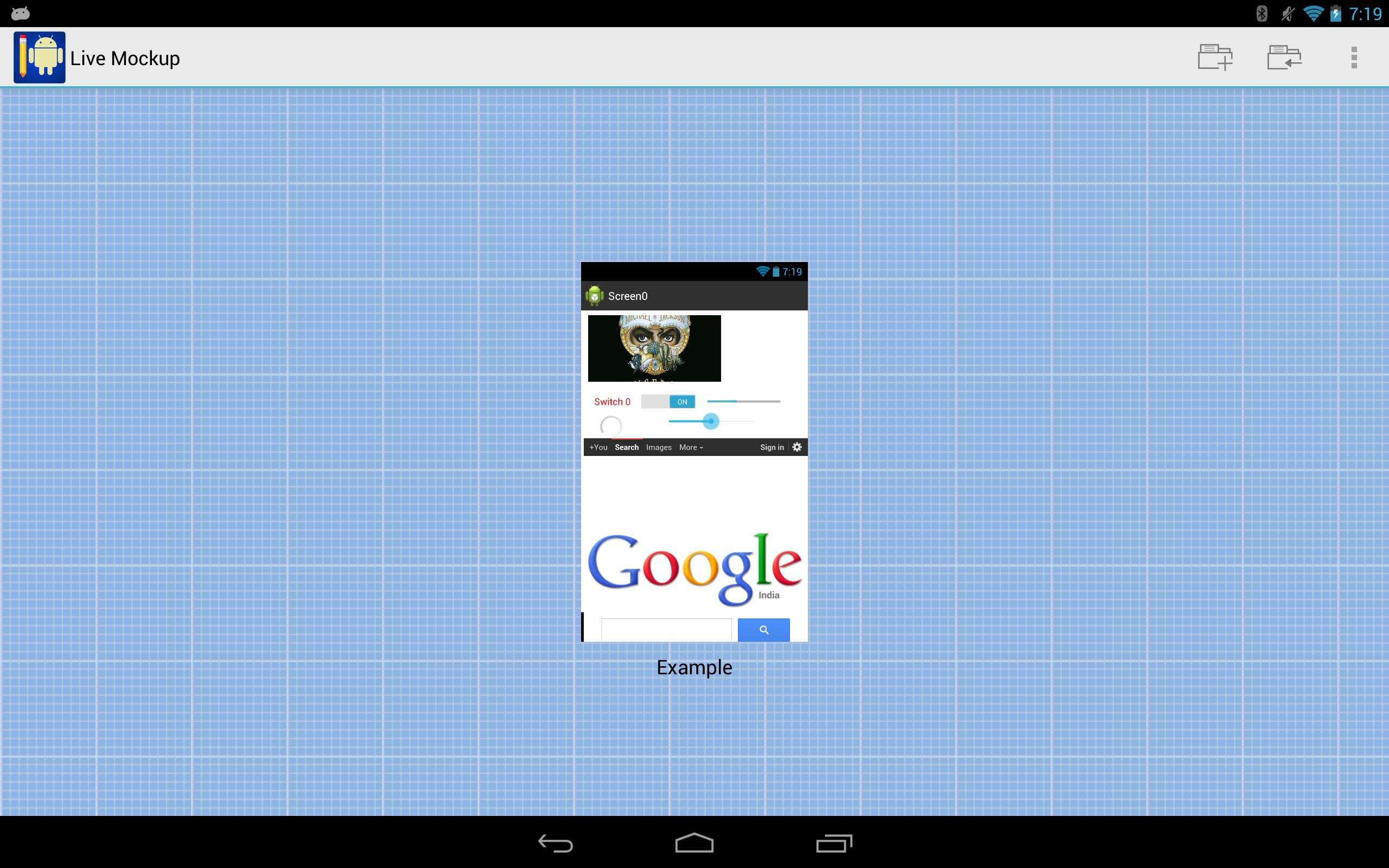
Live mockup is a tool for creating mockups of Android applications. You can create mockups on any Android tablet that runs on Android version 4.0 or greater. The mockups use native Android controls, so your mockup looks just like a real Android application.
The mockups can be created for any of the official Nexus devices, such as Nexus S, Galaxy Nexus or tablets such as Nexus 7 or Nexus 10. These devices are used as reference devices to test the mockups.
NOTE: Only tablets with minimum resolution of 1280x800 pixels are supported.
You can create unlimited number of screens (Activities) in the mockup and can link them through buttons. Once you finish designing, you can run the mockup and see how it looks & behaves in real Android environment.
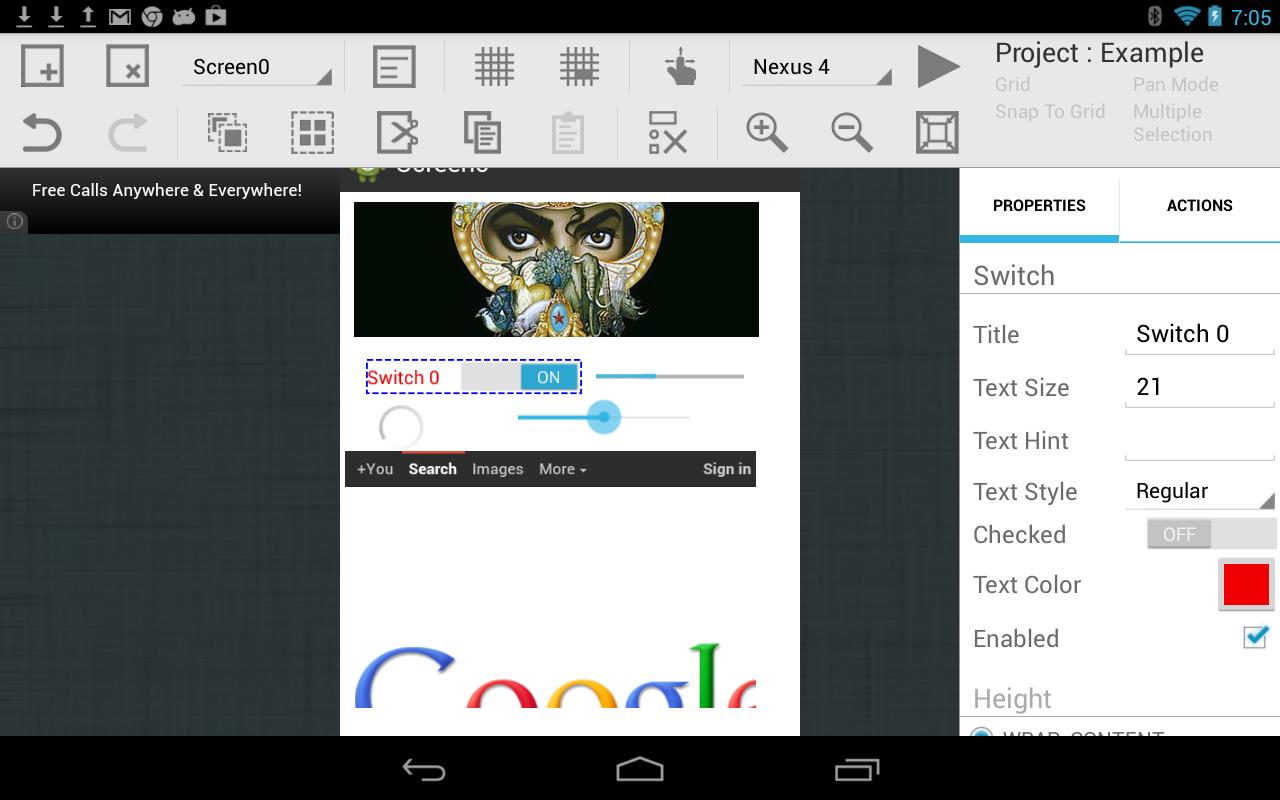
Live Mockup provides following native controls for your mockups - button, edit text, text view, number picker, radio button, check box, switch, toggle, spinner, list view and a host of other controls. More will be added in future.
You can control and change some of the attributes of the controls, such as text, text size, position, color, icons, etc. For positioning on the screen, the snap-to-grid helps you to perfectly lay out or align your controls with respect to other controls.
PERMISSIONS - The app requires the following permissions to run:
* android:name="android.permission.INTERNET"
This permission is required by the WebView control to display web content from the screen. It is also required by Google AdMobs to display ads on the screen. There are no push ads in this application.
* android.permission.WRITE_EXTERNAL_STORAGE"
Required to export your project files on external storage such as sd card.
* android.permission.READ_EXTERNAL_STORAGE"
Required to read & import existing project files from external storage.
Here are the major changes in this version.
1. Changed implementation of undo/redo for control properties.
2. Added text color property to digital clock.
3. Projects are arranged alphabetically in the project list.
4. Icons added to each dialogue box.
5. Import project dialogue now shows directories & files in alphabetic order.
6. Import project dialogue now shows the current path.
7. Removed indicators to show toggle status. Instead, the buttons themselves show the toggle status.
8. Added layout gravity property to all controls.
9. Add text gravity property to controls that support single text.
10. Added stock icons in the application.
11. Removed bugs in undo/redo implementation of ListView & Spinner.
12. Added version number information on the project details screen, when a project is selected.
13. Added a new control, View
14. Corrected handling of duplicate project name while exporting.
15. Numerous bug fixes.
16. Optimized project saving code
_______________
Please leave your feedback at feedback@poash.com in case of any bugs or difficulties. Please avoid leaving negative feedback in the comments.
More features to come soon. Your comments/suggestions are welcome.
Latest Version
2.4Uploaded by
TC Serkan Öngel
Requires Android
Android 4.0+
Category
Free Tools AppContent Rating
Everyone
Report
Flag as inappropriateLast updated on Jun 13, 2017
Version 2.4
Fixed a bug that caused the screen names to disappear from list view in Button's Action tab






APKPure - A multi-platform app store primarily focused on Android, providing extensive app-related content. Discover the app you want easier, faster, and safer, with quick and efficient downloads and installations.