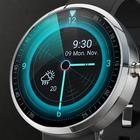
Supported watches: Huawei Watch, Sony SmartWatch 3, Motorola Moto 360, LG G Watch, LG G Watch R, Asus ZenWatch
Feature
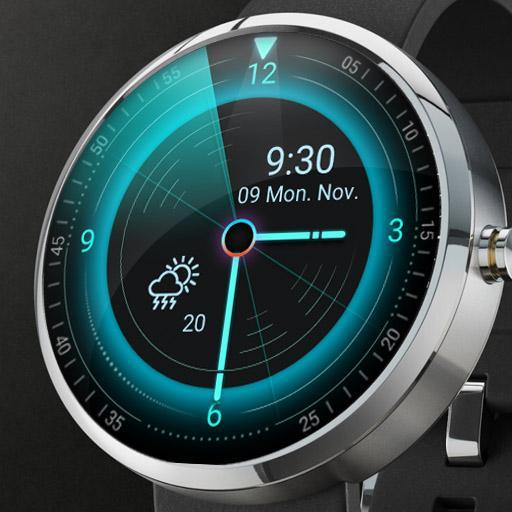
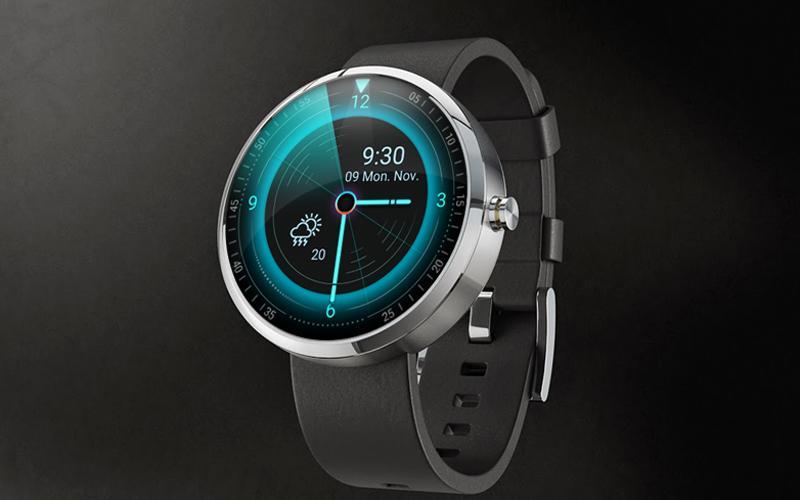
✔ Date
✔ Weather
✔ Phone and Watch indicator
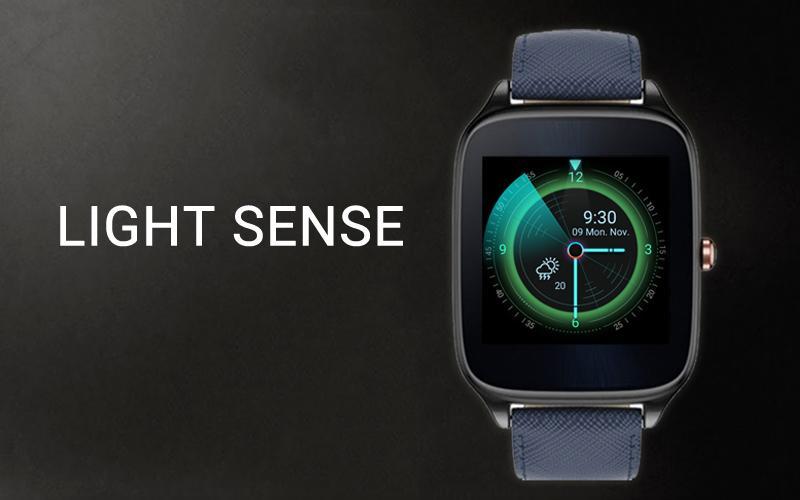
✔ Digital Watch Face
✔ Analog Watch Face
✔ Resolution:320*320
✔ Round & Square Watch Face
✔ Concise & Power saving
How to use
1. Once you install the app, the watchface will be automatically transferred to your watch. (may take a few minutes)
2. From watch: Long press your watchface and select the one that you have installed.
From mobile: Run the “Android Wear” app and tap “More” button in the watchface section
Note
If you have some suggestion,you can reach us:
Email:acornsstudio@gmail.com
Facebook:https://www.facebook.com/groups/1676804045872482
Google+:https://plus.google.com/106543864725528267317
Latest Version
1.0.10Uploaded by
Andrye
Requires Android
Android 4.3+
Category
Free Personalization AppContent Rating
Everyone
Report
Flag as inappropriateLast updated on May 24, 2016
- Fix potential crash



APKPure - A multi-platform app store primarily focused on Android, providing extensive app-related content. Discover the app you want easier, faster, and safer, with quick and efficient downloads and installations.