Scan Date:Nov 3, 2025
Show More

Tired of trying GFX Tool on android 11? Then the brand new version of LFX Tool is here for you......
It's a completely new app from the developer of LFX Tool Custom & LFX Tool.
Get the IPAD view, No Grass+Recoil, 90 FPS, White body with just one click! Supports all the latest version also.
LFX Tool is a very Powerful GFX Tool, Supports features of Customizing Graphics, IPAD View for all versions, Unlocks maximum FPS, Cloud Backup Features for both Control Layout & Sensitivity & many more features in just one click!
Features of App:
• Transfer Control Layout: Transfer your control layout & sensitivity from other version with just one click!
• IPAD View: Get Fully Customized IPAD View with a single click! Available in a wide variety of options like ultra-wide view, small scopes, large scopes, mini IPAD view etc.
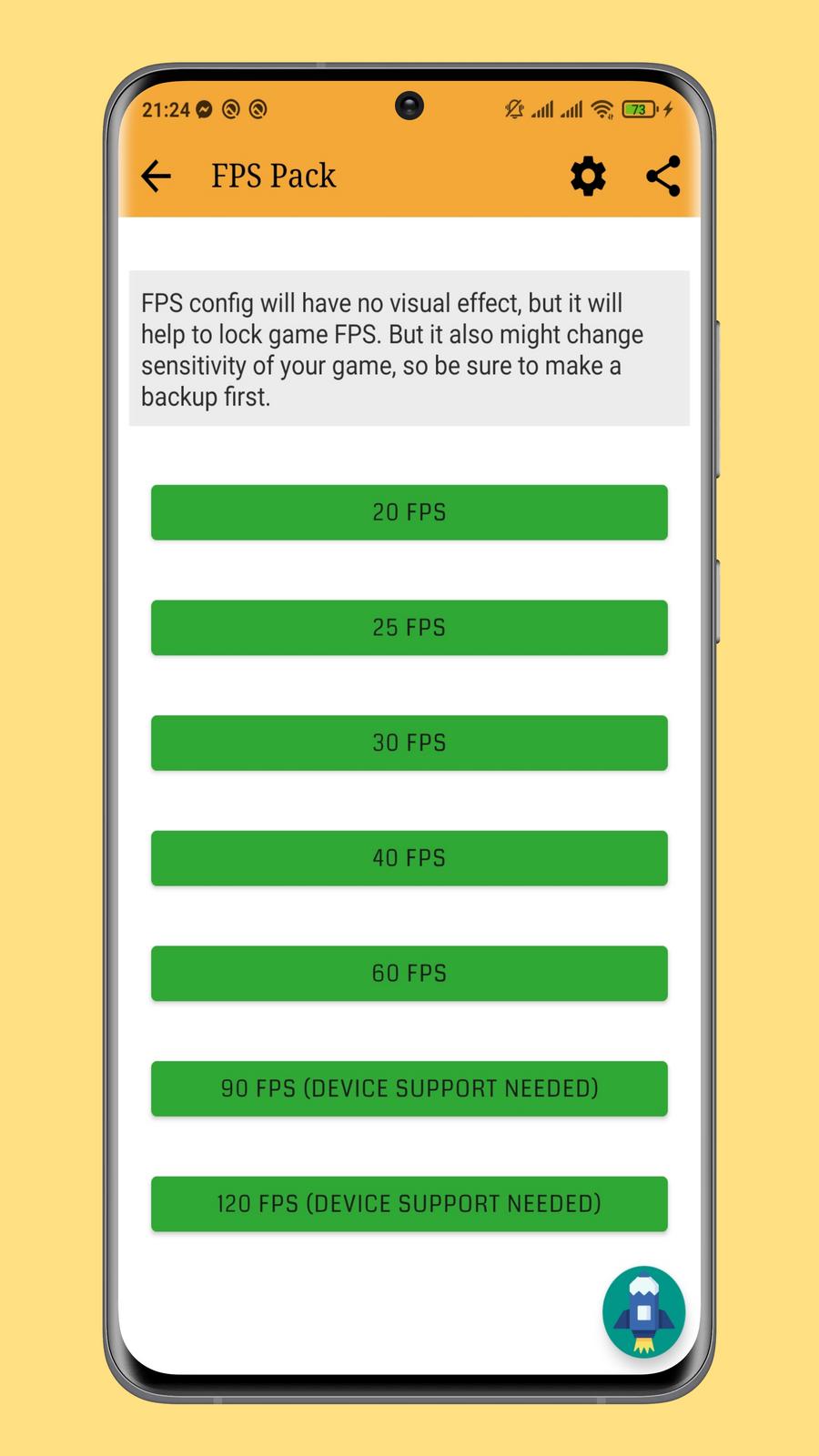
• Customized Game Options: Unlock No Grass Config, No Fog Config, Unlock Highest Available graphics, Unlock 90 FPS & many more with just a single click!
• Vip Config: Features like No Grass, 90 FPS, White Body, Magic Bullet is available with one click.
• Cloud Backup Features: Save your Control Layout & Sensitivity in Cloud & Apply anytime of your need!
• Unlock Max FPS: Remove your Device Lags & get the Highest available FPS with our High-Quality Config!
• Advanced GFX Tool: Get 25+ Readymade GFX Pack To choose from Very Low Graphics to Very High Graphics! Customize game graphics without any trouble of choosing most suitable one for your Device as the app will choose it for you!
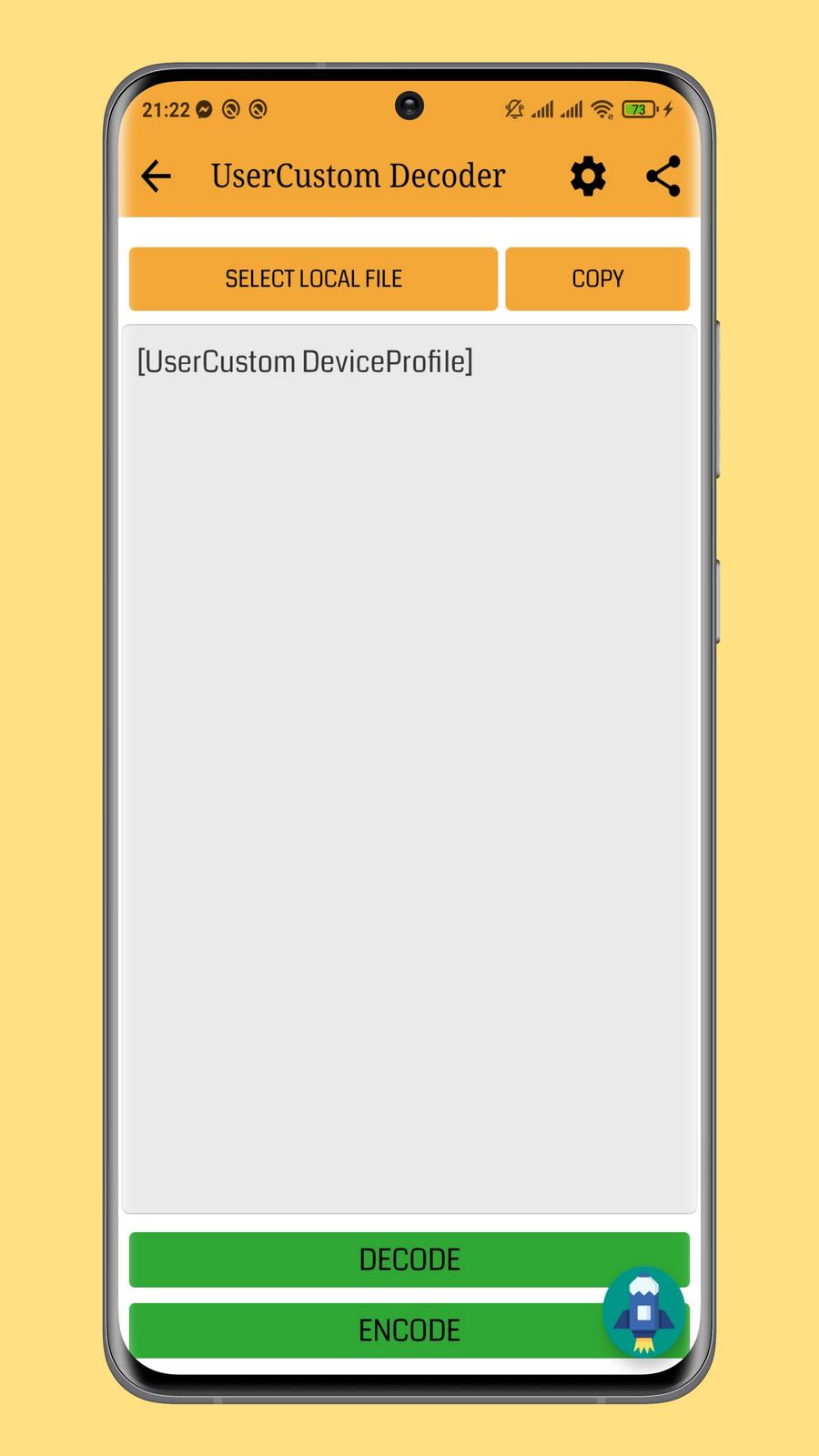
• Decode UserCustom Files: Decode & Encode UserCustom file easily!
How to Use App:
App is very simple & easy to use. Complete in app guide is provided with the app and you can easily use it. Complete app is totally free to use.
About android 11 support:
LFX Tool requires a special permission from devices running on android 11 and higher. You can see a button asking for permission, just follow the instructions and allow it. You've to grant the permission each time you launch the app.
Disclaimer:
LFX Tool is completely free to use, safe & risk free of ban. All features are available without any special access & there are ads placed by Developer. However, you need to connect your google account to access Cloud Backup Feature.
Follow Us:
Contact Us direct at: lfxtool.service@gmail.com
Latest Version
3.1.2Uploaded by
ប្រុស ហឿន
Requires Android
Android 5.0+
Category
Free Tools AppContent Rating
Everyone
Security Report
Report
Flag as inappropriateLast updated on Mar 3, 2024
1. Various bug fixes and minor improvements



APKPure - A multi-platform app store primarily focused on Android, providing extensive app-related content. Discover the app you want easier, faster, and safer, with quick and efficient downloads and installations.