Scan Date:Apr 12, 2026
Show More

Android's app installation system does not allow users to downgrade to an older version of an app when they already have a newer version installed. Let Me Downgrade is an Xposed module for Android 12 through 16 QPR2 that enables users to bypass this restriction. The app includes a Status screen with a switch to allow or block downgrades at any time. You can also add an optional App Downgrades Quick Settings tile that mirrors the same on/off state for quicker access.
⚠️ WARNING: Let Me Downgrade is intended for rooted devices running Android 12 through 16 QPR2 and requires Xposed. The required Xposed variant to use is LSPosed. Other Xposed variants will not work. Additionally, this module cannot be guaranteed to work on all devices. In the worst case, it can cause a bootloop. Use at your own risk.
To use Let Me Downgrade:
1. Install the JingMatrix LSposed fork. This requires your device to be rooted with Magisk or KernelSU.
2. Install Let Me Downgrade.
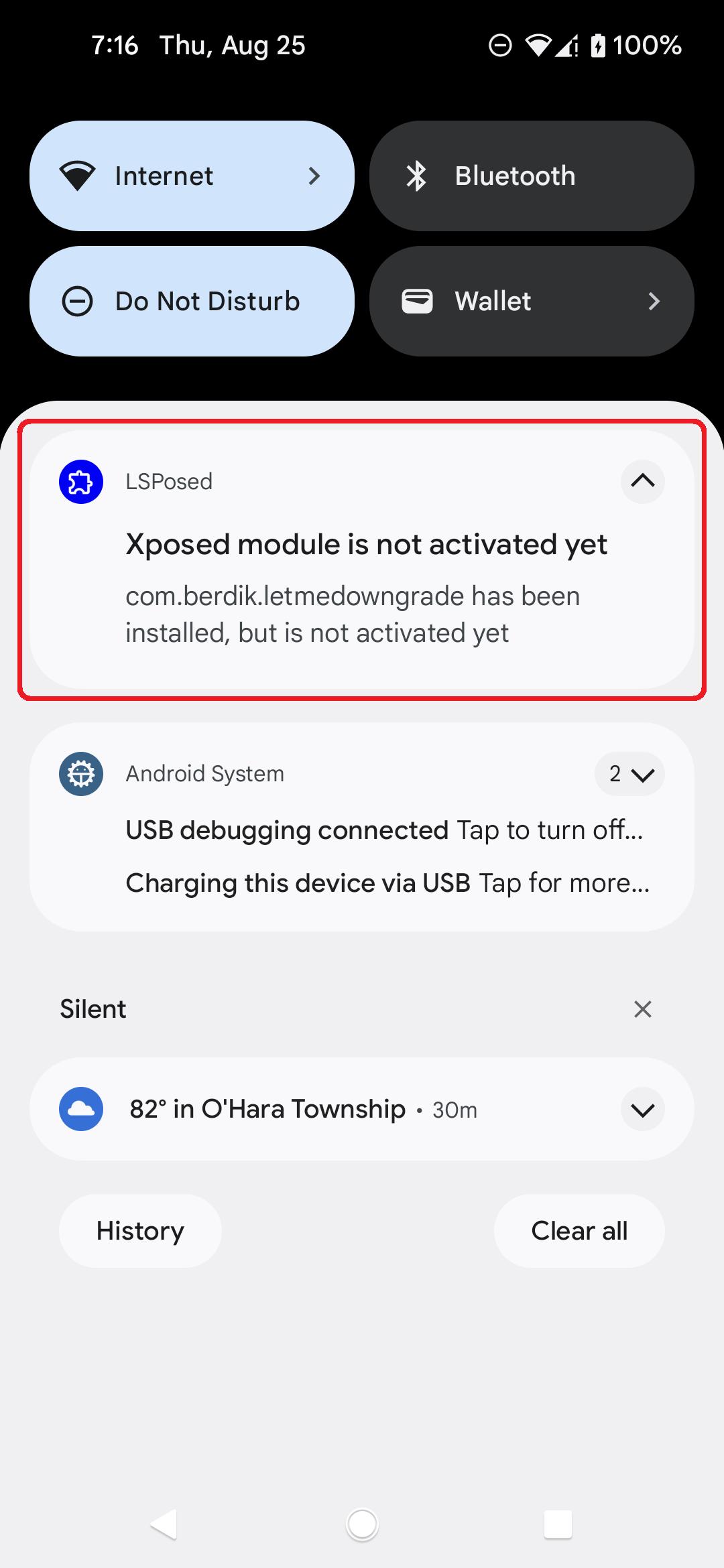
3. Activate the Let Me Downgrade module in the LSposed user interface.
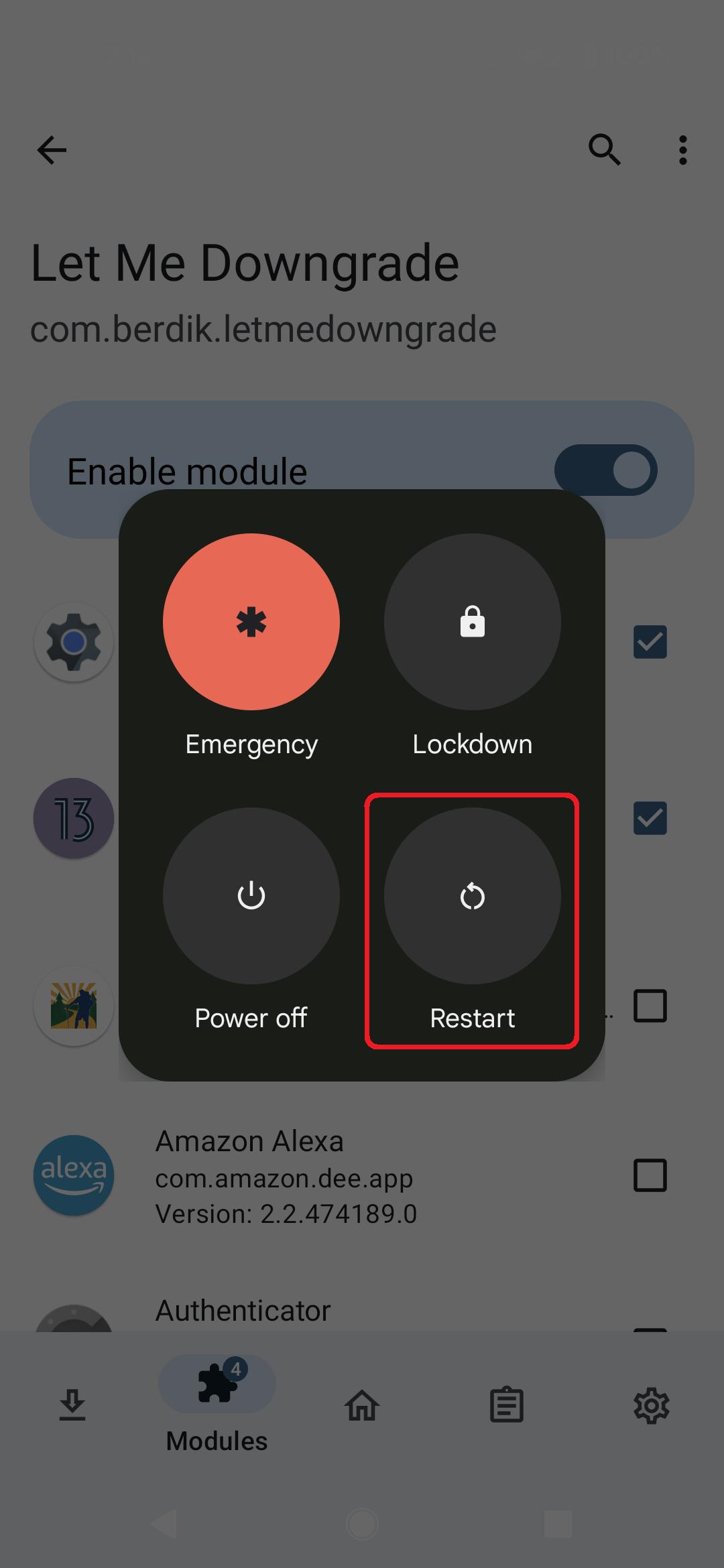
4. Reboot your device and sign in.
5. Open Let Me Downgrade from your launcher. When the module is active in LSPosed, the Status card shows whether app downgrades are allowed or blocked; use the switch to turn the hook on or off.
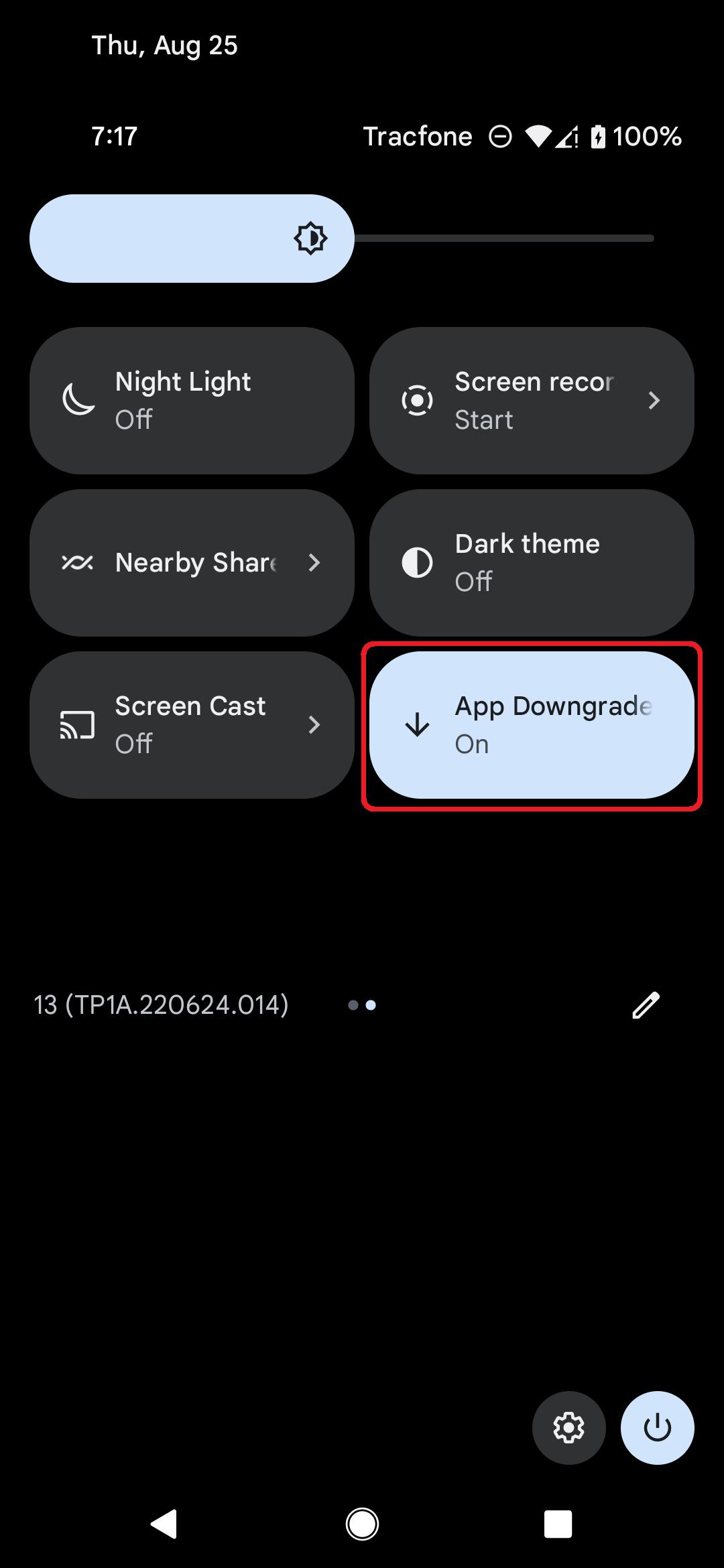
6. Optionally, add the App Downgrades Quick Settings tile from the tile editor. The tile mirrors the in-app switch.
Latest Version
1.0.7Uploaded by
Bryan'z Bryan
Requires Android
Category
Free Tools AppContent Rating
Everyone
Security Report
Report
Flag as inappropriateLast updated on Apr 12, 2026
This release replaces the in-app instructions with a proper user interface for toggling the module state. For a full list of the changes in this release, please see the release notes on GitHub: https://github.com/DavidBerdik/Let-Me-Downgrade/releases/tag/1.0.7


APKPure - A multi-platform app store primarily focused on Android, providing extensive app-related content. Discover the app you want easier, faster, and safer, with quick and efficient downloads and installations.