Scan Date:Apr 8, 2026
Show More

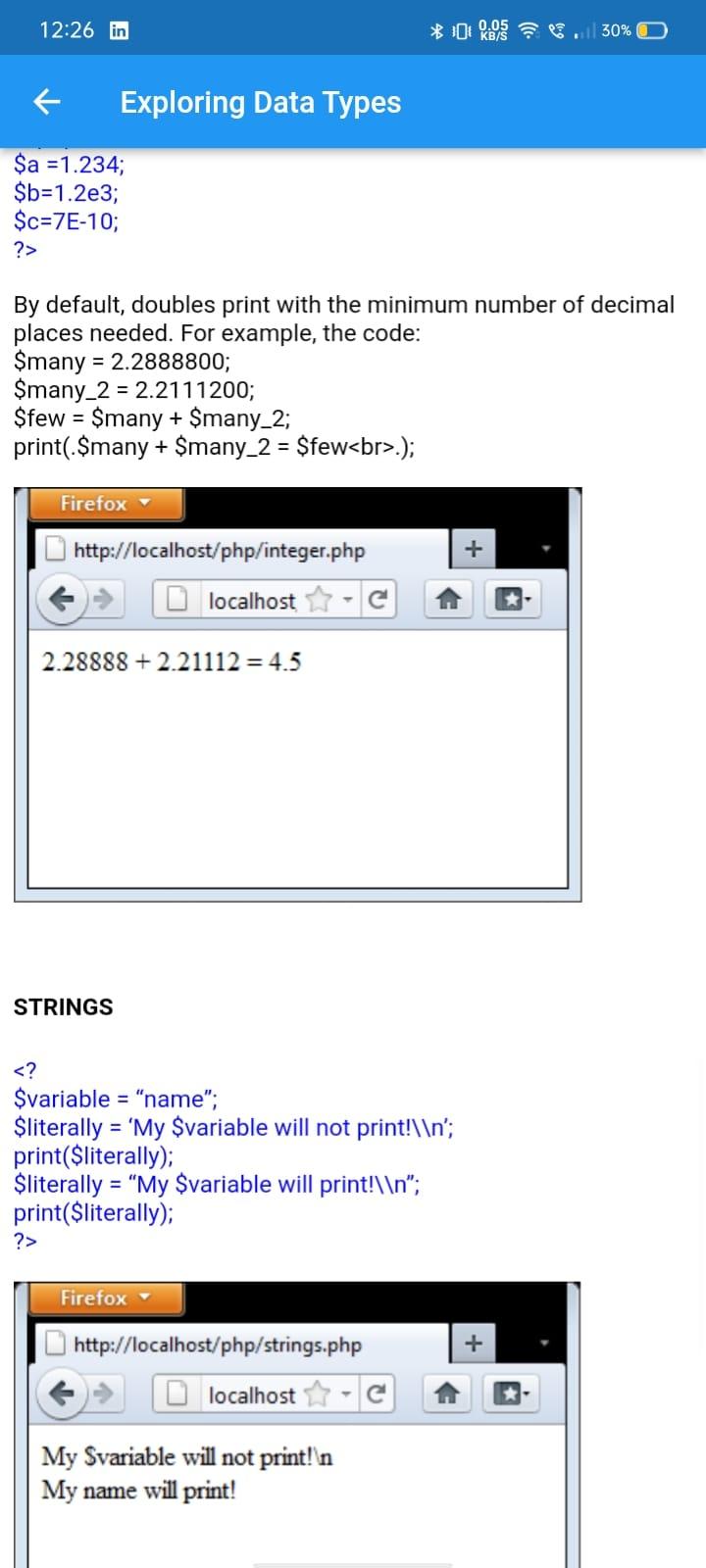
"PHP & MySQL in 5 days special" makes it easy to learn PHP, it shows both the PHP source code and the HTML output of the code.
PHP is a server scripting language, and a powerful tool for making dynamic and interactive Web pages. PHP is a widely-used, free, and efficient alternative to competitors such as Microsoft's ASP.
Learn PHP fast and in easy way in just 5 days for beginners in Web Application.Its a crash course on PHP and MySQL developed to enhance learners to learn PHP quickly.
The application is very user-friendly.
It doesn't require any net access, you just need to download it and that's it.
Does not require internet access except for ADs.
App has crossed 100,000+ downloads
Thanks for all your Love and Support!!
The AD Free version can be found on the link below
https://play.google.com/store/apps/details?id=com.taiijas.php_mysql
The PHP & MySQL APP will enlighten you on how to install and setup PHP along with the MySQL for running the php scripts.
Installation on windows using wamp server -
Download WAMP server from any internet site(e.g www.wampserver.com – official site)
Run the installation
Start all the services of wamp server
First steps to run php scripts -
After you have installed php on your system you can check if installation is successful or not by steps given below -
Put your scripts into www folder of wamp(otherwise scripts will not run)
Open the web browser
Type http://localhost
you will see the wamp server home page if not then your installation is not successful
To run the php script you should save the file with .php extension into www folder. Thus you can create your own folder into www directory and save your scripts into your own folder. To run the scripts directly without creating folder you can simply write file name after localhost for e.g suppose your file name is first.php then you should write http://localhost/first.php into your web browser as URL and easily run your script without putting it into your separate folder but it should be saved into www directory(Main directory to run the php script).
Latest Version
12Uploaded by
สิทธิศักดิ์ จันถา
Requires Android
Android 5.0+
Category
Free Education AppContent Rating
Everyone
Security Report
Report
Flag as inappropriateLast updated on Jul 10, 2023
Minor bug fixes and improvements. Install or update to the newest version to check it out!





APKPure - A multi-platform app store primarily focused on Android, providing extensive app-related content. Discover the app you want easier, faster, and safer, with quick and efficient downloads and installations.