
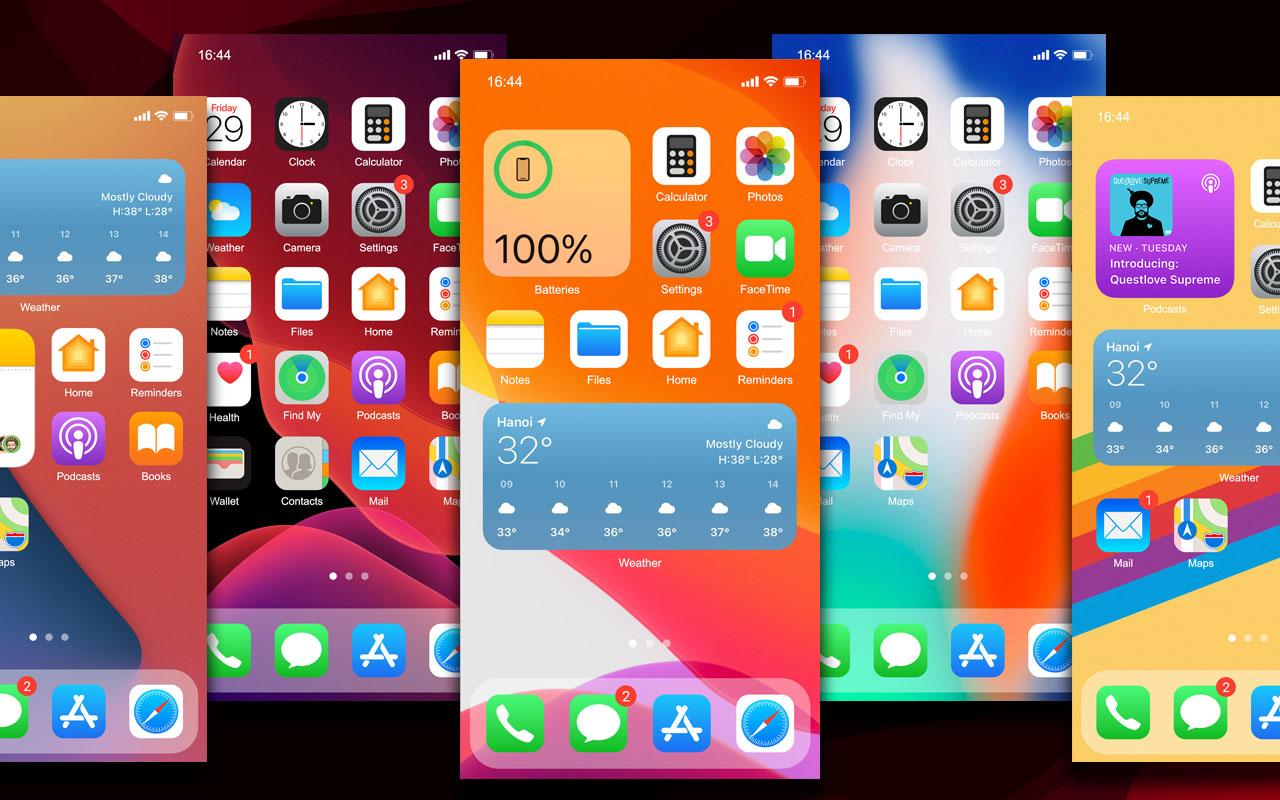
Launcher iOS 15 helps users who want a clean layout and iOS-like navigation on Android. It brings a familiar look to the home screen and quick controls, so you can move between apps with less effort. The setup is straightforward, and most options sit in clear menus, making adjustments easy to find. With the Launcher iOS 15 APK, you can try this layout and see whether it fits your daily routine.
Organized notifications
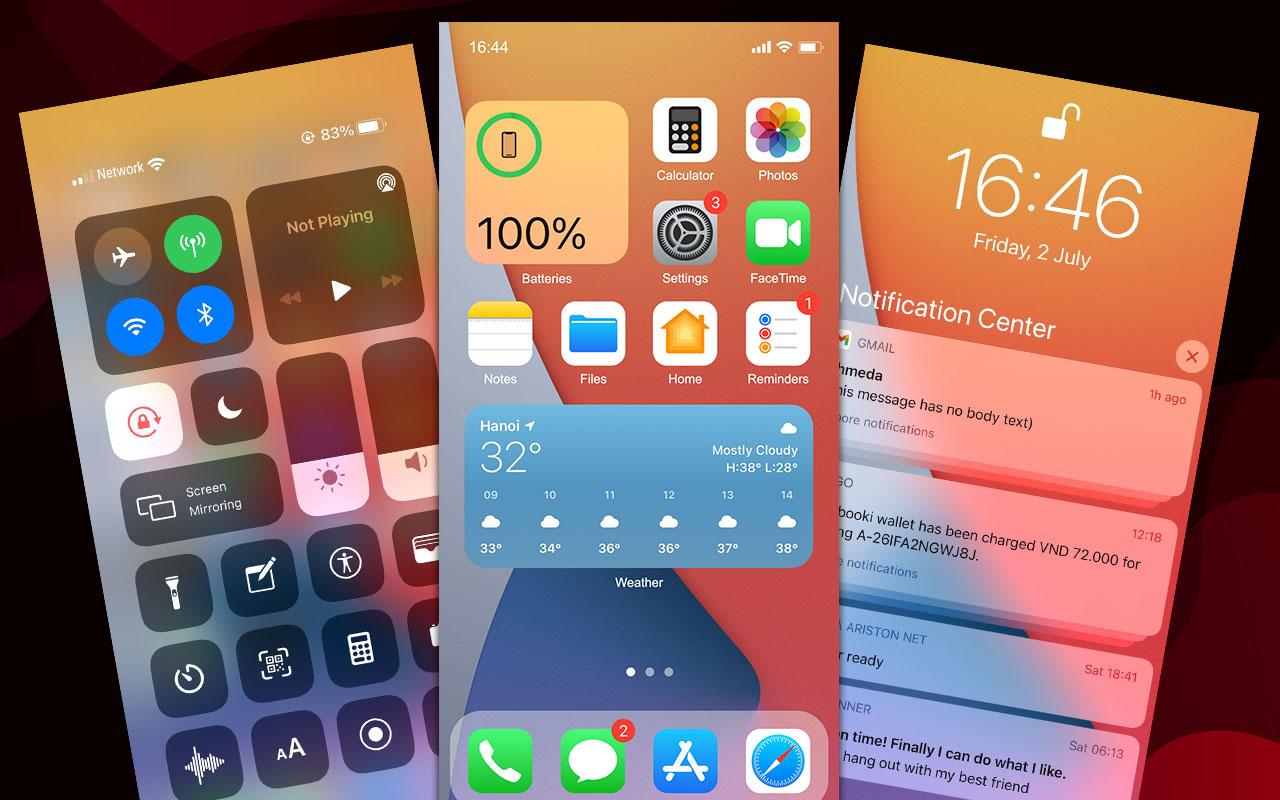
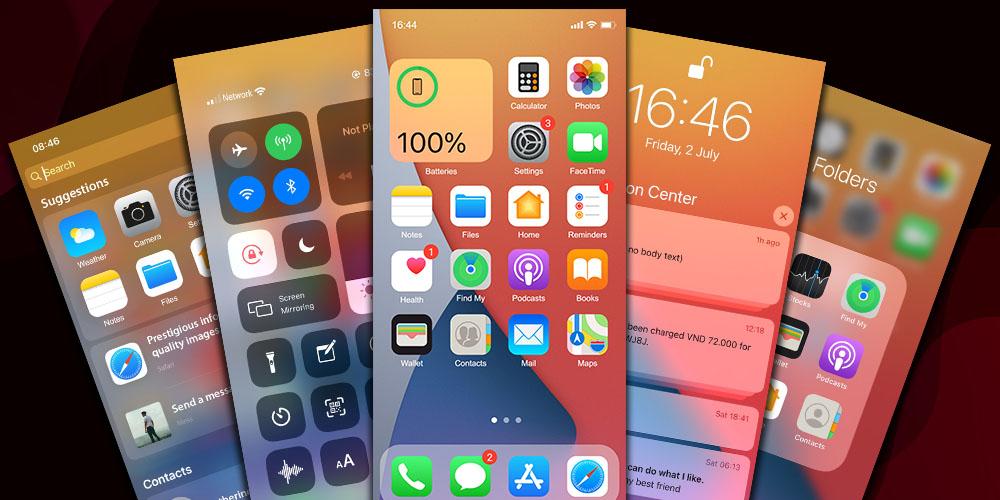
When you download Launcher iOS 15, notifications appear in one place with groups by app. You can expand or collapse stacked alerts to scan new messages faster and reduce clutter on busy days.
Control Center shortcuts
Access key toggles like WiFi, flashlight, airplane mode, and more from a single panel. You can select which controls show up in settings, so the shortcuts you use most are always within reach.
Swipe down search
Swipe down to open a search bar that finds apps and contacts without scrolling through pages. This is useful when the home screen is full, and it helps you launch what you need in fewer taps.
Lock screen and helpful tools
Launcher iOS 15 focuses on clear navigation, quick access panels, and fast search, with basic security options built in. Install it, open the settings, and tailor the layout to your habits using the Launcher iOS 15 latest version.
Latest Version
7.5.8Uploaded by
বিলাইমার্কা ছাত্র ইব্রাহিম
Requires Android
Android 4.2+
Category
Free Personalization AppContent Rating
Everyone
Report
Flag as inappropriateLast updated on Oct 23, 2021
This Update:
- Fix Bugs notify message & phone
- Add manager App Library in setting
- Optimize Launcher
- Add App Library
- Fix Bugs users report



APKPure - A multi-platform app store primarily focused on Android, providing extensive app-related content. Discover the app you want easier, faster, and safer, with quick and efficient downloads and installations.