
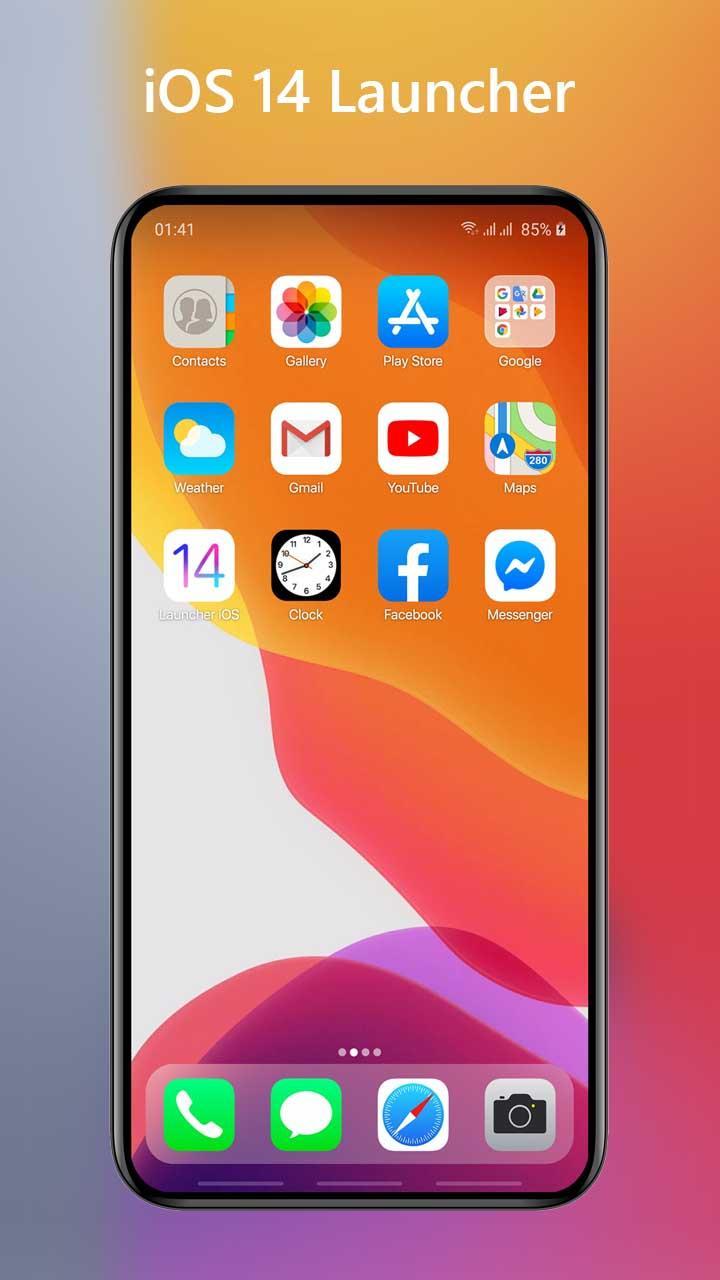
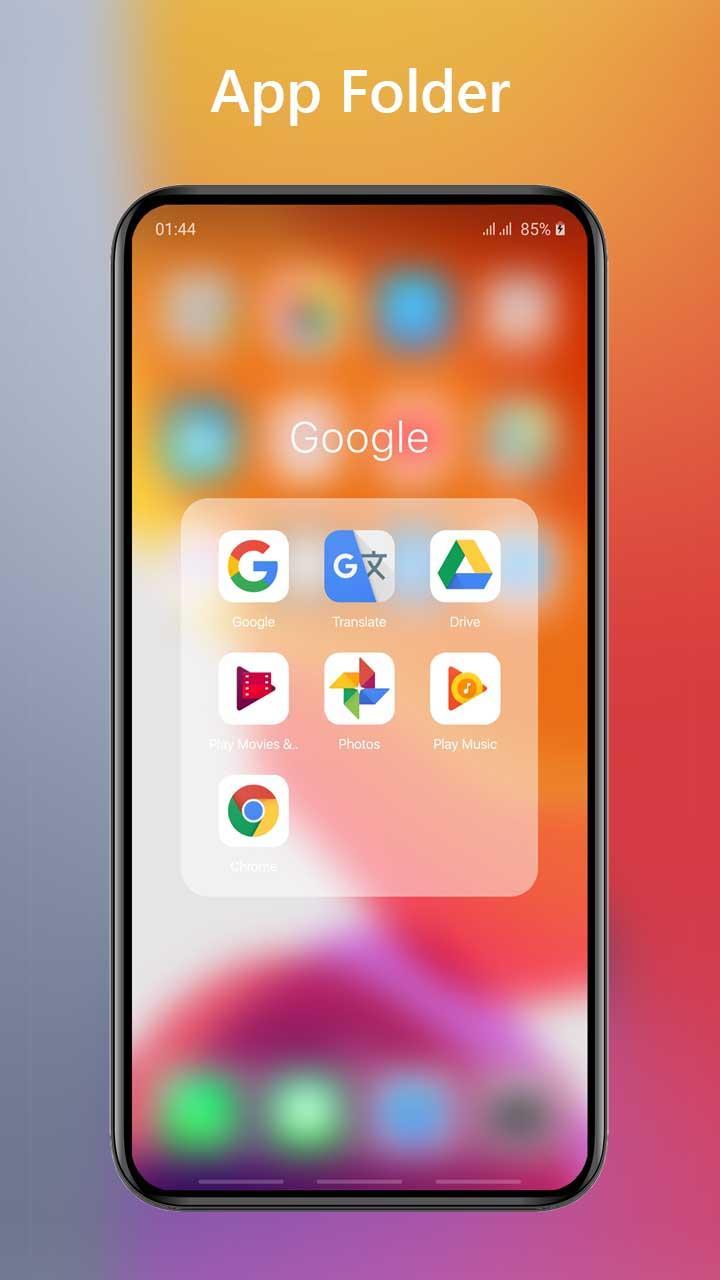
Launcher iOS 14 - Launcher for iPhone 12 suits users who want the look and feel of iPhone on Android. It focuses on familiar layouts, gestures, and visual elements so you can navigate and organize apps in a way that mirrors iOS. Setup is simple, and you can switch back at any time if needed. For those comparing options, Launcher iOS 14 - Launcher for iPhone 12 APK provides a straightforward path to try an iOS like experience without changing your device system.
Home screen and icons
Control Center style quick settings
You get a panel for fast access to common controls. Open it with a simple swipe, then adjust brightness or toggle Wi Fi, flashlight, and airplane mode. You can also customize which tools appear so your most used controls stay within reach.
Notification view and lock style access
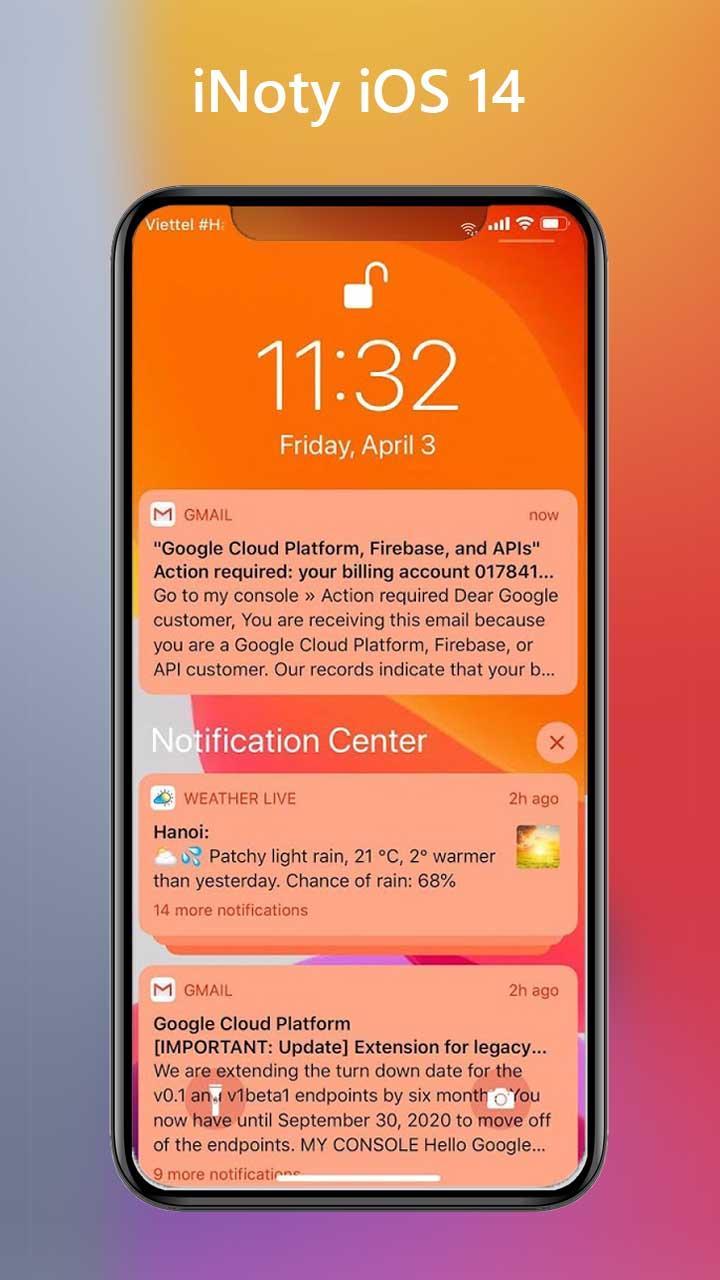
Launcher iOS 14 - Launcher for iPhone 12 offers a Notification Center style view with alert history. Check recent notifications with swipe gestures, and use its lock style screen to see time, date, and alerts, plus quick entry to camera and the control panel.
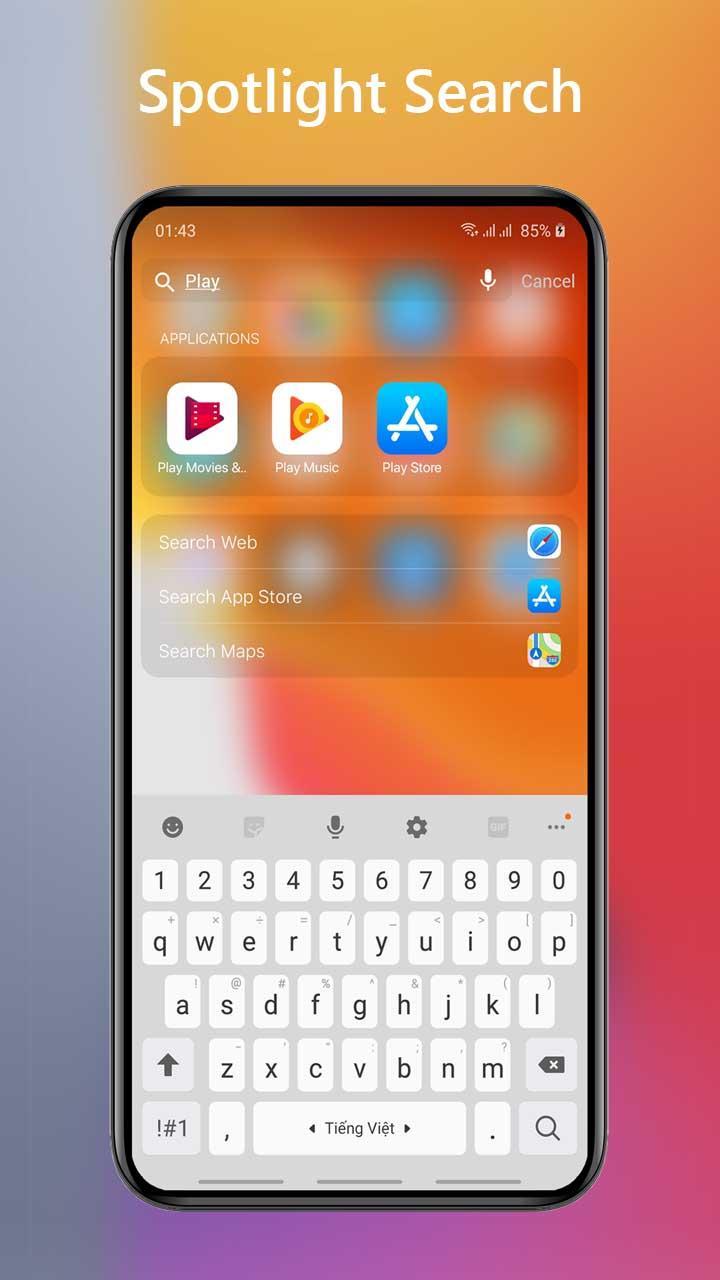
Search and widgets
This launcher provides an iOS style interface on Android with quick settings, notifications, search, and widgets. To try these tools, download Launcher iOS 14 - Launcher for iPhone 12 and set it as your default launcher.
Latest Version
1.2.8Uploaded by
Leelawadee Singha
Requires Android
Android 5.0+
Category
Free Tools AppContent Rating
Everyone
Report
Flag as inappropriateLast updated on Apr 5, 2021
v1.2.8
- Fix some bug for iOS 14 Launcher
- Optimize performance for iLauncher





APKPure - A multi-platform app store primarily focused on Android, providing extensive app-related content. Discover the app you want easier, faster, and safer, with quick and efficient downloads and installations.














