THIS APP DOES NOT PLAY AUDIO BECAUSE IT'S A MIDI CONTROLLER FOR ABLETON
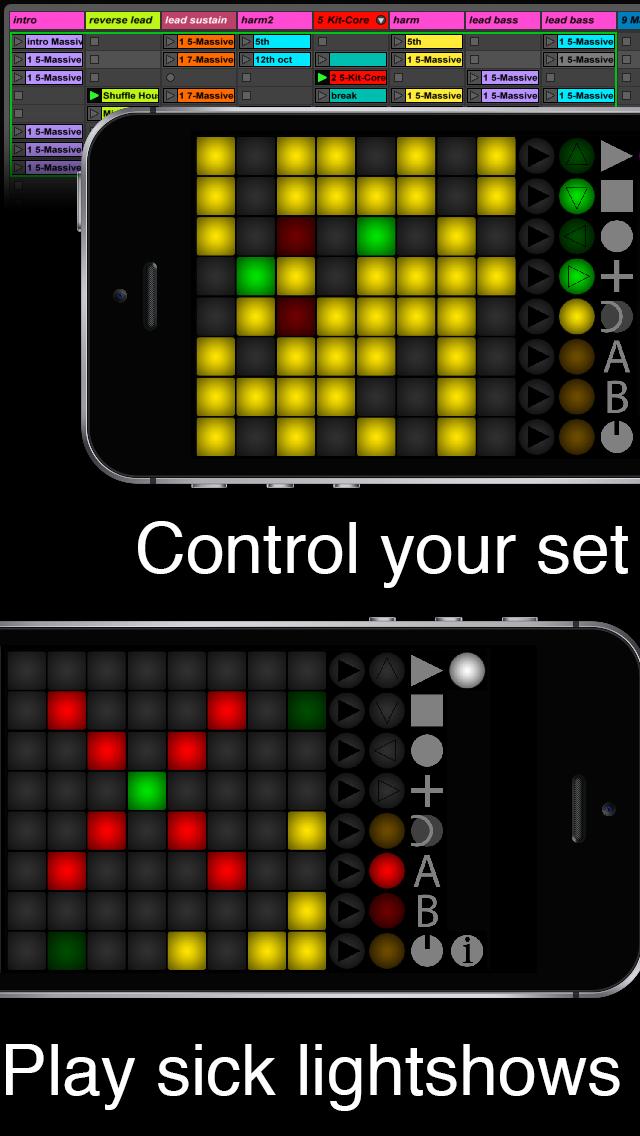
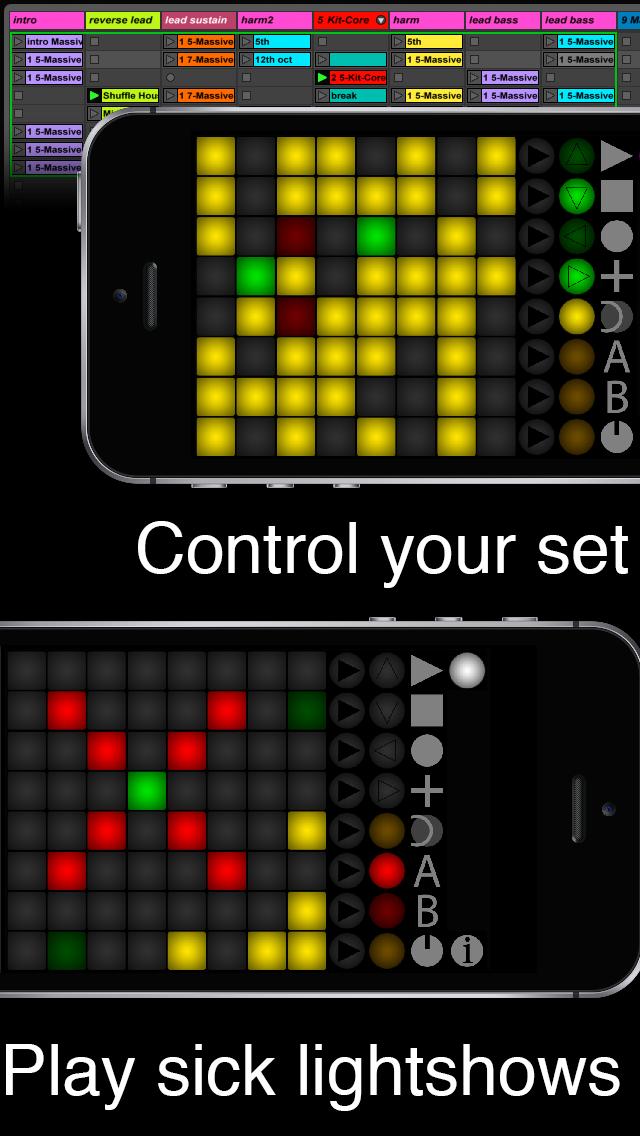
Launch Buttons is a MIDI controller that lets you perform your tracks wherever you go. You don't need to carry your expensive gear; your phone/tablet is just about enough. Works with virtually any DAW after a very simple set up. Ableton Live + Launchpad 95 script is recommended for this MIDI Controller emulation to work.
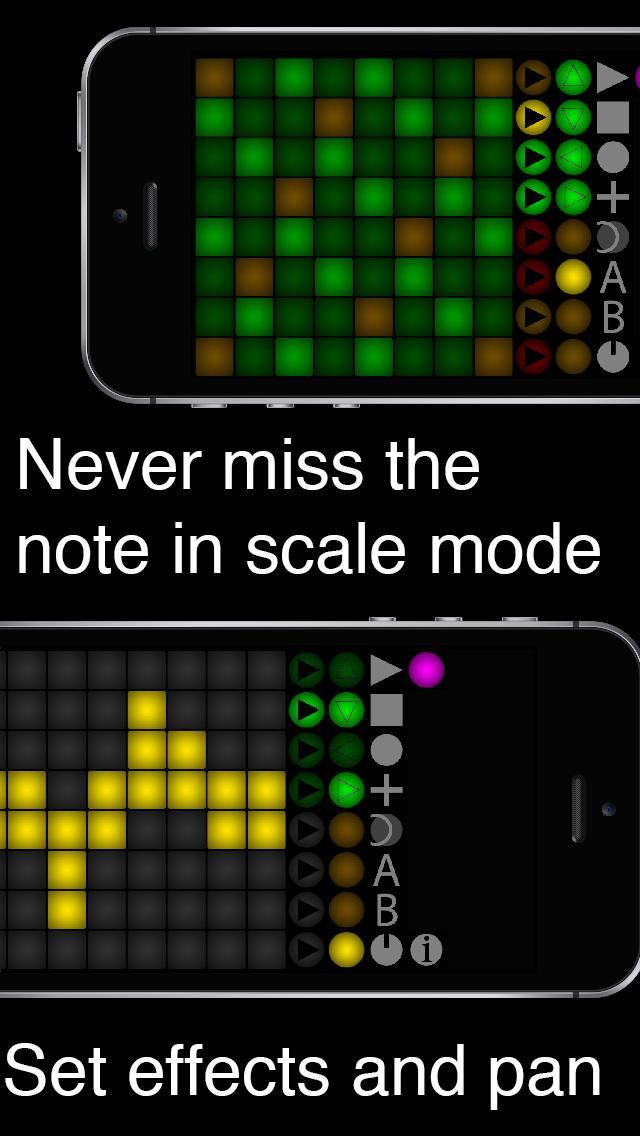
This free version gives you access to all 64 buttons on the 8x8 grid, 8 scene launch buttons, 8 buttons to navigate and 7 buttons for transport controls. The Launchpad95 script gives you a step sequencer, scale mode, and many more functions.
It includes the the "old" colors (red-orange-yellow-green) - ff you want to upgrade, Launch Buttons Plus is an emulator for a more sophisticated controller and provides you with
- full color support (more than 100 RGB colors)
- 16 more functions buttons (in addition to the 16 you already have)
- 16 freely assignable knobs
Have fun :)
Latest Version
2.017Uploaded by
Alessandro D'Angelo
Requires Android
Android 2.3.2+
Category
Free Music & Audio AppContent Rating
Everyone
Report
Flag as inappropriateLast updated on Mar 28, 2017
This is the former paid version. You now have access to all the buttons :)
2.0165: You can now connect via USB. Hit the info icon and check http://bassapps.de/connect.php
2.017: included tons of sounds for these smart individuals who think they don't have to read the app description and then rate the app 1* for not having sound. The app is now 3000% bigger because of the sounds but I think 13mb is still ok. (it was 400kb before). Just click "MIDI" to turn the sounds off forever.
Have fun





APKPure - A multi-platform app store primarily focused on Android, providing extensive app-related content. Discover the app you want easier, faster, and safer, with quick and efficient downloads and installations.