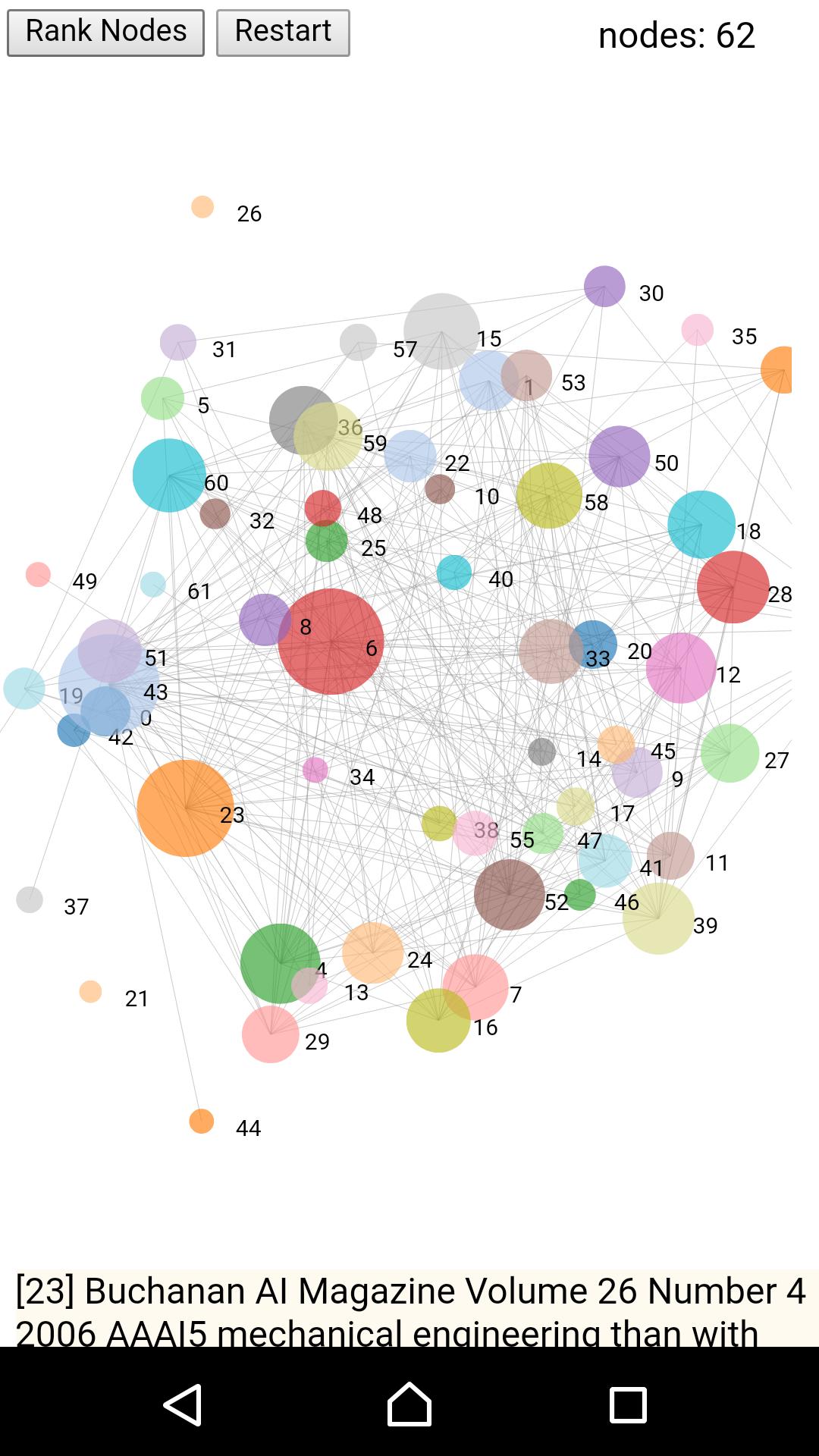
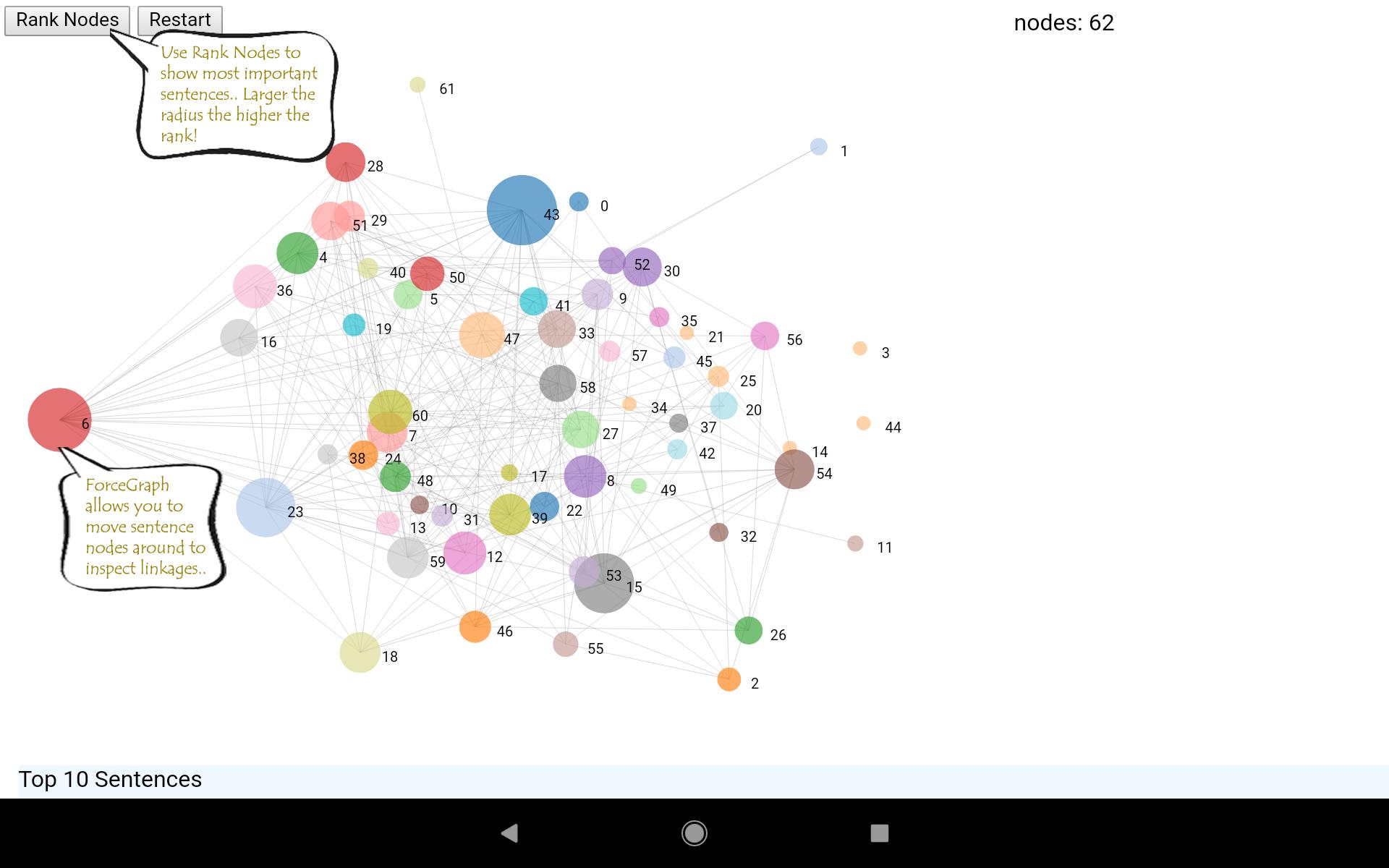
Text Explorer is an automatic text summarization utility featuring WordCloud, and Force Graph Visualizations. The most important sentences derived from the input data are given a rank and become part of the summary it produces. Import Text from Clipboard, files, or URLs. The app supports direct PDF and HTML file imports. It produces a text summary and top keywords by breaking down input sentences to their word relationships, removing stopwords (non-contextual words), then scoring the strength of a given sentence in relation to the other sentences in the input data. This provides you a ranking of the most important sentences and a short summary of the input text (shareable).
For example, algorithms like PageRank are used to determine the strength of a web page from a particular website by ranking them via the number of external links that point to it from other related web sites when doing a search. The page is then assigned a score or rank. These ranks are compared to other web pages from other sites that are related to it and so on.. Where the highest ranking web pages show up at the top of the search list (as in typical use with Search Engines) as the top hits. In Text Explorer just substitute the link of a web page from a site for a word in a sentence from a document and you can see how it is used here.
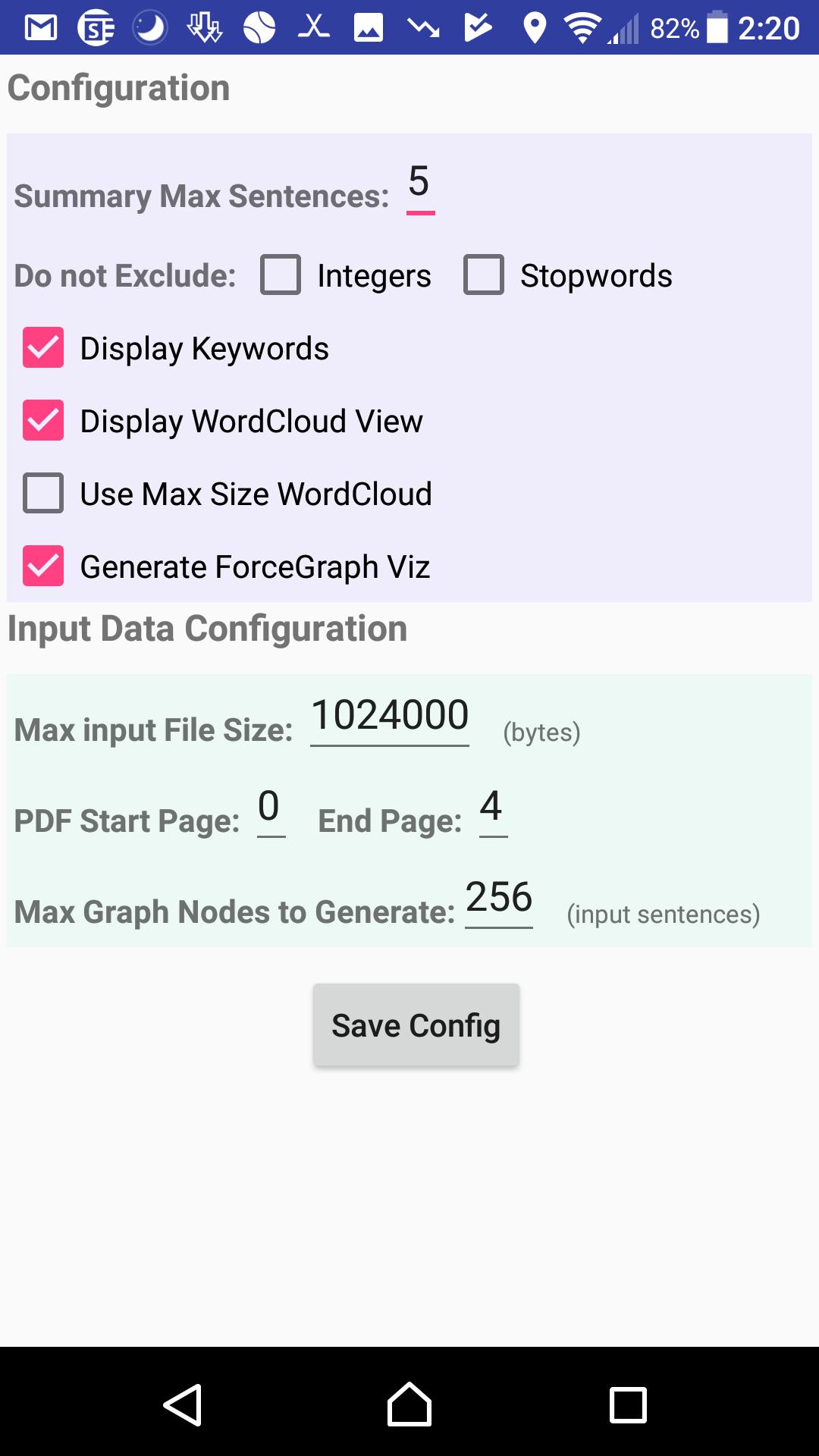
Text Explorer can be configured to adjust what the ranking algorithm ignores, and the maximum number of sentences it will produce in the generated summary. And it also allows the user to select the start and end pages of the PDF file to be used in the summary, so an entire PDF book could be used as input.
The summary can also use selected text from the clipboard or a URL as its input source. To do this just use the share as or copy selection option when you cut and paste from other apps and choose Text Explorer to process the data. Once complete, the summary can be shared or just cut/pasted into another app.
Get rid of those annoying TL;DR (too long; didn't read) questionable summaries and start using Text Explorer to do your handy work!
Last updated on Mar 29, 2021
Text Explorer initial release.





APKPure - 안드로이드를 중심으로 한 멀티플랫폼 앱스토어로, 다양한 앱 관련 콘텐츠를 제공합니다. 더 쉽고, 빠르고, 안전하게 원하는 앱을 찾아보세요. 빠르고 효율적인 다운로드와 설치가 가능합니다.