This App is used to create table script of database in SQL.
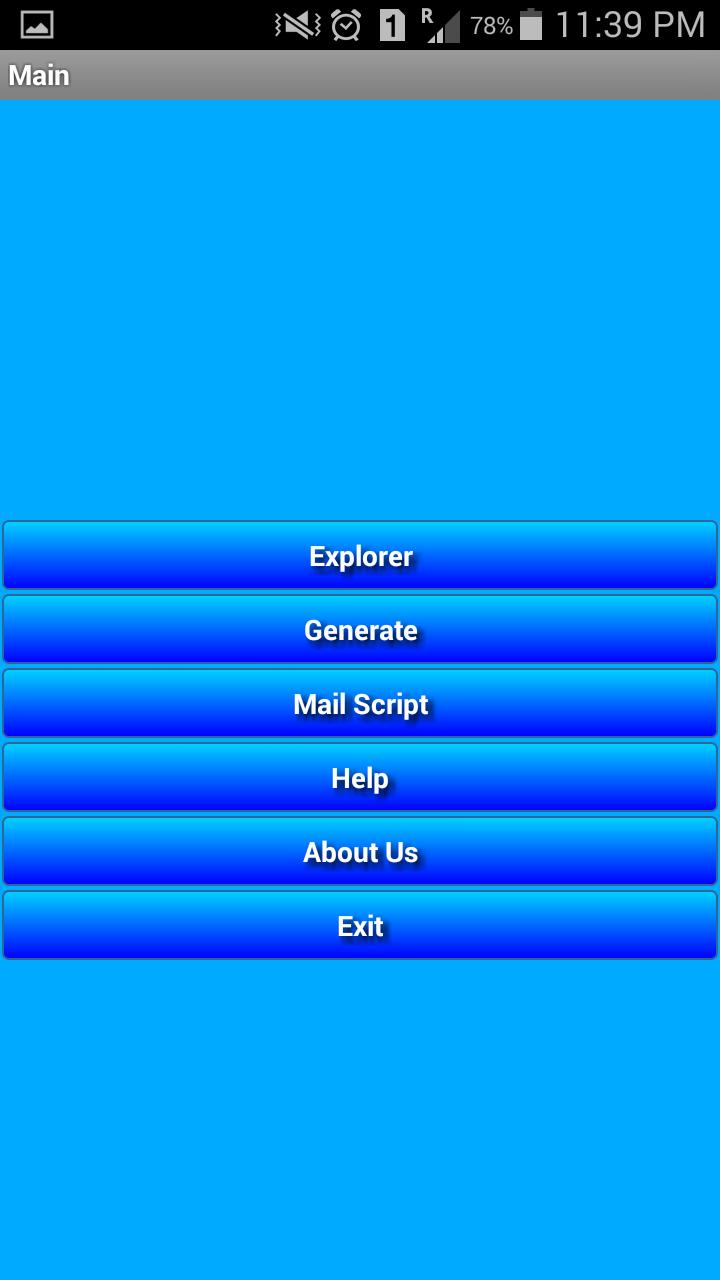
Main menu consists of following options.
1. Explorer
2. Generate Script
3. Mail Script
1. Explorer:
All database design will be done here. Starting from creating database, tables and columns. All three have Add, Edit and Delete options.
Use Single Click on item to move forward. For eg. If you select database then you will get table list. If you select Table then you will get Column list.
Use Option button to Create Database on Database Screen. Same process for Table and Column Screen.
Use Long Press on item list for editing or deleting record.
2. Generate Script:
Create Table Script will be generated here for list of tables you choose through provided checkboxes. All generated script will be saved at ExternalStorage: /mnt/sdcard/SQL/GeneratedScript.txt.
3. Mail Script:
This allows to send mail of Generated Script .
Last updated on Feb 2, 2016
이 버전에는 사소한 버그 수정과 전반적인 개선 사항이 포함되어 있습니다. 최상의 환경을 위해 최신 버전으로 업데이트하세요.



APKPure - 안드로이드를 중심으로 한 멀티플랫폼 앱스토어로, 다양한 앱 관련 콘텐츠를 제공합니다. 더 쉽고, 빠르고, 안전하게 원하는 앱을 찾아보세요. 빠르고 효율적인 다운로드와 설치가 가능합니다.