
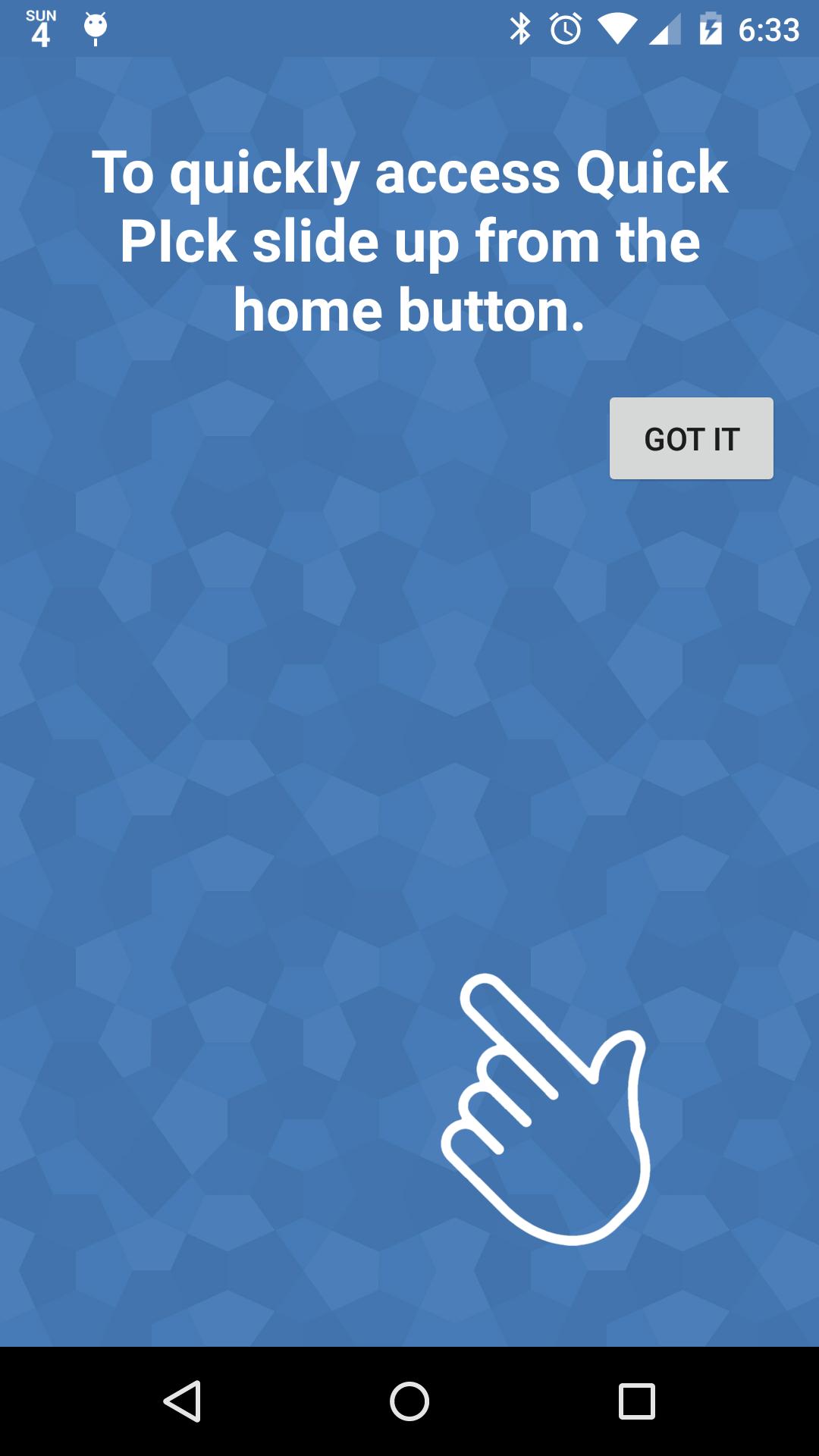
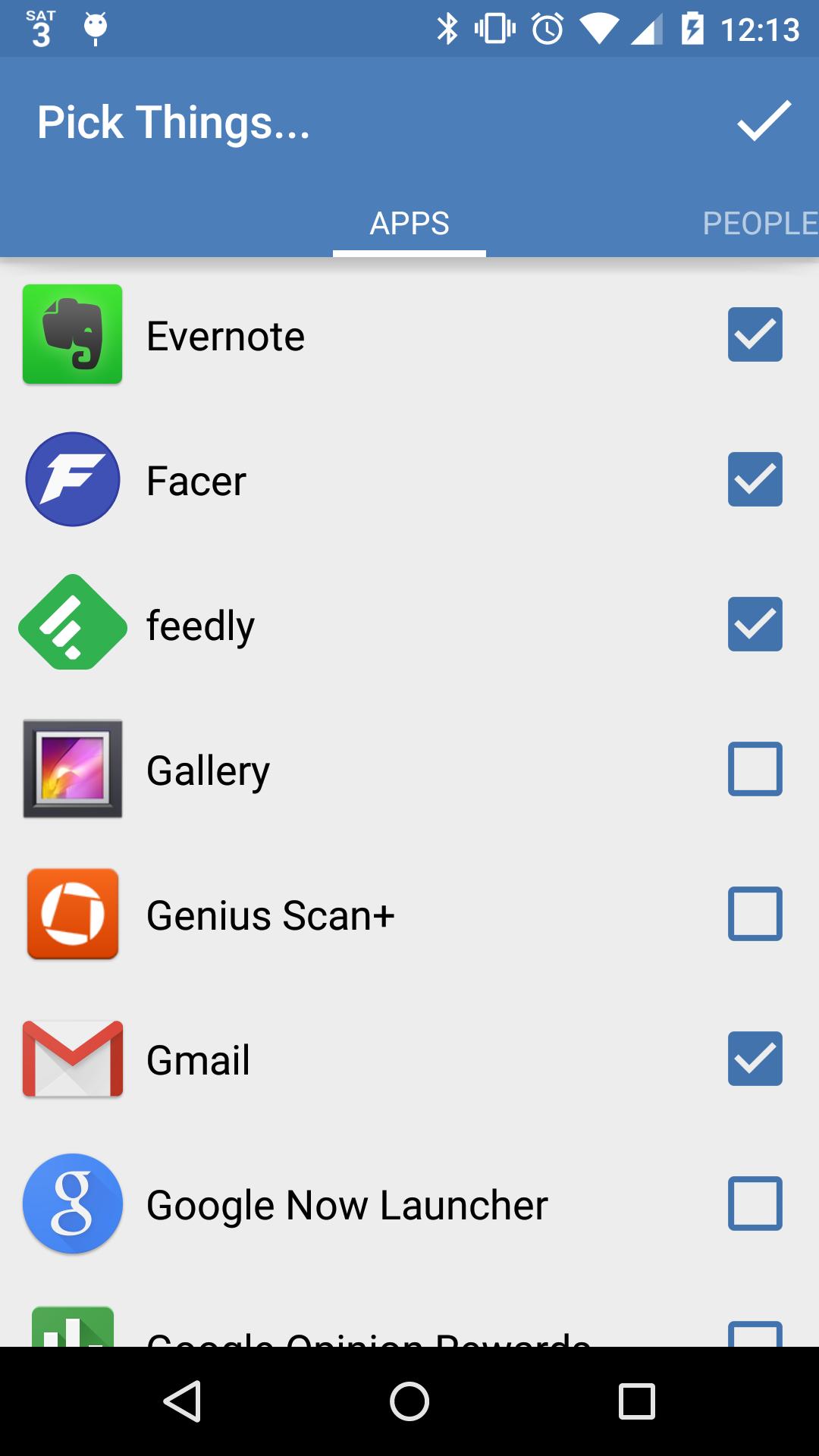
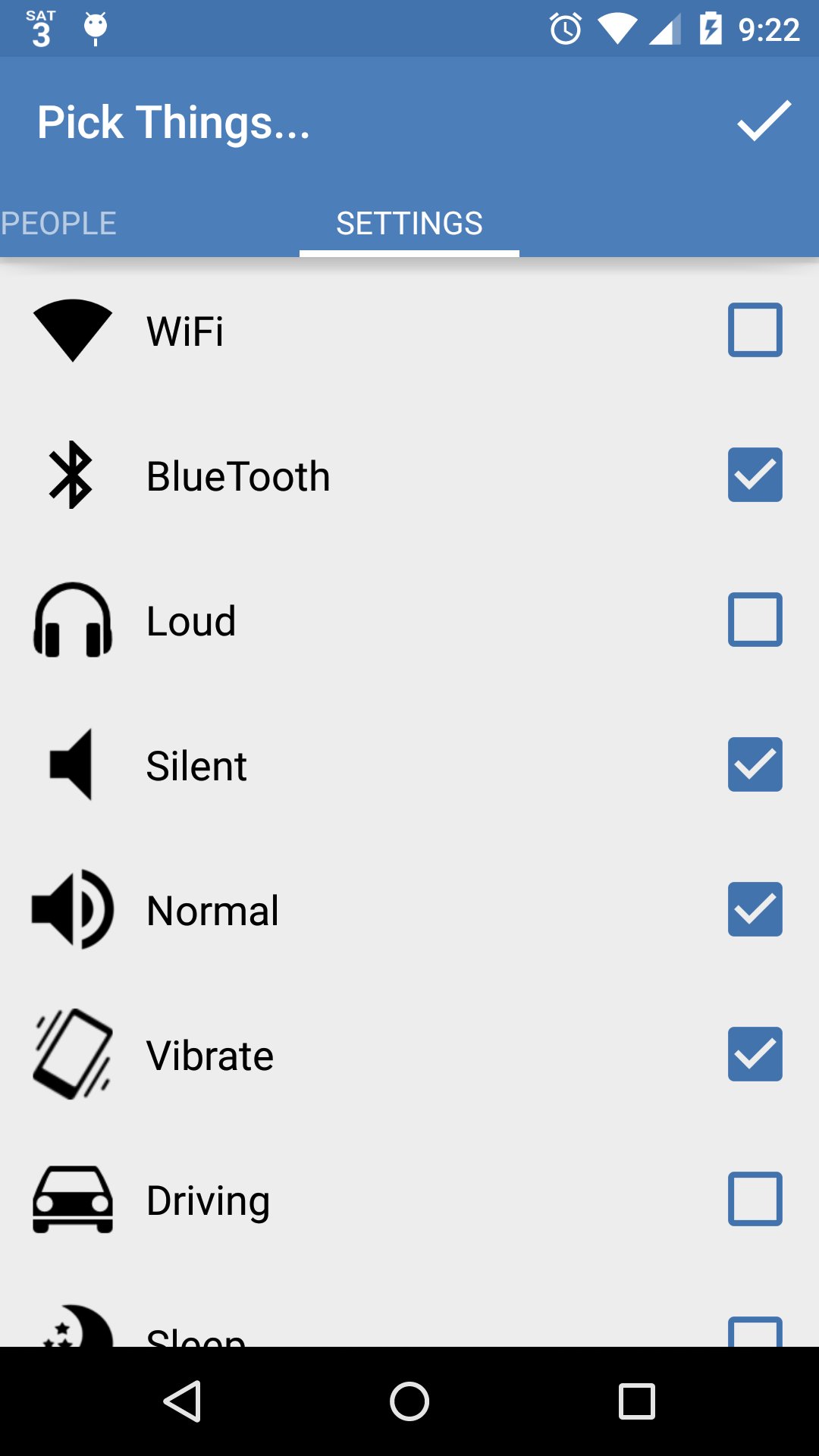
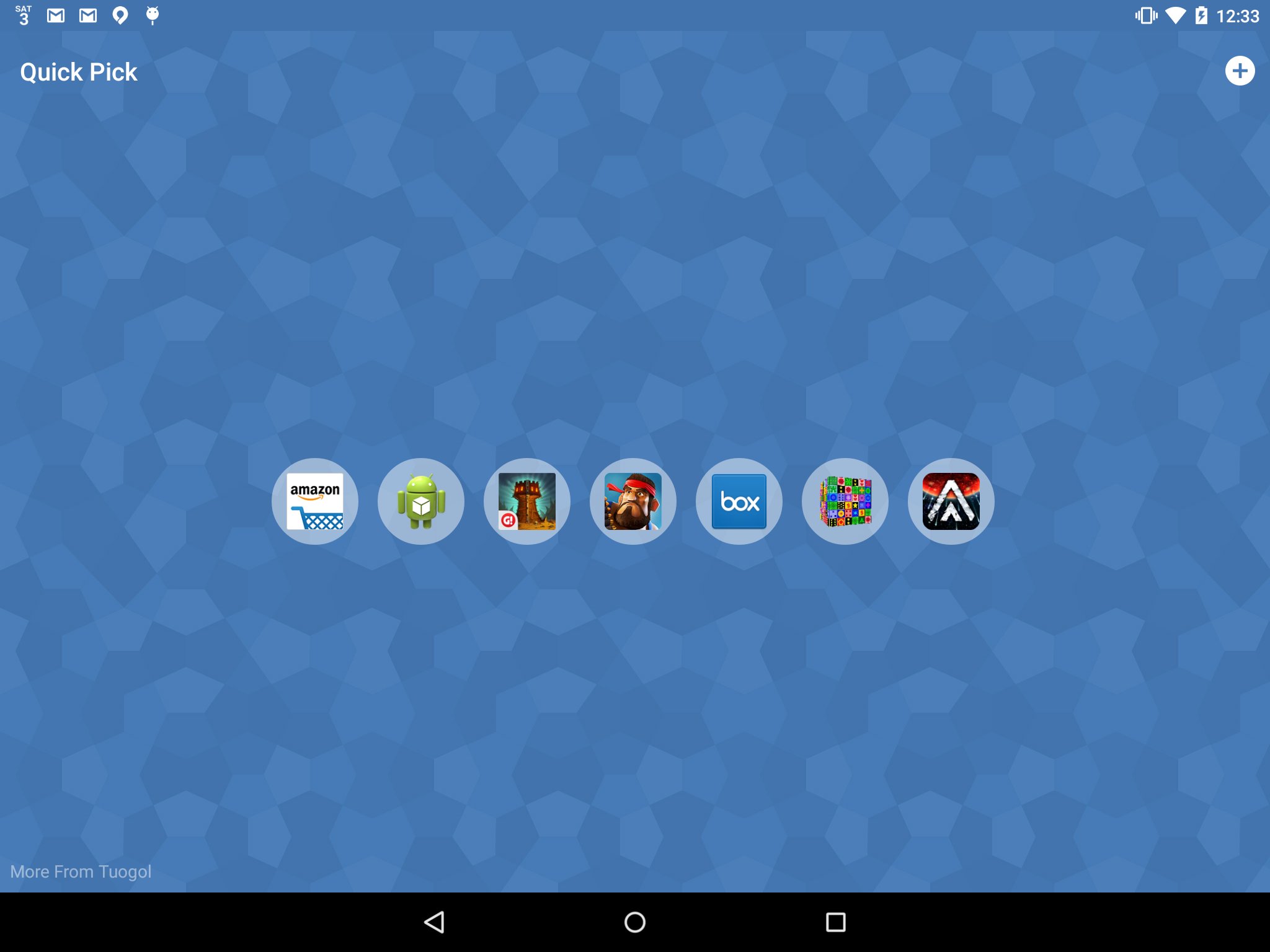
Quick Pick allows you to quickly access your favorite apps, contacts, and settings with one swipe. Just move your finger up from the home button and select Quick Pick. Then you can customize which apps, contacts, settings, or Volume Butler profiles you see. The next time you swipe up from the home button you'll have quick access to your favorite picks!
This application works best with devices that have a soft home button that is built into your screen. If you have a different device than this simply use the Quick Pick icon for similar functionality.
You can also apply your Volume Butler profiles right from Quick Pick! Install Volume Butler and create some profiles to have easy access to your volume settings.
Last updated on Aug 23, 2015
Fixed a small bug preventing content from being added on pre-lollipop devices
Added a brief tutorial
Added Volume Butler Integration and Settings (WiFi/BlueTooth)
Long-press to show the app, contact name, setting, or Volume Butler profile





APKPure - 안드로이드를 중심으로 한 멀티플랫폼 앱스토어로, 다양한 앱 관련 콘텐츠를 제공합니다. 더 쉽고, 빠르고, 안전하게 원하는 앱을 찾아보세요. 빠르고 효율적인 다운로드와 설치가 가능합니다.











