
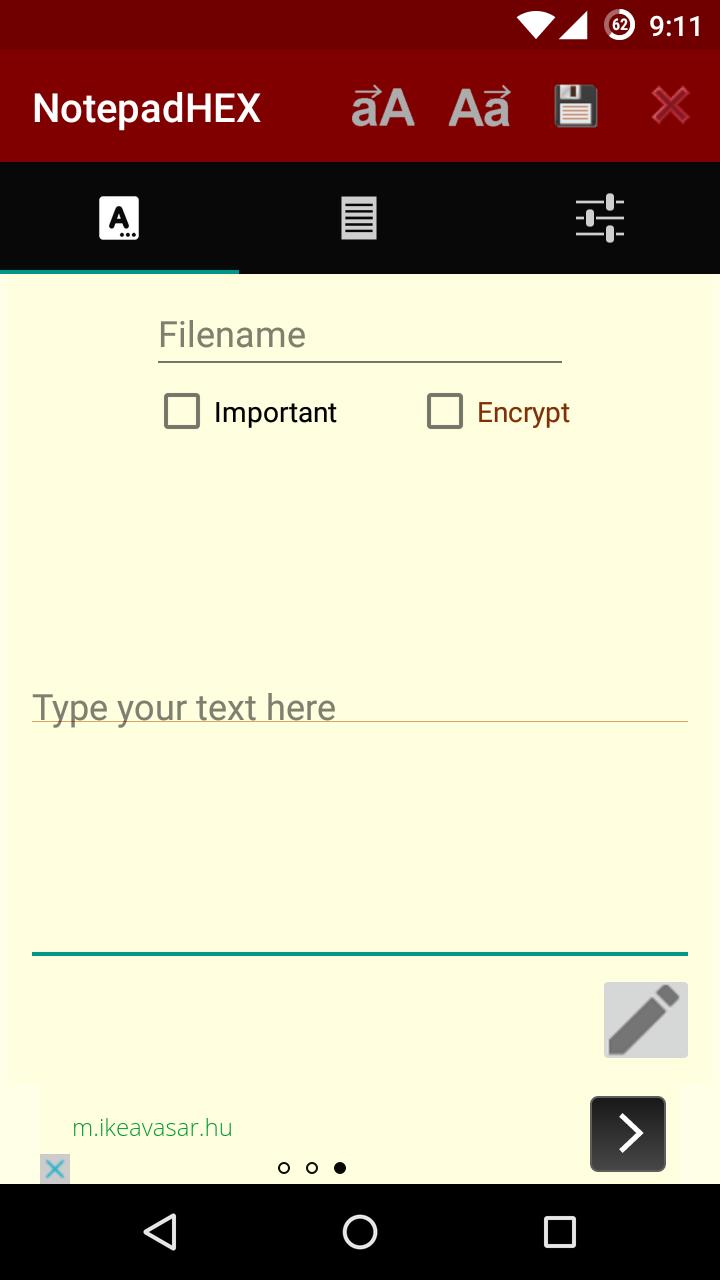
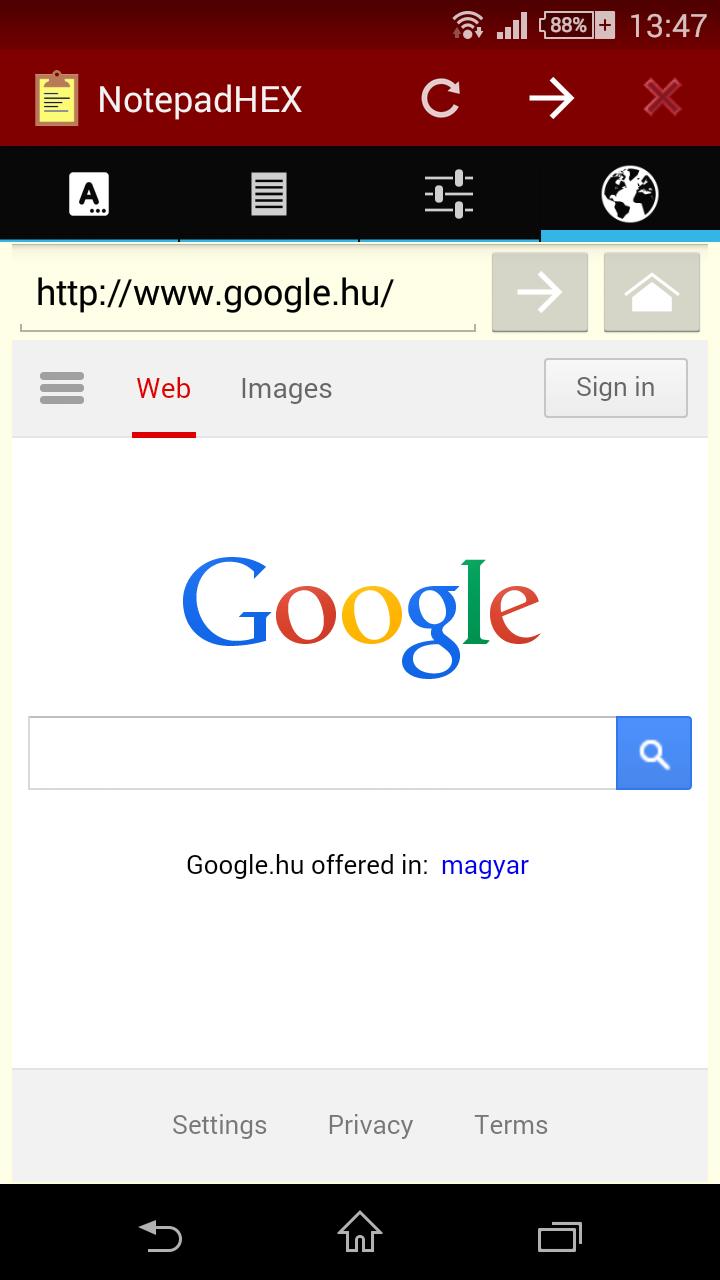
Write notes and edit them easily. You can encrypt what you wrote, and you can use password to protect your notes. There is a built-in browser, so you can copy and paste text simply. (It is disabled by default, but you can enable it manually in the settings, if you want.)
More in 1 Notepad:
-Encryption
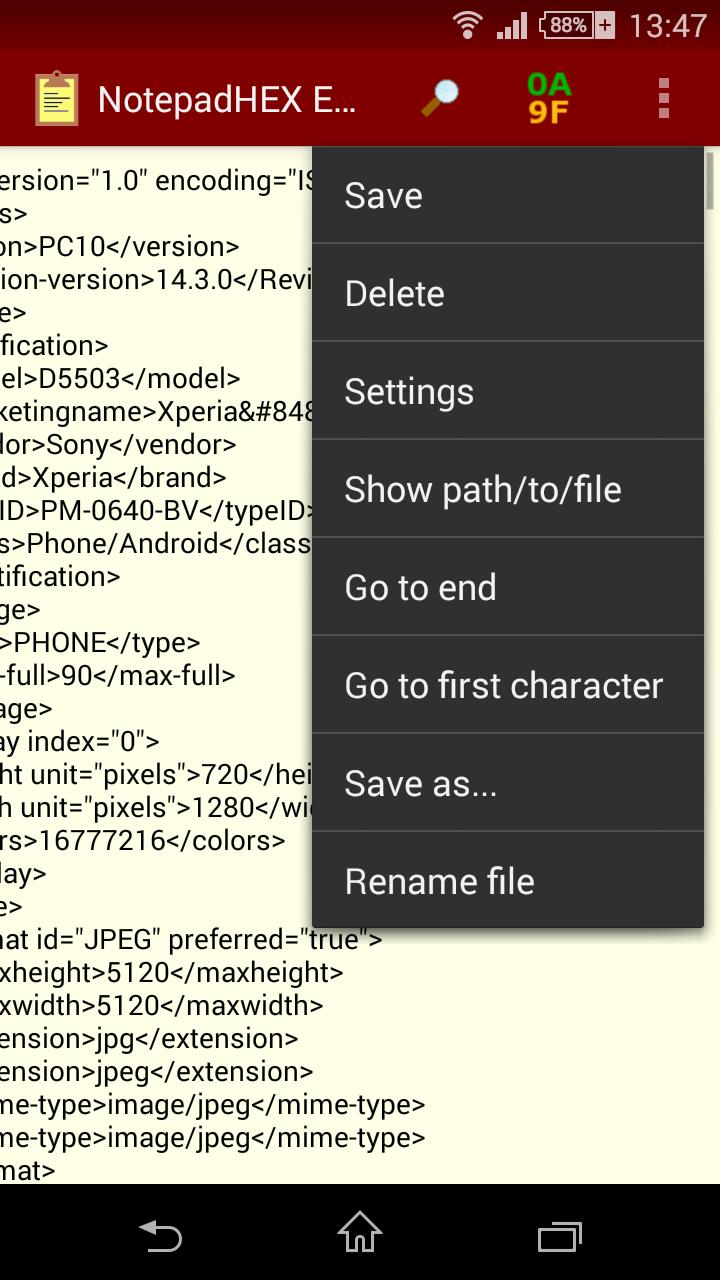
-Built-in file editor (+hex editor)
-Built-in html editor
-Browser
-Letter recogniser (beta!)
-TTS (Text to Speech)
-Notepad++
If you want to make this app ad-free, please buy NotepadHEX Pro Key. This will also support the development.
This app contains a widget, which you can put on the homescreen and write notes there, so it will always be in front of your eyes.
How-to use HEXeditor:
First, you need to open the file for edit. (Eg. in TotalCommander, long-press on the file name, click edit, and choose NotepadHEX Editor.) After that, you need to place the cursor in the text to the place you want to edit, and open the HEXeditor. You will only be able to edit the 100-100 characters before and after the locationof the cursor.
Encryption:
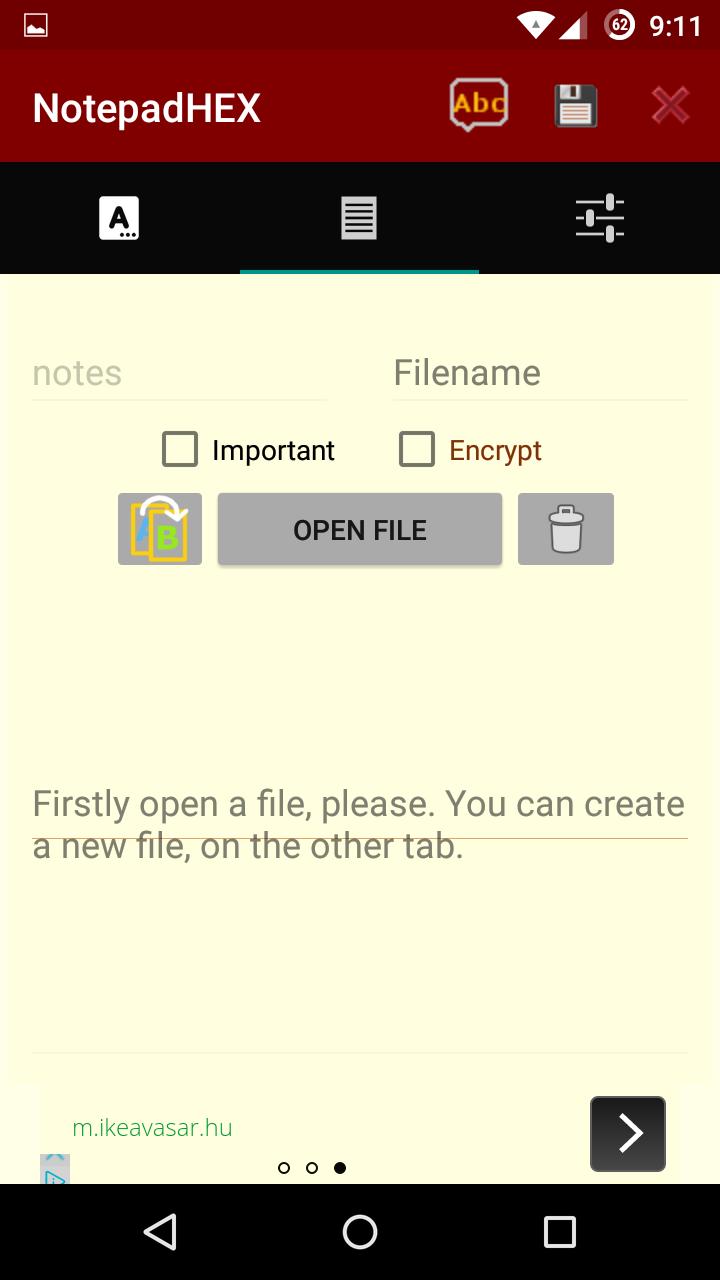
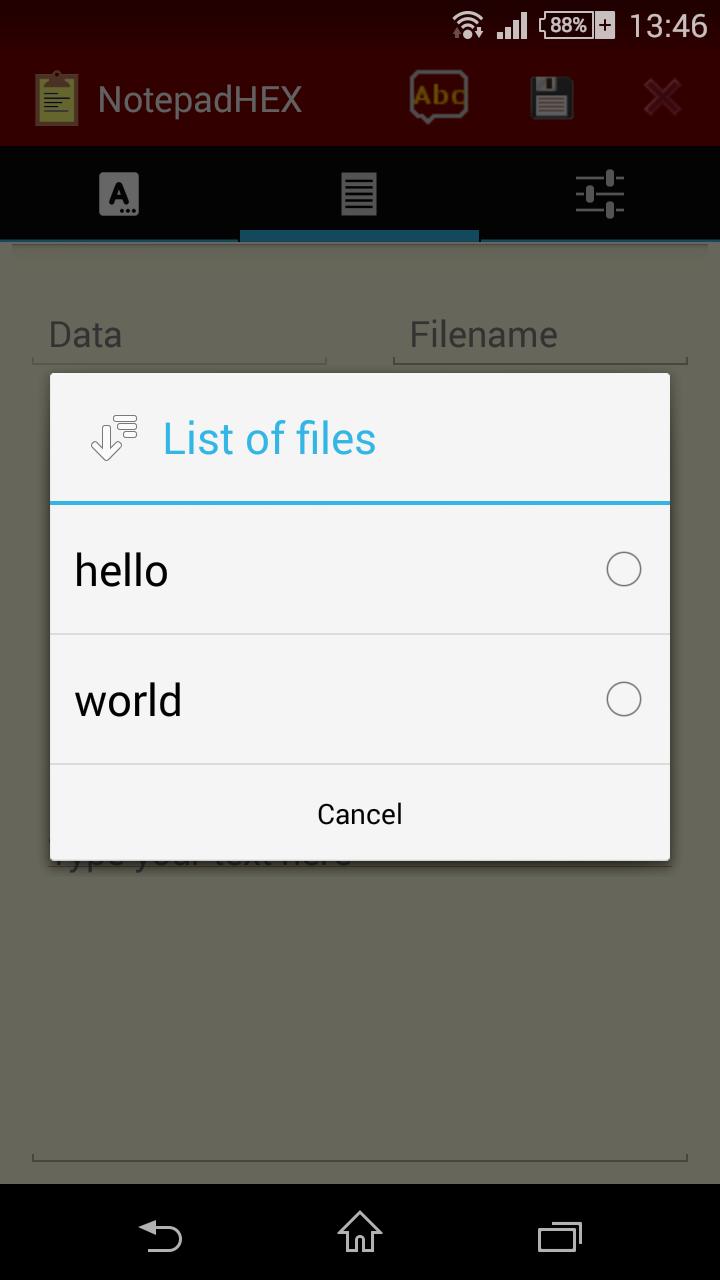
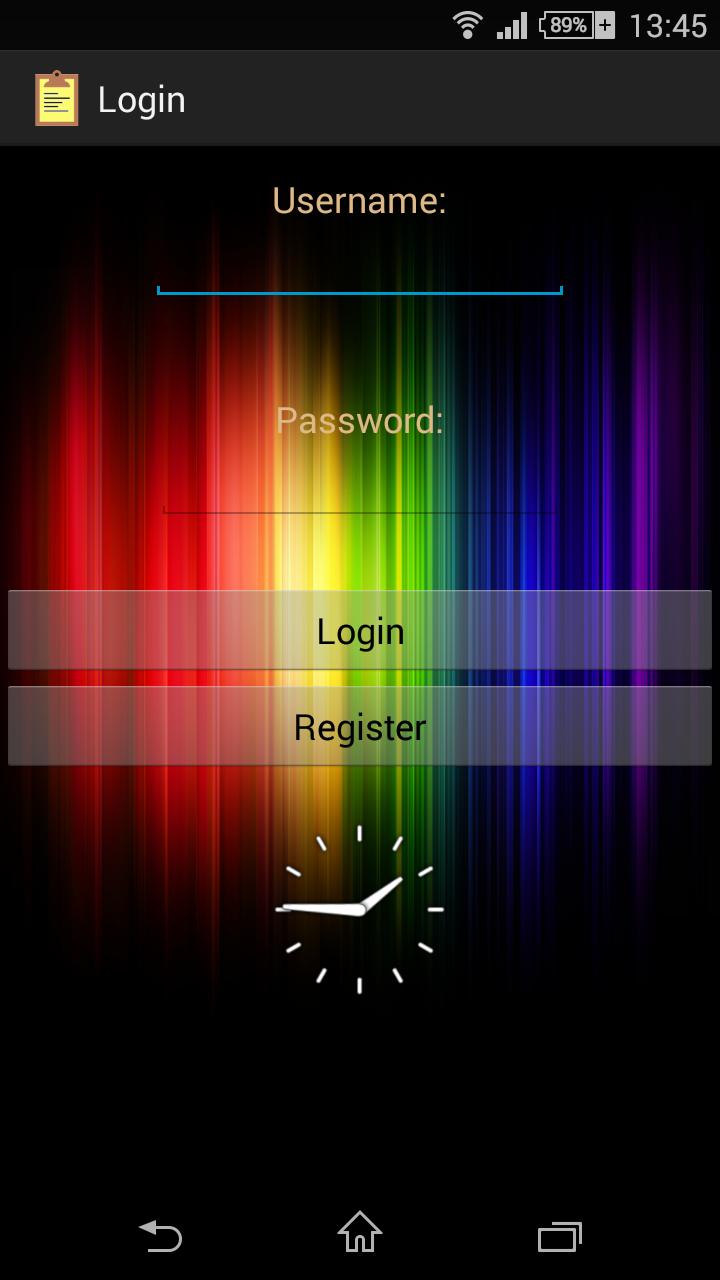
Tick the encrypt checkbox, press the save button, and enter the key. To decrypt the file go to read tab, open your file, enter the key and press the decrypt button.
Letter recogniser:
Press the pencil button at the bottom of the screen. Draw one letter/character, and only small ones. If you are ready, press the green "OK" button.
Coming soon:
-Better letter recogniser
-Compatibility with Android's new external SD-card API
(WARNING: The newer versions of NotepadHEX cannot decrypt the notes/files encrypted with NotepadHEX 5.4.5A or older! Please make a backup from the encrypted files in non-encypted format!)
Last updated on Apr 2, 2016
6.4.3
-More bugfixes and improvements
-Stronger file encryption algorithm, uses the same as HEXSecure (can open older files)
6.4.2
-Updated build environment
-Updated libraries
-Removed data request by external apps
6.4.1
-Lots of internal updates and optimizations
-GUI changes
-Some useless features were removed
6.4.0
-File Editor now support SD-card write on Android 5.0+
-File Editor shows more details in the file-info dialog (eg. owner, permissions...)




APKPure - 안드로이드를 중심으로 한 멀티플랫폼 앱스토어로, 다양한 앱 관련 콘텐츠를 제공합니다. 더 쉽고, 빠르고, 안전하게 원하는 앱을 찾아보세요. 빠르고 효율적인 다운로드와 설치가 가능합니다.