NOTE!:
It is suggested to take out SIM card and memory card from your phone before
going to any process.
You can see the below mentioned errors on your phone:
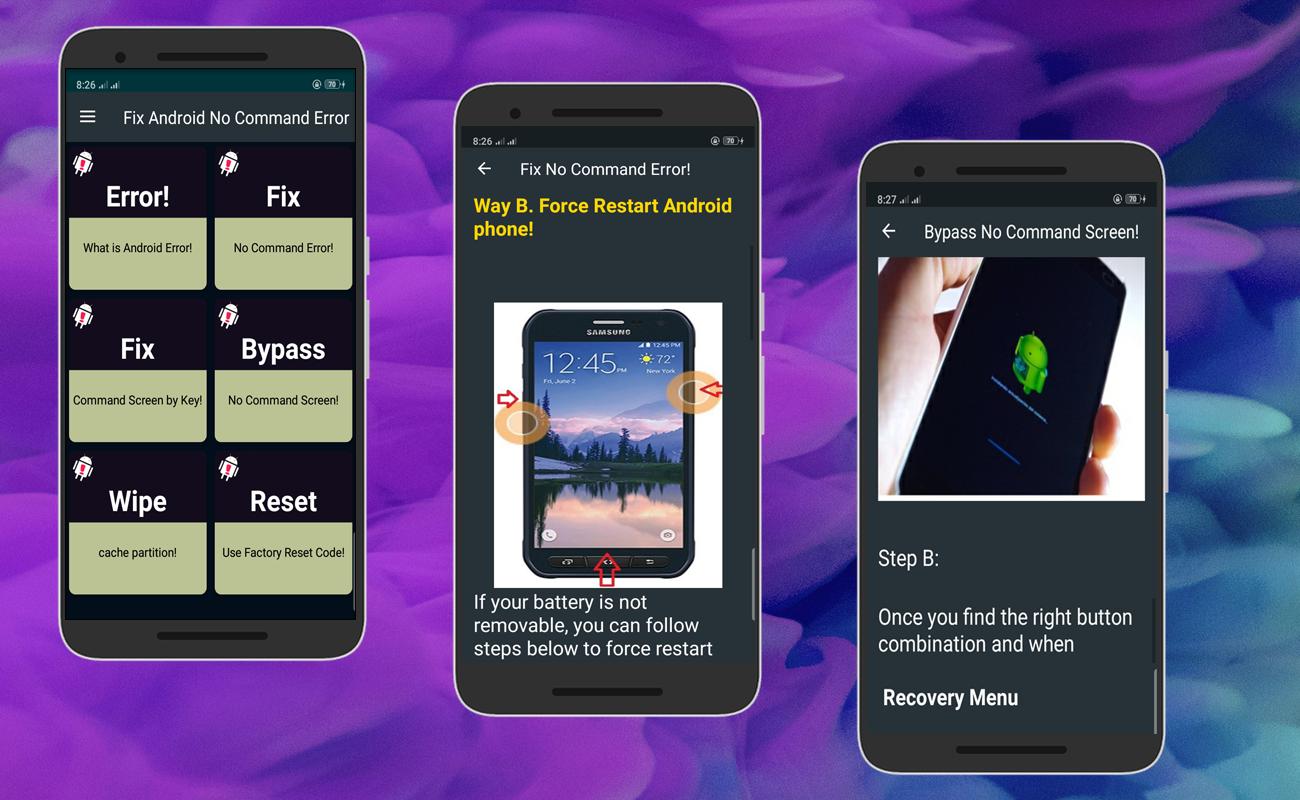
* "No Command” Screen/Message
* Exclamation Point in Triangle or Dead Android Robot (icon)
* Phone not Rebooting/Restarting During Update
Now if you see a robot with an exclamation mark in triangle then ensure you are in Recovery Mode.
And finally, its time to follow the steps to get out of the error immediately by reading further.
REMEMBER:
When your device is in Recovery mode, only physical keys will be accessed, so try to use Volume
Up and Down keys to move up and down and Power button to confirm a command.
are you among the android users who need to know how to fix this issue!
if so,our article explains how to solve it.
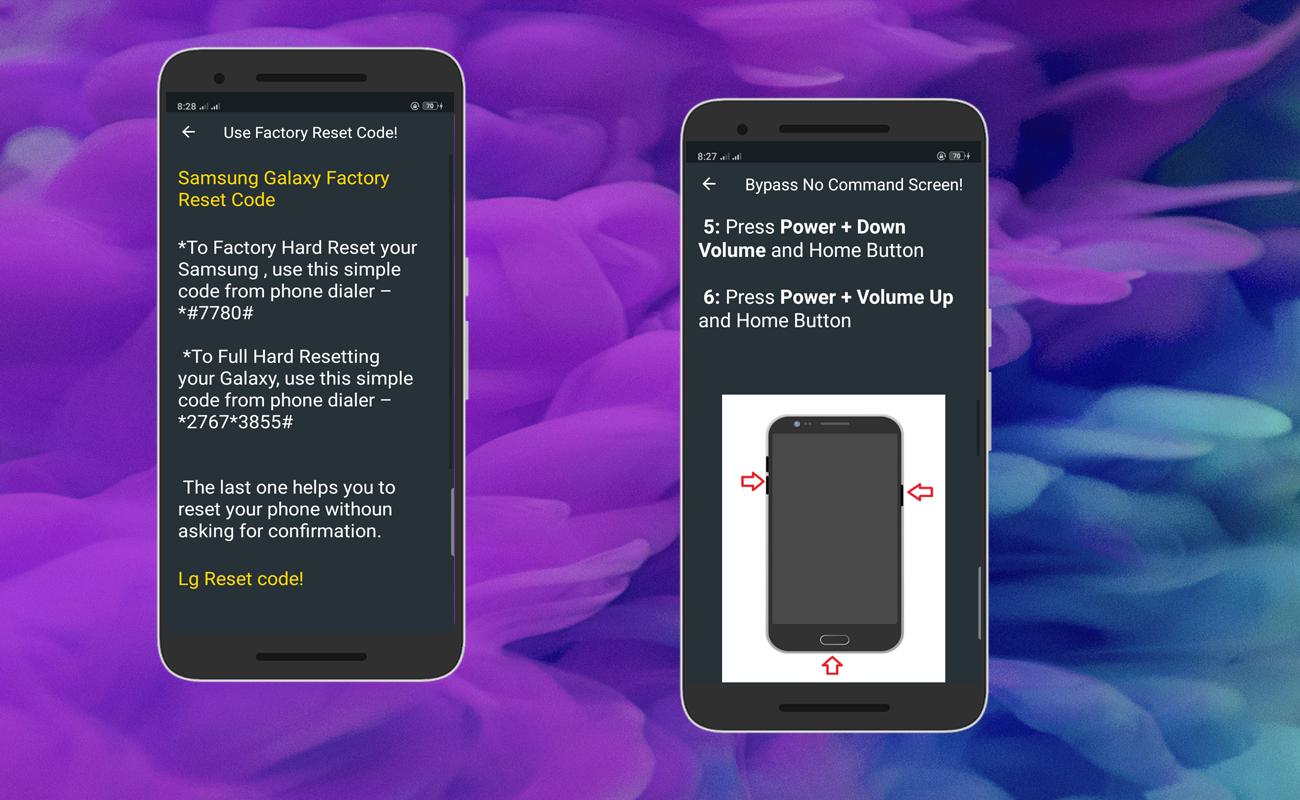
Along with some Android USSD code, you can reset your mobile.
Some mobile codes may not work.
Our app is not an official app. This is simply a guide.
Which will try to solve your problem.
thank you!
Last updated on Jun 29, 2020
Minor bug fixes and improvements. Install or update to the newest version to check it out!

APKPure - 안드로이드를 중심으로 한 멀티플랫폼 앱스토어로, 다양한 앱 관련 콘텐츠를 제공합니다. 더 쉽고, 빠르고, 안전하게 원하는 앱을 찾아보세요. 빠르고 효율적인 다운로드와 설치가 가능합니다.