Are you looking for a Document scanner app ?
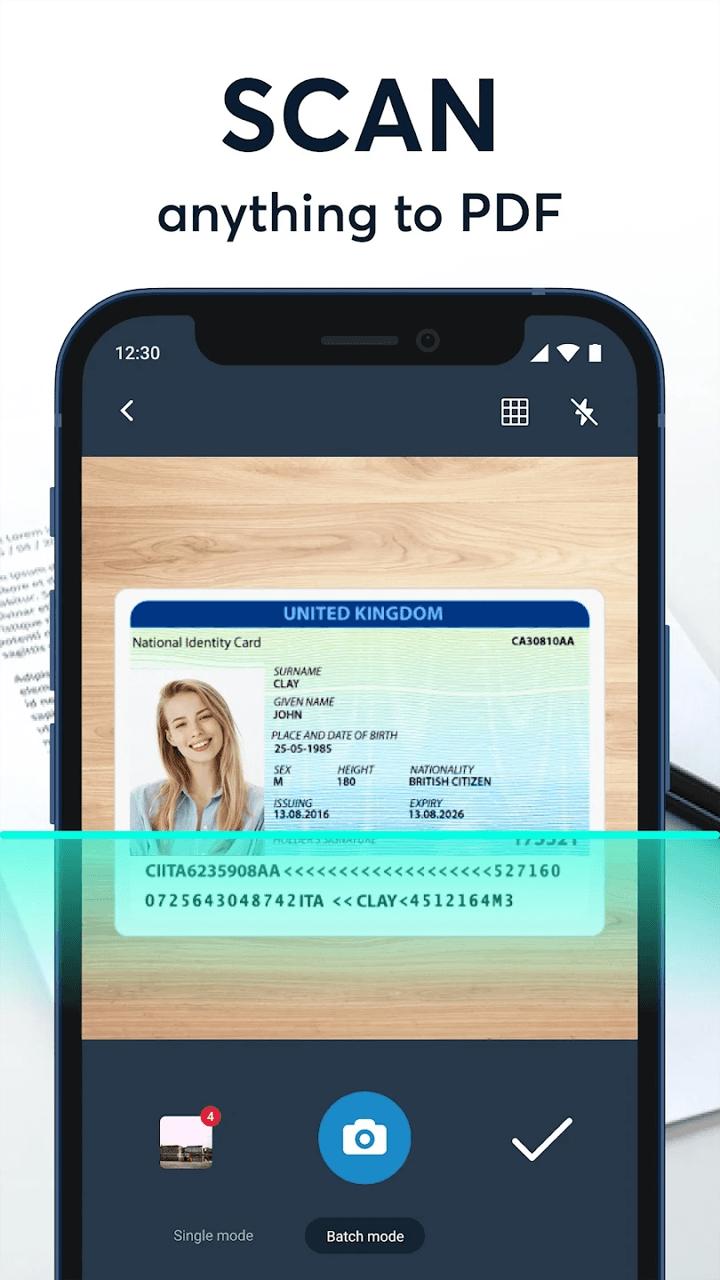
Document Scanner : PDF Creator application that turns your phone into a portable scanner. you can scan documents, photos, receipts, reports, or just about anything. The scan will be saved to the device in image or PDF format in this cam scanner or pdf converter app called Document Scanner
This Application is an Android scanning app that supports both JPG and PDF. Mobile Doc Scanner. Mobile Doc Scanner comes with great features such as the batch mode, which allows the users to scan documents quickly, after the other.
MAJOR ADVANTAGES
• Intuitive and flexible interface allows users to process images with just a few taps;
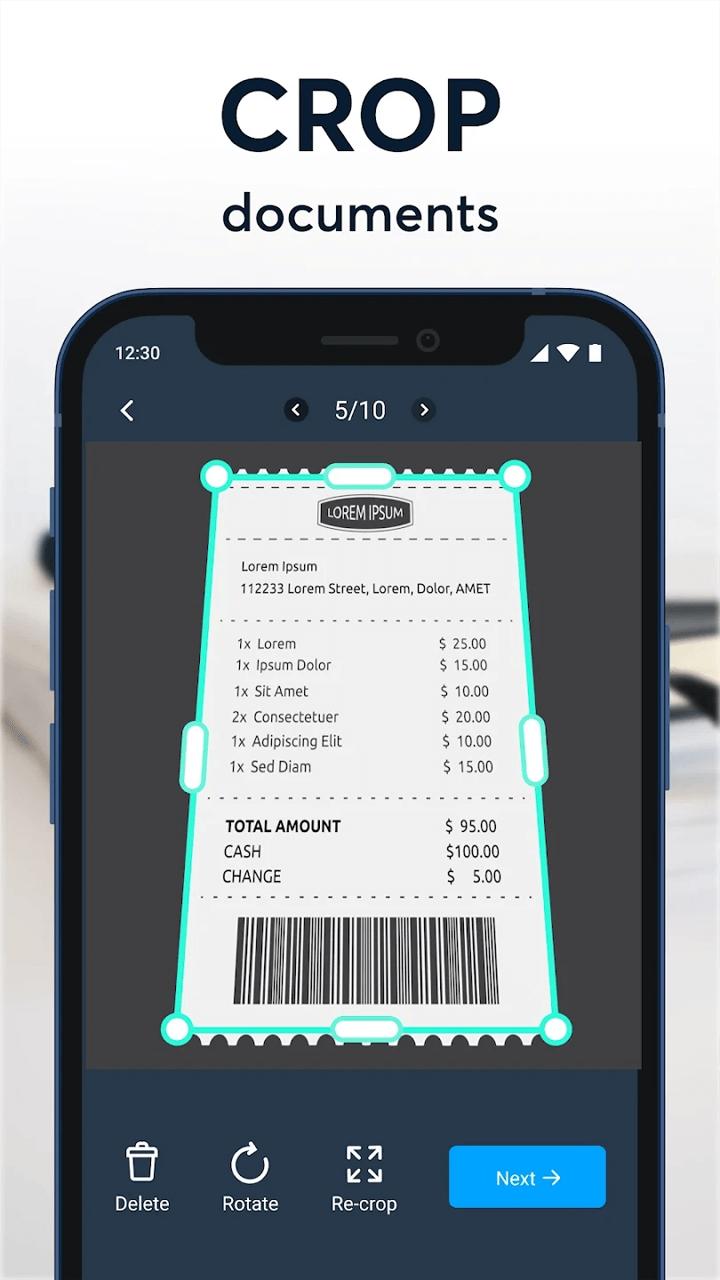
• The best edge detection in the market to set the frames of your documents easily in real-time;
• Ability to set advanced camera settings and complete output PDF file customization;
• Save document to .doc format;
• Smart Zoom feature for fast and convenient viewing of processed documents;
TOP SCANNING FEATURES - turn your phone into a mobile scanner with a variety of features for the best scanning and image processing.
• Modern and user friendly interface that allows the user to scan rapidly;
• Intelligent detection of your documents’ frame in real time;
• Batch-scanning mode for multi-page documents; • Cropping and zooming features to better set scanned pages in a better way;
• Ability to capture images in both landscape and portrait modes;
• Advanced scene and focusing technologies for clearer images;
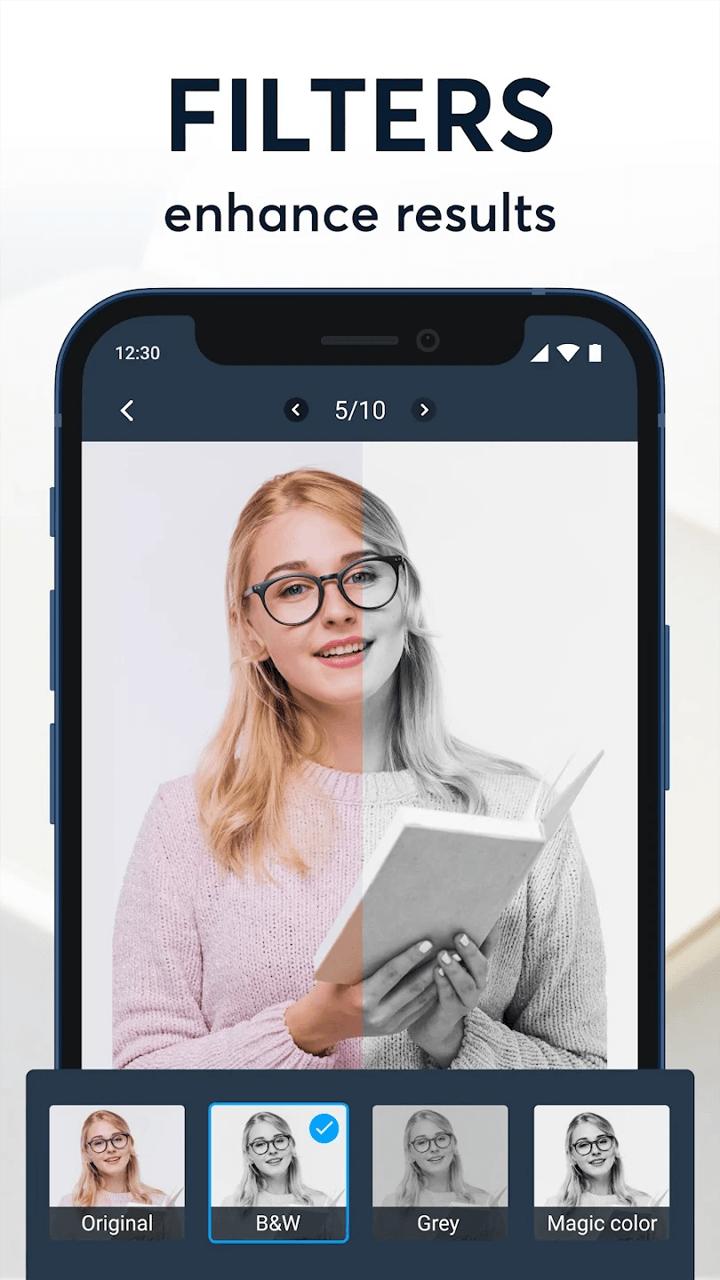
• Intelligently detects and preserves the pictures while enhancing the text areas with Smart Doc Scanner’s top-notch Magic mode filter.
• Qr Code and Barcode Scan and New Code Genrate
IMPORT OF IMAGES FROM EXTERNAL SOURCES – Add external images easily and import them into scanned PDFs.
• Seamless integration with File Commander for easy and fast file import and export;
• Ability to save all shots as image files;
• Support for all popular image formats – JPEG, PNG;
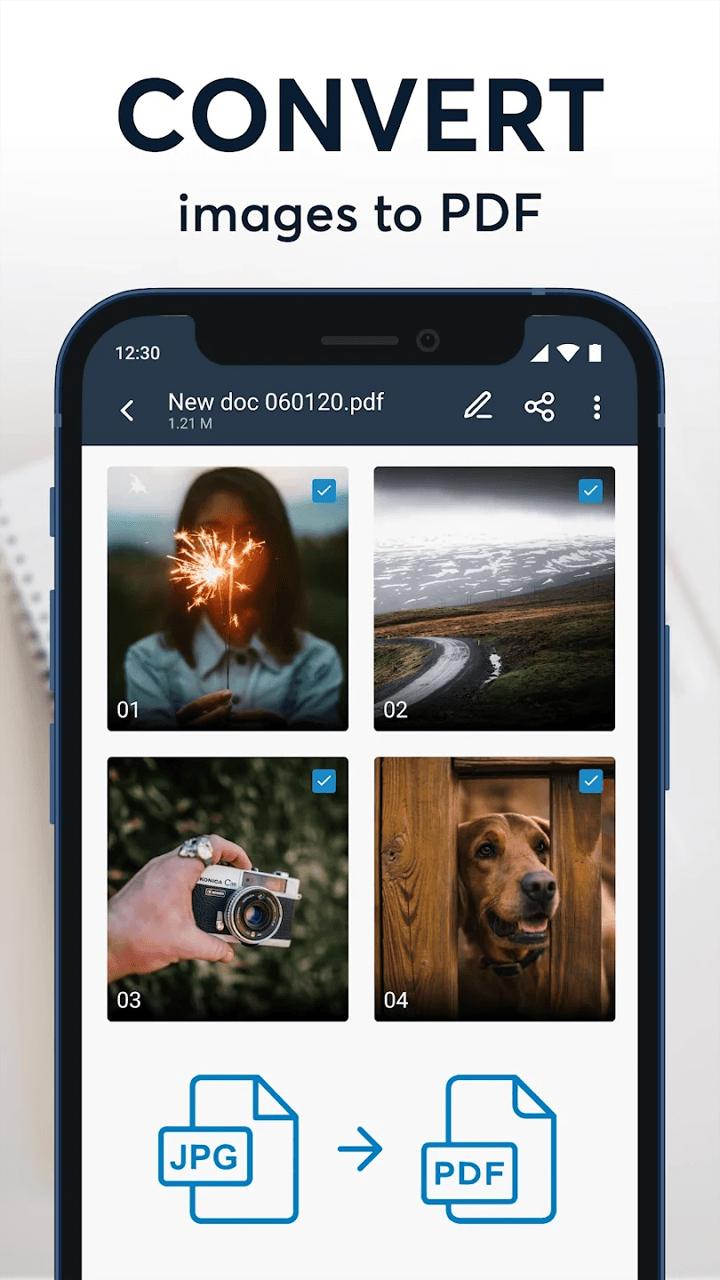
• Import images easily from internal and external device storage and convert them to PDF format;
• Intelligent integration with Dropbox, Google Drive and other cloud storage options;
DOCUMENT EXPORT AND PDF CUSTOMISATION – Use the powerful image processing features of this app to get the best PDF scan.
• Custom PDF creation - copy, move, add or delete pages from your documents;
• Extract a page from your document and save it as a separate image;
• Ability to set custom document properties such as resolution, margins, formats, etc. for the entire document or for a single page
MANAGE AND SHARE PDFs WITH JUST ONE TAP – easily share your PDFs.
• Set PDF Password and lock your private document;
• Set favourite locations for easy access to your docs;
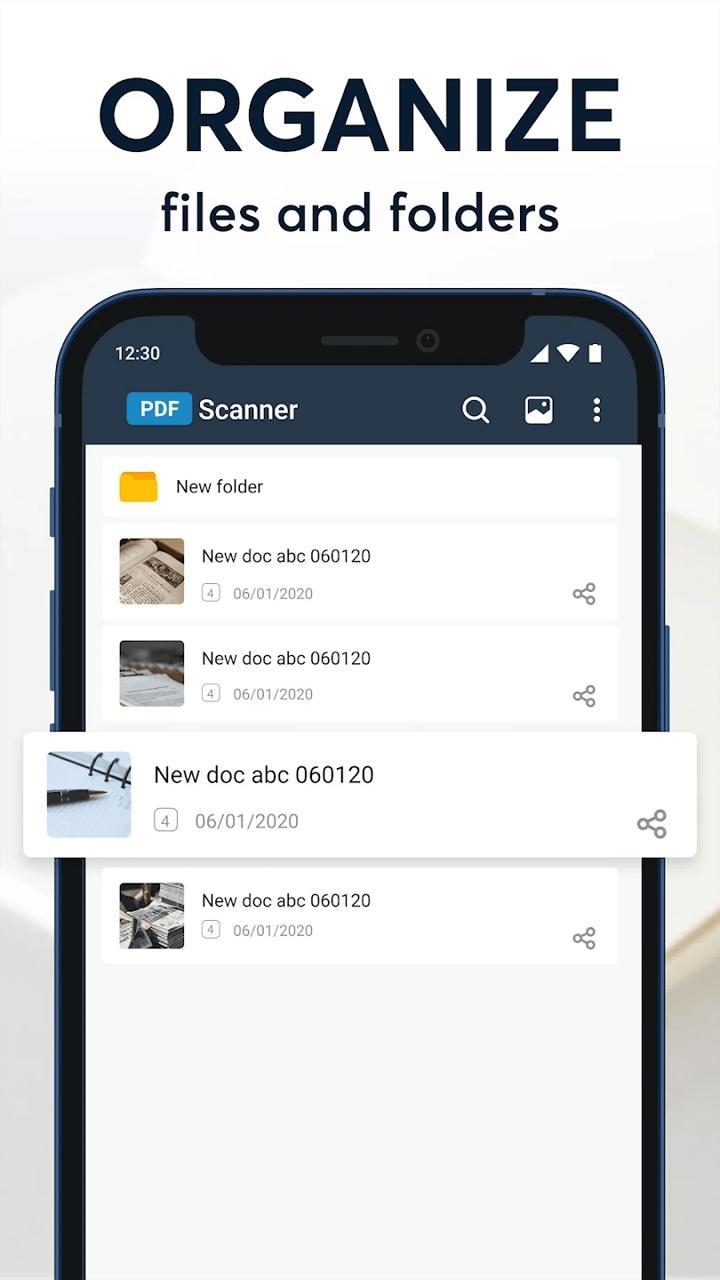
• Sort your documents easily by name, size, page number, etc.;
• Ability to search for a document by name and content;
• Share your documents easily via your email, cloud storage, Bluetooth and Social Networks;
Last updated on Aug 2, 2022
이 버전에는 사소한 버그 수정과 전반적인 개선 사항이 포함되어 있습니다. 최상의 환경을 위해 최신 버전으로 업데이트하세요.

APKPure - 안드로이드를 중심으로 한 멀티플랫폼 앱스토어로, 다양한 앱 관련 콘텐츠를 제공합니다. 더 쉽고, 빠르고, 안전하게 원하는 앱을 찾아보세요. 빠르고 효율적인 다운로드와 설치가 가능합니다.