
***This app is mainly a plugin for Tasker or Locale, it doesn't do anything on it's own***
This is not a regular keyboard, in fact it doesn't have keys! This keyboard acts as a plugin for applications like Tasker, Locale and any other compatible with their plugin format.
Sometimes you want to have an action to input some text in a 3rd party app using Tasker, but that app doesn't provide share intents so you have to resort to the good ol' typing method. Until now the only way of typing or pasting text in such apps was through the "Type" action or, if you are root, you could make a "Run shell" action with an "input text" command, but they both have problems:
- Type : is slow and can't handle special characters.
- Run shell, input text: it's faster, but it doesn't accept spaces, so you have to split sentences and go around that.
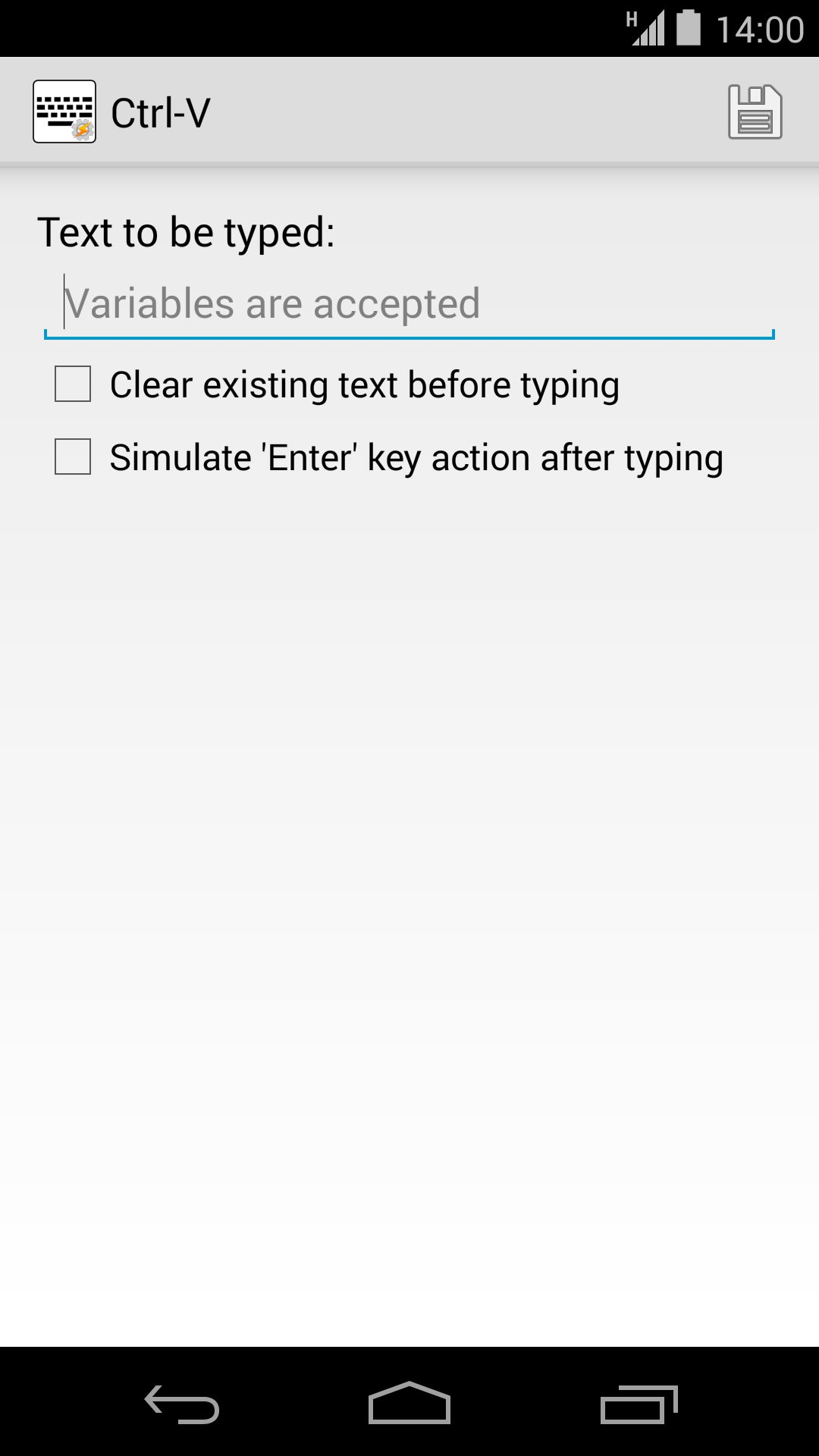
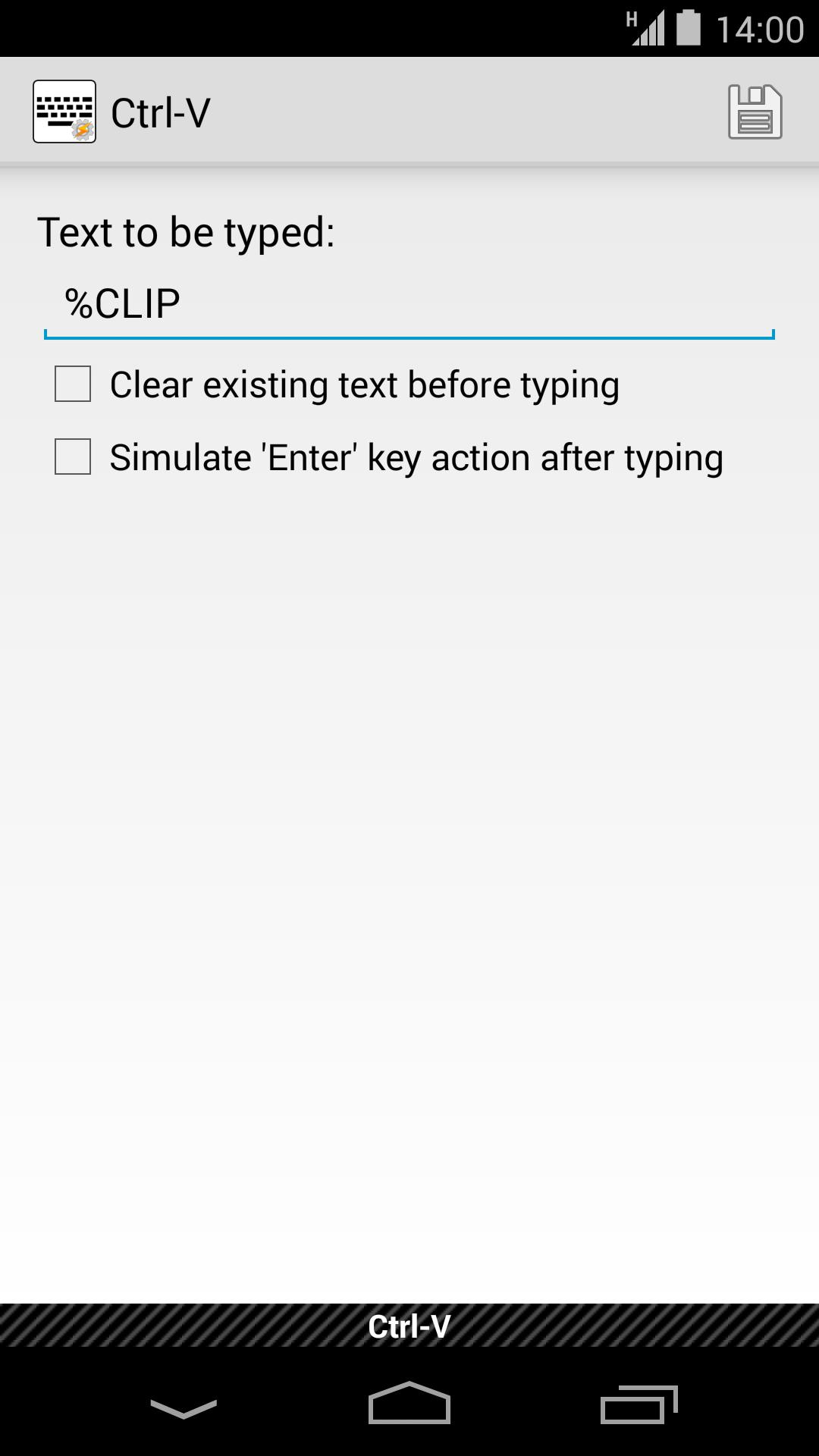
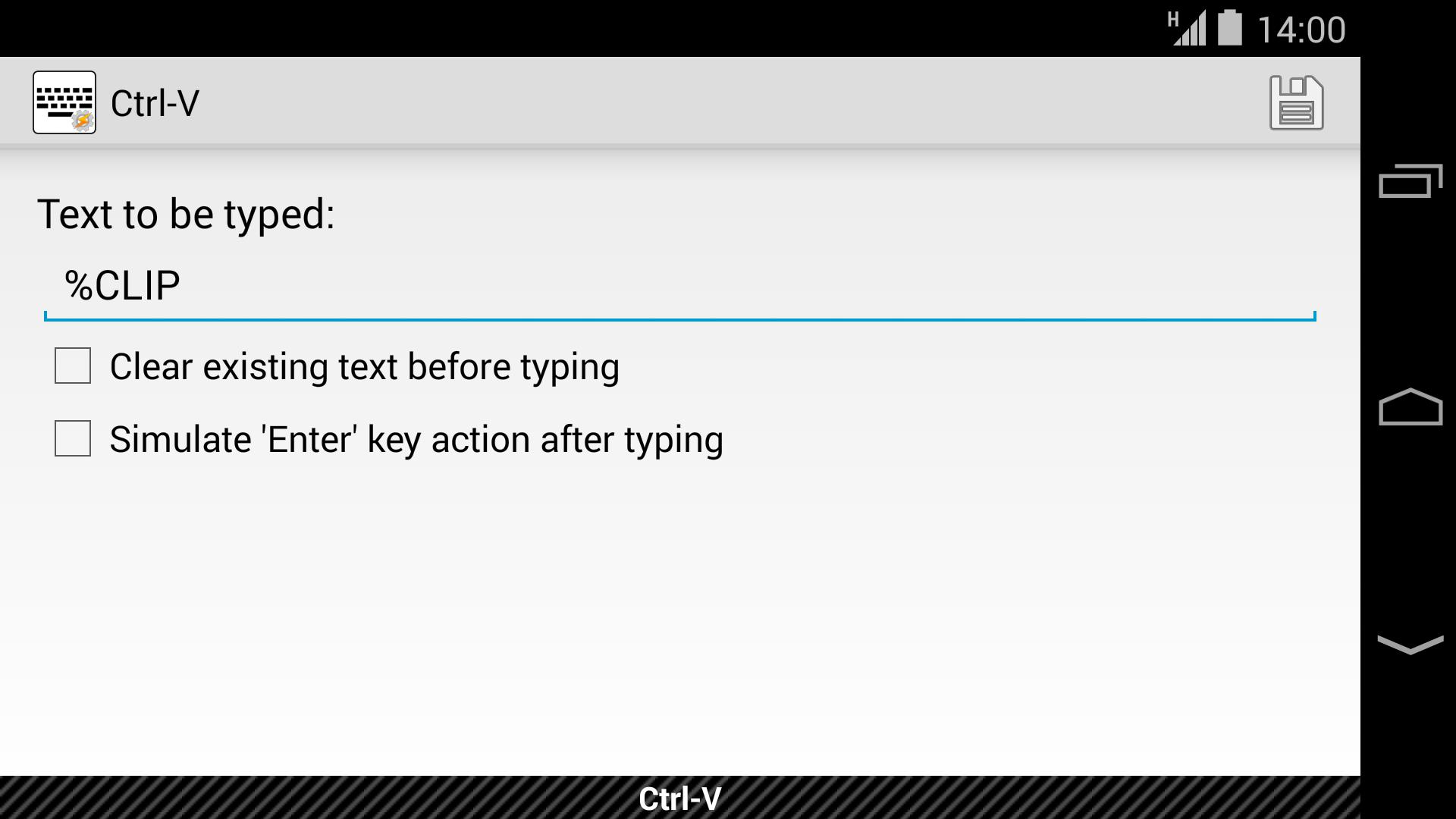
But here is were Ctrl-V comes into action: as long as this keyboard is active and a text box is selected you can issue commands to it through the plugin settings or even using intents (i.e. through adb) that will make your text appear in any open application. And all that without the speed issues and other limitations; you can type whatever you want, any character, any language, even use Tasker variables!
When you use this app together with other plugins such as "Secure settings" or "Keyboard Swap for Tasker" (they need root access), you can even make it fully automated. Here it is a summarized example of something that could be accomplished in a task that was tedious before; sending a message to a contact in WhatsApp:
1) Secure settings -> Switch keyboard to Ctrl-V
2) Open the conversation with a given contact.
3) Wait a couple of seconds (to make sure app is fully loaded)
4) Ctrl-V -> Input text: "Hey, can we talk later? I'm busy now ;)"
5) Secure settings -> Switch back to default keyboard
That means that you could do more complex things, like typing some text on your computer and getting it delivered in your phone.
Although Tasker is not required for this app, it's recommended. You can also control it by delivering broadcast intents while the keyboard is active. This option could be useful for example while debugging an app that requires a lot of user input, adb could be used in this case. This is the information you'll need for the broadcast:
- Intent action: net.zhdev.ctrlvkeyboard.ACTION_PASTE_TEXT
- String extra: net.zhdev.ctrlvkeyboard.EXTRA_TEXT
- Boolean extra: net.zhdev.ctrlvkeyboard.EXTRA_END_WITH_ACTION (optional, defaults to false, see the screenshots for an explanation)
This app is in no way associated with Tasker nor its creator endorses it.
The source code for the application can be found at: https://github.com/ZhDev/CtrlVKeyboard
Last updated on Oct 8, 2015
New feature: Added an option to clear the existing text before inserting the new one.

APKPure - 안드로이드를 중심으로 한 멀티플랫폼 앱스토어로, 다양한 앱 관련 콘텐츠를 제공합니다. 더 쉽고, 빠르고, 안전하게 원하는 앱을 찾아보세요. 빠르고 효율적인 다운로드와 설치가 가능합니다.