
Useful mobile IDE with powerful syntax highlighting and compile function.
Code on the go;
Code and run your projects with 9 different languages where ever you want. This application doesn't take much
storage -- just 3.3 MB.
Share your codes;
Share your codes with developers all around the world! There is no limit, share as much as you want.
Fully customizable - No limits!;
Code Editor is fully customizable! If you don't like built-in syntax highlighting themes, you can create your own theme!
Features;
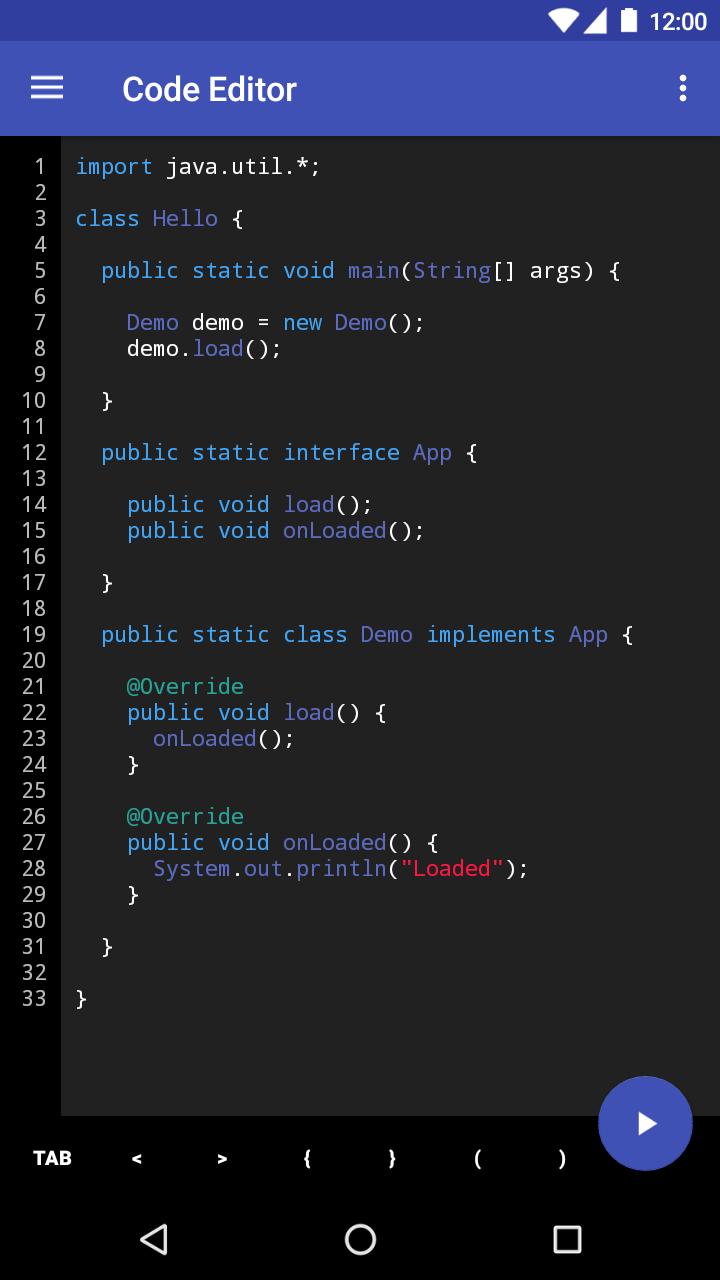
- Syntax highlighting,
- Compiling and running codes,
- Input support,
- Material UI,
- Fully customizable,
- 9 different languages (Java, C++ , C#, Go, Lua, Python, Python3, Web, Php),
- 9 different highlight themes,
- Custom theme support,
- Auto Indentation,
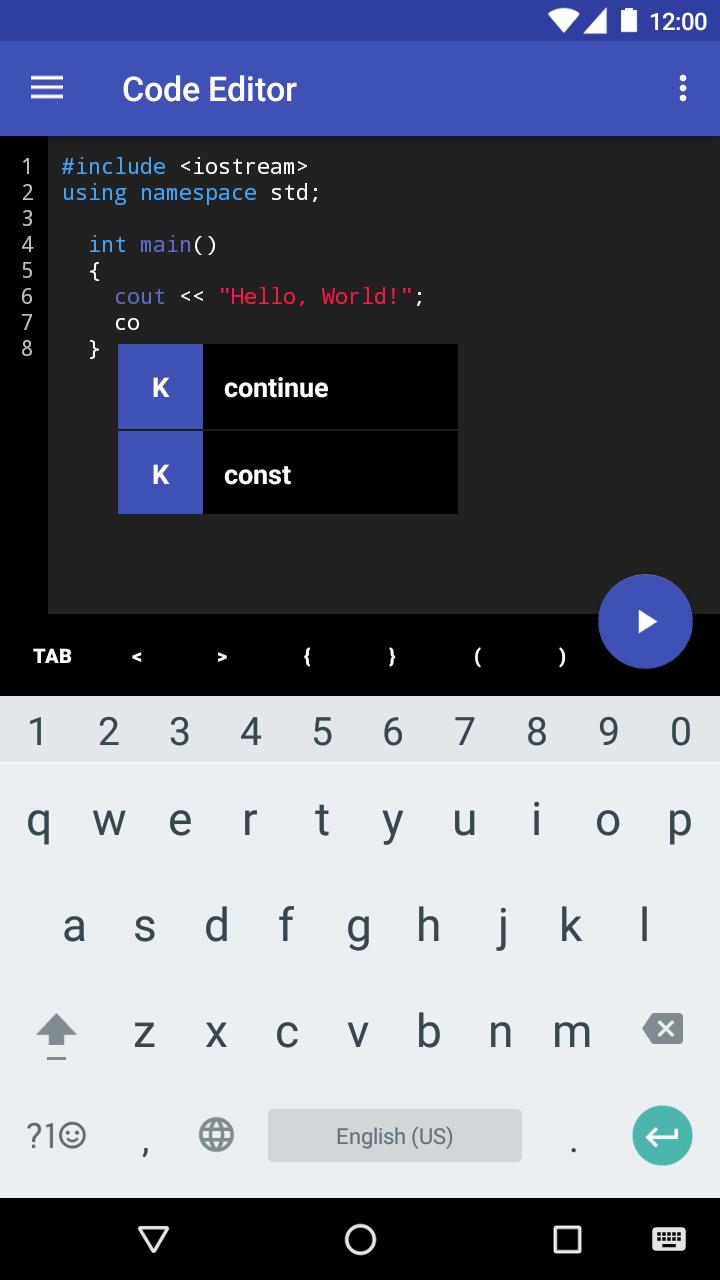
- Auto Complete,
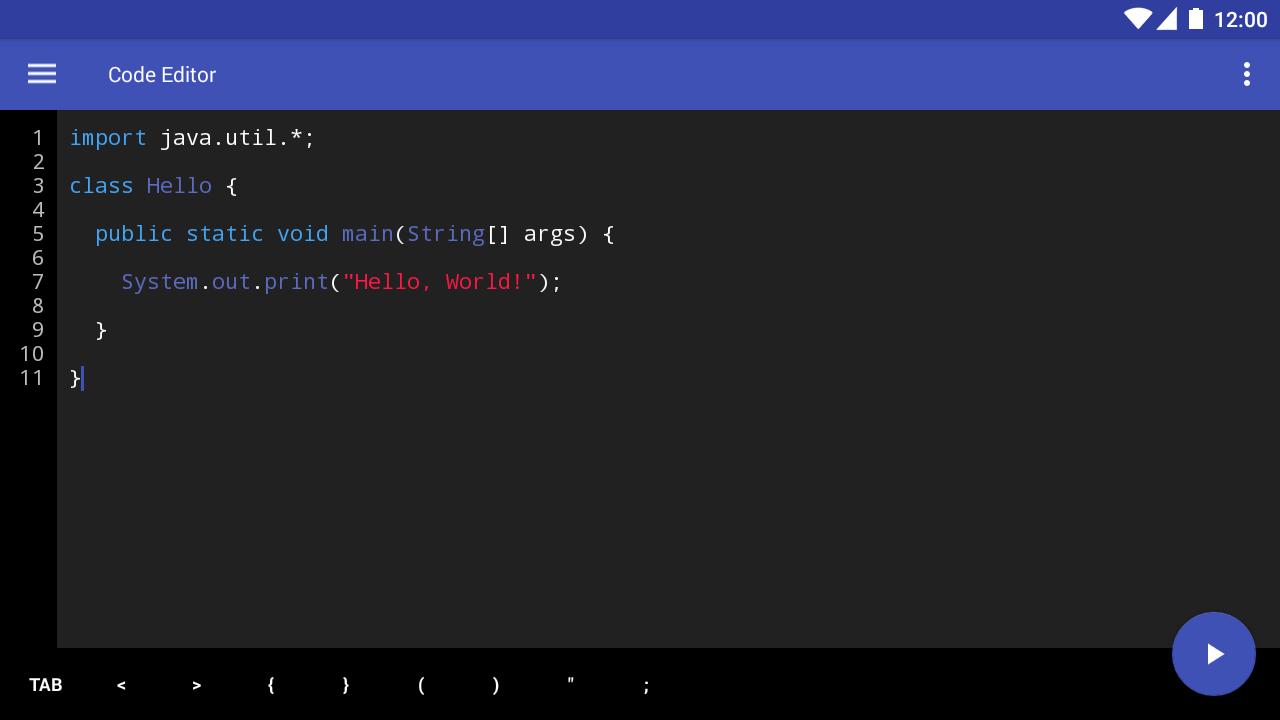
- Symbol Suggestion bar,
- Read-Only Mode,
- Auto parenthesis and quote completion,
- SHARE platform,
- Import/Export project from/to storage,
- Preferences page,
- Auto update checker.
NOTES;
This application is compatible with Android 4.4 and above.
Made with Sketchware. - https://play.google.com/store/apps/details?id=com.besome.sketch
F.A.Q
-> Why Code Editor has ads?
Code Editor has small, not disturbing banners because it uses Firebase for shared codes. Firebase servers are free for small applications, but when app becomes more popular, we need money to upgrade our service.
Last updated on Jul 25, 2018
Version 1.7 is live! (DEV UPDATE)
- Added "Go" language
- Added auto indentation
- Added auto complete
- Added new preferences
- Now you can delete your projects
- KitKat is now supported
- Improved app icon
- Improved compile system and UI
- Improved syntax highlighting
- Bug fixes



APKPure - 안드로이드를 중심으로 한 멀티플랫폼 앱스토어로, 다양한 앱 관련 콘텐츠를 제공합니다. 더 쉽고, 빠르고, 안전하게 원하는 앱을 찾아보세요. 빠르고 효율적인 다운로드와 설치가 가능합니다.