Are you a fan of Android? Are you curious about the newly launched Android 12?
Google just rolled out the first Android 12 beta build for several Pixel smartphones.
Widgets in Android 12 have rounded corners. When an app widget is used on a device running Android 12 or higher, the launcher automatically identifies the widget's background and crops it to have rounded corners.
Android 12's leaked developer preview screenshot showed wallpaper color based widgets.
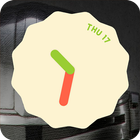
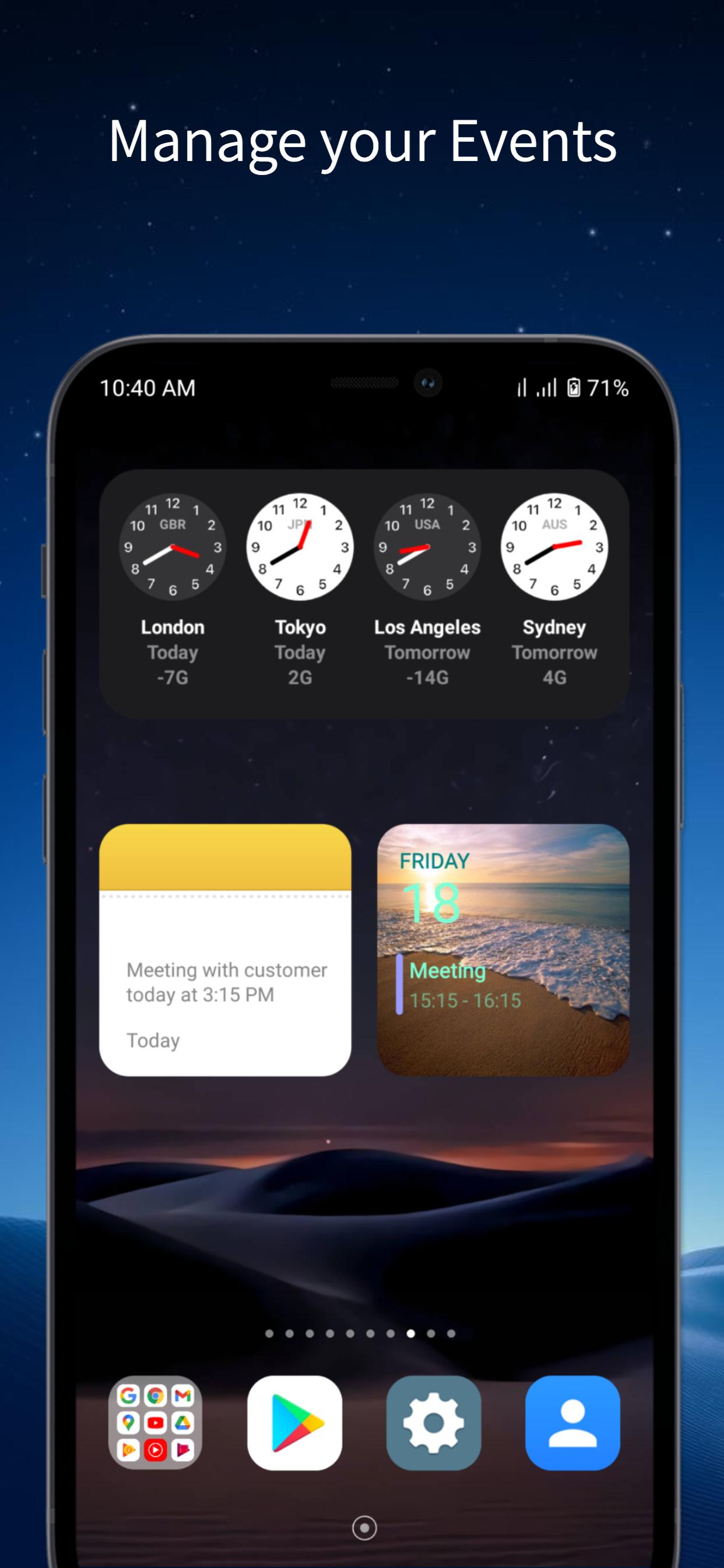
This app provides Clock widgets with same style of Android 12 ones and it is a standalone app that doesn't need to any additional apps to set up widgets.
"Android 12 widgets - All FREE" brings this functionality to older android versions.
With this application, you can install Android 12 widgets on any smartphone.
Main features:
- Simple design user interface for Android 12 fans
- Easy to apply widget to your phone
- App works perfectly in offline mode.
- 100% FREE
Main theme Android 12 widgets free
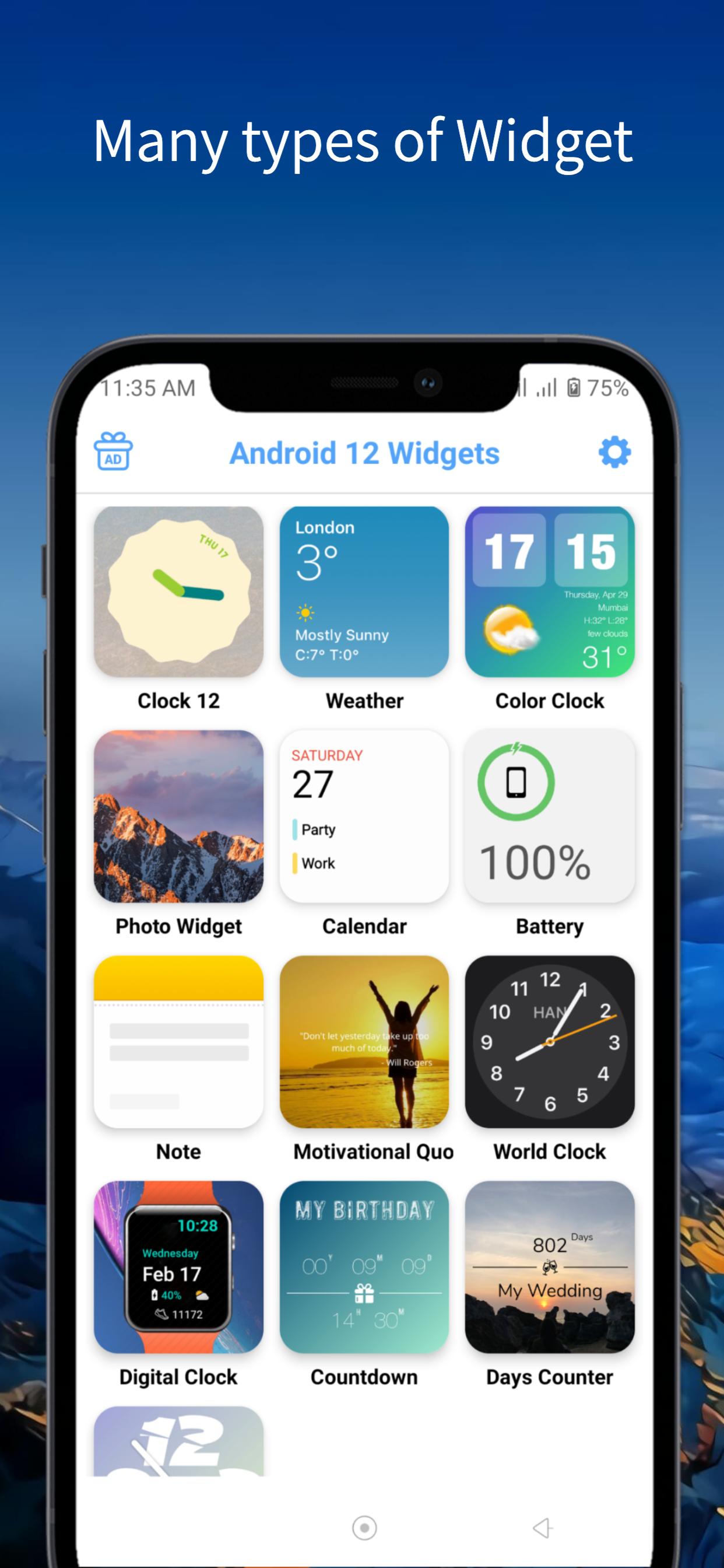
- Android 12 clock widget: Same style of Android 12 ones. Includes: Light Analog Clock, Dark Analog Clock, Frame Analog Clock, Modern Clock, Classic Clock.
- Android 12 weather widget
- Android 12 photo widget
- Android 12 calendar widget
- Android 12 battery widget
- Android 12 note widget
- Android 12 countdown widget
- Android 12 days counter
How to use “Android 12 Widgets free”
- Press and hold on an empty space on your home screen.
- Tap “Widgets” on home screen
- Choose “Android 12 widgets free” app
- Select a widget size to match what you’ll need on your home screen. For the clock widget, we recommend using either the 2×2 or 4×4 widget.
- Customize widget. Then tap to button Apply
- Tap “Add widget” button
- Widget added successfully to Home screen.
“New/Beauty/Cool Android UI” store is built by us with the aim of updating the latest technology of the android platform. Bringing Android innovations to all users. In addition to widget android 12 application we also have android 12 wallpaper application.
If you love android and are curious about the latest version of android 12, Let's install the products and follow us.
Please leaving a comment, feedback or suggestion to help us make it better in the future. Thank you for your support.
Thank you for your downloading and using my application!
Disclaimer:
All images are copyright of their perspective owners and simply used for aesthetic purpose only. Any request to remove one of the images will be honored and please email us for contacting.
Last updated on Jul 15, 2021
Version 2.0:
- Fix bug about Weather widget.
Now the weather widget is showing perfectly. <3
------------------------------
Are you a fan of Android? Are you curious about the newly launched Android 12?
Google just rolled out the first Android 12 beta build for several Pixel smartphones.
This app provides Clock widgets with same style of Android 12 ones and it is a standalone app that doesn't need to any additional apps to set up widgets.




APKPure - 안드로이드를 중심으로 한 멀티플랫폼 앱스토어로, 다양한 앱 관련 콘텐츠를 제공합니다. 더 쉽고, 빠르고, 안전하게 원하는 앱을 찾아보세요. 빠르고 효율적인 다운로드와 설치가 가능합니다.