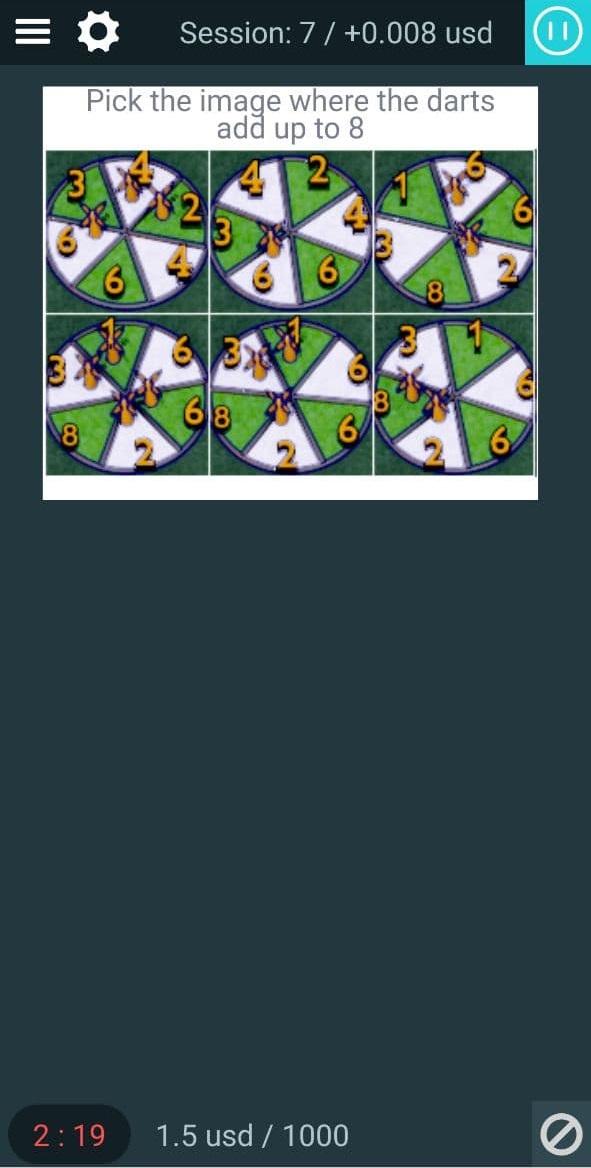
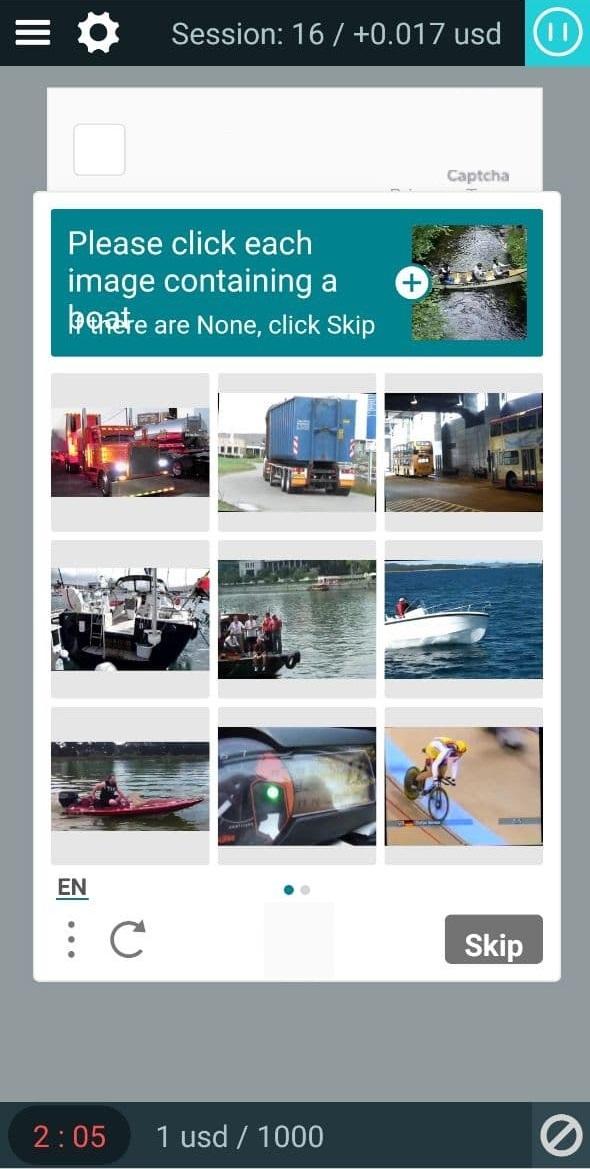
Application for 2captcha users. To work in the application you must have an account on 2captcha.com
Instruction:
There are two ways to authorize in the application - via scanning the QR-code or by entering the personal "Client KEY". To do this you need:
1. Sign in to your account on the site rucaptcha.com (in order to scan QR-code you should sign in from a PC or from another mobile device).
2. Ensure that you have selected a "worker" mode (you can see your current mode in the top right corner of the screen).
3. Scroll down to the "Solve captchas" block.
4. Your "Client KEY" is marked with blue color and you can also enable QR-code method by clicking the appropriate button "QRCode", which located under "Client KEY".
5. Copy-paste your Client KEY in the field that is above "Auth" writing in the mobile application and click "Auth".
6. In case you use QR-code based sign-in, click "QRCode" button and you will see square QR-code.
7. In the mobile application click on the gray-black square located above the "Auth" writing and your phone will switch to camera-mode.
8. Point the camera on a QR-code (from point 6 of this instruction) and your Client KEY will automatically appear in the appropriate field, then press Auth button.
Last updated on Nov 9, 2023
- GIF images support
- deprecation message





APKPure - 안드로이드를 중심으로 한 멀티플랫폼 앱스토어로, 다양한 앱 관련 콘텐츠를 제공합니다. 더 쉽고, 빠르고, 안전하게 원하는 앱을 찾아보세요. 빠르고 효율적인 다운로드와 설치가 가능합니다.








![[ROOT] Bot Maker for Android APK](https://image.winudf.com/v2/image1/Y29tLmZyYXBldGkuYW5kcm9pZGJvdG1ha2VyX2ljb25fMTU2Njk5NzE3OV8wMTg/icon.png?w=102&fakeurl=1)