Scan Date:Feb 8, 2025
Show More
Note: If you do not need install apk, you can try an online emoji keyboard: http://goo.gl/ML1j5J
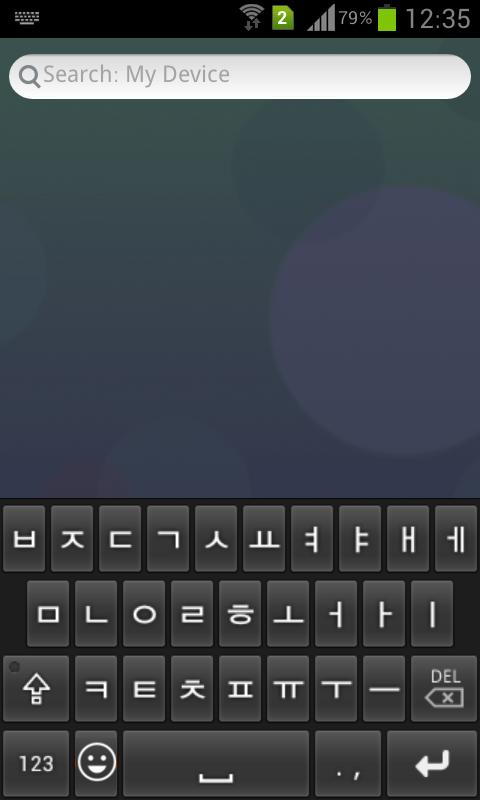
Korean Emoji keyboard.
[Features]
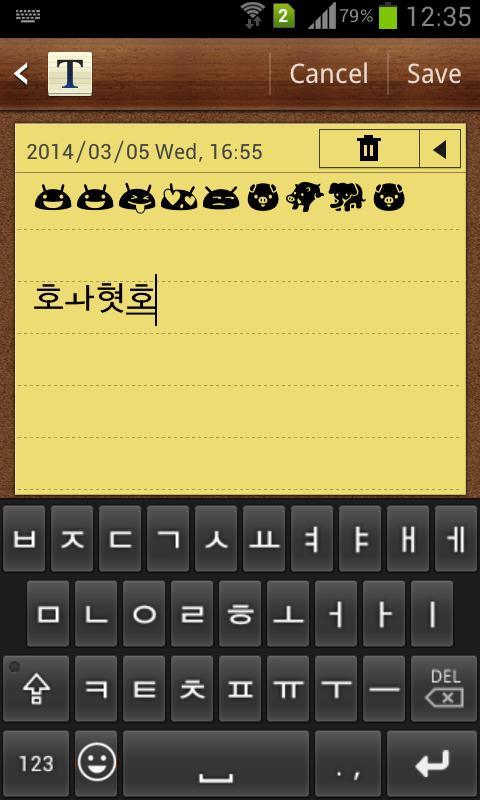
- Emoji input anywhere. Include all emojis for free.
- Korean input support.
[How to enable it?]
- Open this app.
- Click the "Enable emoji keyboard", then enable the it in the system input settings.
[How to set it as default keyboard]
- Open the app.
- Click the "Set default keyboard", you can change an input as default keyboard.
Latest Version
4.3Uploaded by
KharismaAkbar
Requires Android
Android 4.0+
Category
Free Tools AppContent Rating
Everyone
Security Report
Report
Flag as inappropriateLast updated on Sep 5, 2023
v4.2
- Fixed crash bugs.


APKPure - A multi-platform app store primarily focused on Android, providing extensive app-related content. Discover the app you want easier, faster, and safer, with quick and efficient downloads and installations.