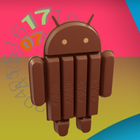
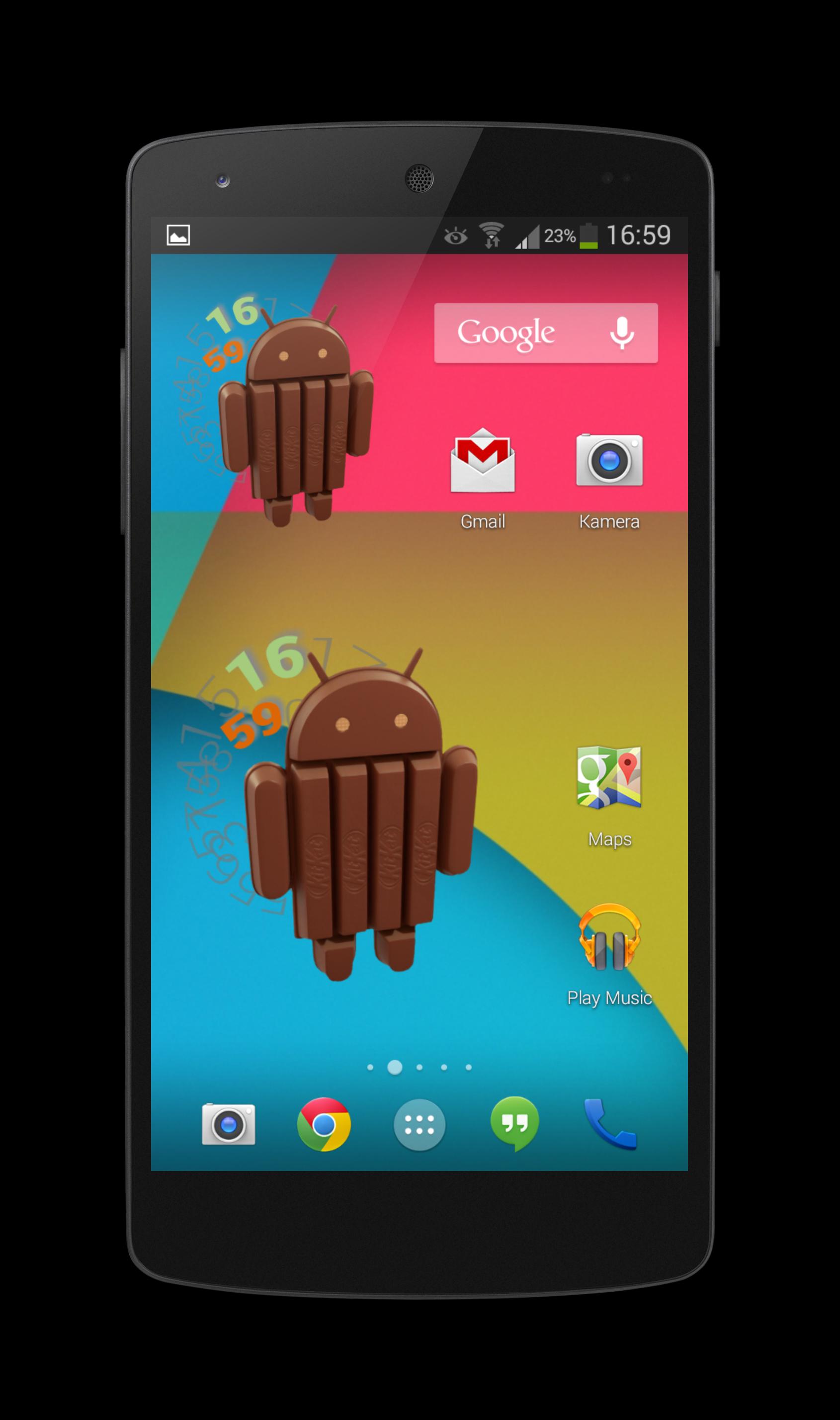
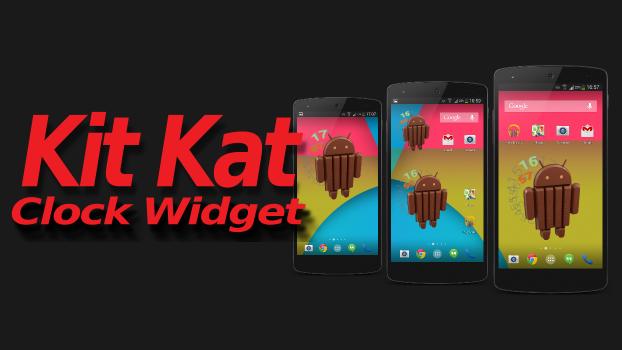
Get now the extra-sweet KitKat Android Clock Widget!
Just look to your smartphone, and already you know when it is time for a break!
Have a Break ... Have a KitKat!
********************
installation:
To use the widget on your smartphone you need the "Ultimate custom widget" (UCCW) which you get for free in the Google Play Store.
After you have installed now "UCCW" and the "KitKat Clock Widget", simply keep pressing the home screen, then select "Add widget" menu ---> "UCCW" ---> "UCCW 4x3.
Then you simply choose from the Kit Kat Clock Widget and it's on your home screen!
********************
Latest Version
2.2Uploaded by
Sebas Gårčĭå
Requires Android
Android 2.2+
Category
Free Personalization AppContent Rating
Unrated · Warning – content has not yet been rated. Unrated apps may potentially contain content appropriate for mature audiences only.
Report
Flag as inappropriateLast updated on Jan 5, 2016
This release includes minor bug fixes and general improvements. Update to the latest version for the best experience.







APKPure - A multi-platform app store primarily focused on Android, providing extensive app-related content. Discover the app you want easier, faster, and safer, with quick and efficient downloads and installations.