Package Name:jp.kingsoft.kpm.passwordmanager
SHA-256:2e4c9704439592252fd141f6b4a0b3412ba239c5bc0ae279936d661847e72137
Show More

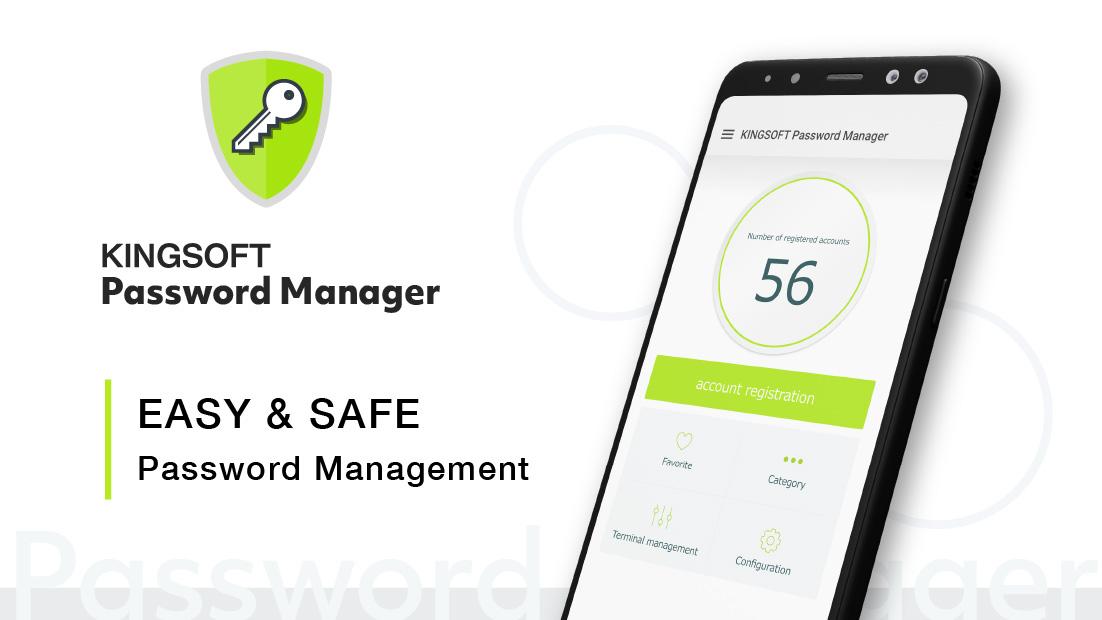
KINGSOFT Password Manager is an easy and safe password management tool to keep track of all passwords you own.
Basic Features:
- Password Account Registration -
Register basic login information such as ID, Password, URL, etc. KINGSOFT Password Manager is an app with password lock, so managing passwords is safer than writing it down or saving in note apps.
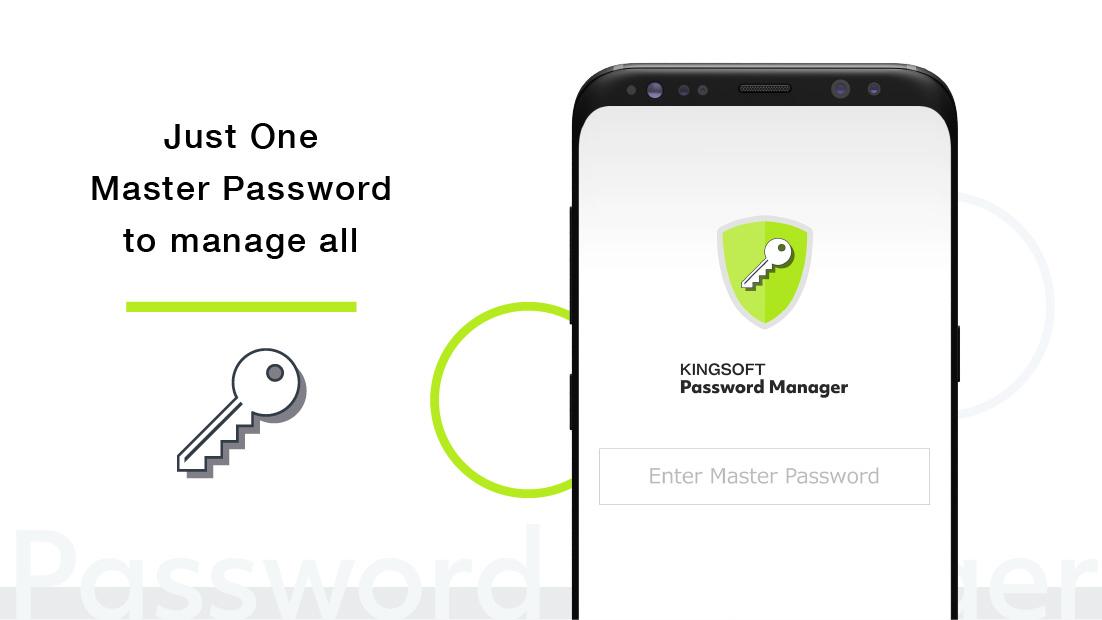
- Master Password -
Set one Master Password to keep all of your passwords safe. The Master Password will be the last password you will have to remember!
- Favorites and Categories -
As you register more and more passwords within the app, finding the password you are looking for may become difficult. Use the Favorites and Category feature to personalize and manage your passwords.
- Cloud Sync -
Login with a cloud service to access your password information from multiple devices. Changing your smartphone to a new one? Lost phone? No problem. Restore data from the cloud.
- Password Autofill -
After granting device permissions, autofilling login and password information can be applied within other apps and browsers.
- Fingerprint and PIN Code Unlock -
Having to enter your Master Password every time can be a hassle, so use Fingerprint or PIN code unlock to easily access your private password and login information.
- Backup -
For when changing devices or in case you lose your device, keeping backup files is the best way to recover your information. Easily create and load backup files from the settings.
--
■Purchase
・Monthly Subscription (auto-renewal) 400 JPY
・Yearly Subscription (auto-renewal) 3,920 JPY
With the paid version of the app, you will have access to all functions within KINGSOFT Password Manager to manage your passwords. Installation is free, but an in-app purchase is required to access functions. Subscriptions will be automatically renewed and charged to your Google account unless the subscription is terminated manually.
--
Latest Version
2.3.6Uploaded by
Châu Ngọc Ẩn
Requires Android
Android 8.0+
Category
Free Tools AppContent Rating
Everyone
Security Report
Check Now
Report
Flag as inappropriateLast updated on Dec 26, 2025
- Display the number of registered passwords
- Added a password name search function for registered passwords
- Added a password registration tutorial video to the support menu
- Added a card scanning function to credit card memo registration
- Added a function for more detailed settings with automatic password generation
- Added an automatic backup function and a function for backing up to the device
- Other minor bug fixes




APKPure - A multi-platform app store primarily focused on Android, providing extensive app-related content. Discover the app you want easier, faster, and safer, with quick and efficient downloads and installations.


![SpeedUpMaster TaskClear[Free] APK](https://image.winudf.com/v2/image1/Y29tLmNsZWFuZXIub3B0aW1pemVfYWRfaWNvbl8xNTY3MDA1NzI0XzA0Mw/icon.png?w=102&fakeurl=1)