(Note: you may also be interested in a free Keysight mobile app named BenchVue Mobile that supports oscilloscopes, spectrum analyzers, function generators, DMMs, and power supplies.)
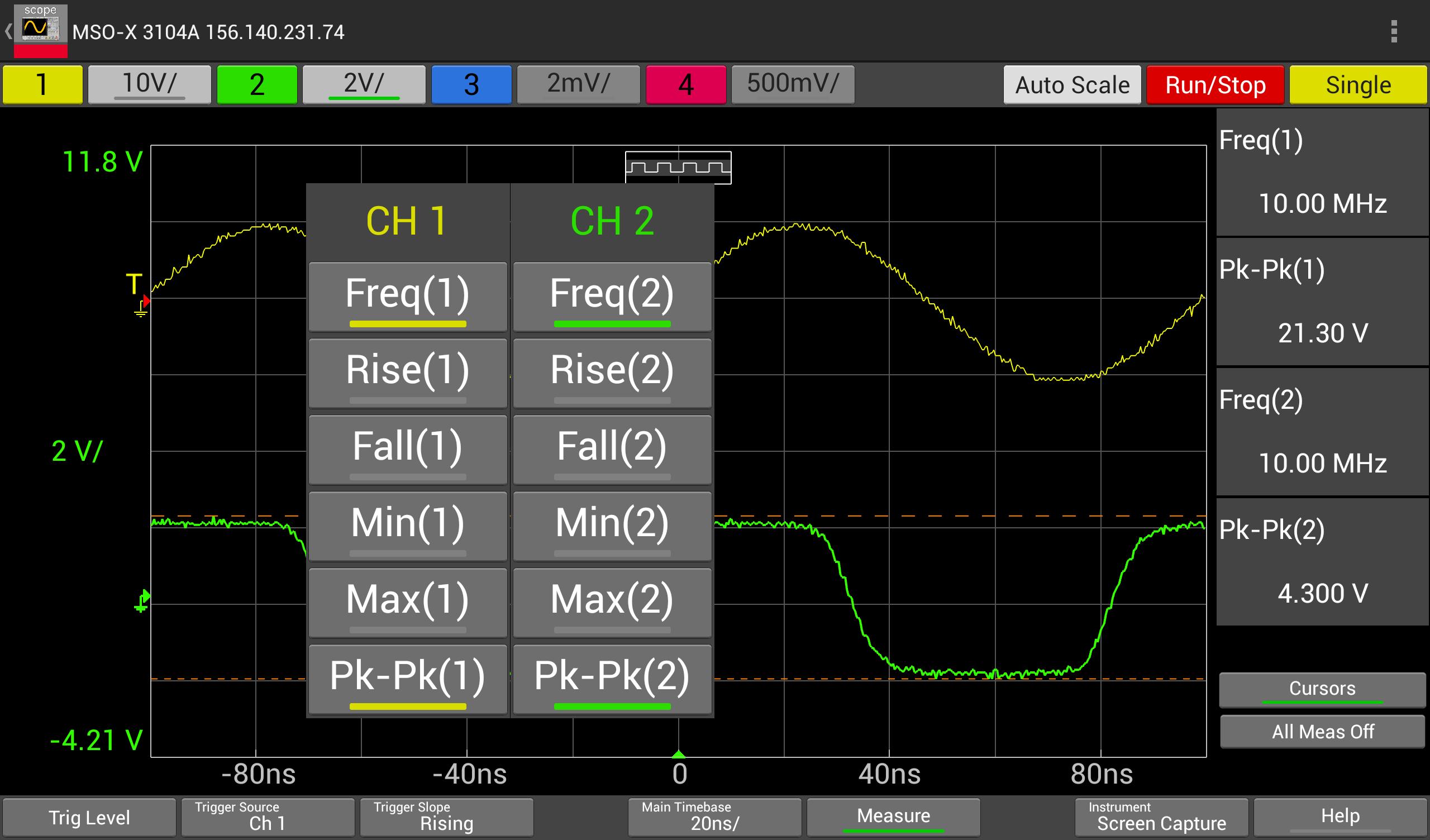
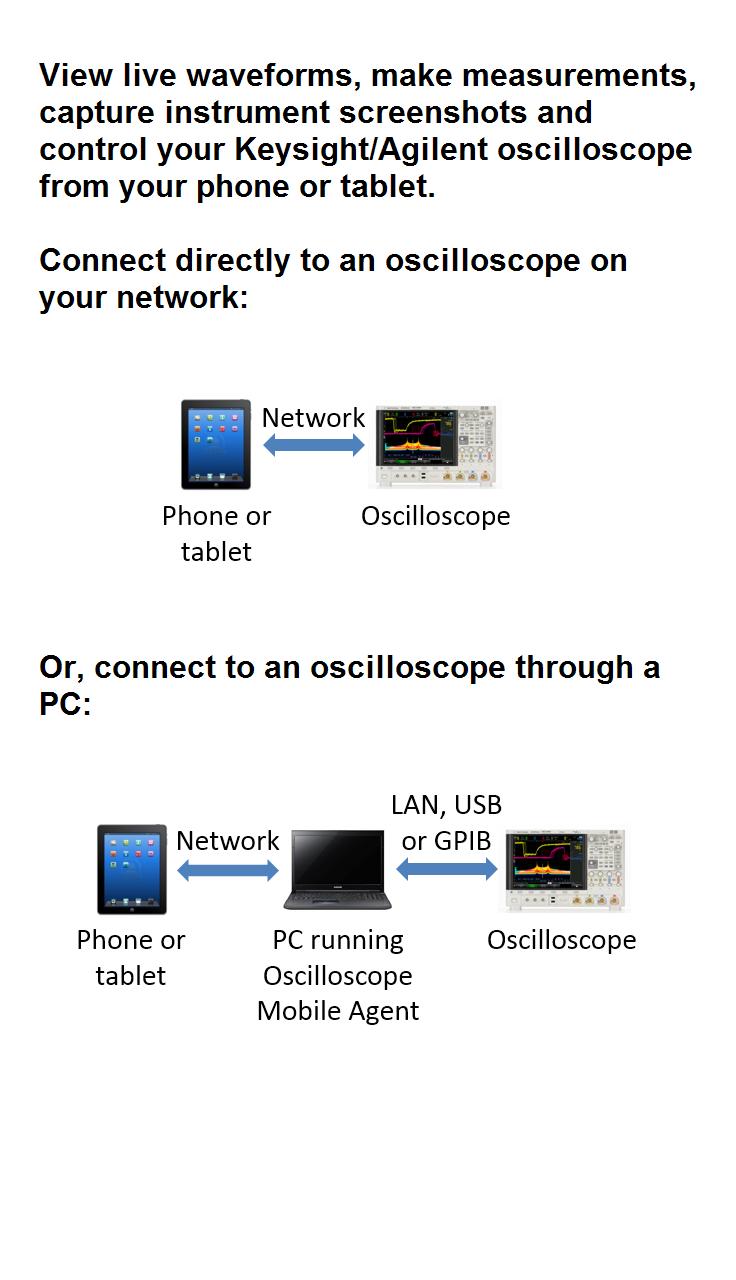
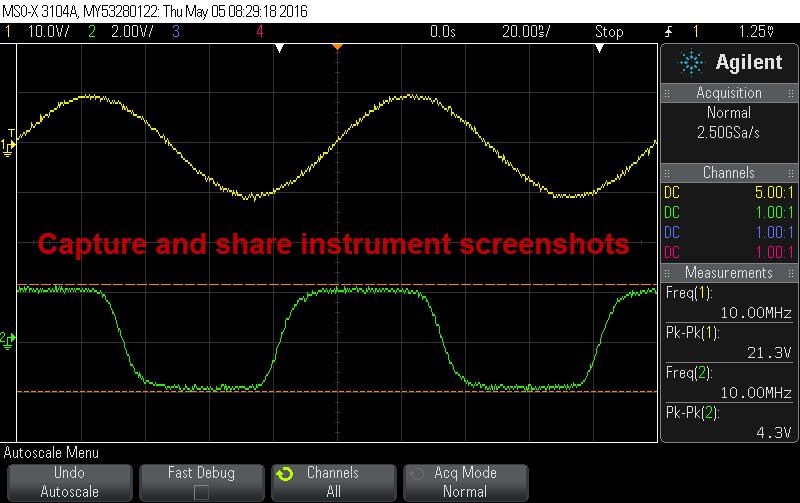
Keysight Oscilloscope Mobile enables you to view live waveforms, make measurements, capture instrument screenshots and control your Keysight/Agilent oscilloscope from your iPad or iPhone.
Key Features
- Supports up to 4 analog channels
- Simulation mode available - experiment with the app before connecting it to your oscilloscope
- Save screen captures from your instrument onto your mobile device
- View and control oscilloscopes that are connected by LAN, USB, GPIB or RS232
- Collaboration - Have a colleague connect to the same scope on their tablet or phone and see what you see.
Control the following functions on your Keysight/Agilent oscilloscope (see below for supported models/firmware)
- Start/stop/single acquisition
- Autoscale
- Change time/div
- Change volts/div
- Turn channels on/off
- Select trigger type/level/source
- Measure: frequency, rise/fall time, min/max, peak-peak
Connecting to an Oscilloscope
If your oscilloscope is on the network, you can connect to it directly from your mobile device as follows:
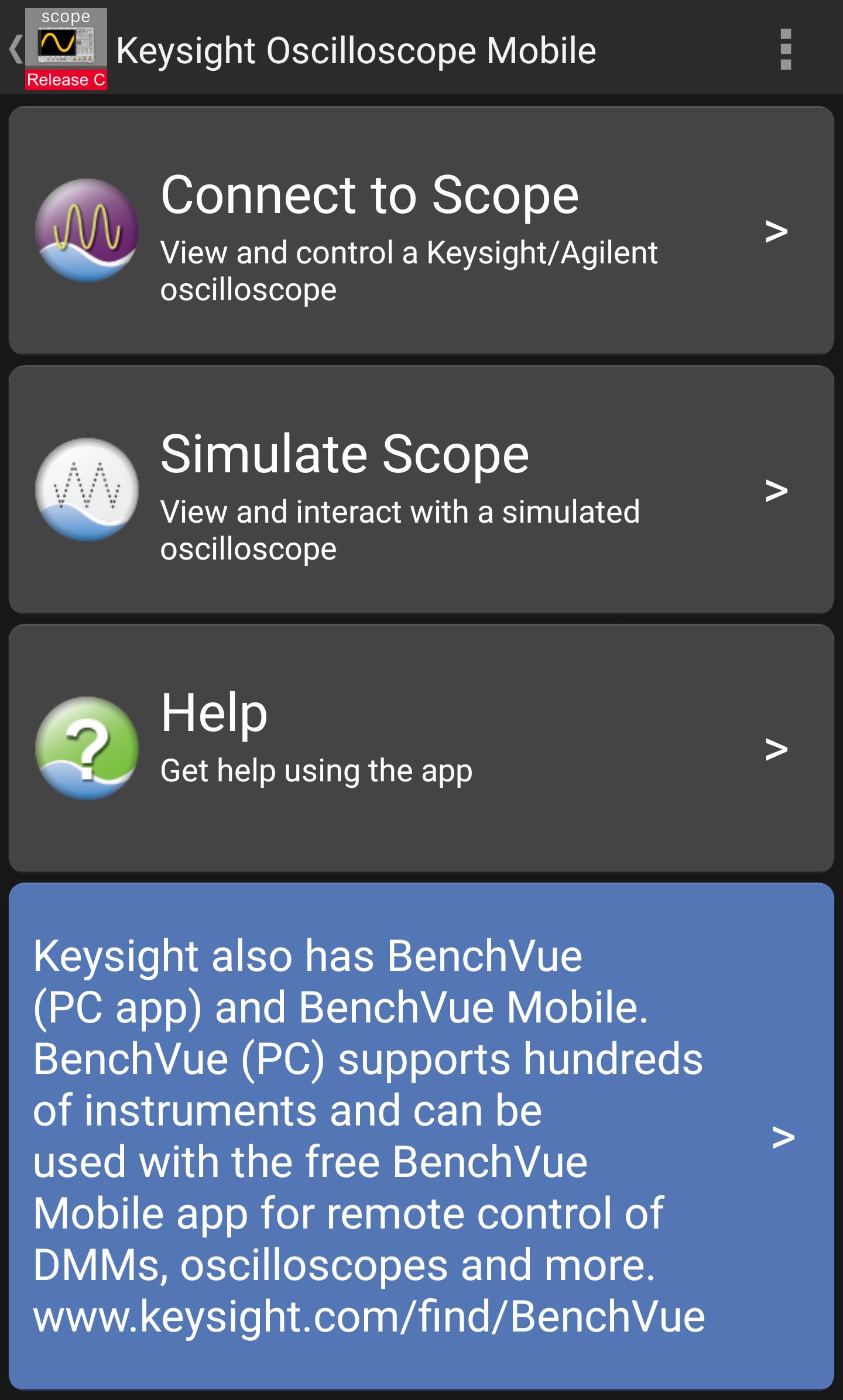
1. On your mobile device, start Oscilloscope Mobile and tap Connect to Scope
2. For the Choose Connection setting, tap Direct
3. Enter the IP Address or hostname of your oscilloscope and tap Connect
If your oscilloscope is connected to your PC via LAN, GPIB, USB or RS232, you can connect to it through Oscilloscope Mobile Agent running on your PC as follows:
1. On your Windows PC ( WinXP, Win7, Win8, Win10), install Keysight Oscilloscope Mobile Agent (available free from http://www.keysight.com/find/scopemobile)
2. Start the Keysight Oscilloscope Mobile Agent on your PC and connect to your oscilloscope.
3. Start this app and tap Connect to Scope.
4. Enter the IP Address or hostname of your PC and tap Connect.
Viewing a Simulated Oscilloscope
To view and control a simulated oscilloscope:
1. Start this app and tap Simulate Scope.
System Requirements
Android 4.0.3 and up
Supported Oscilloscope Models
The following Keysight/Agilent 0scilloscope series and firmware revision levels are supported:
InfiniiVision 2000 X-Series, minimum firmware revision 01.10
InfiniiVision 3000A X-Series, minimum firmware revision 01.10
InfiniiVision 3000T X-Series, minimum firmware revision 04.00 (1)
InfiniiVision 4000 X-Series, minimum firmware revision 01.10
InfiniiVision 5000 Series, minimum firmware revision 05.20 (1)
InfiniiVision 6000 Series, minimum firmware revision 05.20
InfiniiVision 6000 X-Series, minimum firmware revision 06.00 (2)
InfiniiVision 7000 Series, minimum firmware revision 05.20
Infiniium 9000 Series, minimum firmware revision 03.10
Infiniium S-Series, minimum firmware revision 05.00 (2)
Notes:
1. When connecting through a PC, requires Oscilloscope Mobile Agent 1.5 or above
2. When connecting through a PC, requires Oscilloscope Mobile Agent 1.4 or above
Support and Feedback
Please email scopemobile_support@keysight.com to report bugs, ask questions or give us your feedback.
Latest Version
2.3Uploaded by
Abner Eloi de Souza
Requires Android
Android 4.0.3+
Category
Free Business AppContent Rating
Everyone
Report
Flag as inappropriateLast updated on Jun 22, 2018
Bug fixes.




APKPure - A multi-platform app store primarily focused on Android, providing extensive app-related content. Discover the app you want easier, faster, and safer, with quick and efficient downloads and installations.